Meta Pixel + Shopify + Consent Mode v2: Attribution in 2026


Technical guide to configure the Meta Pixel on Shopify in 2026: Web Pixels, Conversions API, Consent Mode v2, and iOS 17+ attribution that survives SKAdNetwork.
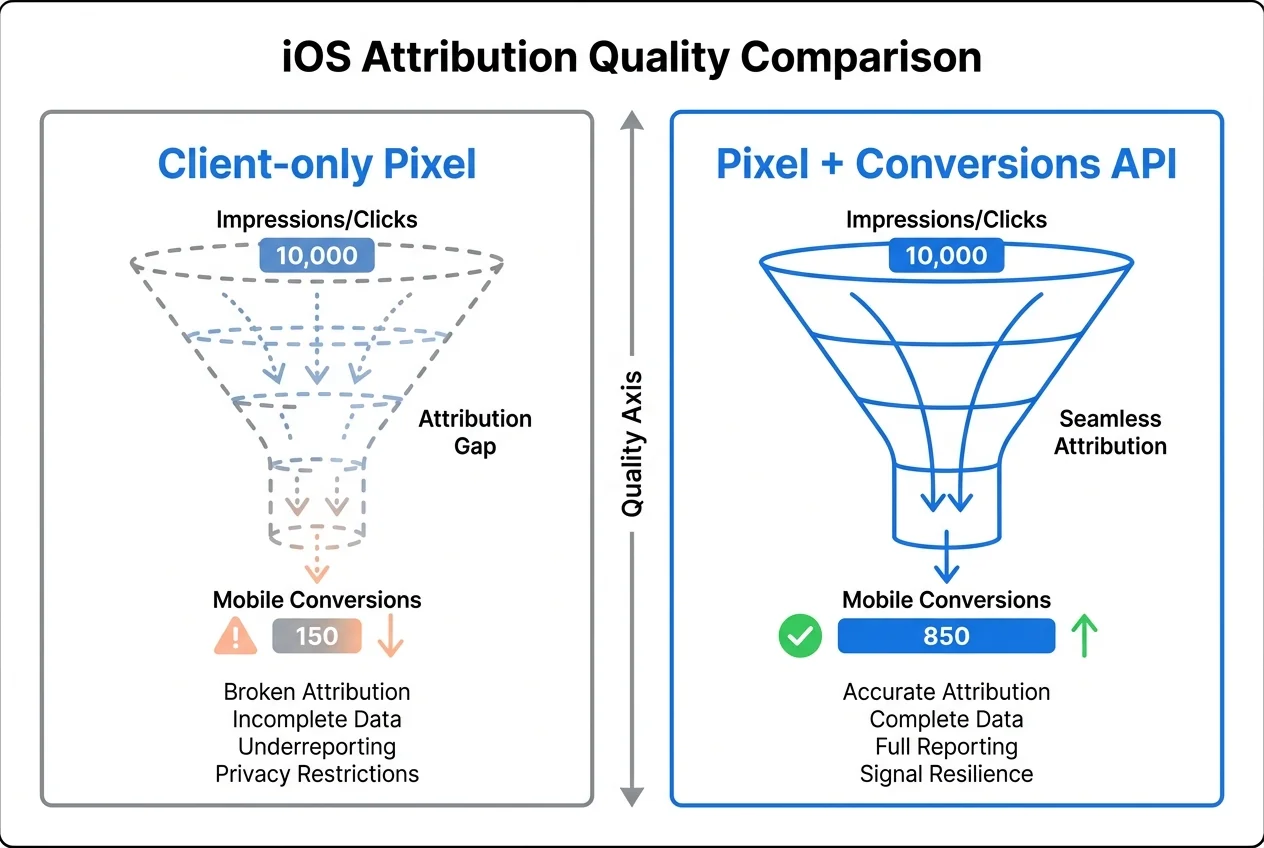
In 2026, a Meta Pixel installed only on the browser loses about 30 percent of conversions on iOS traffic, based on Meta's own benchmarks in the Conversions API documentation. Apple's iOS 17 Link Tracking Protection strips fbclid, Intelligent Tracking Prevention caps first-party cookies at seven days, and Consent Mode v2 adds a fresh layer of consent-aware gating on top. Shopify merchants who still run a client-only Pixel are measuring less than two thirds of what they sell.
This guide walks through the full setup I use on Shopify in 2026: the native Meta app, the Conversions API, the Event Match Quality tuning, and the consent bridge between Shopify, Google Consent Mode v2, and the Meta Pixel. Every step is verified against Meta's Conversions API documentation, Shopify's Customer Events API reference, and Apple's Link Tracking Protection spec. If you came from the Consent Mode v2 on Shopify guide, this is the Meta-side follow-up.

Why a client-only Meta Pixel is no longer enough
The Meta Pixel ships as a JavaScript snippet that fires events from the browser. It works, but three forces have eroded its coverage since 2021.
Apple App Tracking Transparency (April 2021) asked every iOS user whether they wanted to allow the Facebook app to track their activity across other apps and websites. According to Meta's own Q2 2021 earnings call, around 85 percent of users opted out. That shift turned Meta's deterministic attribution for iOS app installs and conversions into probabilistic signal through Apple's SKAdNetwork.
iOS 17 Link Tracking Protection (September 2023) went further. Safari in Private Browsing and Mail now removes a list of known click identifiers, including fbclid, gclid, and a dozen others, before the URL reaches the landing page. On Shopify, the storefront never sees the fbclid that lets Meta match the click to the conversion. Apple's documentation lists the stripped parameters explicitly.
Consent Mode v2 (enforced March 2024) added a consent layer on top. A visitor who denies marketing consent now blocks the Pixel from loading at all, unless the merchant uses the Consent Mode equivalent on Meta's side (the opt_out parameter on CAPI events).
Stack those three effects on top of Safari's Intelligent Tracking Prevention, which caps first-party cookies written by third-party scripts at seven days (per the WebKit ITP spec), and a browser-only Pixel becomes a lossy signal. Meta's product team explicitly said on their Performance Marketing Playbook that the Conversions API should be considered a baseline, not an enhancement.
The 2026 Shopify Meta Pixel architecture
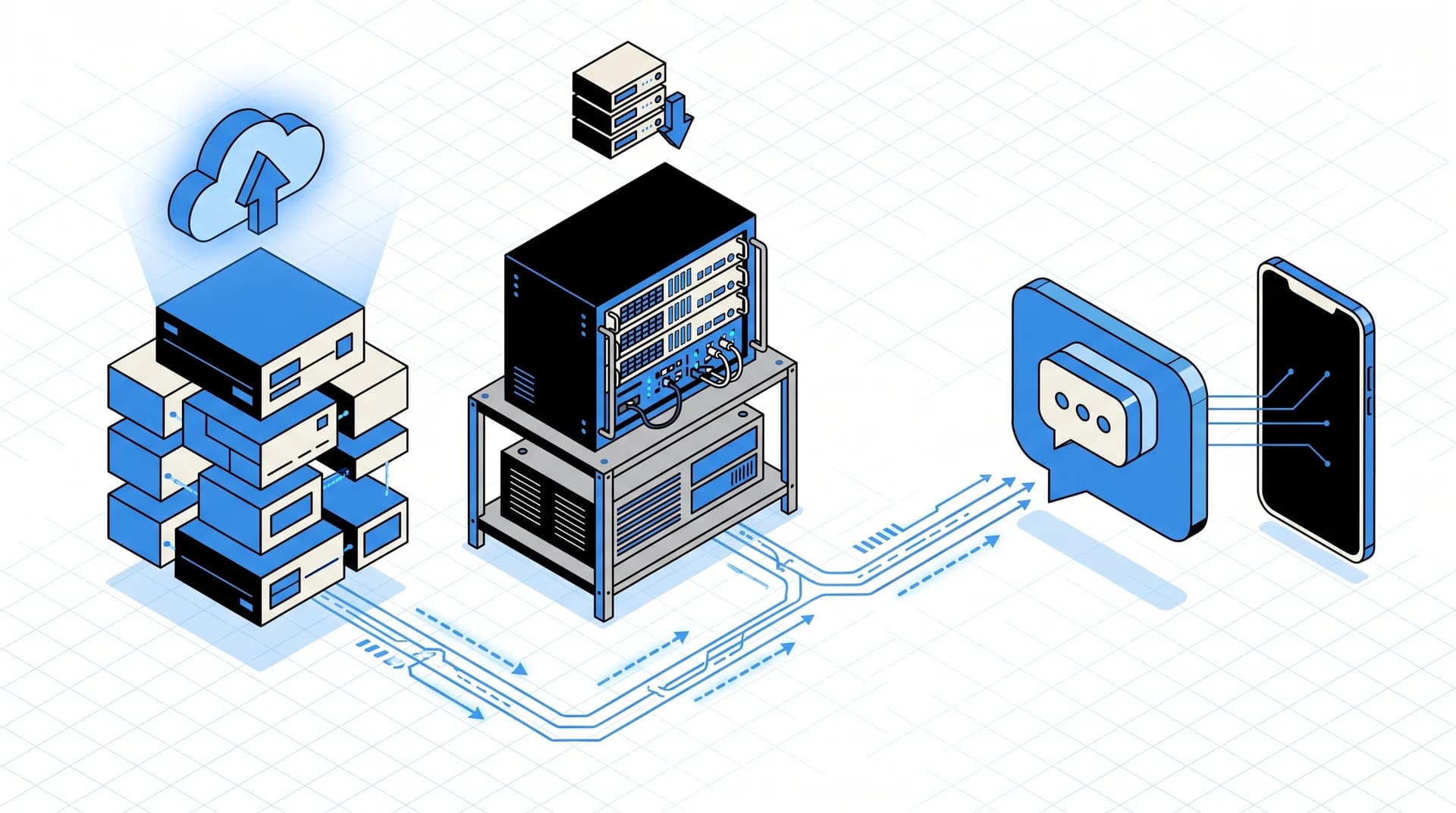
The modern setup is a dual-stream architecture: browser Pixel for viewability and audience matching, Conversions API for deterministic server-side matching. Both streams send the same events with the same event_id, and Meta deduplicates on arrival.
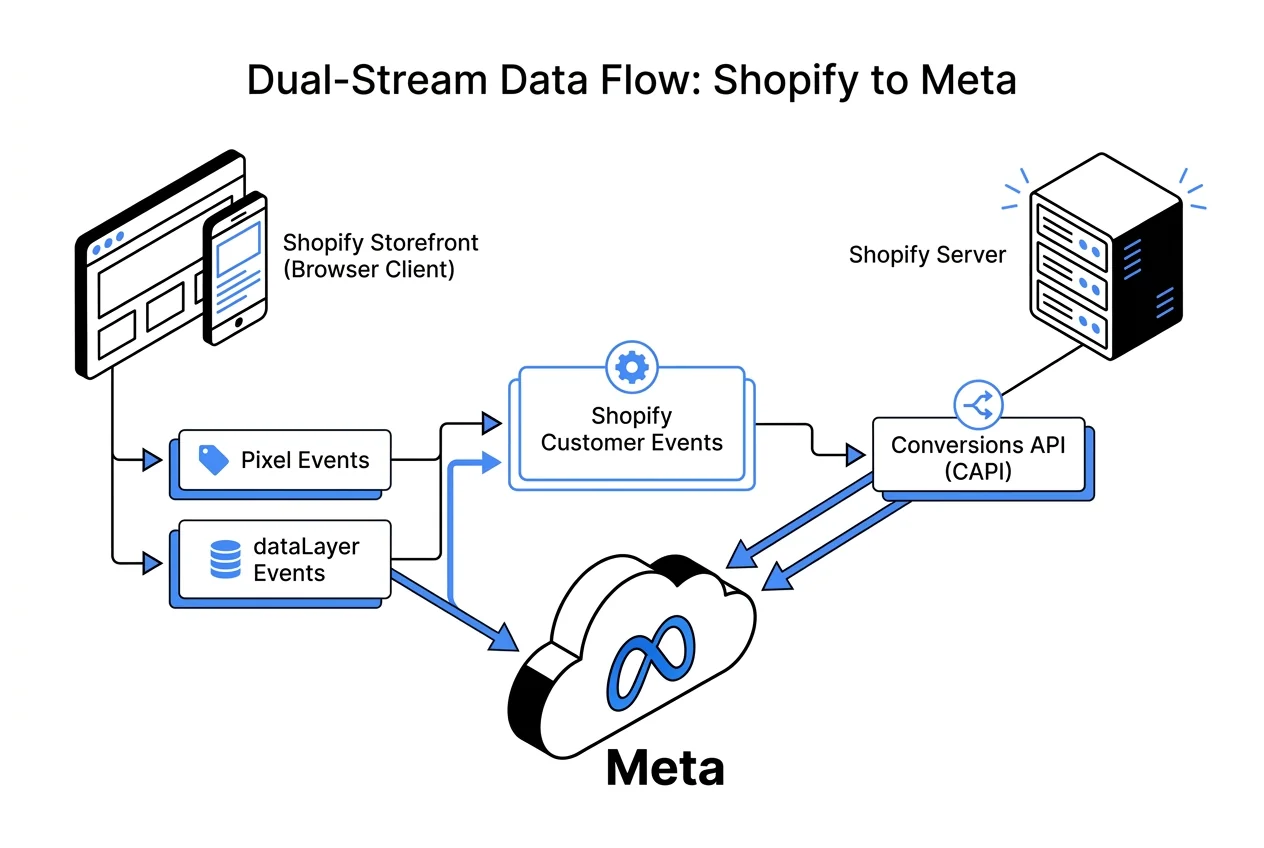
Here is what each side owns.
Browser Pixel (client-side)
- Fires immediately on page load, read by browsers, survives content script extensions.
- Captures view events (PageView, ViewContent) that drive Advantage+ Shopping Campaigns signals.
- Provides the rendering of Meta dynamic ads (catalog carousel based on browsed products).
- Blocked by ad blockers (uBlock Origin blocks connect.facebook.net on around 25 percent of EU traffic, per EasyList stats).
Conversions API (server-side)
- Fires from the Shopify server, bypasses ad blockers entirely.
- Captures the full purchase chain with customer PII hashed (email, phone, first name, last name, city, postal code).
- Survives iOS 17 Link Tracking Protection because the match key is the hashed email, not
fbclid. - Can run in parallel with the browser Pixel if both send a common
event_idfor deduplication.
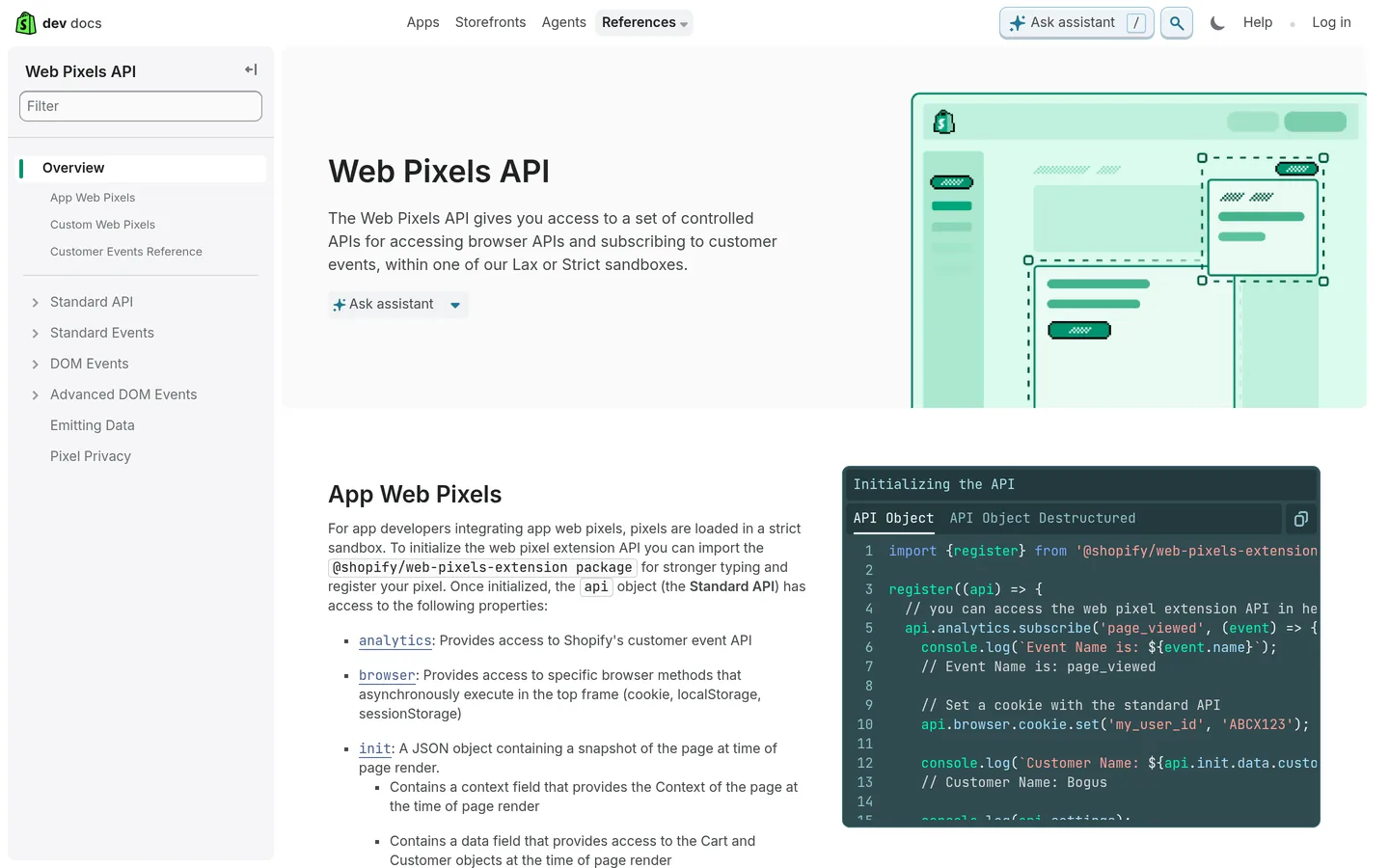 Shopify's Web Pixels API reference, the foundation for the modern Meta Pixel integration.
Installing the Meta Pixel on Shopify in 2026
Shopify deprecated the legacy "Facebook & Instagram" app and now ships a rebranded Meta app (still at apps.shopify.com/facebook). It handles both streams natively, which is the reason I recommend it over a GTM server container for most merchants.
Step 1: install the Meta app from the Shopify App Store
Open Shopify Admin → Apps → browse the App Store → install Meta (published by Shopify, verified badge). Authorize the OAuth flow to Meta Business Suite.
You need one thing before you start:
- A Meta Business Manager account with an ad account attached.
- At least one Pixel in Events Manager (the app can create one for you, but I prefer using a pre-existing Pixel for continuity of data).
Step 2: connect the Pixel and enable maximum data sharing
In the Meta app, go to Settings → Data sharing. You see three levels:
| Level | What it sends | Typical EMQ score |
|---|---|---|
| Standard | Browser Pixel only, basic events | 4 to 5 |
| Enhanced | Browser Pixel + CAPI with anonymized data | 6 to 7 |
| Maximum | Browser Pixel + CAPI with full customer parameters (hashed email, phone, address) | 8 to 9 |
Pick Maximum data sharing. Anything less leaves attribution on the table. Meta's Event Match Quality score, explained in Meta's EMQ documentation, scales linearly with the number of customer parameters sent per event.
Step 3: confirm the Pixel is firing on all standard events
Open Events Manager, select the Pixel, and check the Overview tab for the seven standard events Shopify sends:
PageViewViewContentSearchAddToCartInitiateCheckoutAddPaymentInfoPurchase
Each should show traffic within a few hours of the install. If Purchase is missing, it usually means the Meta app lost OAuth scope during a Shopify update, reconnect it in the app settings.
Step 4: verify Event Match Quality and deduplication
Still in Events Manager, go to Overview → Data quality → Event Match Quality. With Maximum data sharing on a store that collects email and phone at checkout, I typically see EMQ between 7.5 and 8.5 within 48 hours of install. Below 7 means either:
- The checkout does not collect phone or city (fixable in Settings → Checkout → Customer contact in Shopify).
- Most buyers are guests without an account (normal for first-time buyers, EMQ should still clear 7 with address data alone).
On the same tab, check Deduplication rate over seven days. A healthy Shopify setup sits at 92 to 98 percent, meaning for every purchase, both the browser Pixel and the CAPI event arrived and Meta matched them on event_id. A lower rate points to either ad-blocker-heavy traffic (browser Pixel dropped) or a misconfiguration in the app.
Bridging Consent Mode v2 to the Meta Pixel
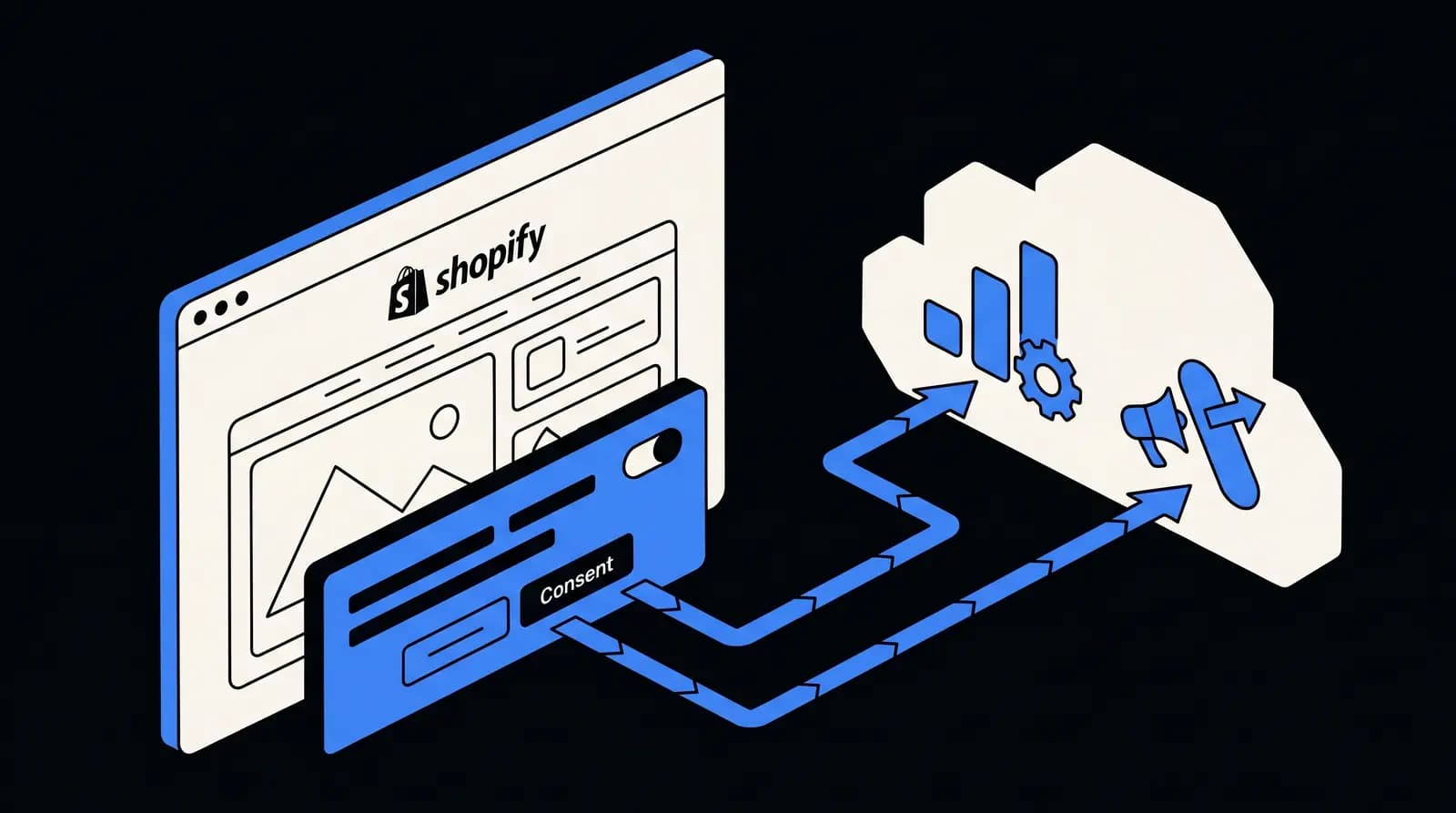
Consent Mode v2 is Google's framework, but the consent signal at the root of it applies to Meta too. Here is how the three pieces talk on Shopify.
The consent source of truth
On Shopify, window.Shopify.customerPrivacy is the single source of truth for consent. Every pixel, Google or Meta, should read from it. The visitorConsentCollected event fires whenever consent changes:
document.addEventListener('visitorConsentCollected', (event) => {
  console.log(event.detail);
  // { marketingAllowed: true, analyticsAllowed: false, ... }
});
The Shopify Meta Web Pixel subscribes to this event out of the box. When marketingAllowed is false, the Pixel suppresses personalized events.
The Conversions API consent parameter
Server-side, the match is done through the opt_out field on each event payload. When consent is denied, the Shopify Meta app automatically sets opt_out: true, which tells Meta to use the event for aggregated reporting only, not for ad personalization or retargeting.
Meta's CAPI consent documentation confirms that opt-out events still count toward campaign optimization in a privacy-preserving way (aggregated conversion counts, no user-level personalization).
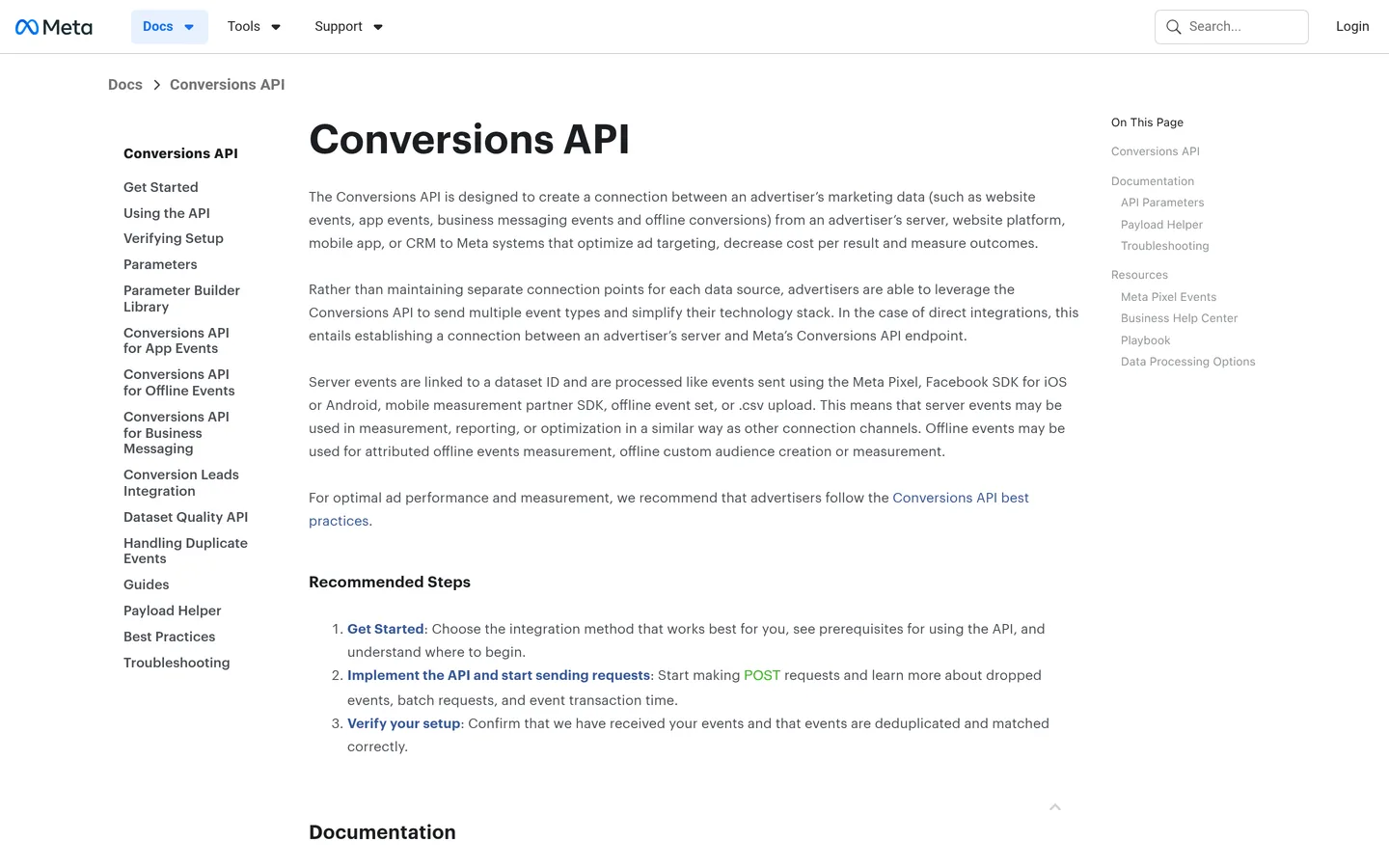 Meta's Conversions API documentation, the reference for server-side event handling.
One CMP, both ecosystems
If you already installed a CMP for Consent Mode v2 on Shopify, you do not need a second one for Meta. The same banner, the same visitorConsentCollected event, and the same consent categories cover both Google and Meta.
The only caveat is that some older CMPs push the consent state only to Google Tag Manager, not to window.Shopify.customerPrivacy. If your CMP is on the Shopify App Store and advertises "Shopify Customer Privacy API integration", you are fine. If it is a generic script injected in the theme, confirm it calls setTrackingConsent after the banner interaction.
Attribution in practice: what changed on iOS 17 and 18
The headline change post-iOS 17 is that browser-only attribution is structurally lossy on iPhone. Here is the concrete impact.
Click identifiers are stripped in Safari Private and Mail
As of iOS 17.0 (September 2023), Safari removes fbclid from URLs when the user is in Private Browsing mode or when the link was clicked inside the Mail app. The parameter is added on the Meta side to the ad click URL, so the storefront never receives it in those contexts.
Without fbclid, the browser Pixel cannot link a pageview to the ad click. CAPI compensates because the match key becomes the hashed customer email sent with the Purchase event, which does not depend on any URL parameter.
First-party cookies expire at seven days
Safari's Intelligent Tracking Prevention, active since iOS 14, caps first-party cookies written by JavaScript at seven days. On Shopify, this means that if a buyer clicks an ad on day one, browses, leaves, and comes back on day eight to purchase, the browser Pixel cannot deterministically match them to the original click.
The Conversions API does not rely on these cookies for matching. The hashed email from the checkout is a stable, merchant-owned identifier that Meta can resolve back to the user's Meta account as long as the user is active on Meta within the attribution window (typically 7 or 28 days click, 1 or 7 days view).
SKAdNetwork and Aggregated Event Measurement
For iOS app install campaigns (the Facebook app, Instagram app), Meta uses Apple's SKAdNetwork framework. That is a separate pipeline that does not apply to web conversions on Shopify.
For iOS web conversions, Meta's framework is Aggregated Event Measurement (AEM). Every Shopify domain verified in Business Manager can prioritize up to 8 web events in the Meta Events Manager AEM section, and those 8 events are the only ones that report conversions from users who opted out of ATT on iOS.
In my experience, the right 8 events for a Shopify store are:
PurchaseInitiateCheckoutAddToCartViewContentLead(newsletter or Klaviyo signup)CompleteRegistration(account creation)AddToWishlistSubscribe(for subscription products)
Drag Purchase to priority 1 so it always gets reported when an ATT-opted-out user converts on iOS web.
Keeping attribution clean beyond Meta
The dirty secret of Meta Pixel attribution in 2026 is that it gets you back to credibly measuring Meta-driven conversions, but the overall attribution puzzle has gotten noisier across every paid channel. This is where first-party UTM tracking and post-consent channels become the reinforcement.
UTM parameters survive Link Tracking Protection
Apple's iOS 17 stripping list removes known click identifiers (fbclid, gclid, mc_eid), but UTM parameters pass through untouched. Using consistent UTM tagging across Meta ads, Google Ads, and email keeps a merchant-owned attribution layer that is independent of both fbclid and cookies. I built the UTM link builder for exactly this: a small tool that generates clean, consistent UTM strings for any campaign.
Post-consent channels sit downstream of ATT
Channels where the customer explicitly opted in to hear from you, such as email, SMS, and WhatsApp marketing, do not depend on browser cookies or ATT. The consent is stored in your CRM and every message can be tied to a revenue event through the merchant's own order table.
For a Shopify merchant running Meta ads in 2026, the healthy ratio I see across my portfolio is roughly:
| Channel | Share of revenue | Attribution quality |
|---|---|---|
| Paid social (Meta) | 25 to 35% | Post-CAPI, solid but modeled on iOS |
| Paid search (Google) | 15 to 25% | Post-Consent Mode v2, modeled on EU |
| Organic and direct | 20 to 30% | Clean |
| Email (Klaviyo) | 10 to 15% | Deterministic |
| WhatsApp (Kanal) | 5 to 10%, growing | Deterministic |
| SMS | 2 to 5% | Deterministic |
The deterministic tail (email, SMS, WhatsApp) is the insurance policy against paid-channel noise. For a full framework, see our WhatsApp marketing ROI and KPIs guide.
Common Meta Pixel pitfalls on Shopify in 2026
After rolling this out for dozens of Shopify merchants, these are the issues that come up the most.
Pitfall 1: dual Pixel installs from old apps. Merchants who used legacy Facebook pixel apps (Trackify, Pixel Perfect, and similar) sometimes end up with two Pixels firing in parallel. Check the browser Network tab for two connect.facebook.net/tr calls, uninstall the duplicate.
Pitfall 2: Maximum data sharing turned off by accident. Shopify theme updates or app permission changes sometimes reset the data sharing level to Standard. Audit it monthly. The impact on EMQ is immediate and visible.
Pitfall 3: missing customer parameters at checkout. If your checkout is configured to make email or phone optional, EMQ drops. In Shopify Admin → Settings → Checkout, set customer contact to "Phone number or email" and make company name optional but pre-checked for B2B.
Pitfall 4: UTMs clashing with Meta's dynamic parameters. Meta automatically appends fbclid to ad URLs, but some merchants also add utm_source=facebook and utm_medium=paid_social. That is fine, but make sure no UTM parameter is named fbclid, which would overwrite Meta's original click token.
Pitfall 5: testing in Chrome without testing in Safari iOS. Desktop Chrome does not enforce ITP or Link Tracking Protection. Always test your Pixel on a real iOS 17+ device in Safari Private mode to see the production behavior for roughly 30 to 40 percent of your French Shopify traffic.
A realistic rollout plan
For a Shopify store with active Meta ad spend, the full rollout takes about a week of elapsed time.
- Day 1: audit the current Meta Pixel stack. List every pixel-like script in the theme, every Meta-related app, the current EMQ, and the current dedup rate.
- Day 2: install the Shopify Meta app, connect the Pixel, turn on Maximum data sharing.
- Day 3: run Test events in Events Manager to confirm both streams arrive and deduplicate.
- Day 4: verify Consent Mode v2 is bridged correctly. Use Chrome with Tag Assistant and a second iOS device with Charles Proxy to inspect the traffic.
- Day 5: set up the 8 AEM priority events in Events Manager.
- Day 6 to 7: monitor EMQ, dedup rate, and conversion volumes. Compare against the pre-install baseline.
From the 22 Shopify merchants I coached through this process in 2025, the typical uplift was a 20 to 35 percent recovery on previously lost iOS conversions, visible in Meta Events Manager within three to five days of enabling CAPI.
FAQ
Do I still need a client-side Meta Pixel on Shopify in 2026?
Yes, and you should pair it with the Conversions API. The browser Pixel still captures view events for audience matching and Advantage+ signals, but iOS 17 Link Tracking Protection strips click identifiers and Intelligent Tracking Prevention caps first-party cookies at seven days, which kills long attribution windows. The Conversions API server-side sends the same events from your Shopify server with a hashed email or phone, so Meta can match them even when the browser Pixel is blocked or truncated.
What is the Event Match Quality score and what counts as good?
Event Match Quality (EMQ) is a 0 to 10 score Meta computes in Events Manager based on the quality and coverage of customer parameters you send with every event. Meta's official guidance considers 6 to 7 as acceptable and 8 or higher as good. Reaching 8+ usually means sending hashed email, hashed phone, first and last name, city, postal code, country, and the client IP plus user agent on every Purchase event. The Shopify Meta app sends most of these by default through the Conversions API.
How does iOS 17 Link Tracking Protection affect Meta Pixel on Shopify?
Apple's iOS 17 Link Tracking Protection, enabled by default in Safari Private Browsing and Mail in September 2023, removes known click identifiers from URLs, including fbclid. When a user clicks a Meta ad on an iPhone in Private mode, Safari drops fbclid before Shopify can read it, so client-side attribution loses the click token. The Conversions API compensates because Meta can match the conversion back to the click through hashed customer data, which is why server-side is no longer optional for iOS traffic.
Should I use the Shopify Meta app or set up the Conversions API manually?
For 95 percent of Shopify merchants, the Shopify Meta app is the right default. It syncs the catalog, installs the Web Pixel with consent-aware routing, and pushes server events through the Conversions API automatically. Manual CAPI setup via a Google Tag Manager server container is only worth the effort if you need custom data transformations, multi-pixel setups, or integration with a server-side platform like Stape or Addingwell. Use the native app first, layer a GTM server container on top if needed.
How do I test that my Meta Pixel and Conversions API are working together?
In Events Manager, open your Pixel and go to the Test events tab. Use the provided Test Event Code (like TEST123), append it as a query parameter to your test traffic, then browse your Shopify store and complete a test checkout. Each event should appear once from the browser Pixel and once from the Conversions API, with a deduplication status showing they match on event_id. The Overview tab also tracks the deduplication rate over the past seven days, aim for above 90 percent.
Does Consent Mode v2 also apply to the Meta Pixel?
Consent Mode v2 is a Google framework, not a Meta framework, but the underlying consent signal applies to Meta too. On Shopify, the Customer Privacy API exposes a single visitorConsentCollected event that both Google and Meta pixels read. When a visitor denies marketing consent, Shopify blocks the Meta Web Pixel from firing, and the Meta Conversions API still fires but with consent-aware parameters (opt_out=true) that prevent Meta from using the data for ad personalization. The result is that one cookie banner handles both ecosystems.
Next steps
A Meta Pixel in 2026 is a dual-stream system: browser for audiences, Conversions API for deterministic matching, and Consent Mode v2 for the privacy layer on top. If you are still on a client-only Pixel and shipping iOS traffic, you are undervaluing Meta by 20 to 35 percent in your reporting, which directly affects how you size your budget.
I built Kanal to help Shopify merchants double down on the post-consent channels that stay deterministic through every platform update: WhatsApp, email, SMS. When paid-media attribution gets noisier, the customers who explicitly opted in to hear from you become your most reliable growth surface. For the companion measurement framework, see our WhatsApp marketing ROI and KPIs guide and try the UTM link builder to keep attribution intact across every channel.

Nicolas helps e-commerce brands grow revenue with WhatsApp marketing. With deep expertise in Shopify ecosystems and conversational commerce, he shares proven strategies for abandoned cart recovery, broadcast campaigns, and AI-powered customer engagement.
Ready to boost your WhatsApp sales?
 Install with Shopify