WhatsApp Cloud API vs On-Premise: Which to Choose in 2026

WhatsApp Cloud API vs On-Premise comparison for 2026. Hosting, latency, cost, features, Meta's deprecation timeline, and a step-by-step migration path for Shopify stores still running On-Premise.
Table of contents (17)
If your business still runs on the WhatsApp On-Premise API, the clock is ticking. Meta has been winding down On-Premise since 2023, and most providers have already moved their customers to the Cloud API. The deprecation is not theoretical anymore: new features no longer ship to On-Premise, and the door for new installations has been closed for over a year.
In this guide you'll learn what separates Cloud API from On-Premise, why Meta is sunsetting the latter, how to migrate without losing your message templates, and what the cost difference looks like for a Shopify store. By the end, you'll know exactly which path to take and how to execute it.
What is WhatsApp Cloud API
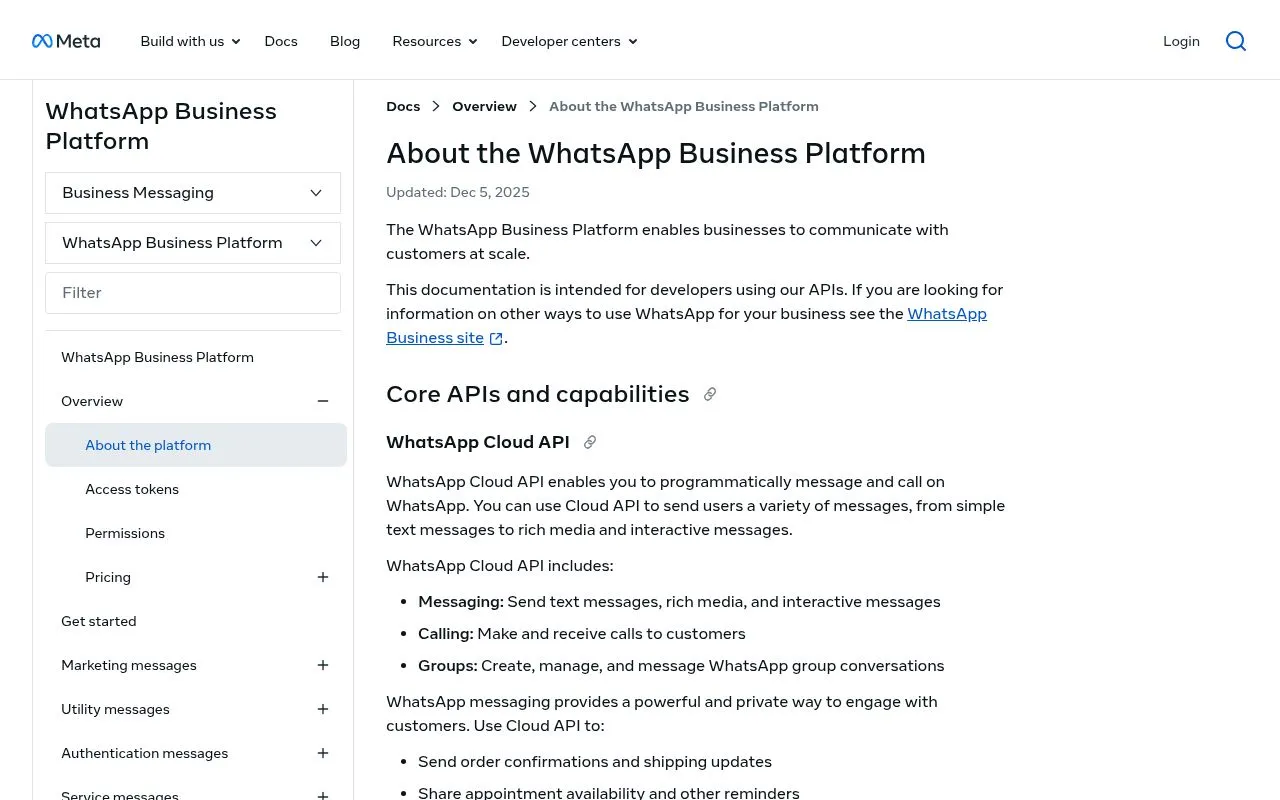
The WhatsApp Cloud API is a hosted version of the WhatsApp Business API, operated directly by Meta on its own infrastructure. You connect to it through HTTPS endpoints, send and receive messages via webhooks, and pay only for the conversations you initiate. There are no servers to spin up, no Docker containers to update, and no SSL certificates to rotate.
The Cloud API was launched in May 2022 as Meta's strategic replacement for the older On-Premise stack. Since then, every new feature, including WhatsApp Flows, Click to WhatsApp Ads improvements, and the latest pricing model updates, has shipped to Cloud API first or exclusively.
Key characteristics:
- Hosted by Meta at no additional cost
- Same per-conversation pricing as On-Premise (Meta charges identical conversation fees)
- Faster onboarding (hours instead of weeks)
- Free phone number registration through Embedded Signup
- All new features ship here first
You can read the official Cloud API documentation for the full technical reference.
What is WhatsApp On-Premise API
The On-Premise API was the original way to access the WhatsApp Business Platform. Meta provided a Docker container (the "WhatsApp Business API Client") that businesses or their providers ran on their own servers. The container handled message routing, media storage, and webhook delivery, but the infrastructure cost and maintenance were on you.
For years it was the only API option, and large enterprises with strict data residency or compliance requirements built their stacks around it. Banks, insurers, and government agencies often preferred On-Premise because they kept message payloads inside their own infrastructure.
But the operational overhead was significant:
- A DevOps engineer to manage the Docker stack
- Server costs (database, load balancer, media storage)
- Manual updates whenever Meta released a new version
- Capacity planning for traffic spikes
- Custom monitoring, backups, and disaster recovery
For a Shopify store sending 50,000 messages a month, the total cost of ownership easily reached 500 to 2,000 EUR monthly before counting the engineering hours.
Side-by-side comparison
| Factor | Cloud API | On-Premise API |
|---|---|---|
| Hosting | Meta's servers | Your own servers (AWS, GCP, on-prem) |
| Setup time | Hours | 1 to 4 weeks |
| Hosting cost | Free | 200 to 2,000 EUR per month |
| Per-message cost | Same as On-Premise | Same as Cloud API |
| Latency | Sub-300ms global | Depends on your infrastructure |
| Scalability | Automatic | Manual capacity planning |
| Maintenance | None | DevOps team required |
| New features | Shipped first | No new features (frozen) |
| Embedded Signup | Yes | No |
| Deprecation status | Active and growing | Being sunset through 2025 to 2026 |
The only column where On-Premise wins is data residency, and even that advantage is shrinking as Meta rolls out regional Cloud API hosting.
Why Meta is sunsetting On-Premise
Meta's reasons for deprecating On-Premise are both technical and strategic.
Technical: maintaining two parallel codebases (Cloud and On-Premise) doubles engineering effort. By concentrating on Cloud API, Meta can ship features faster, fix bugs in one place, and reduce the surface area for security vulnerabilities.
Strategic: a hosted API gives Meta direct telemetry on how the platform is used, which fuels product decisions and pricing experiments. It also locks in customers more tightly, since switching providers becomes a configuration change rather than an infrastructure migration.
Operational: most On-Premise installations were running outdated versions, exposing Meta to support tickets, security issues, and customer churn from poor experience. Cloud API solves this by keeping every customer on the latest version automatically.
The official timeline:
- October 2023: Meta announced the sunset and stopped accepting new On-Premise installations
- 2024: feature freeze on On-Premise (no new endpoints, no new template features)
- 2025: end of active support for On-Premise, security patches only
- 2026: full deprecation, with mandatory migration deadlines per provider
If you're still on On-Premise in mid-2026, you're operating on borrowed time. Your provider has likely already received a final migration date from Meta.
Migration path from On-Premise to Cloud API
A clean migration follows seven steps. None of them are particularly hard, but they need to be sequenced correctly to avoid losing conversations.
Step 1: Audit your current setup
List your On-Premise phone numbers, active message templates, registered webhooks, opt-in subscriber base, and any custom integrations (Shopify, CRM, helpdesk). This is your migration scope.
Step 2: Choose a Cloud API provider
You can connect directly to Meta or go through a BSP (Business Solution Provider) like Kanal. Most Shopify stores choose a BSP because it abstracts the technical setup, handles billing, and provides a UI for the team. Compare options in our WhatsApp Business API providers guide.
Step 3: Provision a Cloud API number
Either port your existing On-Premise number (Meta supports this with a 2 to 5 day downtime) or activate a fresh number in parallel. Embedded Signup makes the second option a 10-minute process.
Step 4: Recreate or migrate your message templates
Templates approved on On-Premise must be resubmitted for Cloud API. The content is identical, but Meta runs a fresh approval pass. Submit all templates at least 5 business days before cutover, batching similar templates together to reduce review delays.
Step 5: Re-point your webhooks
Update your application to send and receive messages through the Cloud API endpoints. If you're using a BSP, this is handled automatically through their dashboard.
Step 6: Test in parallel
Run both APIs side-by-side for 24 to 48 hours, sending test messages and verifying webhook delivery. Catch any encoding issues, template mismatches, or media handling differences before pulling the plug on On-Premise.
Step 7: Cut over and decommission
Switch your production traffic to Cloud API, monitor for 24 hours, then shut down your On-Premise Docker stack. Cancel the server contracts. Free up the DevOps budget.
A BSP like Kanal runs the full migration in under 48 hours, including template resubmission and Shopify reconnection. If you're doing it in-house, plan for 1 to 2 weeks end to end.
Cost difference for a Shopify store
Let's compare the all-in monthly cost for a representative Shopify store sending 50,000 utility messages and 5,000 marketing messages per month, located in France.
On-Premise scenario:
- Per-message cost: roughly 800 EUR
- Server hosting (AWS): 350 EUR
- Database + media storage: 120 EUR
- DevOps engineer (10 hours per month at 80 EUR): 800 EUR
- Monitoring and backups: 50 EUR
- Total: 2,120 EUR per month
Cloud API scenario (via BSP like Kanal):
- Per-message cost: roughly 800 EUR (same Meta fees)
- BSP subscription: 99 to 299 EUR
- Hosting, scaling, maintenance: 0 EUR
- Total: 899 to 1,099 EUR per month
The annual savings range from 12,000 to 15,000 EUR for a single Shopify store. For a multi-brand merchant running several WhatsApp numbers, the gap widens further. Detailed pricing model in our WhatsApp Business pricing guide.
When On-Premise still makes sense
In 2026, On-Premise makes sense in two narrow scenarios:
Extreme data residency: a regulated entity (bank, insurer, healthcare provider) that must keep raw message payloads inside a specific national jurisdiction with no third-party hosting allowed. Even here, Meta's regional Cloud API hosting covers most cases.
Legacy lock-in: an existing On-Premise installation tightly coupled to internal systems that genuinely cannot be re-pointed before Meta's deprecation deadline. This is a delay-the-inevitable strategy, not a long-term plan.
For 99% of e-commerce brands, including every Shopify merchant we've worked with, Cloud API is the only sensible choice.
How a BSP like Kanal abstracts the choice
The whole API debate is moot if you go through a BSP. Kanal is built on Cloud API by default, and the migration from any other provider (including legacy On-Premise stacks) is part of the onboarding.
What you get:
- One-click Cloud API setup via Embedded Signup (no Meta dev account needed)
- Pre-built template library tailored for Shopify
- Native Click to WhatsApp Ads attribution
- Multi-agent inbox for your support team
- Automated opt-in collection at checkout
- All Meta pricing pass-through with zero markup
You don't have to think about whether you're on Cloud or On-Premise, you're on the modern stack from day one, and you stay there as Meta ships new features.
Conclusion
The Cloud API vs On-Premise debate is settled. Meta has chosen, the platform has chosen, and the only question left is when you migrate, not whether.
The three actions to take now:
- If you're still on On-Premise, run the migration audit this week
- Pick a Cloud API provider (BSP or direct) and provision your number
- Plan a 48-hour cutover window with template resubmission ahead of time
Want help with the migration? Book a demo and we'll map your specific On-Premise setup to a Cloud API target, with a fixed-cost migration plan.
Resources

Nicolas helps e-commerce brands grow revenue with WhatsApp marketing. With deep expertise in Shopify ecosystems and conversational commerce, he shares proven strategies for abandoned cart recovery, broadcast campaigns, and AI-powered customer engagement.
Ready to boost your WhatsApp sales?
 Install with Shopify
Suggested articles
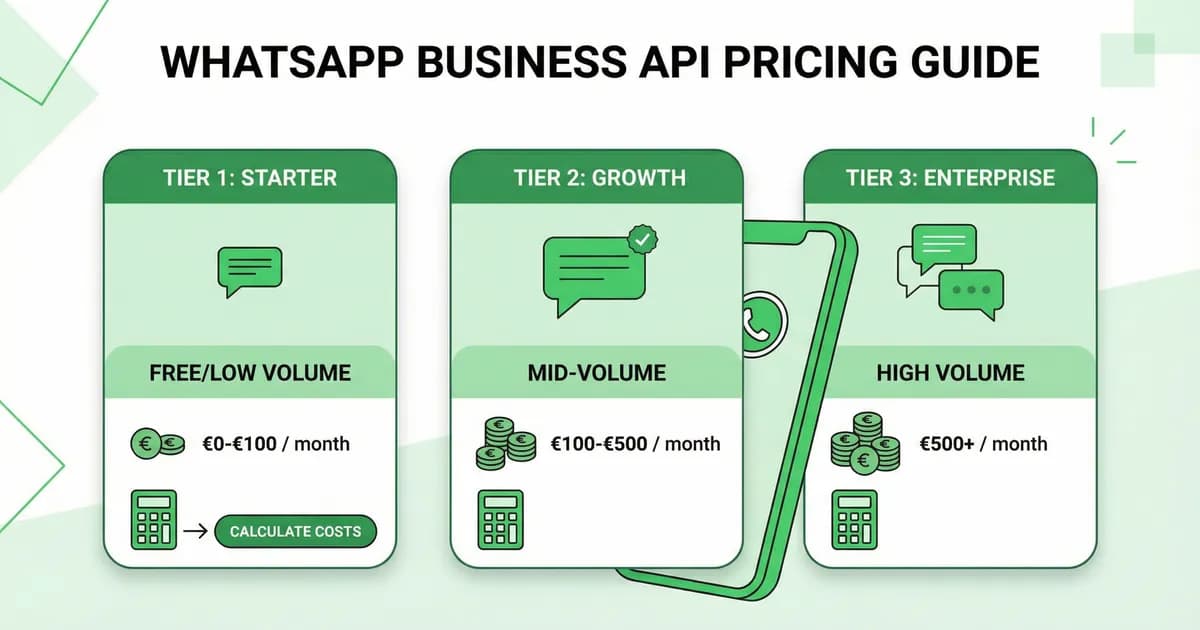
WhatsApp Business Pricing 2026: Free App vs API Costs
WhatsApp Business pricing in plain English: free app, API per-conversation rates by country, hidden fees, and a calculator to forecast your monthly bill.

50 WhatsApp Greeting Message Examples for Businesses (2026)
Copy-paste WhatsApp greeting message templates for Shopify stores. 50 examples by industry, opening hours, language. Best practices and free editable templates.
WhatsApp Business App vs WhatsApp Business API: 2026 Decision Guide
Choose between WhatsApp Business app and WhatsApp Business API for your Shopify store in 2026. Pricing, features, scalability, automation, and decision framework with use cases.
WhatsApp Business Web: Use Desktop Like a Pro (2026)
Use WhatsApp Business on desktop in minutes. Multi-device login, keyboard shortcuts, team inbox, API hookup, and tips to scale e-commerce support fast.