WhatsApp Business App vs API: 2026 Decision Guide

Summarize this article with an AI
 ChatGPT
 Claude
WhatsApp Business app vs API for your Shopify store in 2026: pricing, features, scalability, automation and a decision framework with use cases.
Table of contents (12)
Key takeaways
- The free app fits stores with fewer than 50 conversations a day and 1 to 3 responders; beyond that, or for Shopify integration, move to the API.
- The app caps out at 5 linked devices and 256 contacts per broadcast list, with no abandoned cart flow and no order automation.
- On the API you pay Meta per delivered message, $0.0250 for a US marketing message, plus a platform plan that starts from $89 a month with Kanal.
If you sell on Shopify and you are weighing WhatsApp Business app against WhatsApp Business API, you are at a meaningful fork in the road. Pick the wrong one and you spend six months hitting walls before migrating anyway. Pick the right one and you have a revenue channel running by the end of next week.
This guide breaks down the decision the way I would explain it to a friend running a $50K to $5M Shopify store. We will cover pricing, features, scalability, real-world examples at three store sizes, and the migration path when (not if) you outgrow the app.
If you already know you need the API, Kanal handles the BSP layer with native Shopify integration. If you are still deciding, keep reading.
The Fundamental Difference in 30 Seconds
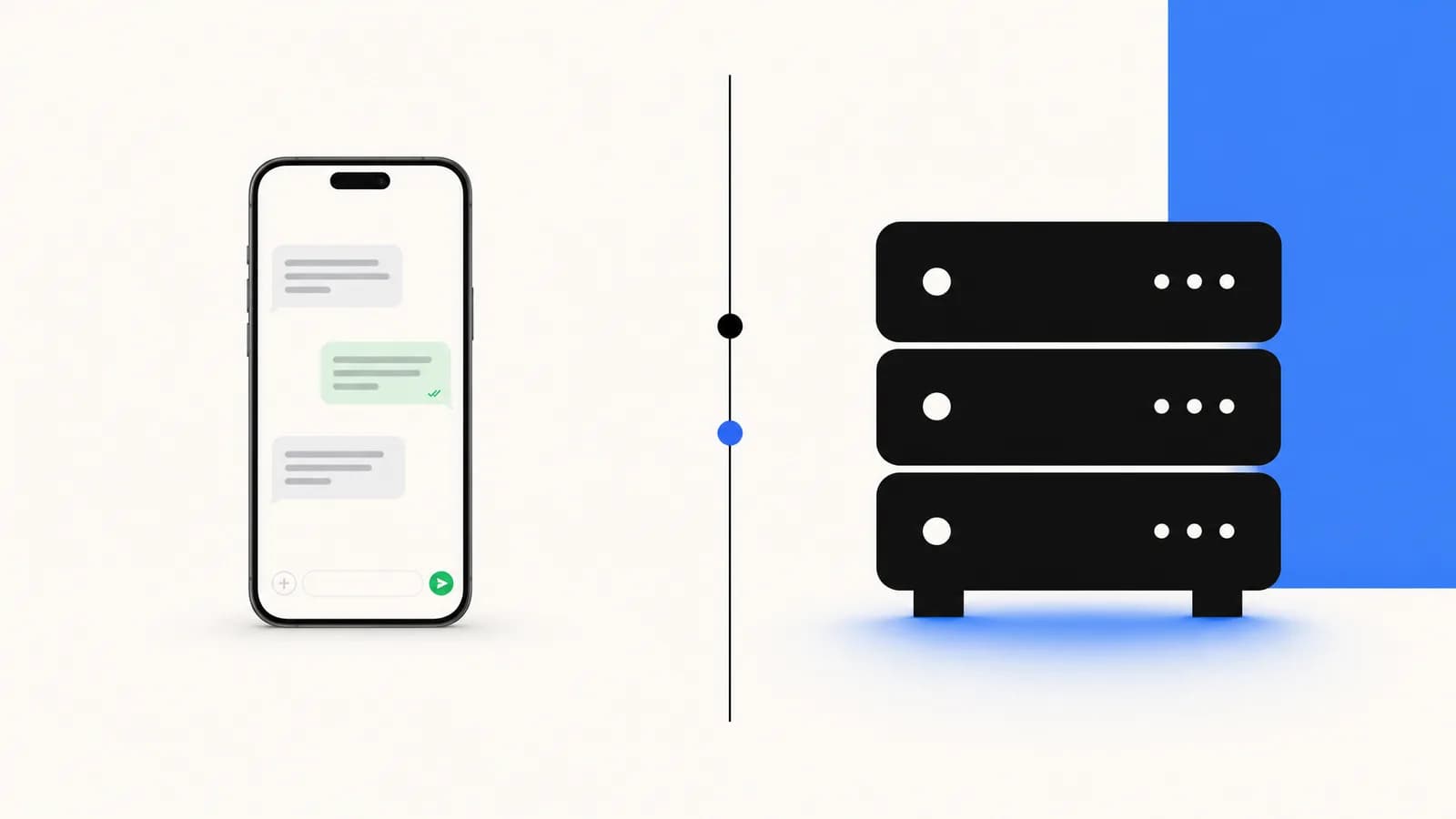
The WhatsApp Business app is a downloadable mobile app for solo operators and small teams. It runs on a phone, supports one number, and gives you basic tools: away messages, quick replies, product catalog, labels. Free. Up to 5 linked devices.
The WhatsApp Business API (also called WhatsApp Business Platform) is a programmatic interface that connects WhatsApp to your tech stack. There is no app to install. You access conversations through a BSP dashboard (Business Solution Provider) like Kanal, or integrate it directly into Shopify, Gorgias, Klaviyo. Unlimited agents, automation, broadcast at scale, AI chatbot.
Think of the app as Gmail's web inbox: fine for one person. The API is your CRM: built for teams, automation, and scale. Our guide on using WhatsApp as a CRM shows what that looks like day to day.
WhatsApp Business App: Who It Is For
Use the WhatsApp Business app if you check most of these boxes:
- You handle fewer than 50 conversations per day
- You have 1 to 3 people answering messages, max
- You rarely send broadcasts (or never, since the app limits broadcast lists to 256 contacts)
- You want zero setup cost and zero monthly fees
- You do not need deep Shopify integration (no abandoned cart, no order automation)
- You are testing demand before committing to a real WhatsApp strategy
Solo founders, side projects, neighborhood bakeries, very early stage DTC: the app is great. The product catalog feature alone is a nice upgrade from regular WhatsApp. At that stage the bigger question is often where to sell, which our Shopify vs Etsy comparison covers.
The hard ceiling: 5 linked devices total (4 phones/tablets + 1 web session). Past that, you cannot add people. Past 256 contacts in a broadcast list, you cannot send. Past 1,000 daily inbound messages, you start dropping conversations.
For a deeper look at the app interface and limits, the WhatsApp Business web and desktop guide walks through every feature.
WhatsApp Business API: Who It Is For
Use the WhatsApp Business API if you check most of these boxes:
- You handle more than 50 conversations per day (or expect to within 90 days)
- You have 3+ people answering messages, or want role-based permissions
- You want to broadcast to 5,000+ opted-in contacts in a single send
- You need Shopify integration: abandoned cart, order updates, post-purchase flows
- You want an AI chatbot to handle FAQs and product recommendations
- You run click-to-WhatsApp ads and need to track conversations at scale
- You sell internationally and need template management across languages
This is where Shopify merchants doing $30K+ per month live. The API unlocks the full conversational commerce playbook: see the conversational commerce guide and the WhatsApp marketing guide.
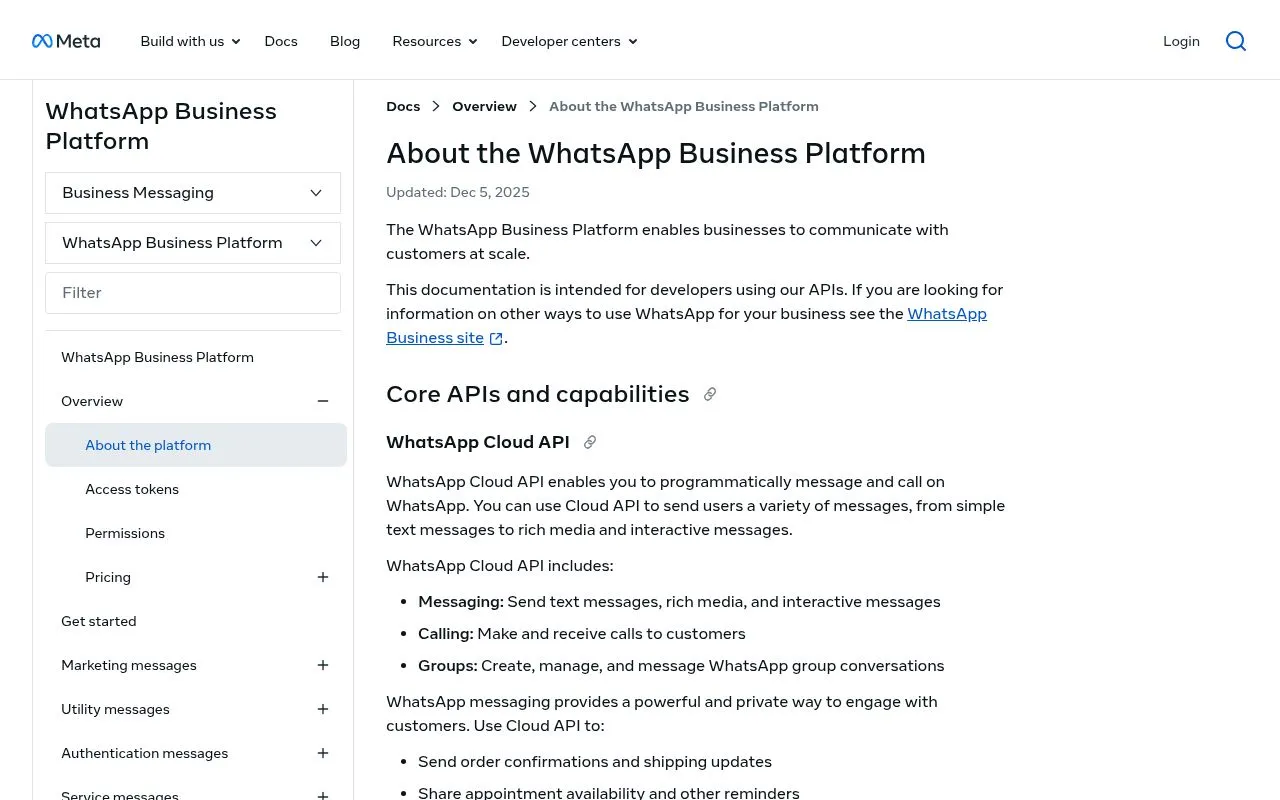
The API needs a BSP. Going direct to Meta's Cloud API is technically free but requires engineering effort. A BSP like Kanal handles everything: templates, opt-in, automation, dashboard, billing.
Feature Comparison Table
| Feature | WhatsApp Business App | WhatsApp Business API |
|---|---|---|
| Cost | Free | Platform plan (from $89/mo with Kanal) + Meta fees per delivered message |
| Setup time | 5 minutes | 30 min to 2 hours (with a BSP) |
| Linked devices / agents | 5 max | Unlimited |
| Broadcast list size | 256 contacts max | 5,000+ per send (template approval needed) |
| Automation | Away messages + quick replies | Full workflow automation, AI chatbot |
| Shopify integration | None (manual) | Native (orders, carts, customers) |
| Multi-agent inbox | No | Yes, with routing and assignment |
| Audit trails / roles | No | Yes |
| Template messages | Limited | Full Meta-approved template system |
| Analytics | Basic | Conversation metrics, ROI, attribution |
For a deeper look at how BSPs differ, see the WhatsApp Business API providers comparison.
Pricing Comparison (With Examples)
WhatsApp Business app is free. Download, register a phone number, start sending. There is nothing else to pay.
WhatsApp Business API pricing has two parts:
Meta message fees: Meta charges per delivered message, and the rate varies by country and category. List rates per delivered message from Meta's rate card effective October 1, 2026 (Meta's pricing):
- Marketing message in the US: $0.0250
- Utility message in the US: $0.0034
- Marketing message in France: $0.0859
- Utility message in France: $0.0300
- Marketing message in Brazil: $0.0625
- Marketing message in India: $0.0118
- Service messages (your replies inside the 24-hour customer service window): not charged until September 30, 2026. Since October 1, 2026, the first 1,000 per business phone number each month are free, then each one costs the utility rate of the customer's country.
BSP platform fees: monthly subscription, varies by provider. Typical 2026 ranges:
- Self-serve BSPs (raw API access): $0 to $50/mo
- SMB-focused BSPs (dashboard, templates, basic automation): $89 to $200/mo
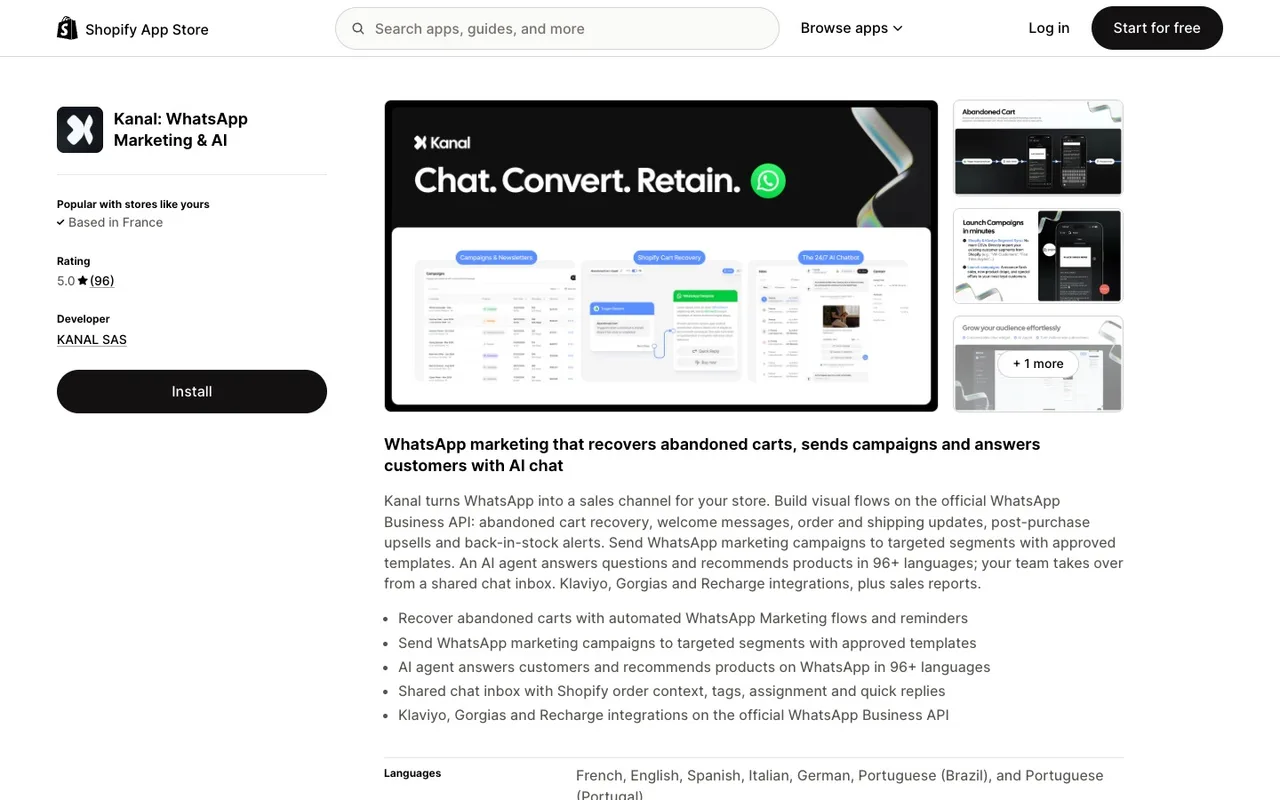
- E-commerce BSPs with native Shopify integration like Kanal: Kanal plans start from $89/mo (see all plans)
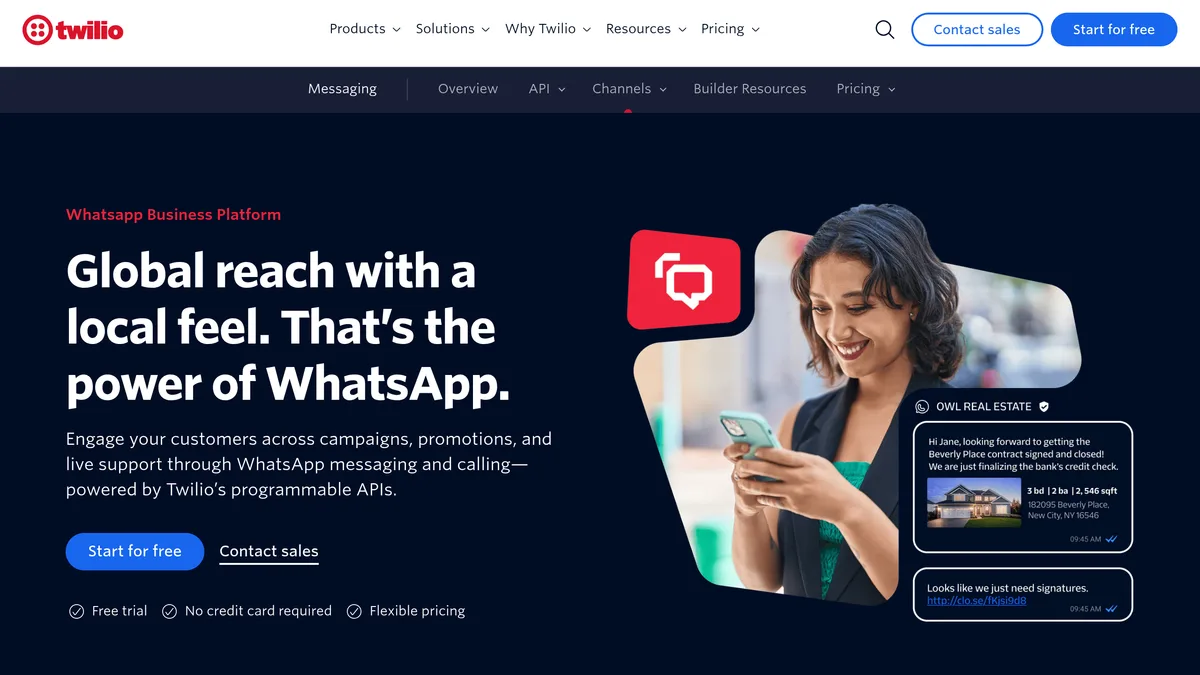
- Enterprise BSPs (Twilio, Infobip): $500 to $5,000+/mo
Example: a Shopify store sending 10,000 marketing messages and handling 2,000 inbound conversations in France
- App: $0. But impossible at this scale, you would need 40 phones.
- API with Kanal: from $89/mo platform + 10,000 x $0.0859 = $859 marketing fees (Meta's France rate per delivered message) + 2,000 service replies, not charged until September 30, 2026 = from $948/mo total. Since October 1, 2026, the first 1,000 service replies each month stay free and the other 1,000 cost 1,000 x $0.0300 = $30 (France utility rate), so the total is from $978/mo. Weigh that against the revenue your abandoned cart flow recovers, measured in your own reports.
For the full pricing breakdown across providers and countries, see the WhatsApp business pricing guide.
Automation and Integrations
Automation is where the app and the API differ most.
App automation: away messages (when you are offline), greeting messages (first-time contacts), quick replies (canned responses you type with /). That is it.
API automation: workflow builders that trigger on events (cart abandoned, order placed, delivery shipped), AI chatbot answering product questions, sentiment-based routing, integration with Klaviyo for cross-channel orchestration, Gorgias for support, Shopify for product data and orders. See Kanal's AI chatbot and the chatbot WhatsApp e-commerce guide.
If you want to send a follow-up message 24 hours after delivery asking for a review, or trigger a WhatsApp message when someone abandons a checkout, you need the API. The app cannot do either.
The WhatsApp automatic message guide covers the full automation playbook, and the WhatsApp automations page shows the flows that ship out of the box. For automations beyond WhatsApp, see our comparison of Shopify automation apps.
Multi-User / Team Support
App: 5 linked devices total. No login system, no permissions, no audit trail. Everyone sees everything. If someone leaves the company, you have to remove their device and hope they did not screenshot the conversations.
API: every agent gets their own login. Role-based permissions (admin, agent, viewer). Conversation assignment by skill, queue, or round-robin. Full audit trail. SSO available on enterprise plans. Integrates with Slack, email, and other internal tools.
If you have more than 3 people who need access, the app falls apart. The API is built for teams.
Scaling Limits: When You Must Upgrade
You should plan to migrate from the app to the API when any of these are true:
- Daily volume exceeds 50 inbound conversations. The app's notification system breaks down, messages get missed, response time degrades.
- You hit 256 contacts in a broadcast list. The app cap means you cannot scale newsletter sends, which is where WhatsApp broadcast on the API takes over.
- Your team grows past 3 active responders. The 5-device limit becomes a bottleneck.
- You want to integrate with Shopify. The app has no API hooks, no webhooks, no order data sync.
- You start running click-to-WhatsApp ads. CTWA at scale requires the API for routing, attribution, and automation.
- You sell in multiple countries and need template translations. The app handles one number, one timezone, one language well. Multiple? It does not.
The WhatsApp broadcast guide explains how broadcast scaling works on the API once you migrate.
Migration: How to Move From App to API
If you are migrating, here is the process:
- Pick a BSP. Kanal is built for Shopify, but other options exist. Compare in our BSP comparison guide.
- Verify your business with Meta. Most BSPs help you complete this in their dashboard. Requires business documents (registration, tax ID, etc.).
- Choose your number strategy. Three options:
- Migrate your existing app number to the API (recommended if you already have a customer base messaging that number)
- Get a new number for the API (recommended if your app number is your personal cell)
- Run both with different numbers during transition
- Export critical app data. The migration process wipes the device's app data. Export important chats as text before starting.
- Trigger the migration. The BSP runs a one-click migration that takes the number off the app and onto the API. The app stops working for that number within minutes.
- Configure templates, automation, and integrations. This is where the real value unlocks. Plan a 1-week onboarding to set up abandoned cart, welcome series, post-purchase, and AI chatbot.
The WhatsApp Cloud API vs on-premise post explains what happened to the On-Premises API, which Meta has ended. Shopify stores now use the Cloud API (hosted by Meta).
Real-World Decision Examples (3 Store Sizes)
Store A: $15K/mo, solo founder, 30 conversations per day
Stay on the app. The volume does not justify $89/mo and you can manage everything from one phone. Use the catalog feature, set up auto-replies, and add a click-to-chat link to your Shopify storefront. Revisit when you hit $30K/mo or 50 daily conversations.
Store B: $80K/mo, 2 founders + 1 part-time CX, 120 conversations per day, no broadcasts yet
Migrate to the API. The 5-device limit + missed messages are already costing revenue. With Kanal, you unlock abandoned cart recovery, unified inbox for the team, and basic broadcasts: plans start from $89/mo, and a team of three needs the Scale plan, which includes 5 users. Track the revenue the cart flow recovers to see when the plan pays for itself.
Store C: $500K/mo, full marketing team, doing click-to-WhatsApp ads at scale
Definitively on the API. The question is which tier of BSP. At this size, look for a dedicated CSM, custom integrations, and SLAs. Compare Kanal, Twilio, and Infobip. Budget $300 to $1,500/mo platform fees plus Meta's per-message fees, and measure the channel's revenue with a holdout group before you scale spend.
Conclusion: Pick Based on Volume, Not Cost
Do not stay on the app too long just because "the API costs $89/mo." That logic ignores the revenue the app cannot capture: no cart recovery, no order automation, no team inbox. If your store does $30K+/mo, run the numbers on your own data: compare the plan price with the revenue your cart recovery flow brings back.
If you are below $15K/mo or just testing demand, the app is fine. If you are above $30K/mo or growing fast, the API is the right call today, not in six months.
Kanal is built for Shopify stores making this exact decision. Native integration, 10-minute setup, and a demo with our team to map out which features will move the needle for your store. Compare against alternatives in our best WhatsApp apps for Shopify roundup.
Resources
- WhatsApp business API guide
- Best WhatsApp apps for Shopify
- WhatsApp Business API providers compared
- WhatsApp business pricing guide
- WhatsApp business templates
- WhatsApp Business web and desktop guide
- WhatsApp Cloud API vs on-premise
- WhatsApp customer support for Shopify
- WhatsApp broadcast guide
- WhatsApp opt-in and GDPR for e-commerce
- WhatsApp click-to-chat link generator
- WhatsApp QR code generator
- ROAS break-even calculator
External authority sources:
- Meta WhatsApp Business Platform documentation
- Shopify App Store for vetted Shopify integrations
- Meta Business Help Center for official policy and verification rules
Frequently asked questions
Is WhatsApp Business app free?
Yes, the WhatsApp Business app is 100% free to download, set up, and use from the App Store or Google Play. Meta does not charge per message or per conversation when you use the app. You only pay for your own mobile data or wifi. The app is built for solo founders and very small teams handling up to roughly 50 conversations per day on a single phone.
What does WhatsApp Business API cost?
The WhatsApp Business API itself is free to access, but Meta charges for each delivered template message, at a rate set by the message category and the recipient's country, and your BSP charges a platform fee. Replies inside the 24-hour customer service window were not charged until September 30, 2026. Since October 1, 2026, they cost the utility rate after 1,000 free service messages per business phone number each month. With Kanal, plans start from $89/month and WhatsApp fees are passed through at cost, with no per-message markup. Compare the total with the revenue your cart recovery flow brings back in your own reports.
Can I use both WhatsApp Business app and API at the same time?
Not on the same phone number. A WhatsApp Business number is either registered on the app or on the API, never both simultaneously. You can keep your app number for support and register a second number on the API for marketing automation, which is what some brands do during migration. Once volume justifies it, you can move everything to the API.
Do I lose my chat history when migrating from app to API?
Yes, chat history does not transfer when you migrate a number from the WhatsApp Business app to the API. Meta stores app chats locally on the device, while the API stores conversations on your BSP platform. Before migration, export critical chats as needed. After migration, all new conversations live in your BSP dashboard with full history forward.
Which one should a 10-person team use?
A 10-person team should use the WhatsApp Business API, not the app. The app only allows up to 5 linked devices (4 phones or tablets + 1 web) and lacks role-based permissions, audit trails, and conversation routing. The API gives every agent their own login, assigns tickets by skill or queue, and integrates with Shopify, Gorgias, or Zendesk. On Kanal, a team of that size needs the Business plan, which includes unlimited users: see Kanal's pricing page for the price.
See Kanal on your own store
- Your campaigns and cart reminders on WhatsApp, starting from your own store
- Post-purchase offers, back-in-stock alerts, then the AI agent that advises your customers
- You leave with the plan that fits and its price

- brands
- 500+
- to set up
- 5 min
- open rate on WhatsApp
- +90%
5/5 on the Shopify App Store (125 reviews)

Nicolas helps e-commerce brands grow revenue with WhatsApp marketing. With deep expertise in Shopify ecosystems and conversational commerce, he shares proven strategies for abandoned cart recovery, broadcast campaigns, and AI-powered customer engagement.
Glossary terms in this article
Quick definitions for the WhatsApp Business terms used above.
WhatsApp Business App
The WhatsApp Business App is a free mobile application designed for small businesses to chat with customers, with a catalog, quick replies, and automated greeting messages.
Read full definitionBusiness Solution Provider (BSP)
A Business Solution Provider (BSP) is a company authorized by Meta to give other businesses access to the WhatsApp Business Platform, usually through its own software. Meta now calls these companies partners and splits them into Solution Partners, Tech Providers and Tech Partners.
Read full definitionQuick Replies
Quick replies are saved message shortcuts in the WhatsApp Business App that insert a frequently used answer when the user types a slash command.
Read full definitionWhatsApp Business Platform
The WhatsApp Business Platform is the set of APIs Meta offers businesses to message customers on WhatsApp at scale: the Cloud API, the Business Management API and the Marketing Messages API. It is separate from the WhatsApp Business app, which runs on a phone.
Read full definitionClick-to-WhatsApp Ads
Click-to-WhatsApp ads are Facebook and Instagram ads whose button opens a WhatsApp chat with the business instead of a website. The shopper sends the first message, which lets the business reply freely and, under Meta's pricing, for free during a limited window.
Read full definitionConversational Commerce
Conversational commerce is the practice of selling and supporting customers through messaging channels like WhatsApp, where buying happens inside a chat.
Read full definitionWhatsApp Cloud API
The WhatsApp Cloud API is the version of the WhatsApp Business API that Meta hosts on its own servers. It lets a business send and receive WhatsApp messages, calls and group conversations by code, and since October 23, 2025 it is the only way to use the API.
Read full definitionOpt-in
A WhatsApp opt-in is the permission a person gives a business to send them messages on WhatsApp. WhatsApp's Business Messaging Policy requires it before any message: the business must have the person's phone number and their agreement to hear from that business.
Read full definitionCustomer Service Window (24-hour window)
The customer service window is a 24-hour timer that starts when a WhatsApp user messages or calls a business. While it is open, the business can reply with free-form messages; once it closes, it can only send approved message templates.
Read full definitionWebhook
A WhatsApp webhook is an HTTP request with a JSON payload that Meta's servers send to a business's server whenever something happens on its WhatsApp account, such as an incoming message or a delivery status change.
Read full definitionSuggested articles
RCS business messaging: how it works and how to get access
RCS business messaging explained: what it is, how a brand gets access through Google's RCS for Business, what a message can show, and where WhatsApp fits.
WhatsApp Business Search: How to Get Your Store Found (2026)
Users can now find businesses directly in WhatsApp search. The readiness checklist for your Shopify store: profile, catalog, verification and fast replies.
How to Use WhatsApp as a CRM for Shopify (2026)
How to use WhatsApp as a CRM: the limits of the Business app and how to get contact profiles, a shared inbox and automation for your Shopify store.
Best WhatsApp Marketing Software: 10 Tools Compared (2026)
The 10 best WhatsApp marketing software tools compared: features, e-commerce integrations and starting prices for Kanal, Wati, Zoko, Charles and more.