Instagram DM Templates: 27 Messages for Online Stores
27 Instagram DM templates to copy for an online store, grouped by situation, with Meta's messaging window rules: 24 hours, 7 days after a comment.
 Nicolas ProvostOct 11, 2026 · 11 min read
Summarize this article with an AI
 ChatGPT
 Claude
Table of contents (13)
Key takeaways
- The 27 templates cover nine situations, from a comment asking for the link to order status, giveaways, review requests and win-back replies.
- Through Meta's API, a business can only message someone who wrote first, and for most actions the window to answer lasts 24 hours.
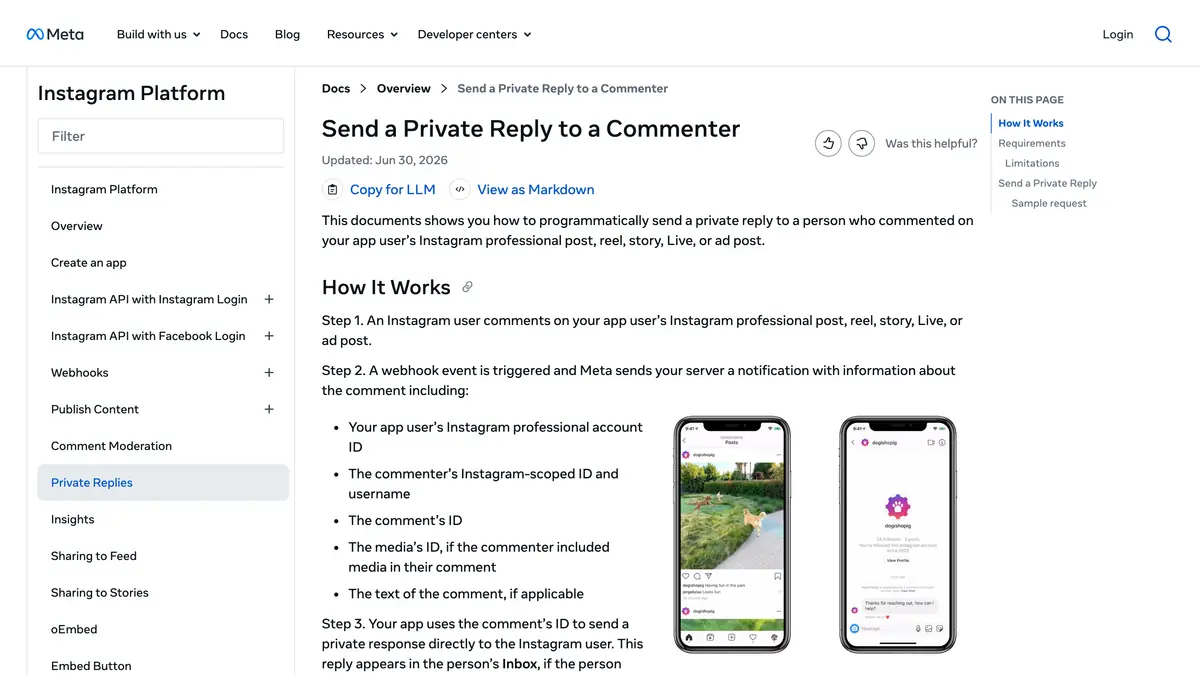
- A private reply to a comment is a single message sent within 7 days, and the conversation continues only if the person answers.
Here are 27 Instagram DM templates an online store can copy today, grouped by the nine situations that fill a shop's inbox: a comment asking for the link, a story reply, a product question, size and stock, order status, an abandoned checkout, a giveaway entry, a review request and a returning customer. Replace the bracketed parts, keep the messages short, and send them inside the window Meta allows.
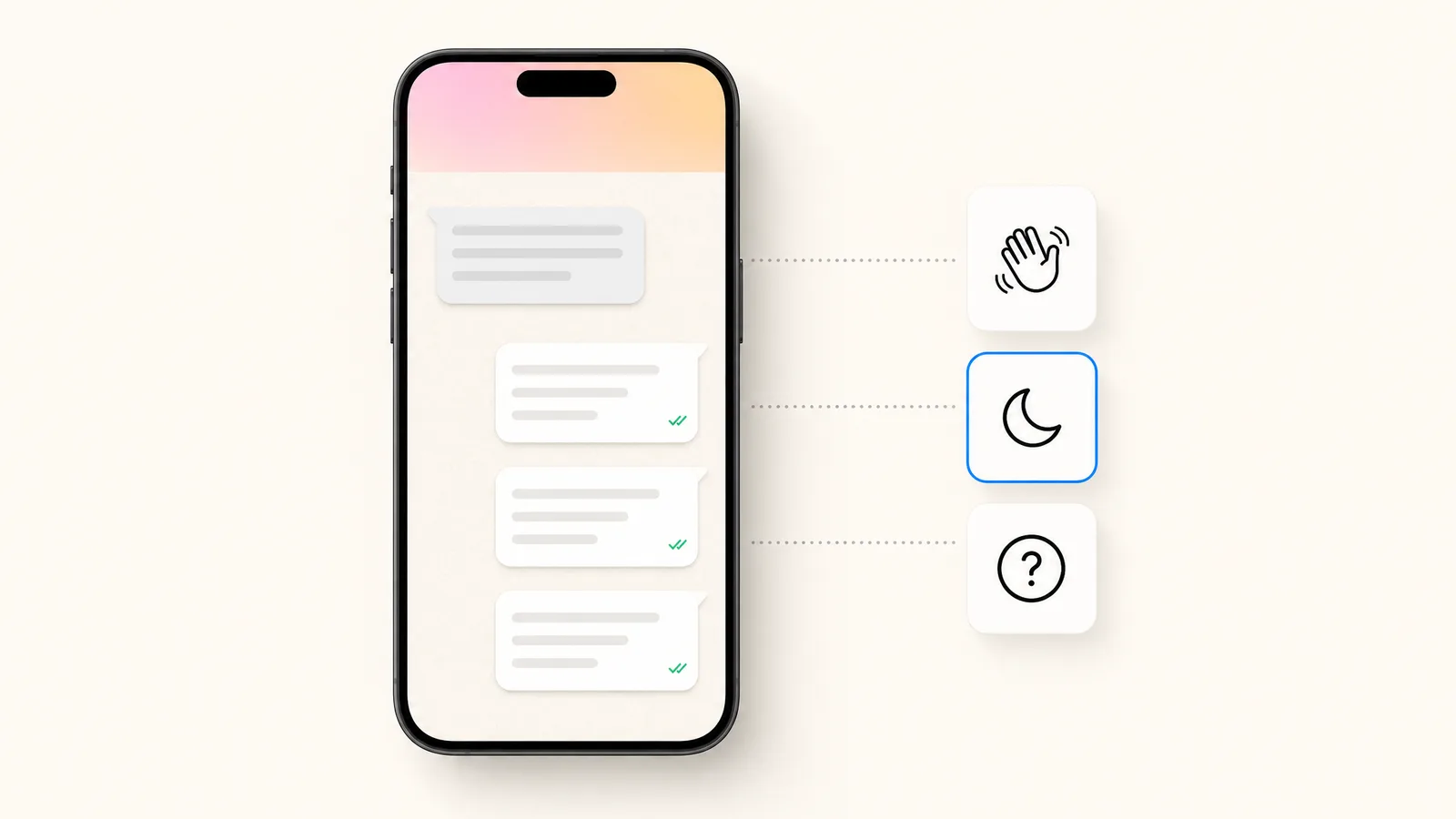
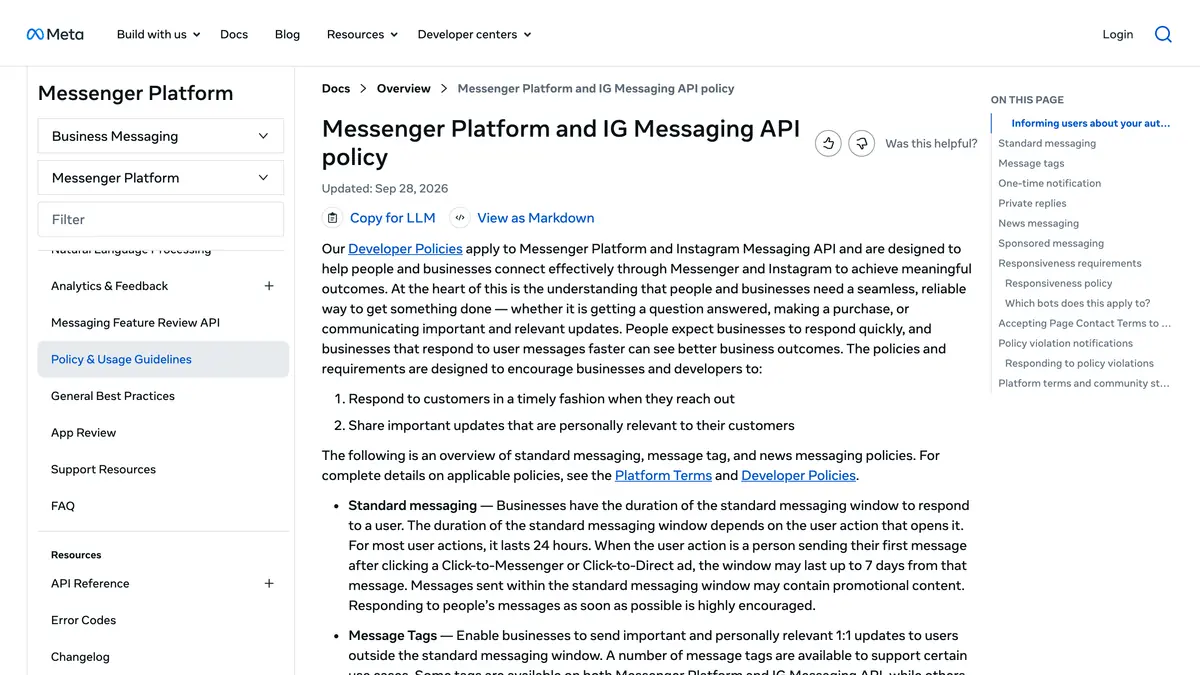
That last point decides which templates you can automate. Through Meta's API, a business can only message someone who wrote first, and for most actions it has 24 hours to do so. The rules are summarized just below, with Meta's pages as sources, and the templates follow. If you want them sent automatically on a keyword or a comment, that is what Kanal's Instagram DM automation does for Shopify stores.
What does Meta allow you to send, and when?
These rules apply to messages sent by a tool through the Instagram messaging API. They were read on Meta's developer pages on October 11, 2026.
| Situation | What Meta's documentation says |
|---|---|
| First contact | An app can send a message "only after an Instagram user has sent your app user's Instagram professional account a message" |
| Standard window | "For most user actions, it lasts 24 hours" |
| After a click on an ad that opens Direct | The window "may last up to 7 days from that message" |
| Promotions | "Messages sent within the standard messaging window may contain promotional content" |
| Reply to a comment | One private reply, "within 7 days of when the comment was created" |
| Human answer | A human agent can respond by hand within a separate 7-day window |
Three consequences for your templates.
The customer starts. Every template in this article is a reply: to a DM, a story reply, a comment or a click on an ad. Meta's messaging API page (updated September 28, 2026) is explicit on that point, and adds that new conversations from people who do not follow you arrive in the Requests folder.
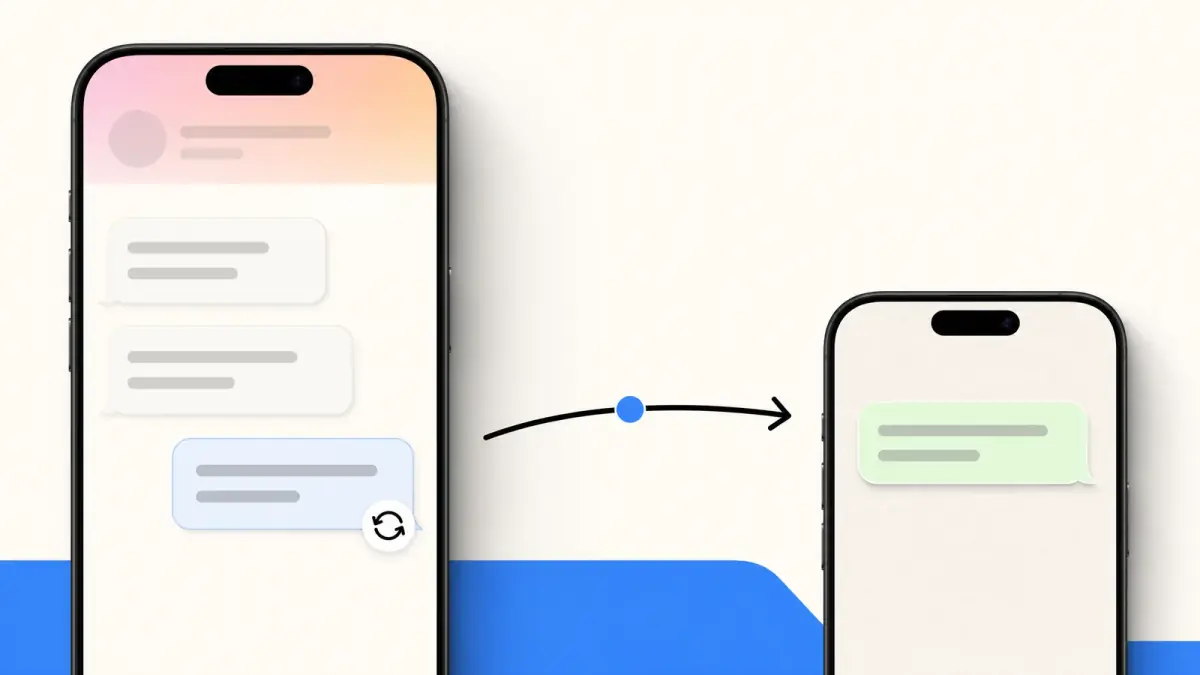
A comment gives you one message. According to Meta's page on private replies, "only one message can be sent to the Instagram user who commented", and "only when the Instagram user responds to the private message can you continue the conversation within the 24-hour messaging window". Your comment template therefore has to deliver the promise and invite an answer in the same message.
Outside the window, you need the person's agreement. Meta's policy page states that one-time notifications and sponsored messages "are not available for IG Messaging API", and that message tags are reserved for approved use cases. For recurring marketing messages, Meta's Marketing Messages API page (written for Messenger) speaks of subscribers, defined as "individuals who have opted in to receive them". The same page reminds businesses that "users have the option to block or mute a conversation with a business at any time". We did not find an Instagram-specific sending frequency on Meta's pages today, so this article gives none.
A practical reading: order status, product answers and comment replies fit naturally in the window. Abandoned checkout, review and win-back messages only work on Instagram when the customer has just written to you. For follow-ups days later, stores use a channel the customer has opted into, such as WhatsApp or SMS.
1. Reply to a comment asking for the link
One message, sent within 7 days of the comment. Deliver first, then ask a question so the conversation can continue.
Template 1: the link, as promised
Hi [first name]! Here is the link you asked for under our post: [link]. Want help choosing a size or a color? Just answer here.
Template 2: the link with a code
As promised, here is [product]: [link]. The code [CODE] gives you [offer] until [date]. Tell me if you would like to see it in another color.
Template 3: the guide or the size chart
Thanks for your comment! The [guide / size chart] is here: [link]. If you tell me what you are looking for, I can point you to the right page.
2. Reply to a story reply or a story mention
The person reacted to a story, so the window is open for 24 hours.
Template 4: reply to a story about a product
Glad you like it! That is the [product], available here: [link]. Do you want to know which sizes are left?
Template 5: reply to an emoji reaction
Thanks for the reaction! The piece in the story is [product]. Would you like the link or a few more photos?
Template 6: thank-you for a mention
Thank you for sharing [brand] in your story, it made our day. Could we repost it on our account, with a mention of you?
3. Answer a product question
Answer the question in the first sentence, then give one next step.
Template 7: materials and care
Good question. [Product] is made of [material] and can be [care instruction]. The full product details are here: [link]. Anything else you would like to know before ordering?
Template 8: delivery
We deliver to [country] in [delivery time], and the shipping cost is shown at checkout before you pay. Here is the delivery page: [link]. Where should we ship your order?
Template 9: comparing two products
The main difference: [product A] is [feature], while [product B] is [feature]. If you tell me how you plan to use it, I will tell you which one I would pick.
4. Size and stock
Template 10: size advice
[Product] runs [true to size / small / large]. The size guide is here: [link]. Tell me your usual size at [reference brand] and your height, and I will suggest one.
Template 11: in stock
Yes, [product] is in stock in [size / color]. Here is the direct link: [link]. Stock is limited in that size, so I would not wait too long.
Template 12: out of stock
[Product] is sold out in [size] for now. A restock is planned for [date]. You can sign up for the restock alert on the product page: [link]. Would another color work for you in the meantime?
5. Order status
Template 13: asking for the order number
Of course. Could you send me your order number (it starts with #) or the email used for the order? I will check right away.
Template 14: order shipped
Your order [number] left our warehouse on [date]. You can follow it here: [tracking link]. Delivery is expected on [date].
Template 15: delay
I am sorry, your order [number] is running late: [reason]. The new delivery date is [date]. If that no longer suits you, tell me and we will find a solution together.
6. Abandoned checkout follow-up, inside the window
Only for someone who wrote to you in the last 24 hours, for example a customer who asked a question, added to cart and did not finish. After that, the Instagram window is closed.
Template 16: the gentle reminder
Hi [first name], I saw you were looking at [product] earlier. Your cart is still saved here: [link]. Is there a question I can answer before you decide?
Template 17: removing a doubt
Still thinking about [product]? Two things that may help: returns are possible within [number] days, and delivery takes [delivery time]. Your cart: [link].
Template 18: an incentive
Your cart is waiting: [link]. If you order today, the code [CODE] gives you [offer]. Tell me if you need anything.
7. Giveaway entry
Template 19: entry confirmed
Your entry is confirmed, thank you! The draw takes place on [date] and the winner will be announced on [where]. The rules are here: [link].
Template 20: one more step
Thanks for entering! To validate your entry, answer this message with [information requested]. The draw is on [date].
Template 21: to the winner
Congratulations [first name], you won [prize]! Answer this message with your delivery address before [date] so we can send it to you.
A reminder that is not a template: your country may have rules on prize draws. Publish your rules and link to them in the confirmation message.
8. Review request
For a customer who writes to you after receiving an order: the window is open, and it is the right moment.
Template 22: after a positive message
That makes us really happy, thank you! Would you be willing to say so in a review? It takes one minute, here: [link]. It helps a small team like ours a lot.
Template 23: photo review
Thanks for the photo, it looks great on you. May we share it on our account? And if you have a minute, your review is welcome here: [link].
Template 24: after a solved problem
I am glad it is sorted. If you feel like telling other customers how it went, your review is welcome here: [link]. And thank you for your patience.
9. Win-back, when a past customer writes again
You cannot cold-message a past customer through the API. These templates are for the moment a former customer reacts to a story, comments or sends a DM.
Template 25: welcome back
Nice to see you again, [first name]! Since your last order we have added [new product / collection]: [link]. Would you like me to show you what goes with your [previous product]?
Template 26: a returning-customer offer
Good to hear from you! As a returning customer, you can use the code [CODE] for [offer] until [date]. The new arrivals are here: [link].
Template 27: invitation to a channel you can follow up on
We announce restocks and private sales on WhatsApp first. Would you like to join? One tap here: [link], and you can leave whenever you want.
How do you use these templates in practice?
As saved replies, by hand. Instagram's professional inbox lets you save a message and call it back with a keyboard shortcut. The method is described step by step in our guide to Instagram automatic messages. It suits a store with a moderate number of DMs and someone available to answer.
As automated messages, with a tool. An Instagram automation tool sends the template when a comment or a DM contains your keyword. The comment templates (1 to 3) and the keyword answers are the ones stores automate first: the Instagram auto reply guide covers keyword choice and the rest of the set-up. For the shop, product tags and selling by DM, see our guide to selling on Instagram, from shop to DMs. If you also write to customers on WhatsApp, our WhatsApp Business templates are the equivalent of this page for that channel.
Whichever method you choose, three habits make templates sound like a person:
- Put the answer or the link in the first sentence.
- End with one question, never two.
- Rewrite the opening words every few weeks, so regular customers do not receive the same sentence twice.
How Kanal sends these messages for Shopify stores
Kanal is our product, a paid Shopify app. Its Instagram DM automation page states what it does with templates like these:
- Comment to DM: a keyword under any post or Reel triggers the DM automatically, with a link, a product card or a promo code.
- Keyword flows: replies branch the conversation, so that sizes, shipping or the checkout link each have their path.
- WhatsApp opt-in bridge: engaged followers can be invited to your WhatsApp list in one tap, inside the chat, with consent.
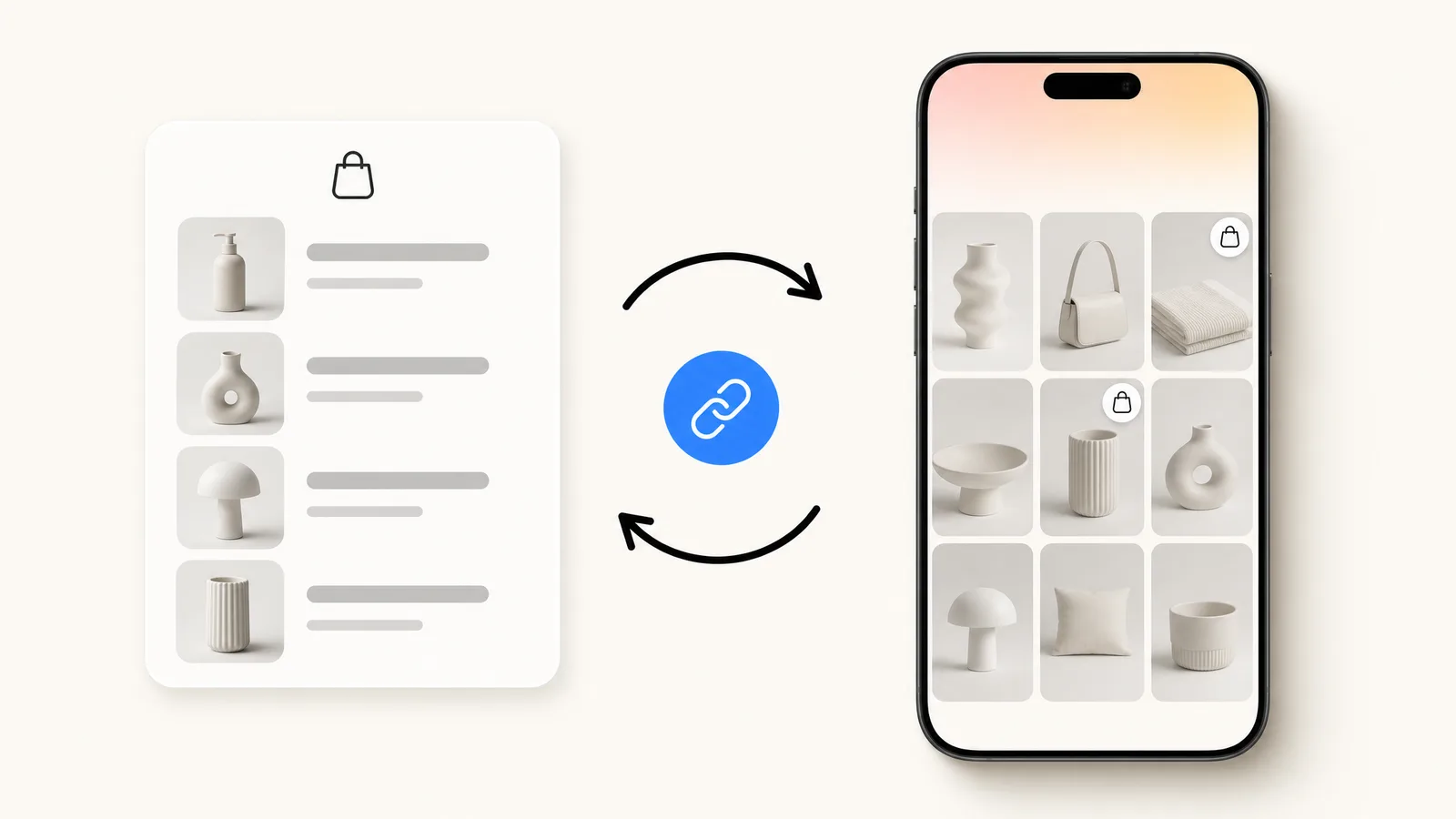
- One inbox, one profile: Instagram and WhatsApp conversations share a customer profile synced with your Shopify orders.
Kanal runs these automations through the official Instagram messaging API on your professional account. DM automation is included in Kanal's plans, from $89 per month, as shown on the pricing page.
Sources
Meta developer documentation, read on October 11, 2026:
- Send messages, Instagram API with Instagram Login (updated September 28, 2026)
- Messenger Platform and IG Messaging API policy (updated September 28, 2026)
- Private replies, Instagram Messaging (updated July 2, 2026)
- Marketing Message API for Messenger (updated April 17, 2026)
Join the Instagram early access program
- Comment to DM, auto-replies and AI answers as they roll out
- Priority onboarding with the Kanal team
- The full WhatsApp suite, included from day one
Early access opens progressively
See Kanal for Instagram@claire.mrn commented on your Reel: "LINK"
Here is the link you asked for. The Riviera set is back in stock.
- brands
- 500+
- to set up
- 5 min
- open rate on WhatsApp
- +90%
Nicolas helps e-commerce brands grow revenue with WhatsApp marketing. With deep expertise in Shopify ecosystems and conversational commerce, he shares proven strategies for abandoned cart recovery, broadcast campaigns, and AI-powered customer engagement.