WhatsApp Click-to-Chat Links: Generate, Track & Convert (2026)

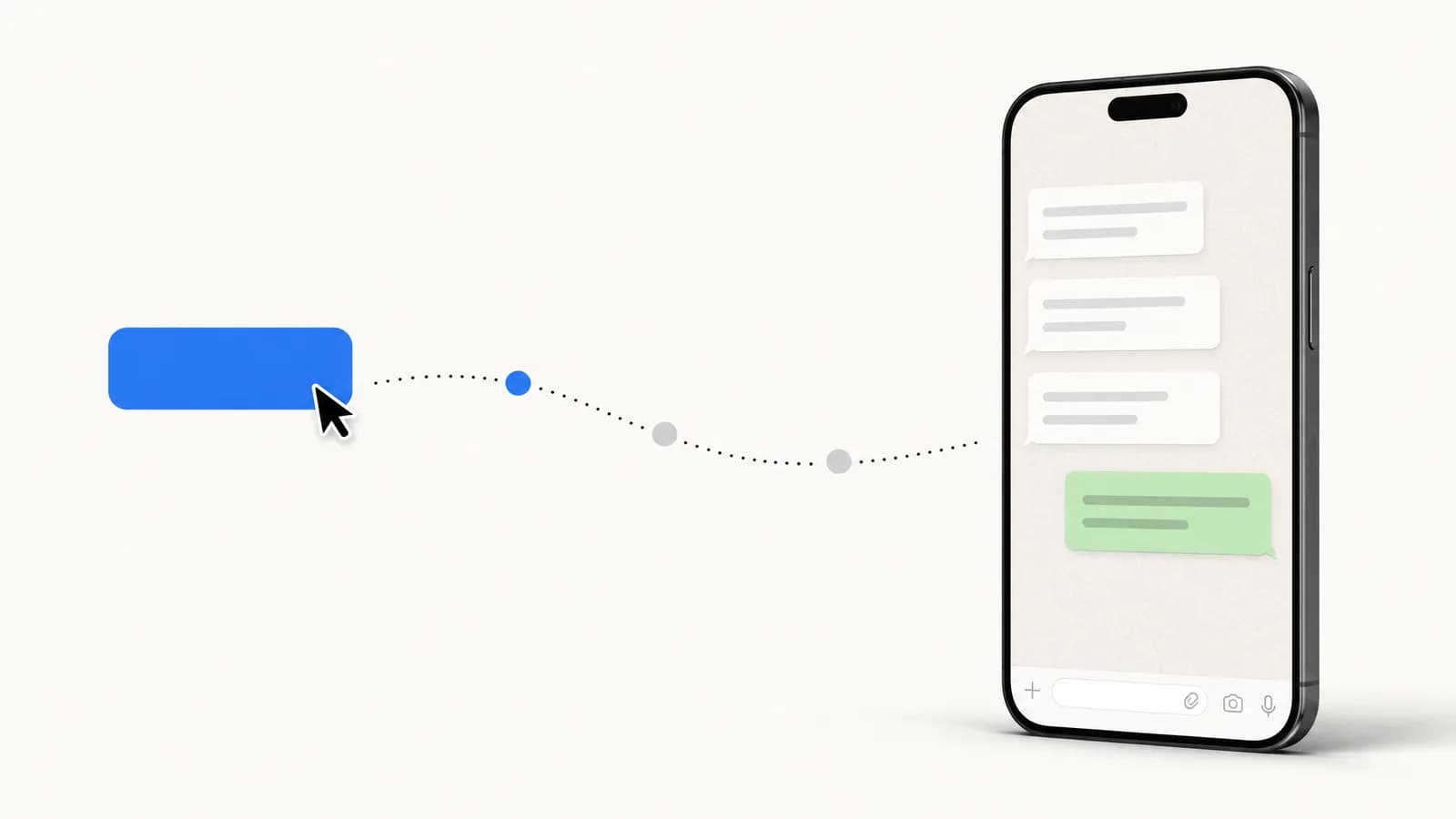
Create WhatsApp click-to-chat links that turn Shopify visitors into customers. Free generator, URL syntax, Shopify setup, tracking, and Click to WhatsApp Ads comparison for 2026.
Table of contents (24)
WhatsApp click-to-chat links are the most underused lever in e-commerce marketing. They convert at 10-15% on average (vs 2-3% for email signups), they cost zero to deploy, and they sit perfectly between your top-of-funnel ads and the closed-loop conversation that turns visitors into buyers.
In this guide you'll learn how to create click-to-chat links manually, generate them with our free tool, embed them across your Shopify store, track their performance, and decide when to upgrade to paid Click to WhatsApp Ads (CTWA).
What is a WhatsApp click-to-chat link?
A WhatsApp click-to-chat link is a URL that opens WhatsApp with a pre-filled conversation when clicked. The visitor sees a ready-to-send message addressed to your business number, they don't have to type your phone number or save your contact.
The two official formats are:
- wa.me short link:
https://wa.me/<phone-number>?text=<message> - api.whatsapp.com format:
https://api.whatsapp.com/send?phone=<phone-number>&text=<message>
Both formats accept:
- An international phone number (digits only, no
+, no spaces, no dashes) - An optional pre-filled message (URL-encoded)
When a visitor clicks, WhatsApp opens (web or app) and they see the message ready to send. One tap on Send and they're in your inbox. This is the same mechanism that lets anyone message a WhatsApp number without saving the contact first.
How to create a click-to-chat link (3 methods)
 WhatsApp Business Platform overview with click-to-chat configuration" style="max-width:100%;border-radius:12px" loading="lazy" />
Method 1: Build the URL manually
The fastest approach if you know the syntax.
https://wa.me/33612345678?text=Hi%20Kanal%20team%2C%20I%27m%20interested%20in%20your%20appA few rules:
- The phone number includes the country code (
33for France,1for US,44for UK), no+sign - Special characters in the
textparameter must be URL-encoded (%20= space,%27=',%2C=,) - Keep the message short, conversational, and product-relevant
Method 2: Use a free generator
Manually URL-encoding messages gets tedious. Use the Kanal WhatsApp link generator, paste your number, type your message, copy the link. The tool handles encoding, validates the phone number, and gives you a QR code in one click.
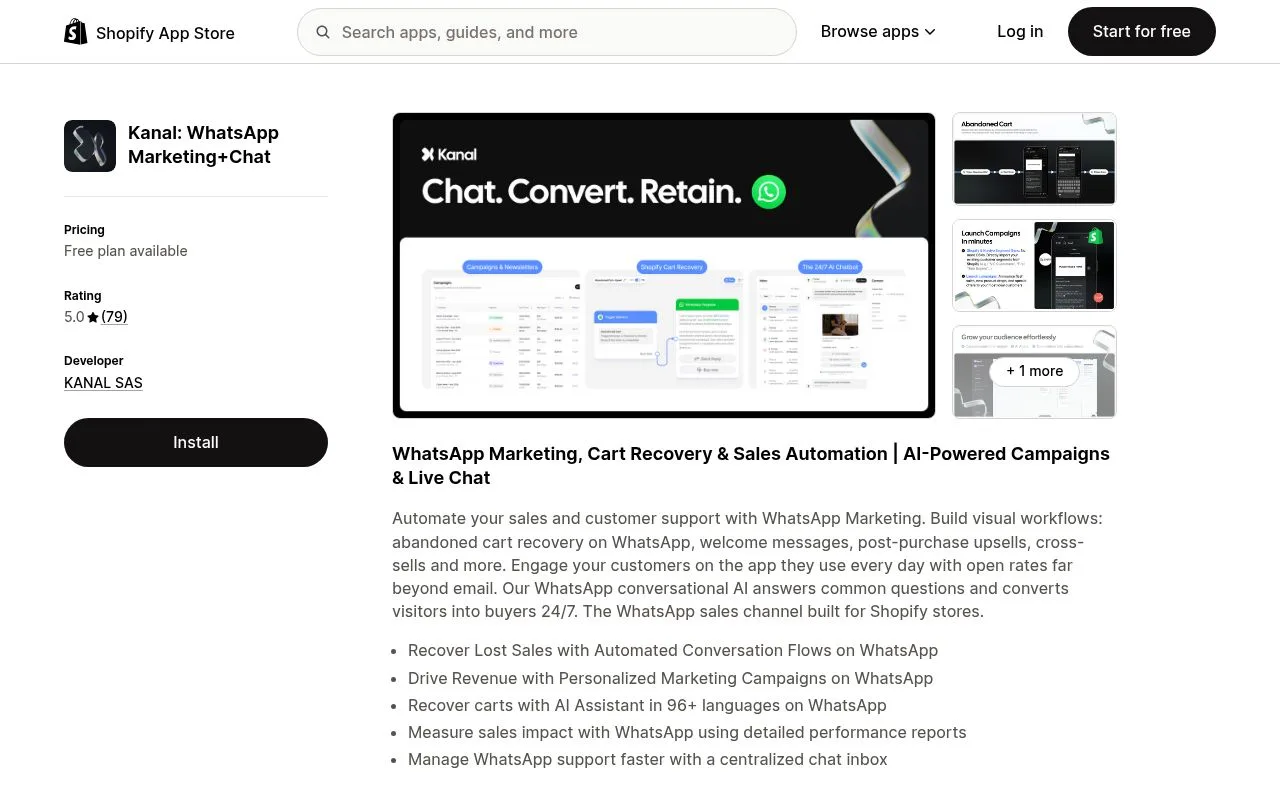
The generator also outputs:
- A pre-styled HTML button you can paste into your Shopify theme
- A QR code as a PNG to print on packaging or shop signage
- A short tracked URL with UTM parameters baked in
Method 3: Embed automatically in your Shopify store
For full-store coverage (homepage, product pages, cart, checkout, post-purchase), install the Kanal Shopify integration. It adds a floating WhatsApp widget, contextual click-to-chat buttons on each product page, and a post-purchase chat invitation. No code changes required.
Best practices for high-converting click-to-chat links
After analyzing 5,000+ Shopify click-to-chat installations, these are the patterns that consistently outperform.
Use a contextual pre-filled message
Generic ("Hi") performs 4x worse than contextual ("Hi, I'm interested in the {product_name}"). On a product page, pre-fill the product title. On a checkout abandonment popup, pre-fill the cart contents.
Match the visitor's intent
- Pre-purchase: "Hi, I have a question about sizing for the {product}" → routes to sales
- Post-purchase: "Hi, my order #{order_id}" → routes to support
- Returns: "Hi, I'd like to return order #{order_id}" → routes to returns automation
A WhatsApp inbox tool like Kanal lets you tag conversations by intent automatically and route them to the right team.
Be transparent about response time
A line like "Reply usually within 15 minutes during business hours" sets expectations and reduces drop-off. Combine it with an AI chatbot for 24/7 instant first response.
Don't bury the button
The highest-converting placements are:
- Sticky floating widget on every page (mobile and desktop)
- Inline button on product pages, above the fold
- Post-purchase thank-you page CTA
- Footer presence on every page for fallback
Where to place click-to-chat buttons on your Shopify store
| Location | Conversion rate | Best for |
|---|---|---|
| Sticky floating widget | 3-5% of visitors click | Whole-store coverage |
| Product page inline button | 8-12% on PDPs visited | Pre-purchase questions |
| Cart drawer | 4-6% of carts | Abandonment prevention |
| Order confirmation page | 12-18% of buyers | Post-purchase support |
| Email footer link | 2-4% of email opens | Owned channel migration |
| Instagram bio link | 6-10% of profile visits | Top of funnel |
The compounding effect matters: a store with click-to-chat on all 6 surfaces typically grows its WhatsApp opt-in list 4-5x faster than a store with just a sticky widget.
Tracking click-to-chat performance
Click-to-chat looks free until you realize most teams have no idea which links drive revenue. Three tracking layers fix this.
Layer 1: UTM parameters in the URL
Append UTMs to the wa.me link so Google Analytics 4 captures the click before the redirect:
https://your-store.com/whatsapp?utm_source=footer&utm_medium=social&utm_campaign=summerThen redirect server-side to the actual wa.me URL. This lets you see clicks in GA4 even though WhatsApp itself doesn't pass referrer.
Layer 2: Conversation attribution
Once the visitor lands in your WhatsApp inbox, you need to know where they came from. Tools like Kanal capture the source UTMs automatically on conversation creation, so you can attribute closed deals back to a campaign.
Layer 3: Revenue attribution
The final layer is matching conversations to orders. Shopify's customer.id ties to a WhatsApp phone number once the customer checks out. Kanal closes this loop natively, giving you a revenue per click-to-chat link metric. Compare this against the free Kanal ROAS calculator for paid channels.
Click-to-chat vs Click to WhatsApp Ads (CTWA)
Click-to-chat is free. Click to WhatsApp Ads (CTWA) are paid Meta ads that open WhatsApp on click. Both lead to the same WhatsApp conversation, but the funnel mechanics are completely different.
| Factor | Click-to-Chat | Click to WhatsApp Ads (CTWA) |
|---|---|---|
| Cost | Free | Meta ad spend (CPC or CPM) |
| Targeting | Your existing audience | Meta's targeting algorithm |
| Tracking | Manual (UTM + tool) | Native Meta events |
| Volume | Limited to your traffic | Scalable with budget |
| Attribution | Last-touch only | Full Meta funnel attribution |
| Best for | Owned-traffic activation | Top-of-funnel paid acquisition |
The high-performing playbook: build organic click-to-chat first (your stickywidget + product pages), prove ROI on the conversations, then scale with CTWA once you have a baseline conversion rate.
For more on the paid side, read our deep dive on WhatsApp Business API providers, most CTWA campaigns require an API account.
Common click-to-chat mistakes (and how to avoid them)
Mistake 1: Wrong phone number format
The most common silent failure. The number +33 6 12 34 56 78 will not work. Strip everything except digits: 33612345678.
Mistake 2: Pre-filled message too long
WhatsApp shows the first 65 characters of the pre-filled message clearly. Beyond that, the user has to expand. Keep it short and self-explanatory.
Mistake 3: Sending to a personal number
A WhatsApp click-to-chat link to your personal number caps at 256 broadcast contacts and provides no analytics. Always use a WhatsApp Business API number for any commercial deployment.
Mistake 4: No fallback for desktop users
On desktop, wa.me opens WhatsApp Web. If the user isn't logged in, the link fails silently. Add a fallback message: "If WhatsApp Web doesn't open, scan this QR code." Generate the QR with our free WhatsApp QR code tool, and see our WhatsApp QR code guide for placement ideas across packaging and storefronts.
Mistake 5: Not setting an automated first response
A visitor clicks, lands in your inbox, and waits. If they don't get an instant acknowledgment within 30 seconds, 40% bounce. Set up an automated welcome message or use the Kanal AI chatbot to respond instantly.
Conclusion
Click-to-chat is the cheapest, highest-ROI WhatsApp tactic on a Shopify store. Done right, it builds a qualified, opt-in audience that converts 3-10x better than any other channel.
The three actions to take now:
- Generate your first link with our free WhatsApp link generator
- Install it everywhere on your Shopify store (sticky, product, footer, thank-you)
- Connect WhatsApp to your store with the Kanal Shopify integration to track which links drive revenue
Want to see what a fully tuned click-to-chat funnel looks like in production? Book a demo, we'll walk you through real Shopify stores converting 12-18% of click-to-chat visitors into paying customers.
Resources

Nicolas helps e-commerce brands grow revenue with WhatsApp marketing. With deep expertise in Shopify ecosystems and conversational commerce, he shares proven strategies for abandoned cart recovery, broadcast campaigns, and AI-powered customer engagement.
Ready to boost your WhatsApp sales?
 Install with Shopify
Glossary terms in this article
Quick definitions for the WhatsApp Business terms used above.
Click-to-WhatsApp Ads
Click-to-WhatsApp ads are Facebook and Instagram ads that open a WhatsApp chat with the business when tapped, instead of sending the user to a website.
Read full definitionWhatsApp Business Platform
The WhatsApp Business Platform is the umbrella name for the set of products and APIs that Meta offers businesses to message customers programmatically at scale.
Read full definitionOpt-in
An opt-in is the explicit permission a customer gives a business to contact them on WhatsApp. It is required before a business can send any message.
Read full definitionBroadcast
A broadcast is a message sent to many WhatsApp contacts at once, typically a marketing campaign delivered to a segment of opted-in customers.
Read full definitionSuggested articles
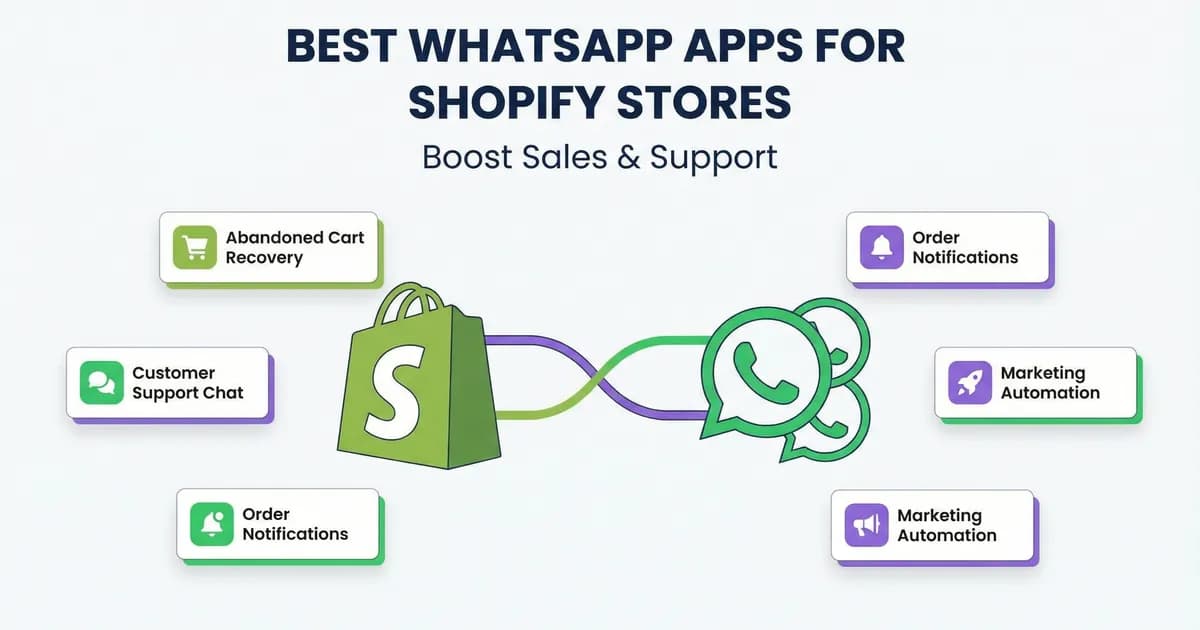
Best WhatsApp Apps for Shopify: 6 Tools Compared 2026
Best WhatsApp apps for Shopify: Kanal, DelightChat, Dondy, Zoko, Wati, ChatHive compared on price, features, support, and reviews. Pick the right one fast.
WhatsApp Marketing for Beauty Brands: Strategies & Templates (2026)
The vertical-specific WhatsApp playbook for beauty and skincare brands. Real examples, consultation flows, replenishment automation, VIP loyalty, 7 ready-to-use templates and KPIs that move the needle in 2026.
WhatsApp Customer Support: 12 Flows that Cut Tickets by 60% (2026)
Build a WhatsApp customer support system that deflects 60% of Shopify tickets. 12 essential support flows, AI tier-1 automation, Gorgias and Zendesk integration, and SLA benchmarks for 2026.
Black Friday WhatsApp Marketing: 8-Step Playbook for Shopify (2026)
The complete Black Friday WhatsApp marketing playbook for Shopify stores. Pre-BF list build, broadcast timing, cart recovery, Cyber Monday extension, templates and KPIs for 2026.