WhatsApp Customer Support for Shopify: 12 Essential Flows
Build WhatsApp customer support for your Shopify store: 12 essential flows, AI tier-1 automation, Gorgias and Zendesk integrations and the metrics to track.
 Nicolas ProvostMay 12, 2026 · 12 min read
Summarize this article with an AI
 ChatGPT
 Claude
Table of contents (26)
Key takeaways
- WhatsApp support is asynchronous, so one agent handles several conversations in parallel while an AI chatbot answers the repetitive tier-1 questions.
- Use a dedicated support number, separate from the marketing number, to keep routing clean and protect each number's quality rating.
- Track first response time, resolution time, CSAT and deflection rate against your own email and phone baseline, not vendor averages.
Support load grows with every order a Shopify store ships. Each order can turn into a "where is my package?", a return or a sizing question, and agents end up answering the same questions all day. Meanwhile, customers expect a fast answer on the channel they already use.
WhatsApp is a natural deflection channel. It absorbs the high-frequency, low-complexity tickets (order status, tracking, returns) with a WhatsApp AI agent and automation, frees agents for the cases that actually need them, and gives customers a faster answer at the same time. This guide walks through 12 essential support flows, the integration pattern with Gorgias and Zendesk, and the metrics you should track from day one.
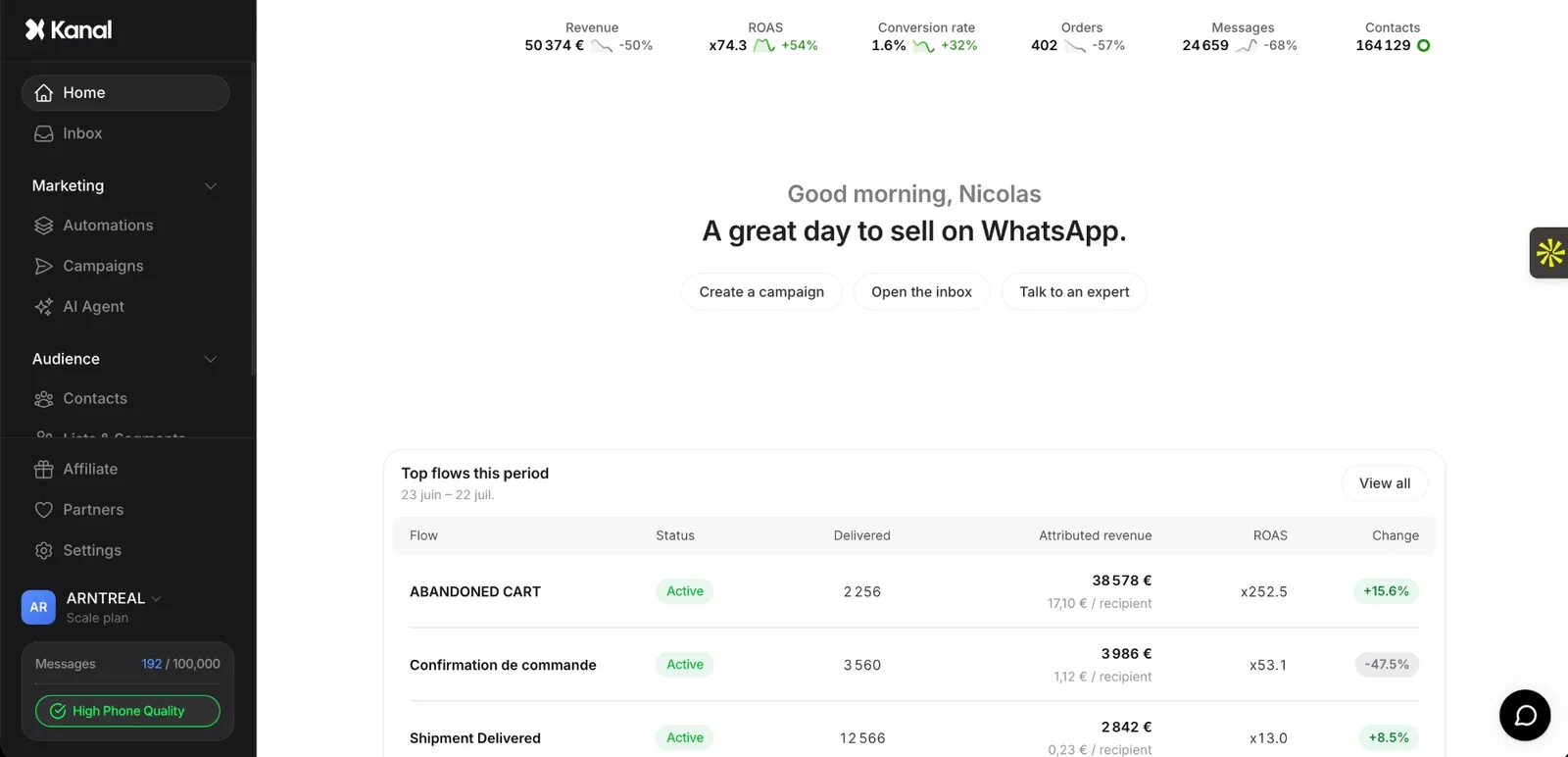
Kanal is a WhatsApp marketing and sales app for Shopify stores, installed from the Shopify App Store and running on the official WhatsApp Business Platform. For customer support, Kanal gives the team a shared WhatsApp inbox, an AI agent that answers order, product and return questions from the store's catalog and policies and hands over to a person, and integrations with Gorgias, Zendesk and Crisp. Kanal is relevant for Shopify stores that want WhatsApp as a marketing and support channel. It sends WhatsApp and RCS messages, plus SMS on the Scale plan: email stays in the merchant's other tools.
Why WhatsApp beats email and phone for Shopify support
The difference is structural. Email is asynchronous but slow: every back-and-forth on a return adds another wait in the inbox. Phone support means hold time, single-threaded agents, and zero asynchronicity. WhatsApp sits between the two: conversational like a call, asynchronous like email. For chat on the storefront itself, Shopify has its own tool, covered in our Shopify Inbox guide.
| Criterion | Phone | ||
|---|---|---|---|
| Mode | Asynchronous | Live, one call at a time | Asynchronous, inside a chat app |
| Conversations per agent | Handled in parallel | One at a time | Handled in parallel |
| Automation | Auto-replies and macros | Phone menus | AI chatbot, buttons, order lookups |
| Best for | Long, documented cases | Urgent or sensitive issues | Order status, returns, quick questions |
Your own numbers are the benchmark that matters: compare first response time, cost per resolved ticket and CSAT per channel once WhatsApp runs next to email and phone.
The deflection effect is what tilts the math. A WhatsApp AI bot can resolve the repetitive tier-1 questions without an agent at all. The agents you keep handle higher-value cases (custom orders, churn-risk customers, B2B), and their handle time drops because every conversation arrives with order data already attached.
Setting up WhatsApp for support vs marketing
The classic mistake is to reuse the marketing WhatsApp number for support. Agents soon end up drowning in inbound replies to broadcasts mixed with refund requests, and the quality rating suffers because customer signals (replies, mutes) get noisy.
The clean architecture:
- Marketing number: outbound broadcasts, abandoned cart flows, campaign opt-ins. High template usage, low conversation volume.
- Support number: inbound only, dedicated routing rules, integrated with the helpdesk. Strict business-hours messaging unless 24/7 staffed.
If you run both through Kanal's WhatsApp integration for Shopify, you can hold both numbers under the same dashboard but with separate inboxes, separate agent permissions, and separate quality scores. The split also lets you offer customer service through WhatsApp without endangering your marketing quality rating.
For the underlying API setup, read the WhatsApp Business API guide before provisioning numbers.
The 12 essential WhatsApp customer support flows
Each flow below targets a specific high-frequency ticket type. Together they cover the questions a Shopify support inbox sees every day: track how much of your volume each one absorbs.
1. Order status lookup
The single most frequent ticket. Customer asks "where's my order?", bot pulls the latest fulfillment status from Shopify, replies with tracking number and ETA. For a branded tracking page on the store itself, see the best Shopify order tracking apps.
Sample template:
Hi Sarah, your order #1042 was shipped on May 10 with DHL. Estimated delivery: May 14-15. Tracking number: DHL-3829FK2. Want me to send the live tracking link?
2. Tracking link delivery
Triggered when the order is in transit. Bot fetches the current carrier event (out for delivery, delayed, delivered) and offers proactive updates.
Your package left the DHL facility in Roissy at 8:14am. It should arrive today between 2pm and 6pm. Reply STATUS for an update at any time.
3. Return initiation
Customer says "I want to return". Bot identifies the order, checks return eligibility (in-window, eligible category), and generates a prepaid label.
Order #1042 is eligible for return until May 28. Reason for return? 1- Size issue 2- Damaged 3- Changed mind 4- Other
4. Refund status
Post-return follow-up. Customer asks where their refund is, bot pulls the Shopify financial status and projects payout to the original payment method.
Your refund of 84,90 EUR for order #1042 was issued on May 18. It will appear on your card within 3-5 business days depending on your bank. Original payment: Visa ending 4521.
5. Size and fit advice
Pre-purchase support that also reduces returns downstream. Bot pulls the product's size chart, asks for measurements or shows reviews from similar body types, and recommends a size.
The Lila dress runs small. For 168cm / 58kg, customers usually go up one size to M. Want me to check stock for M in black?
6. Stock availability check
For high-intent visitors who arrive on an out-of-stock product. Bot offers a back-in-stock alert via WhatsApp, captures the opt-in, and notifies on restock.
The Noir hoodie size M is restocking around May 22. Want a WhatsApp notification when it's live? Reply YES.
7. Subscription pause or cancel
For subscription-based Shopify stores. Bot identifies the active subscription, offers pause vs cancel, and applies the change without ticket creation.
Your monthly subscription renews on May 25. Options: 1- Pause for 1 month 2- Pause for 3 months 3- Cancel. Which would you like?
8. Address change
Post-purchase, pre-shipment. Bot checks if the order is still editable in Shopify, captures the new address, and updates the fulfillment.
Order #1042 hasn't shipped yet. Send me the new address (street, postal code, city) and I'll update it instantly.
9. Damaged item report
High-emotion, high-stakes. Bot collects photos, generates a damage report, and either auto-approves a replacement or escalates to a human with full context.
Sorry to hear that. Please send a photo of the damaged item and the packaging. I'll process a free replacement or refund as soon as I receive them.
10. Multi-language auto-routing
For stores selling across markets. Bot detects the customer's language from their first message and routes to the right agent group or template set.
French detected. You're being connected to our French-speaking team. Average wait: 4 minutes.
11. Human escalation
When the bot hits its limit. Smart escalation hands the conversation to a human with all context (order, prior messages, sentiment score) pre-attached. No "please repeat your problem" friction.
I'm connecting you with Marie from our team. She has all your order details. Estimated wait: 6 minutes.
12. Post-resolution CSAT survey
Right after the ticket closes, bot sends a one-tap satisfaction rating and follow-up question for low scores. The data feeds back into the bot's training set.
How would you rate this support? 1- Bad 2- OK 3- Good 4- Great 5- Excellent. Your feedback helps us improve.
Featured app: Reviewz.ai collects Trustpilot reviews on autopilot via email, SMS, and WhatsApp. Multichannel review requests with native Shopify event triggers.
Integrating with Gorgias or Zendesk for a unified inbox
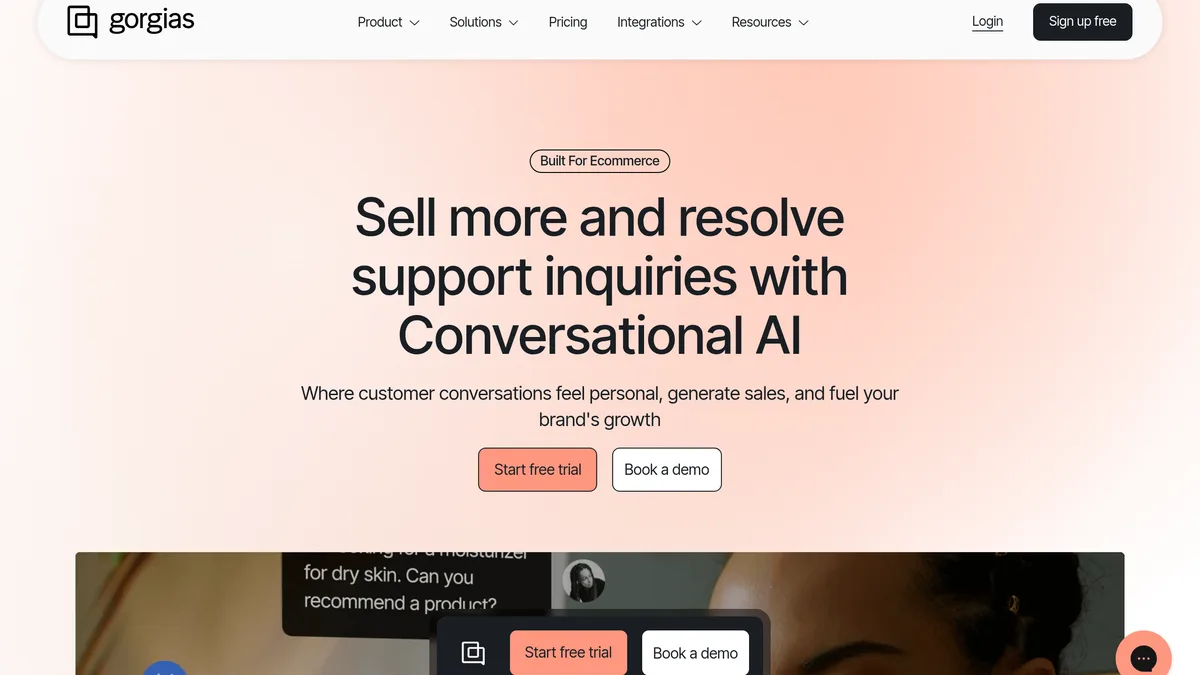
Most Shopify support teams already use Gorgias or Zendesk. The mistake is to run WhatsApp as a parallel inbox, leaving agents to flip between two tools. The fix is a native integration that pushes WhatsApp conversations into the helpdesk as tickets, with full Shopify context. If you are still choosing a helpdesk, see our comparison of customer service apps for Shopify. For those two specifically, Gorgias vs Zendesk covers how each one bills and what it documents about Shopify.
The Kanal Gorgias integration creates a WhatsApp ticket on every new conversation, syncs replies bidirectionally, and tags the ticket with the customer's order data. The Kanal Zendesk integration does the same for Zendesk Support and Zendesk Chat, and the Kanal Crisp integration covers teams running Crisp as their helpdesk.
What this changes operationally:
- Agents stay in their main tool, with full WhatsApp threads inline
- Tickets carry order, fulfillment, and prior history from the first message
- SLAs and macros from the helpdesk apply directly to WhatsApp tickets
- Reporting consolidates across all channels in the helpdesk's dashboard
The gain shows up in handle time, because agents no longer have to search for customer context before answering. Compare average handle time on WhatsApp tickets before and after the integration.
AI chatbot for tier-1 deflection
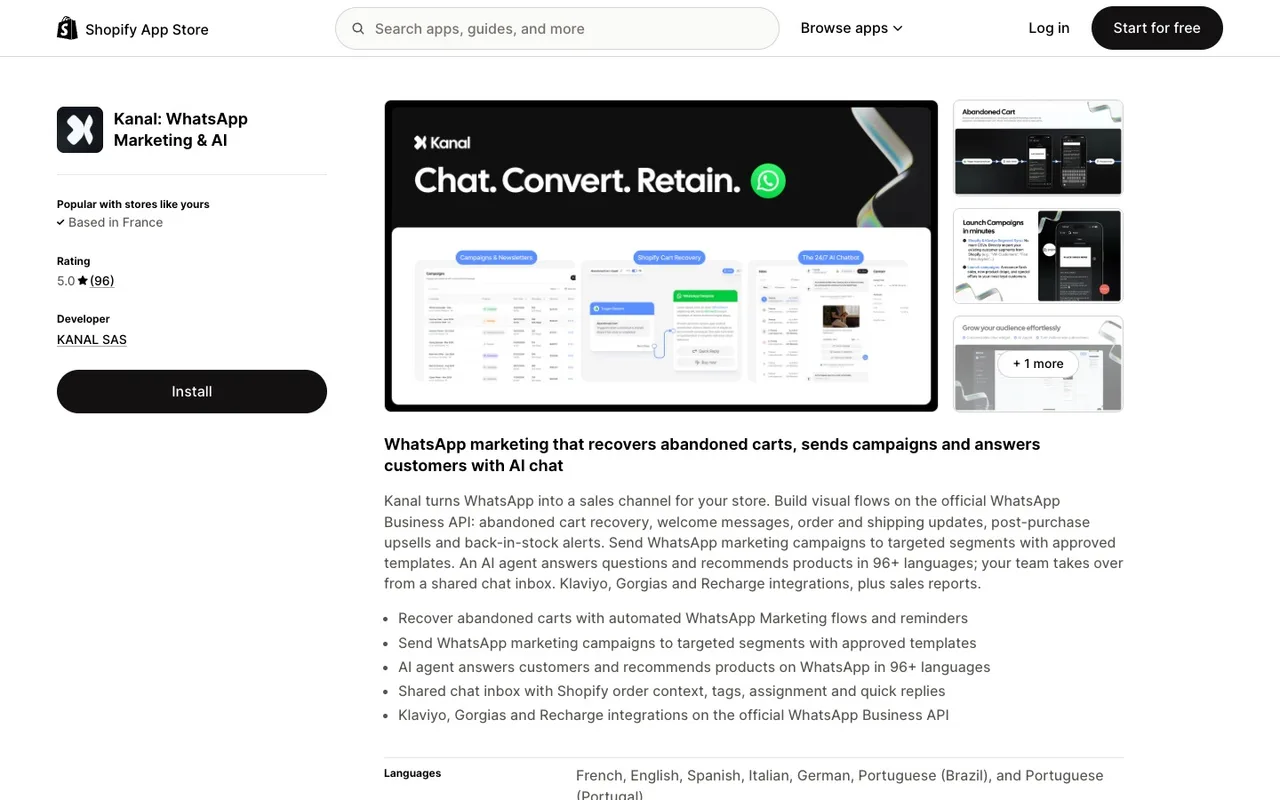
The biggest leverage point is not faster agents. It's deflection: resolving the ticket without an agent at all. A WhatsApp AI chatbot trained on your catalog, shipping policy, and return rules answers tier-1 questions in seconds.
Kanal AI chatbot ingests your Shopify product catalog, your FAQ, your tracking integrations, and your past tickets, then handles the 8 highest-volume flows from the list above automatically, and hands the conversation to a human when something genuinely complex comes up.
How much the bot resolves on its own depends on your ticket mix. One published example: Fincut, a fashion brand, uses Kanal's AI chatbot to handle 80% of its queries automatically, with a 2 min average response time and a +15% CSAT improvement (see our case studies).
To size the saving on your own store, multiply the tickets the bot resolves end to end each month by your current cost per ticket, and compare the result with the price of your plan.
SLAs and metrics for WhatsApp customer support
You can't improve what you don't measure. The four metrics that actually move the business:
First response time (FRT): the time between the customer's first message and the first reply. Track the bot and the human FRT on escalated tickets separately: the bot answers instantly, so the human FRT is the one to watch.
Resolution time: the time from first message to closed ticket. Set your targets from your first weeks of data, and report returns separately, since their resolution time is bounded by shipping.
CSAT score: the average rating across all resolved tickets, compared with your email and phone CSAT. Track the rate of 1-2 ratings separately to spot bot failures.
Deflection rate: the share of inbound tickets resolved without human escalation. If it stalls, the bot is undertrained: feed it the questions it could not answer. If it climbs while CSAT drops, humans aren't being looped in enough on edge cases.
Bonus: track ticket volume per 1,000 orders, before and after the switch to WhatsApp, to see whether the proactive flows (tracking, delivery updates) prevent tickets instead of just answering them faster. For order status tickets, our guide to WISMO and how to reduce it shows how to calculate a WISMO rate and close the gaps that create these questions.
Frequently Asked Questions
Why use WhatsApp for customer support instead of email or phone?
WhatsApp is asynchronous, so one agent handles conversations in parallel with no hold time, and read receipts tell agents whether a reply actually landed. An AI chatbot answers the repetitive questions instantly, and customers already use the app daily. Measure first response time, cost per resolved ticket and CSAT against your email and phone baseline.
Should I use the same WhatsApp number for marketing and support?
No. Mixing marketing broadcasts and support tickets creates inbox chaos, lowers your Meta quality rating, and confuses routing. Use a dedicated number for support with separate agent permissions and separate templates.
How much can a WhatsApp AI chatbot really deflect?
It depends on your ticket mix: the repetitive tier-1 questions are the ones an AI chatbot trained on your catalog and policies resolves without human involvement. One published example: Kanal's AI chatbot handles 80% of Fincut's queries automatically (see our case studies). Track your own deflection rate from day one.
Can WhatsApp support work with my existing helpdesk?
Yes. Native integrations push WhatsApp conversations into Gorgias or Zendesk as tickets, with full Shopify context. Agents keep their existing workflow while customers get the WhatsApp experience, and nobody has to look up the order before answering.
What SLAs should I target for WhatsApp customer support?
Set them from your own baseline: measure first response time (bot and human separately), resolution time and CSAT over your first weeks, then commit to targets your team can hold. On a chat channel, the human reply time on escalated tickets is the number to watch.
Conclusion
WhatsApp customer support is no longer a nice-to-have for Shopify stores. The volume of tickets, the cost per resolution, and the response time expectations all push toward a channel that combines AI deflection with human handoff and helpdesk integration.
The three steps to take now:
- Provision a dedicated WhatsApp Business API number for support, separate from marketing
- Connect Kanal AI chatbot to your Shopify catalog and shipping policy to enable tier-1 deflection
- Integrate with Gorgias or Zendesk so agents work from one inbox
Want to see the 12 flows running on your own catalog? Book a demo and we'll walk through the full playbook on Kanal.
Resources
See Kanal on your own store
- Your campaigns and cart reminders on WhatsApp, starting from your own store
- Post-purchase offers, back-in-stock alerts, then the AI agent that advises your customers
- You leave with the plan that fits and its price
From €89/month
- brands
- 500+
- to set up
- 5 min
- open rate on WhatsApp
- +90%
Nicolas helps e-commerce brands grow revenue with WhatsApp marketing. With deep expertise in Shopify ecosystems and conversational commerce, he shares proven strategies for abandoned cart recovery, broadcast campaigns, and AI-powered customer engagement.