WhatsApp Automated Message: How to Set Up Auto Replies
Set up a WhatsApp automated message: greeting message, away message and quick replies in the WhatsApp Business app, with the steps on Android and iPhone.
 Nicolas ProvostMay 19, 2026 · 14 min read
Summarize this article with an AI
 ChatGPT
 Claude
Table of contents (16)
Key takeaways
- Automatic replies are set in the Tools tab of the WhatsApp Business app, with Greeting message and Away message, not in regular WhatsApp.
- The greeting message goes out on a customer's first message or after 14 days of inactivity, and the app stores 50 quick replies at most.
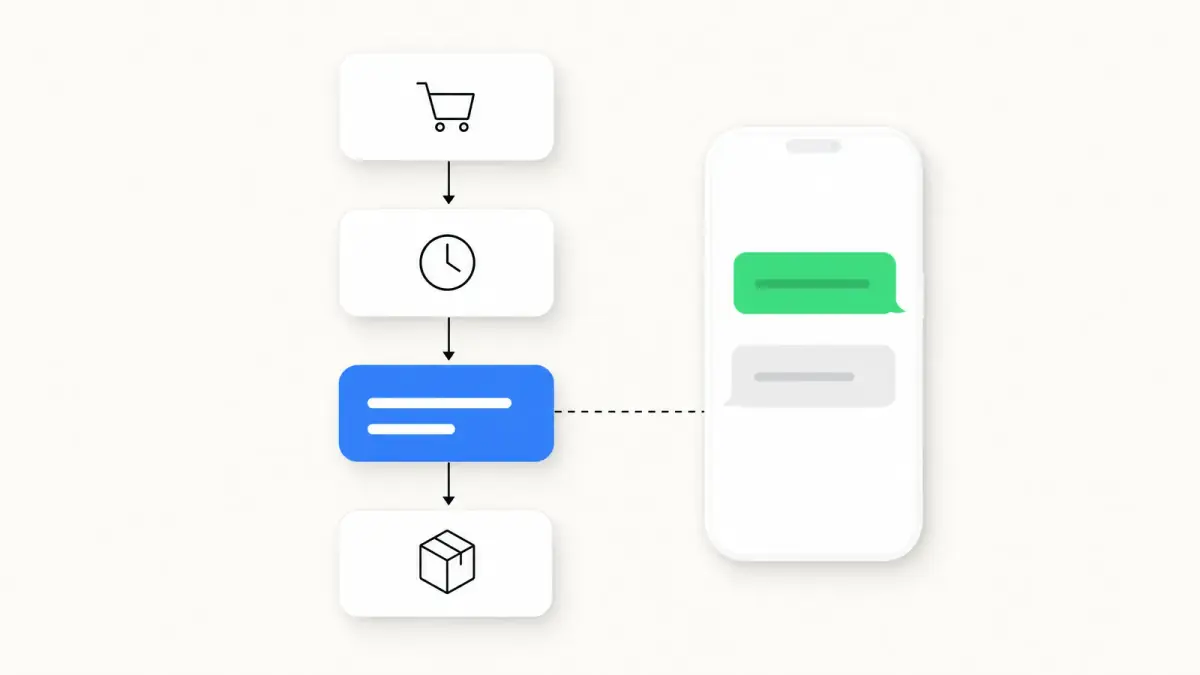
- Messages tied to store events, such as an order confirmation, go through the WhatsApp Business Platform with a template approved by Meta and customer opt-in.
- Kanal triggers WhatsApp automations from Shopify events, including abandoned cart recovery, order notifications, back-in-stock alerts and review requests.
To send an automated message on WhatsApp, install the WhatsApp Business app, open the Tools tab, then turn on Greeting message (an automatic reply to a customer's first message) or Away message (an automatic reply when you are not available). The regular WhatsApp app, WhatsApp Messenger, is a separate app: WhatsApp's Help Center describes these auto reply settings for WhatsApp Business only, which is free to download on Android and iPhone.
This guide follows the steps and limits WhatsApp publishes in its Help Center, then Meta's rules for the WhatsApp Business Platform (the API), which online stores use for messages tied to orders. Every page cited here was read on October 7, 2026.
What automated messages can you send on WhatsApp?
The Tools tab of the WhatsApp Business app holds the three settings covered in this guide (greeting message, away message, quick replies), plus a Meta AI agent in some countries. The WhatsApp Business Platform works differently: software sends message templates.
| Tool | Where it lives | What triggers it | Limit to know |
|---|---|---|---|
| Greeting message | WhatsApp Business app | A customer's first message, or a message received after 14 days of inactivity in the chat | The phone must have an active internet connection |
| Away message | WhatsApp Business app | A message received during the schedule you chose | The business hours option requires hours in your business profile |
| Quick replies | WhatsApp Business app | You, by typing "/" in a chat: sending stays manual | 50 stored quick replies at most |
| AI agent (Meta Business Agent) | WhatsApp Business app, in limited countries and for select businesses | New chats, depending on your setting | Greeting messages are disabled when the agent is connected |
| Message templates | WhatsApp Business Platform (API) | An event in the connected software: order, abandoned cart, campaign | Template approved by Meta, customer opt-in, per-message billing |
Sources: WhatsApp Help Center pages on greeting messages, away messages, quick replies and Meta Business Agent, and Meta's documentation on message templates, as of October 7, 2026.
How do you set up a greeting message on WhatsApp Business?
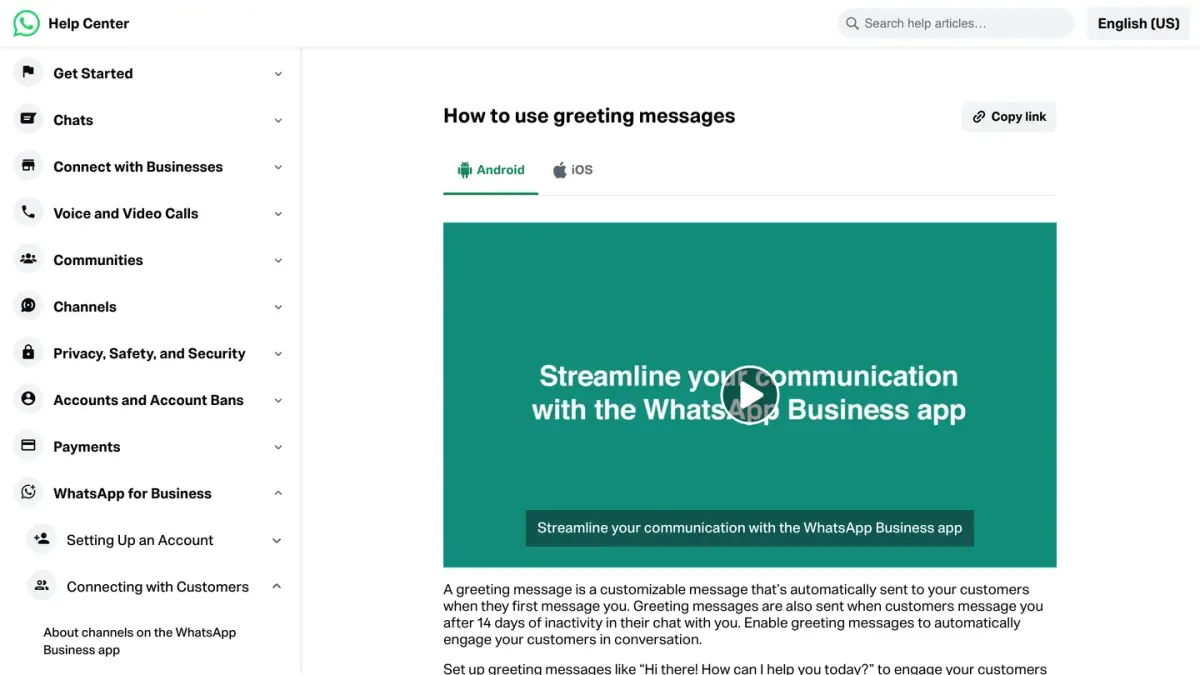
A greeting message is a text you write once and the app sends on its own in two cases: when a customer messages you for the first time, and when they message you after 14 days of inactivity in their chat with you (WhatsApp Help Center, as of October 7, 2026).
Greeting message: steps on Android
- From the Tools tab, tap Greeting message.
- Turn on Send greeting message.
- Tap Greeting message, edit the text, then tap OK.
- Tap Recipients and choose who receives the message (see the table below).
- Tap Save.
Greeting message: steps on iPhone
- From the Tools tab, tap Greeting message.
- Turn on Send greeting message.
- Under Message, tap the text to edit it, then tap Save.
- Tap Recipients and choose who receives the message.
| Who receives the greeting message | Label on Android | Label on iPhone |
|---|---|---|
| Everyone who messages you | Everyone | Everyone |
| People who are not in your address book | Everyone not in address book | Exclude my contacts |
| Everyone, apart from the contacts you select | Everyone except… | Everyone except… |
| Only the contacts you select | Only send to… | Only send to… |
Source: WhatsApp Help Center, "How to use greeting messages", Android and iPhone versions, as of October 7, 2026.
Limits of the greeting message
- No repeat within 14 days. A customer who messaged you within the last 14 days does not get the greeting again.
- A phone that is online. The device must have an active internet connection for the greeting to be sent.
- One text. The Help Center page describes a single message field. It mentions no automatically inserted first name and no button.
- Not alongside Meta's AI agent. Greeting messages are disabled automatically when Meta Business Agent is connected.
Example of a greeting message for an online store:
Hello and thanks for your message. You have reached [Store]. Tell us in one sentence what brings you here (an order, a product, a return): we reply Monday to Friday, 9 am to 6 pm.
For more wording, sorted by industry and situation, see our WhatsApp greeting message examples.
How do you set up an away message on WhatsApp Business?
When away messages are turned on, people who message you automatically receive a text telling them you are busy or away. You choose when it is sent and who receives it.
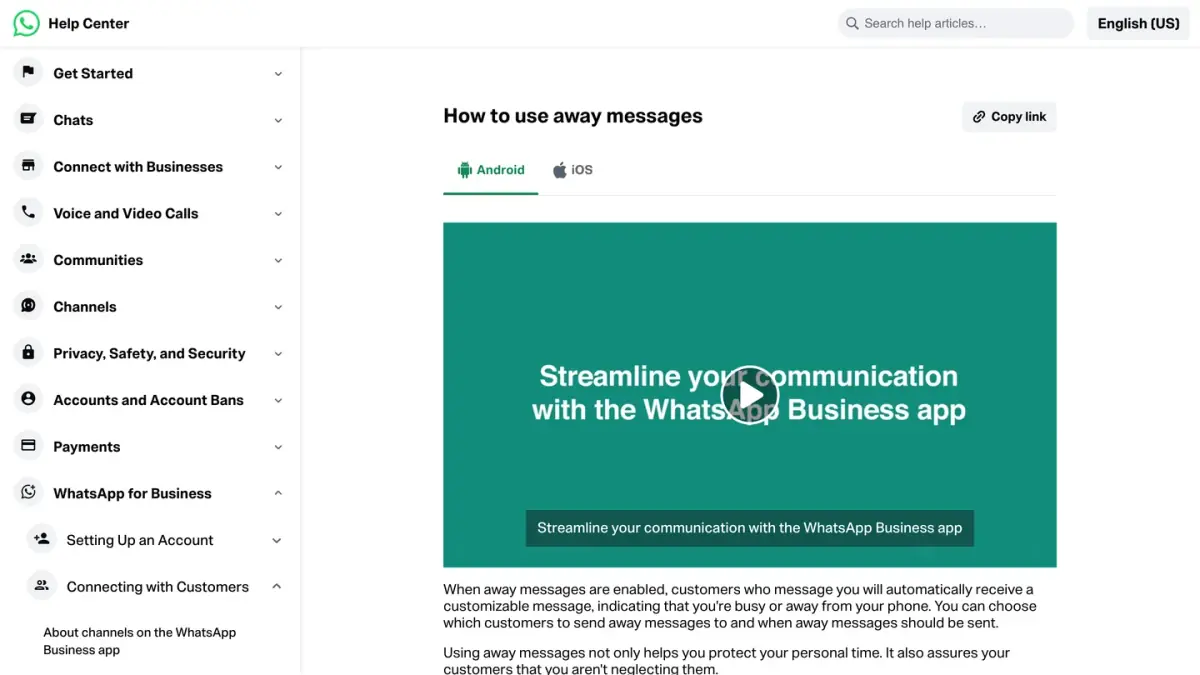
Away message: steps on Android
- From the Tools tab, tap Away message.
- Turn on Send away message.
- Under Away message, tap the text to edit it, then tap OK.
- Tap Schedule and choose when the message is sent (see the table below). For a one-off message at a set time, see how to schedule a WhatsApp message.
- Tap Recipients and choose who receives the message.
- Tap Save.
Away message: steps on iPhone
- From the Tools tab, tap Away message.
- Turn on Send away message.
- Under Message, tap the text to edit it, then tap Save.
- Tap Schedule and choose when the message is sent.
- Tap Recipients and choose who receives the message.
| Schedule option | When the message is sent |
|---|---|
| Always send | At all times |
| Custom schedule | Only during the period you specify |
| Outside of business hours | Only outside of your business hours |
| Who receives the away message | Label on Android and iPhone |
|---|---|
| Anyone who messages you while the away message is on | Everyone |
| Only people who are not in your address book | Everyone not in address book |
| Everyone, apart from the contacts you select | Everyone except… |
| Only the contacts you select | Only send to… |
Source: WhatsApp Help Center, "How to use away messages", Android and iPhone versions, as of October 7, 2026.
Outside of business hours is only available if you have set business hours in your business profile. To add them, go to the Tools tab, tap Profile, then the Business hours field (Help Center page on the business profile). As with the greeting message, the phone must have an active internet connection for the away message to be sent.
Example of an away message:
Thanks for your message. Our team replies Monday to Friday, 9 am to 6 pm (Eastern Time). If your question is about an order, add the order number in your next message and we will handle it first thing when we open.
Our WhatsApp away message templates cover weekends, holidays and peak periods.
How do you create quick replies on WhatsApp Business?
Quick replies are not sent on their own: they are saved messages that you call up with a shortcut, so you do not retype the same answer. They can include images and videos, except on WhatsApp Web and Desktop, where media files are not supported in quick replies.
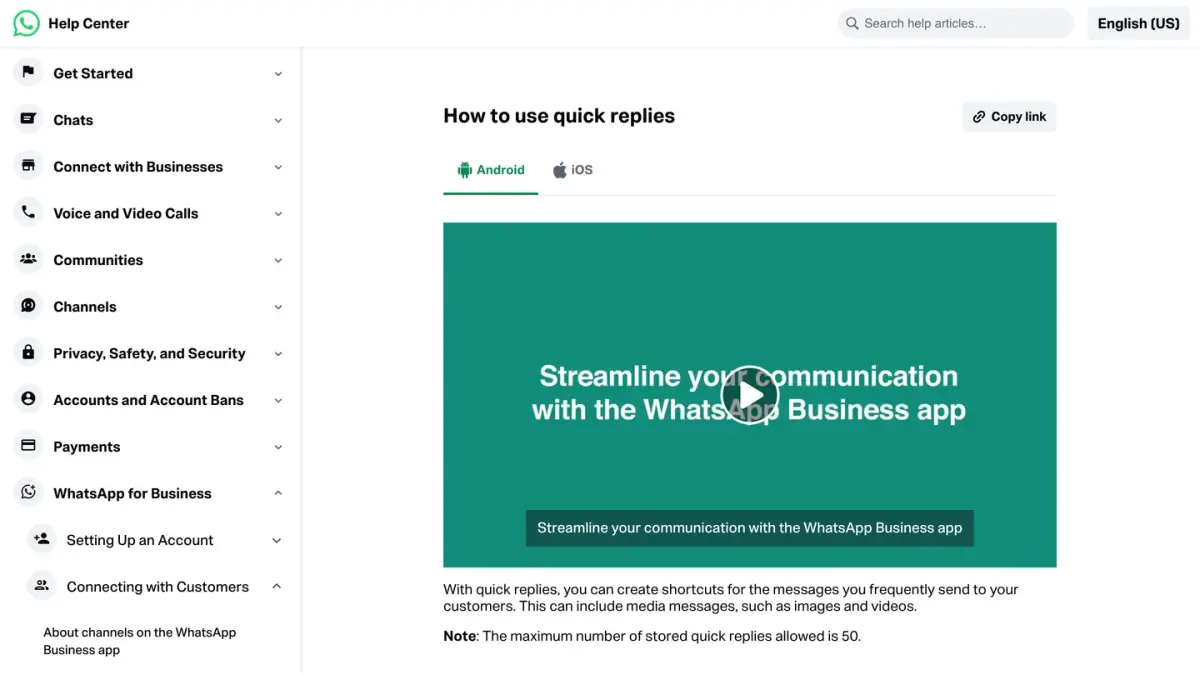
- From the Tools tab, tap Quick replies.
- Tap the add icon.
- Tap Message on Android, or Enter message on iPhone, and write the text.
- Tap Shortcut and set the keyboard shortcut.
- Tap Save.
To send a quick reply, open a chat and type "/" in the text field: the list of your quick replies appears, including the default replies the app creates from your business profile (your hours or your address, for example). Select one, edit it if needed, then send.
| Limit | Value |
|---|---|
| Stored quick replies | 50 at most |
| Shortcut | 25 characters at most, no spaces, starting with a forward slash "/" |
| Keywords per quick reply | Three at most |
| Length of a keyword | 15 characters at most, letters and numbers only |
| Deleted or lost quick reply | Cannot be recovered: keep a copy outside the app |
Sources: WhatsApp Help Center, "How to use quick replies" (Android, iPhone) and "Can't save or recover quick replies", as of October 7, 2026.
Example: the shortcut /return can call up this text.
Want to send an item back? Reply to this message with your order number and we will send you the steps.
What about AI auto replies inside the app?
In limited countries and for select businesses, the Tools tab shows an AI agent entry. This is Meta Business Agent, an AI service from Meta that answers customers based on what you give it to learn from: your past chats, your catalog, documents or photos, or your website. Under AI replies, you choose where it answers: All new 1-1 chats, 1-1 chats except with contacts, or 1-1 chats from ads. If you do not see the entry, the feature is not available for your business yet (Help Center, "How to set up Meta Business Agent", as of October 7, 2026).
Our Meta Business Agent guide explains how it works and how it is billed.
Why is my WhatsApp automated message not sending?
WhatsApp lists what to check when a greeting message is turned on but is not being sent (Help Center page on greeting messages, as of October 7, 2026):
- Meta Business Agent. If it is connected, you need to delete it to use greeting messages again.
- Your recipient settings. With Only send to… or Everyone except…, some customers do not receive the greeting.
- The 14-day rule. The contact may have messaged you within the last 14 days.
- The option itself. Go to Tools > Greeting message, turn off Send greeting message, wait a moment, then turn it back on.
- The app version. Install the latest version of WhatsApp Business.
- The device. A restart can resolve a temporary delivery issue.
For an away message, first check the option chosen under Schedule, then the phone's internet connection.
Can you set an automatic reply on regular WhatsApp?
Not with the tools above: WhatsApp presents them as features of WhatsApp Business, a separate app from WhatsApp Messenger. WhatsApp states that if you are not a business, there is no need to download it (Help Center, "About WhatsApp Business").
Two routes are best left alone:
- Tools that send messages for you from a personal account. In its responsible use guidelines, WhatsApp says not to bulk message or auto-message, and warns that the account may be banned (Help Center, "How to use WhatsApp responsibly").
- Modified versions of WhatsApp. WhatsApp files them under unofficial apps, with GB WhatsApp and FM WhatsApp among its examples, says that using them violates its Terms of Service, and states that the account might be temporarily or permanently banned (Help Center, "About unofficial apps").
What you can do is move your number to WhatsApp Business. The app identifies the number you use in WhatsApp Messenger and asks for permission to access your chat history and media. WhatsApp recommends creating a backup first, and notes that WhatsApp contacts are not yet supported in the WhatsApp Business app: save them to the phone's address book before you move (Help Center page on moving your account). WhatsApp also states that you cannot use the same phone number with both apps simultaneously, but that it is possible to move between them.
What does the WhatsApp Business Platform (the API) change?
WhatsApp describes its Business app as a tool for small businesses, used from a single device. For high volumes of conversations, the same page points medium to large businesses to the WhatsApp Business Platform, which a business accesses directly or through a Business Solution Provider (Help Center, "About WhatsApp Business products"). There is no Tools tab anymore: software connected to the platform sends the messages, within the rules Meta sets.
- To reply: the 24-hour window. When a customer messages you, a 24-hour customer service window starts, and it resets to 24 hours each time they message again. While it is open, the software can send free-form replies, with no template (Meta's documentation on service messages, as of October 7, 2026). The WhatsApp Business Messaging Policy allows automation for these replies, provided there are prompt, clear and direct escalation paths: an in-chat transfer to a human agent, a phone number or an email address, for example.
- To message first: message templates. Outside that window, only a template approved by Meta can be sent. Each template belongs to a category: marketing, utility or authentication (Meta's documentation on templates).
- Customer opt-in. Meta requires businesses to obtain opt-in before messaging people on WhatsApp, with a request that clearly states the business's name (Meta's documentation on opt-in).
- Billing. Meta charges for delivered messages from the business to the customer, by message category and by the recipient's country. Free-form replies sent in the 24-hour window are service messages: since October 1, 2026, each business phone number gets 1,000 free service messages per month, and Meta charges from the 1,001st (WhatsApp Business Platform pricing page, updated September 30, 2026, as of October 7, 2026).
Messages triggered by store events
On the platform, the trigger is no longer only an incoming message: it can also be an event in your store. Shopify, for example, notifies the apps that subscribed to it when an order is created, through webhooks that an app can use to trigger an action (Shopify's documentation on webhooks). The app then sends the template planned for that event.
| Event | Message sent | Meta category |
|---|---|---|
| Order placed | Order confirmation | Utility |
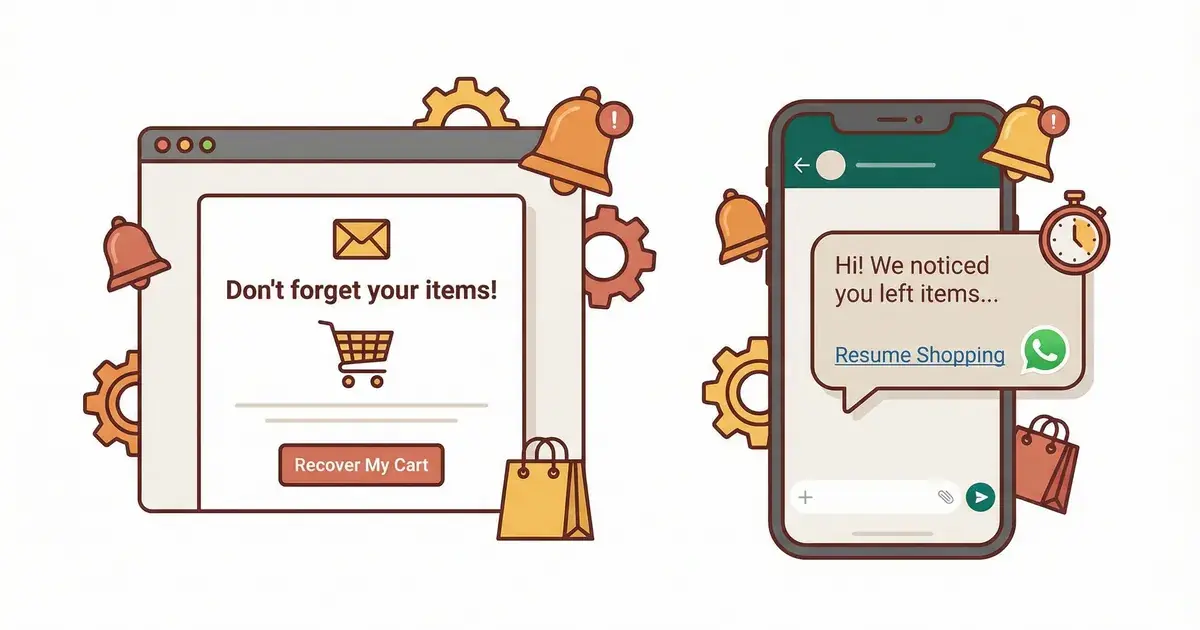
| Abandoned cart | Cart reminder | Marketing |
| The customer replies to one of these messages | Free-form reply for 24 hours, written by a person or by a bot | Service |
The categories in the first two rows are those of the pricing example Meta publishes on its pricing page, as of October 7, 2026.
The platform's equivalent of a greeting message
Meta offers two conversational components that you enable on a business phone number: ice breakers, tappable text strings that appear the first time a user chats with you, and commands, which the user sees by typing "/". A number takes 4 ice breakers at most, of 80 characters or fewer each, without emojis (Meta's documentation on conversational components, as of October 7, 2026). In its message quality guidelines, Meta also advises against sending open-ended welcome or introductory messages, so it is better to offer two or three precise choices right away.
To choose between the app and the platform, read our WhatsApp Business app vs API guide. And if you want the replies themselves to be automated, our guide explains how a WhatsApp bot works.
How does Kanal automate WhatsApp messages for a Shopify store?
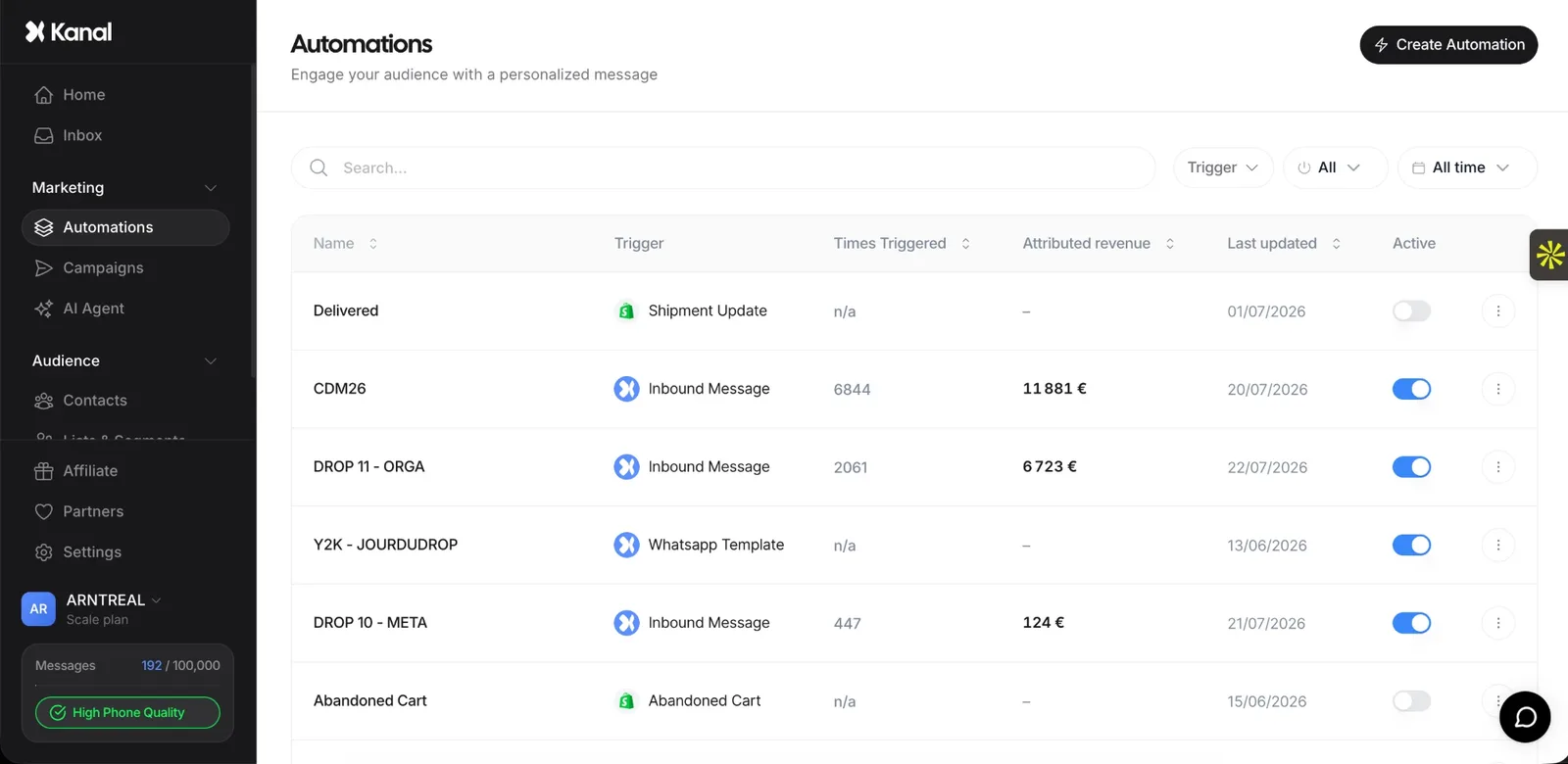
Kanal is a WhatsApp marketing and sales app for Shopify stores, connected to the official WhatsApp Business Platform. Its automations are triggered by Shopify events and send the message planned for each one: abandoned cart recovery, order notification, back-in-stock alert, review request. Templates and Meta approvals are handled in Kanal. Kanal records opt-ins from its widget, QR codes and WhatsApp links, and handles opt-outs.
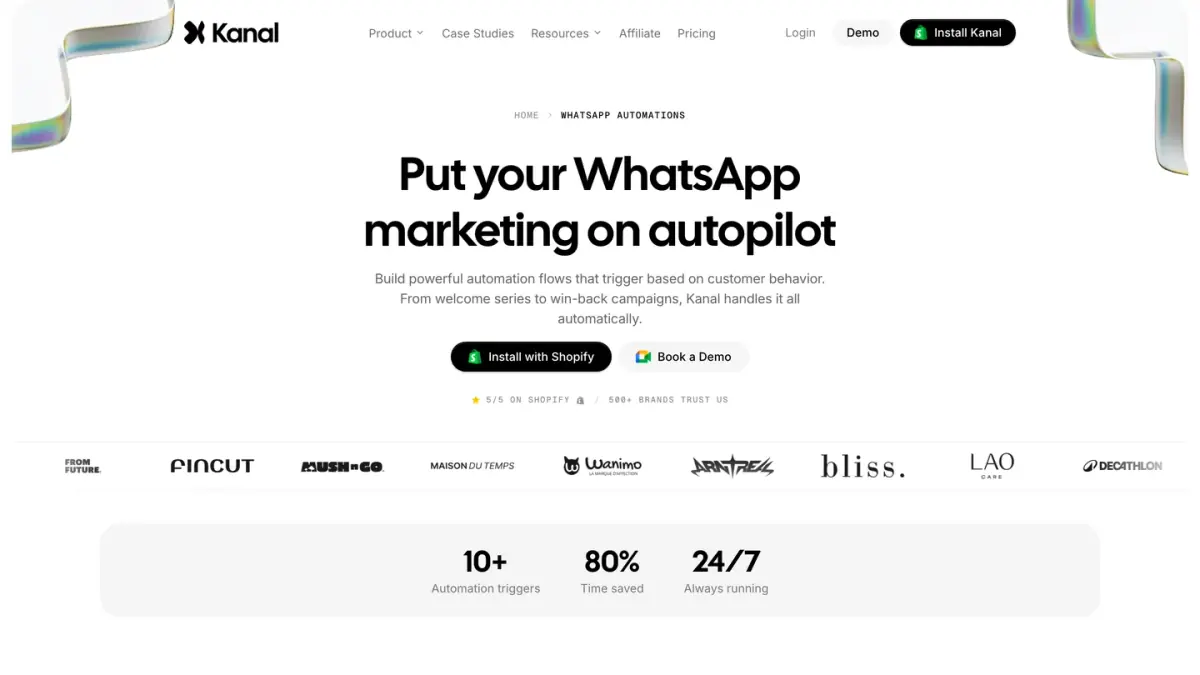
When a customer replies, the message lands in a shared team inbox, where the AI chatbot or your team takes over. To see these automations on your own store, book a demo.
See Kanal on your own store
- Your campaigns and cart reminders on WhatsApp, starting from your own store
- Post-purchase offers, back-in-stock alerts, then the AI agent that advises your customers
- You leave with the plan that fits and its price
From €89/month
- brands
- 500+
- to set up
- 5 min
- open rate on WhatsApp
- +90%
Nicolas helps e-commerce brands grow revenue with WhatsApp marketing. With deep expertise in Shopify ecosystems and conversational commerce, he shares proven strategies for abandoned cart recovery, broadcast campaigns, and AI-powered customer engagement.