WhatsApp Account Review: How Long It Takes & What to Do

Summarize this article with an AI
 ChatGPT
 Claude
WhatsApp account in review? WhatsApp says most reviews are completed within 24 hours. What the status means, how to request a review, what to do while you wait.
Table of contents (9)
Key takeaways
- An account in review is not banned yet, since WhatsApp is still re-checking it after your appeal or after flagging unusual activity.
- WhatsApp says most reviews are completed within 24 hours and gives no figure for the cases that take longer.
- Keep the app installed, send only one review request and wait for the in-app decision, because nothing legitimately speeds a review up.
Quick answer
Your WhatsApp account is in review. It means WhatsApp is manually or automatically re-checking your account, either because you appealed a ban with "Request a review", or because the system flagged unusual activity. Most reviews are completed within 24 hours, according to the message WhatsApp shows on a banned account (WhatsApp Help Center); WhatsApp gives no figure for the cases that take longer. While it is pending you usually cannot send or receive messages. There is nothing to pay and no hotline: keep the app installed, do not create a new account with the same number, and wait for the in-app decision.
What "WhatsApp Account in Review" Means (and Why It Is Not a Ban)
The two screens get mixed up constantly, and the difference matters.
Banned ("This account cannot use WhatsApp") means WhatsApp has already decided: the account broke the Terms of Service or messaging policies, and it is blocked. If that is your screen, start with our complete guide on why WhatsApp bans accounts and how to fix a banned account.
In review means a decision is being made right now. You are in the waiting room, not the courtroom. Two roads lead here:
- You appealed. You tapped "Request a review" on the ban screen, and WhatsApp is re-examining the case.
- WhatsApp flagged you. The system paused the account on its own after detecting something unusual, and is checking whether the activity is legitimate before deciding.
The second case is easy to trigger without realizing it, especially for a business: sending too many messages too fast, messaging people who never agreed to hear from you, or using tools that automate the regular WhatsApp app.
How Long Does a WhatsApp Account Review Take?
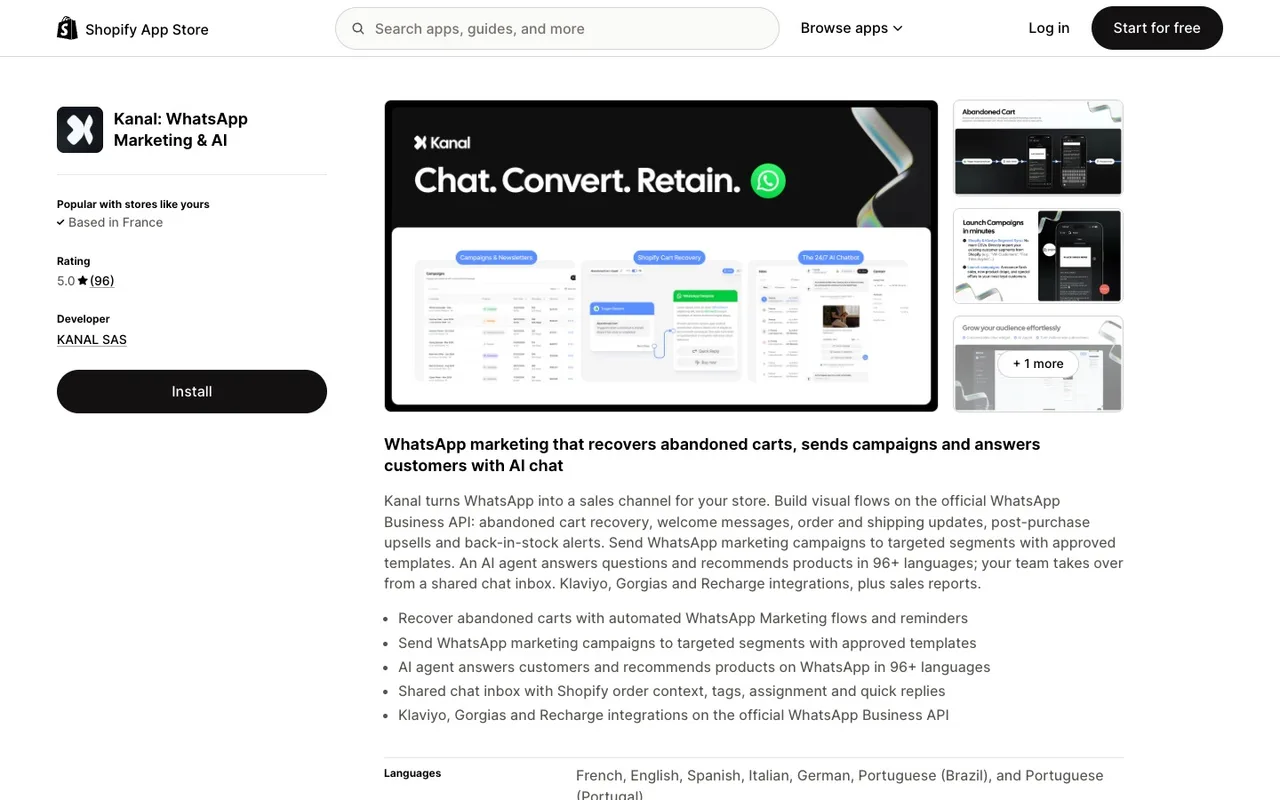
WhatsApp gives the answer itself. The message shown on a banned account reads: "This phone number can't use WhatsApp: [phone number]. You can request a review of this number. Most reviews are completed within 24 hours." (WhatsApp Help Center, About account bans, read on October 7, 2026). WhatsApp publishes no figure for the reviews that take longer, so treat any more precise range you read online as an estimate. The duration depends on the case:
- Simpler cases, such as a first-time flag on a low-volume personal account, can close within hours.
- Heavier cases, such as repeated flags, high-volume business accounts, or appeals that need human review, can take several days.
You can check the status of your request by opening WhatsApp, and you receive a WhatsApp notification once a decision is made. WhatsApp states that contacting it outside the review process, or through another user's account, does not expedite the review or change the decision. If a week passes with no answer, a single follow-up through the in-app support (Settings, then Help) or the WhatsApp contact form is reasonable: mention the number in international format and the date of your first request.
Nothing legitimately accelerates a review. No paid service, no "WhatsApp partner" on Telegram, no unlock tool. Anyone selling a faster review is scamming you.
What to Do While Your WhatsApp Account Is in Review
Do:
- Keep WhatsApp installed on the phone with the SIM for that number. Decisions arrive in-app.
- Check the app morning and evening. Restored accounts sometimes come back silently. Once it is back, make a fresh WhatsApp backup of your chats.
- Write down what could have triggered the flag: a bulk send, a new group-adding spree, a modified app. You will need it if you have to appeal again.
- If you run a business, prepare your migration to the official API (more below) so the problem does not repeat. You can also have Kanal set the API up for you in 24 hours rather than restart the process yourself.
Do not:
- Do not register the same number on another device repeatedly, and do not spam-verify SMS codes. It looks like account takeover activity. If you are simply changing handsets, wait for the decision, then follow the official steps to transfer WhatsApp to a new phone.
- Do not create a fresh account with a new SIM just to message the same lists the same way. The pattern gets flagged again, often faster.
- Do not install GB WhatsApp or any other modified client to "check messages". Modified apps break WhatsApp's Terms of Service in the first place, and using one during a review seals the case.
How to Submit a WhatsApp Review Request
If your screen shows a ban rather than a review, the WhatsApp review request is what starts the clock. There is exactly one good way to file it:
- Open WhatsApp on the phone that holds the number. The blocked screen shows a Request a review button (older versions label it Support or Contact us).
- Write one or two factual sentences: what the number is used for, and why you believe the decision is a mistake. If something did trigger the flag and you have stopped it, say so. Skip the emotional plea, the review is procedural.
- Enter the SMS verification code if WhatsApp asks for one, send, and then leave it alone.
One request per number is the rule. Sending several does not escalate anything: appeals are queued, and a duplicate simply resets your place in line. If you cannot reach the blocked screen at all, the fallback is the contact form in WhatsApp's Help Center, with your number in full international format.
Once the request is in, the status usually flips to "account in review" and the timelines above apply. The do and do not list applies unchanged while you wait.
Why Business Accounts End Up in Review
WhatsApp's spam systems watch a few signals closely, and ordinary business enthusiasm trips all of them:
- Volume spikes: a number that sent 20 messages a day suddenly sending 2,000. Peak seasons are the classic trap; our Black Friday playbook covers how to ramp volumes safely.
- Recipient reactions: blocks and "report spam" taps from people who never opted in.
- Unofficial automation: bulk senders, browser extensions and mods that puppet the regular app or WhatsApp Business app.
- New number, big ambitions: fresh registrations that immediately blast a list.
The regular WhatsApp and WhatsApp Business apps were built for conversations, not campaigns. The moment messaging becomes marketing, the compliant route is the WhatsApp Business API: templates pre-approved by Meta, quality ratings per number, and progressive sending limits that grow with your reputation instead of against it.
That is exactly what Kanal runs on for Shopify stores. Campaigns, abandoned cart recovery and the AI agent all go through the official API, so the account-in-review lottery stops being part of your marketing stack. If your business account keeps getting flagged, book a demo and we will look at your setup together.
The Three Possible Outcomes
- Restored. You get a notification, messaging works again. Treat it as a warning shot: the next flag on the same number faces less benefit of the doubt.
- Ban upheld. The in-review status ends with a confirmation that the account stays banned. For that number, the decision is effectively final. Our guide on what to do after a WhatsApp ban is upheld covers what little can still be done, and how to restart cleanly.
- Silence beyond a week. It happens. Follow up once through the contact form, then decide whether waiting longer beats migrating the business to a new, compliant setup.
Conclusion: Waiting Rooms Are for Leaving
"Account in review" is frustrating precisely because the only real move is patience: WhatsApp says most reviews are completed within 24 hours, and nothing you do outside the app speeds it up. Use the pause well. If this is a personal account, check which habit tripped the wire. If this is a business account, the review screen is your sign that the regular app has reached its limit: move the marketing to the official API with a platform like Kanal, collect real opt-ins, and let the sending limits grow with your quality rating instead of gambling the number every campaign.
Resources
Frequently asked questions
How long does a WhatsApp account review take?
Most reviews are completed within 24 hours: that is what the message WhatsApp shows on a banned account says, as quoted in the WhatsApp Help Center. WhatsApp gives no figure for the cases that take longer. You receive a WhatsApp notification once a decision is made, there is no paid way to speed it up, and WhatsApp states that contacting it outside the review process does not expedite the review.
Why is my WhatsApp account in review?
The status appears in two main situations: you tapped "Request a review" after a ban, or WhatsApp flagged unusual activity on the account, such as bulk messaging, use of a modified app like GB WhatsApp, many user reports, or a new number sending high volumes right after registration.
How do I check my WhatsApp account review status?
Open WhatsApp on the phone holding the number under review. The in-app screen is the only reliable status: it shows the review is pending, then switches to the decision when it lands. There is no web dashboard, no support hotline and no ticket number to track, so checking once or twice a day is enough.
Can I use WhatsApp while my account is in review?
Usually no. While the review is pending, the account stays restricted: you can see the status screen but cannot send or receive messages. Messages sent to you during the review are queued by senders' apps and arrive only if the account is restored.
What happens if the review is rejected?
You receive an in-app notification that the ban is upheld, and the decision on that number is usually final. Your remaining options are a new appeal with additional context through the support form, or moving your business to a new number, this time following the opt-in and volume rules that triggered the ban.
How do businesses avoid ending up in review?
Collect a real opt-in before messaging anyone, warm up sending volumes progressively, avoid modified apps and unofficial bulk tools, and run business messaging through the official WhatsApp Business API with a platform like Kanal, where templates are pre-approved by Meta and quality ratings are monitored.

Nicolas helps e-commerce brands grow revenue with WhatsApp marketing. With deep expertise in Shopify ecosystems and conversational commerce, he shares proven strategies for abandoned cart recovery, broadcast campaigns, and AI-powered customer engagement.
Glossary terms in this article
Quick definitions for the WhatsApp Business terms used above.
GB WhatsApp
GB WhatsApp is an unofficial, modified version of WhatsApp made by third parties and distributed outside the official app stores. WhatsApp lists it among unofficial apps: using it breaks its Terms of Service and can get the account banned.
Read full definitionWhatsApp Business App
The WhatsApp Business App is a free mobile application designed for small businesses to chat with customers, with a catalog, quick replies, and automated greeting messages.
Read full definitionQuality Rating
The quality rating is the score WhatsApp gives a business phone number, and each of its message templates, based on how recipients react: blocks, reports and read rates. It is shown as high, medium or low (green, yellow, red).
Read full definitionOpt-in
A WhatsApp opt-in is the permission a person gives a business to send them messages on WhatsApp. WhatsApp's Business Messaging Policy requires it before any message: the business must have the person's phone number and their agreement to hear from that business.
Read full definitionSuggested articles
WhatsApp Account Banned? How to Unban Your Number (2026)
My WhatsApp number is banned: how to get unbanned step by step, temporary vs permanent bans, and how businesses stay ban-proof on the official API.
WhatsApp Usernames: How to Reserve Yours (2026 Guide)
WhatsApp usernames are rolling out in 2026: how to reserve your @username, the format rules, what changes for privacy, and what businesses must do about it.
WhatsApp Business Search: How to Get Your Store Found (2026)
Users can now find businesses directly in WhatsApp search. The readiness checklist for your Shopify store: profile, catalog, verification and fast replies.
How to Check if a Number Is on WhatsApp (2026)
How to check if a number is on WhatsApp: the free wa.me link method, the contact-save method, and how to validate a whole opt-in list with the API.