Meta AI on WhatsApp: can you turn it off or remove it?
WhatsApp documents no setting that turns Meta AI off. What you can do instead: delete your chats with it, reset its copy, block it in a chat.
 Nicolas ProvostOct 7, 2026 · 10 min read
Summarize this article with an AI
 ChatGPT
 Claude
Table of contents (12)
Key takeaways
- WhatsApp's Help Center describes no setting that turns Meta AI off or removes it from the app, as of October 7, 2026.
- Meta AI reads only the messages that mention it or are shared with it, except in a group where it was added as a member.
- Deleting a chat does not erase Meta AI's copy, which takes the /reset-ai command for one chat or /reset-all-ais for all of them.
- Restricted chat blocks Meta AI features in a given chat, and a group admin can remove Meta AI from a group at any time.
WhatsApp's Help Center describes no setting that turns Meta AI off or removes it from the app, as of October 7, 2026. It presents Meta AI as an optional service that reads the messages you send it and nothing else, and it documents what you can do instead: delete your chats with Meta AI, erase its copy of them, switch off the AI features that have a toggle, block Meta AI features in a given chat and remove it from a group.
This guide sticks to what WhatsApp and Meta publish, with each page linked and read on October 7, 2026: where Meta AI appears, where it is available, what it can read, and the exact steps for each control.
What is Meta AI on WhatsApp?
Meta AI is an assistant built by Meta, WhatsApp's parent company. WhatsApp's page About Meta AI describes it as "an optional service from Meta" that can answer questions, teach you something or help you come up with ideas. Meta provides the technology; WhatsApp integrates it into the app.
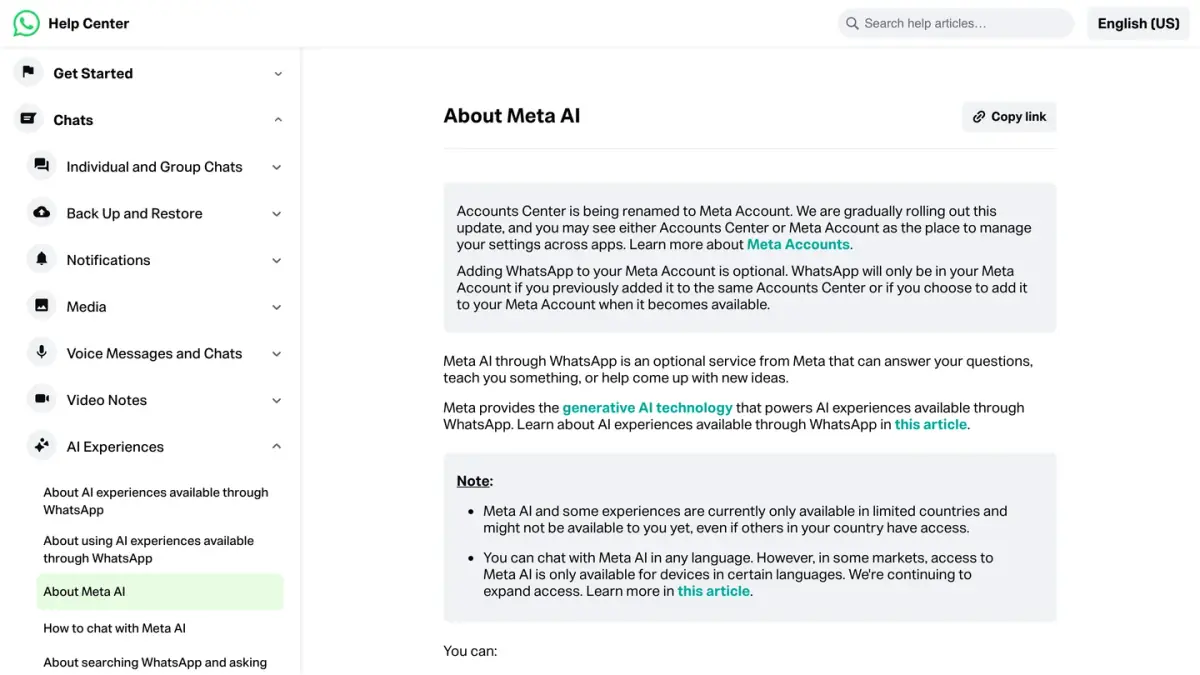
According to the same page, you can chat with it one to one, call on it in existing group chats, create AI-generated images in chats and forward messages to it to ask questions.
Where does Meta AI appear in WhatsApp?
Based on WhatsApp's Help Center, as of October 7, 2026, Meta AI shows up in these places:
- The Chats tab. A multicolored ring opens the chat with Meta AI. WhatsApp says it is testing different entry points, so some people see a pink and purple oval ring and others a blue and purple circle.
- The search bar. When you type in the search field at the top of your chats, WhatsApp shows results from your chats and questions you can send to Meta AI, under Ask Meta AI. WhatsApp's page on the search bar covers Android, iPhone and Mac.
- Inside a chat. Someone can mention @Meta AI in a conversation, or forward a message to Meta AI.
- Groups. A member can add Meta AI to a group as a member.
- Other AI features. WhatsApp's overview of AI experiences also lists AI-generated images and stickers. Message summaries, writing help and Incognito chats with Meta AI are described on its page about Private Processing.
One point matters for everything that follows: WhatsApp's page on using AI experiences says a conversation with the AI starts when you, or a participant in a group, open the chat or send it a message. Meta and WhatsApp do not start it for you.
Is Meta AI available in your country?
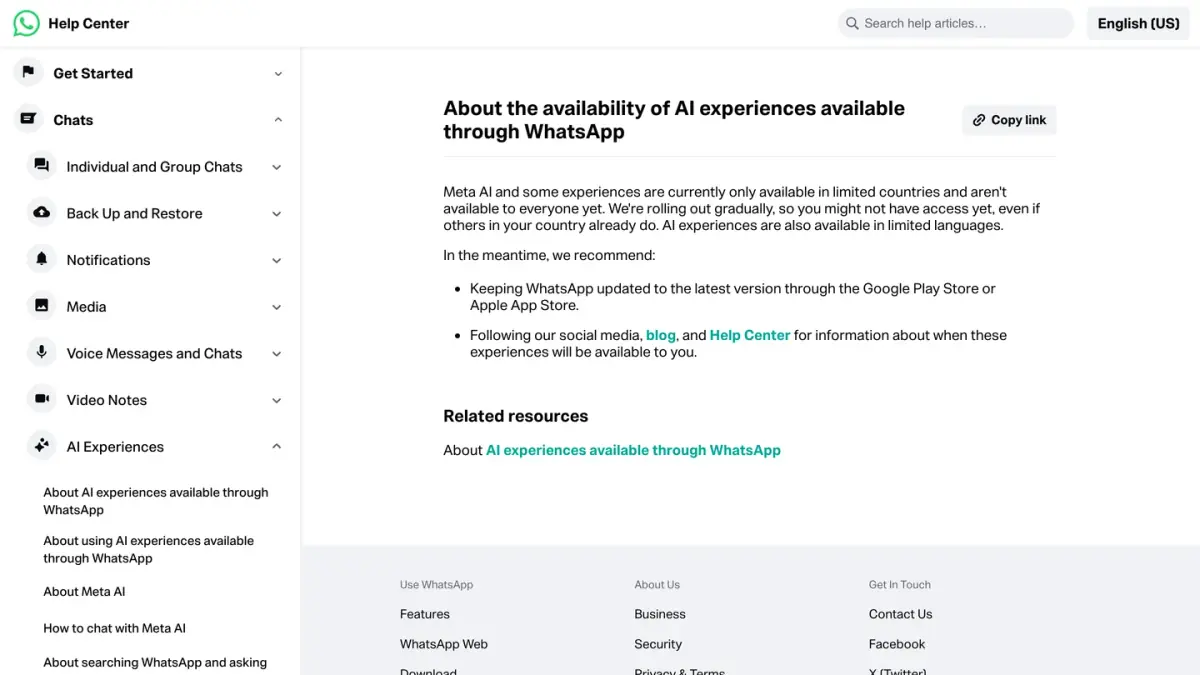
Not everywhere. WhatsApp's page on availability, read on October 7, 2026, says Meta AI and some AI features are available in limited countries, are rolling out gradually, and may not have reached you yet even if other people in your country have them.
Meta has published a few dates. In a newsroom post dated March 19, 2025, read on October 7, 2026, it wrote that Meta AI launched in the US in 2023, and announced that it would begin rolling out across 41 European countries, including those in the European Union, and 21 overseas territories, starting with a chat function in six European languages.
Language also plays a part. You can write to Meta AI in any language, but WhatsApp's page on languages says that in some countries, access depends on the language your device is set to (English is on the list). Message summaries and writing help are narrower still: WhatsApp's page on Private Processing features says they support English, Indonesian, Portuguese and Spanish at this time.
What can Meta AI read?
WhatsApp's Help Center draws the line this way, as of October 7, 2026:
- Meta can read the messages that mention @Meta AI, or that people choose to share with Meta AI. It cannot read any other message in your personal chats, according to the page About Meta AI.
- Your personal messages and calls remain end-to-end encrypted, the same page says.
- When you use Meta AI, Meta receives your prompts, the messages you share and your feedback in order to answer you. WhatsApp's advice on its page about using AI experiences is direct: do not send Meta AI information you do not want it to know.
- In the search bar, the content of your chats stays on your device, and Meta does not connect what you type to you unless you send a prompt to Meta AI, according to the page on searching WhatsApp and asking Meta AI.
- When a member adds Meta AI to a group, Meta can read the new messages sent in that group, and every member sees a system message announcing it, as the page on groups with Meta AI as a member explains.
For the wider picture of what Meta does with WhatsApp, our guide on how WhatsApp makes money covers the business side.
Can you turn off Meta AI on WhatsApp?
Not as a whole. We searched WhatsApp's Help Center on October 7, 2026 for ways to turn off, remove or disable Meta AI: no page describes a setting that hides the ring on the Chats tab or the suggestions in the search bar. Here is what the Help Center does let you control.
| What | Can you switch it off? | Where |
|---|---|---|
| Meta AI as a whole (the ring, the search suggestions) | No setting documented | Not applicable |
| Message summaries and writing help | Yes, and they are off by default | Settings, then Chats, then Private Processing |
| Web search in Incognito chats with Meta AI | Yes, it is on by default | Settings, then Chats, then Private Processing |
| Meta AI features in one chat | Yes, with Restricted chat | The chat's info screen |
| Meta AI as a member of a group | Admins can remove it | The group's member list |
| Meta AI for a teen with parental controls | A parent can select Limited | Settings, then Parental controls, then Meta AI |
Sources: WhatsApp Help Center pages on Private Processing features, web search, Restricted chat, Meta AI in groups and chatting with Meta AI, read on October 7, 2026.
WhatsApp's own wording is that using Meta AI is always optional. In practice, that means you can leave the ring and the search suggestions alone: nothing is sent to Meta AI until you send it a prompt.
How do you delete a chat with Meta AI?
WhatsApp's page on deleting chats with Meta AI, read on October 7, 2026, gives these steps for Android and iPhone:
- Open the chat with Meta AI.
- Tap the chat history icon (a clock with a circular arrow).
- Press and hold the chat you want to delete.
- Tap Delete chat, then Delete.
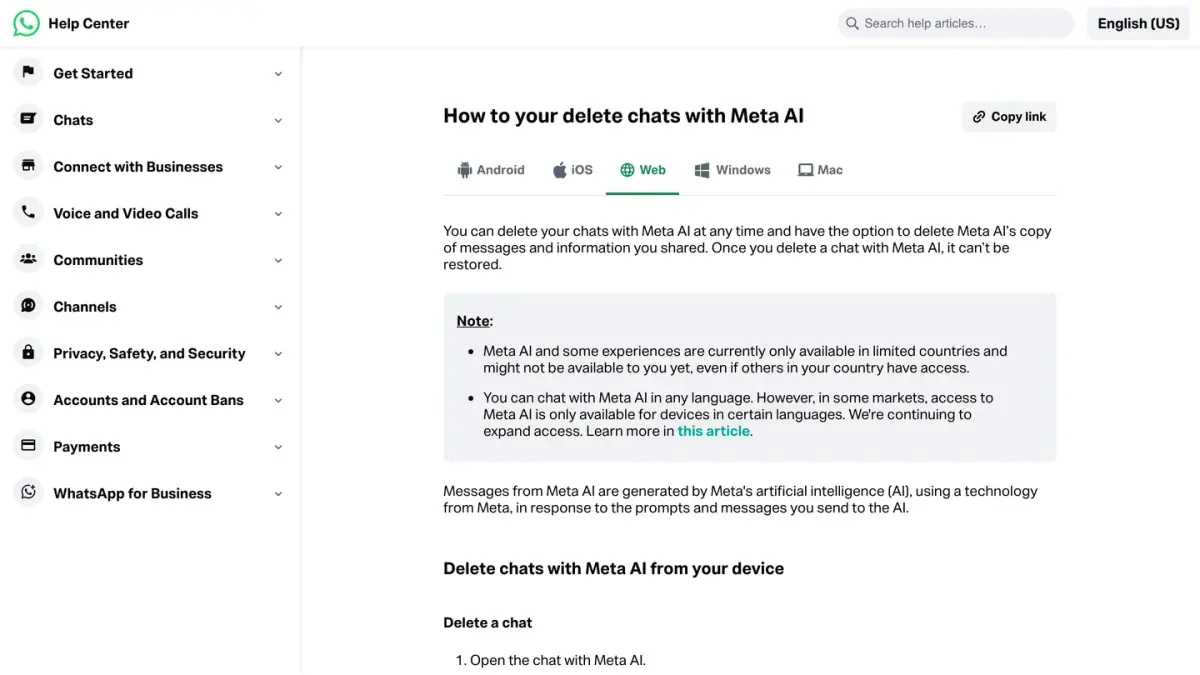
To delete several at once, press and hold one chat, select the others, then tap Delete (on Android, tap the trash icon first). On WhatsApp Web, open the chat with Meta AI, hover over the chat you want to remove, click the menu arrow, then Delete twice.
WhatsApp warns that a deleted chat with Meta AI cannot be restored.
How do you delete what Meta AI keeps about your chats?
Deleting a chat removes it from your device. To delete Meta AI's copy of the messages and information you shared, WhatsApp's same page says you need a command:
- One chat. Open the chat with Meta AI, tap the chat history icon, open the chat concerned, type
/reset-aiin the message field and send it. - Every chat. Open the chat with Meta AI, type
/reset-all-aisand send it. This resets all the individual and group chats in which you have talked to Meta AI.
These commands do not work in Incognito chats with Meta AI, since messages there are not saved or stored. WhatsApp's page About Meta AI adds that you can also ask Meta to delete information you previously shared with Meta AI.
How do you keep Meta AI out of a chat?
Use Restricted chat. WhatsApp's page About restricted chat, read on October 7, 2026, explains that this setting replaces Advanced chat privacy on the latest version of WhatsApp. When it is on, people in the chat cannot use Meta AI features in that chat, cannot export the chat and cannot save its media to their gallery automatically.
- In a one-to-one chat, either person can turn it on. On Android, open the chat, tap the three dots, then View contact, then Restricted chat. On iPhone, open the chat, tap the name, then Restricted chat.
- In a group, admins control the setting, and it applies to every member. Open the group, then tap Restricted chat (on iPhone, WhatsApp's page says to tap the group name first).
Three things to know before you switch it on. First, the setting can be changed from your primary device and nowhere else. Second, it also prevents people from using linked devices for that chat, the category that WhatsApp Web and the desktop apps belong to (our WhatsApp Web and desktop guide explains linked devices). Third, WhatsApp notes that Meta AI can access the messages people choose to send it and no others, whether Restricted chat is on or off.
How do you remove Meta AI from a group?
A group admin can remove Meta AI at any time. The steps come from WhatsApp's page on adding or removing Meta AI as a group member:
- Open the group chat.
- Tap the group name.
- Scroll to the list of members.
- Tap Meta AI.
- Tap Remove from group, then OK (on iPhone, Remove).
If you manage a group, our guide on how to create a WhatsApp group covers the other admin settings.
Which AI features have their own switch?
Two switches sit under Settings, then Chats, then Private Processing:
- Private Processing features controls message summaries and writing help. According to WhatsApp's page, the setting is off by default; when it is off, you no longer see the option to summarize messages or ask for writing help in chats.
- Web search lets Meta AI look up recent information in Incognito chats. According to WhatsApp's page, it is on by default and you can turn it off at any time.
One feature has gone: WhatsApp's page on Meta AI Memory now says that Memory, and the details Meta AI may have remembered, are no longer available.
What about tricks that promise to remove Meta AI?
WhatsApp documents none, so this guide leaves them out. The controls above are the ones published by WhatsApp. To keep a sensitive conversation to yourself, two documented features go further than any trick: chat lock, which hides a chat behind your fingerprint or a secret code, and disappearing messages, which erase new messages after a set time.
ChatGPT is a separate story, with its own number and its own rules: see our guide to ChatGPT on WhatsApp.
If you run a store
If you run a business, a different kind of assistant comes into play: a chatbot the business runs on its own number, either scripted or an AI agent that answers from the company's own data. See WhatsApp chatbots compared and what the WhatsApp Business API is.
Kanal is a WhatsApp marketing and sales app for Shopify stores. It includes an AI agent that answers a store's customers on WhatsApp.
Nicolas helps e-commerce brands grow revenue with WhatsApp marketing. With deep expertise in Shopify ecosystems and conversational commerce, he shares proven strategies for abandoned cart recovery, broadcast campaigns, and AI-powered customer engagement.