WhatsApp chat lock: lock, hide and unlock your chats
WhatsApp chat lock hides a chat behind your passcode, Face ID, fingerprint or a secret code. How to lock, open, hide and unlock chats on phone and Web.
 Nicolas ProvostOct 7, 2026 · 8 min read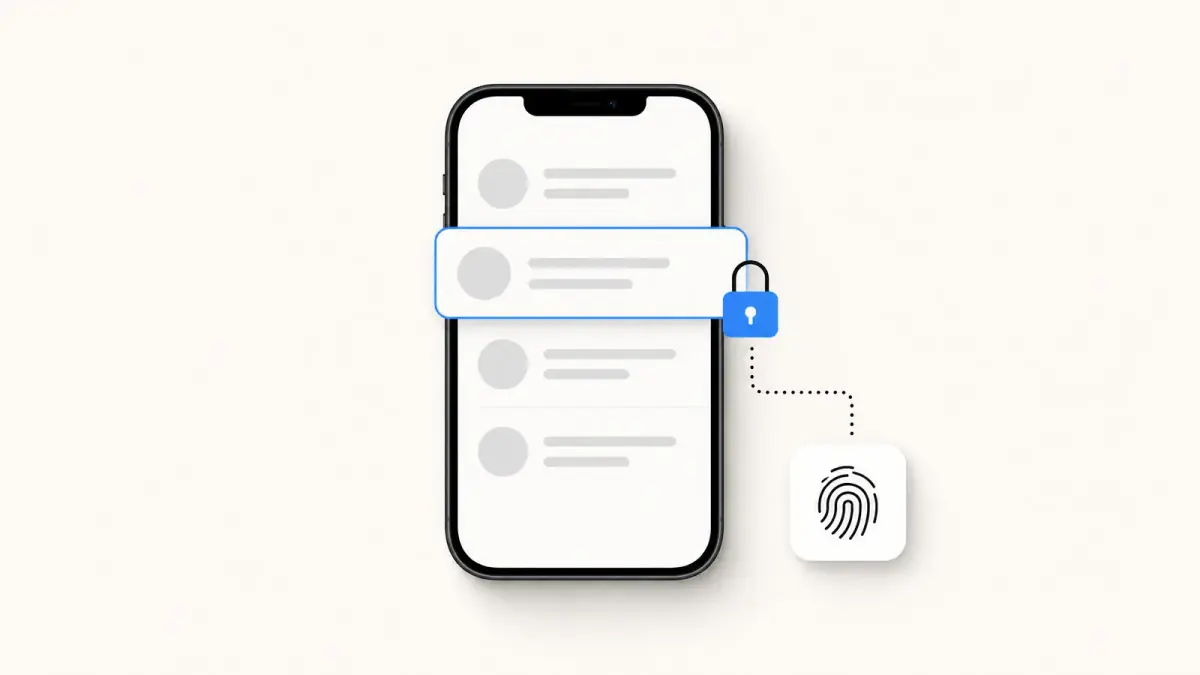
Summarize this article with an AI
 ChatGPT
 Claude
Table of contents (13)
Key takeaways
- Press and hold a chat, then tap Lock chat, to move it into a Locked chats folder opened by your passcode, Face ID, fingerprint or a secret code.
- The other person is not notified, and notifications from a locked chat hide the contact's name and the message content.
- If you forget the secret code, the only way out clears every message, photo and video in your locked chats, restorable only from an earlier backup.
WhatsApp chat lock moves a chat into a Locked chats folder that opens with your phone's passcode, Face ID, fingerprint or a secret code. To lock a chat, press and hold it in your chat list, then tap Lock chat (on Android, tap the three dots first); the other person is not notified.
This guide follows WhatsApp's Help Center page Turn chat lock on or off, read on October 7, 2026, for Android, iPhone, WhatsApp Web, Windows and Mac. It covers how to lock and open chats, the secret code, how to hide the folder, and what happens if you forget the code.
What does chat lock do on WhatsApp?
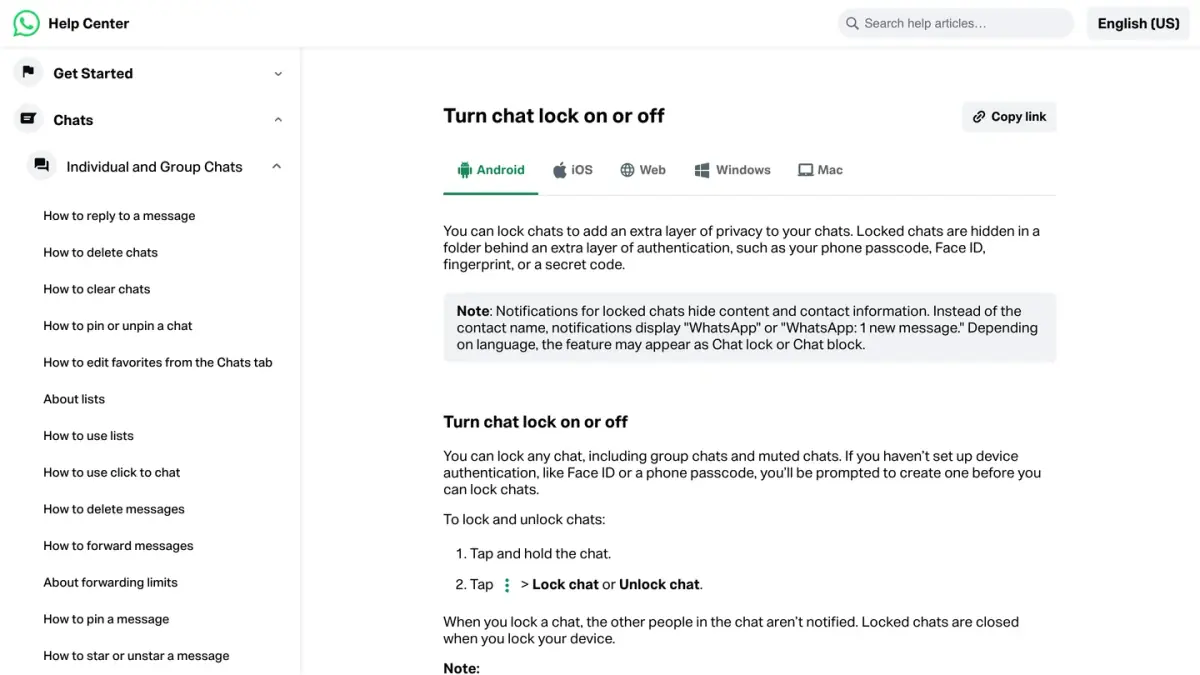
Chat lock adds an extra layer of authentication to the chats you choose. According to WhatsApp's page, as of October 7, 2026:
- The chat moves to a folder. Locked chats are hidden in a Locked chats folder, which opens with your phone passcode, Face ID, your fingerprint or a secret code.
- Notifications say less. A notification from a locked chat hides the content and the contact: it shows "WhatsApp" or "WhatsApp: 1 new message" in place of the name.
- Nobody is told. The other people in the chat are not notified when you lock it.
- It closes with your phone. Locked chats are closed when you lock your device.
- Calls still come through. Calls from contacts in locked chats are not blocked.
- Any chat qualifies. You can lock any chat, including group chats and muted chats.
One detail about media: you can save media from a locked chat, but you cannot turn on automatic saving for it (Media visibility on Android, Save to Photos on iPhone).
How do you lock a chat on WhatsApp?
| Device | Steps |
|---|---|
| Android | Press and hold the chat, tap the three dots (More options), then Lock chat |
| iPhone | Press and hold the chat, then tap Lock chat |
| WhatsApp Web | Right-click the chat, then click Lock chat |
| WhatsApp for Mac | Chat lock is not supported at this time |
Source: Turn chat lock on or off, WhatsApp Help Center (Android, iPhone, Web and Mac versions), read on October 7, 2026.
Two prerequisites, depending on the device:
- On a phone, you need device authentication, such as Face ID or a phone passcode. If you have not set one up, WhatsApp prompts you to create it before you can lock chats.
- On WhatsApp Web and WhatsApp for Windows, you need a secret code, created beforehand on your Android phone or iPhone (see below).
How do you open your locked chats?
On Android and iPhone:
- Swipe down on your chat list and tap Locked chats.
- Unlock with your phone's authentication, or tap Use secret code.
On WhatsApp Web, click Locked chats, enter your secret code and click Continue. On WhatsApp for Windows, the folder opens from an icon showing a speech bubble with a padlock.
How do you unlock a chat?
Unlocking uses the same menu as locking: open the Locked chats folder, press and hold the chat, then tap Unlock chat (on Android, through the three dots; on WhatsApp Web, with a right click).
What is the secret code, and how do you create one?
The secret code is a code for your locked chats that is separate from your phone passcode. You need it to open locked chats on WhatsApp Web, WhatsApp for Windows and iPad, and to hide the folder. It is created on your phone:
- Swipe down on your chat list and tap Locked chats.
- On Android, tap the three dots, then Chat lock settings, then Secret code. On iPhone, tap Settings, then Secret code.
- Enter your code and tap Next.
- Enter the code again to confirm, then tap Done.
To turn the code off, go back to Secret code in the same menu, then tap Turn off and Continue.
How do you hide the Locked chats folder?
You can make the folder itself disappear from your chat list, so that it shows up only when you type your secret code.
- Swipe down on your chat list and tap Locked chats.
- On Android, tap the three dots, then Chat lock settings, then Hide locked chats. On iPhone, tap Settings, then Hide locked chats.
To see your hidden locked chats afterward, tap the search bar and enter your secret code. This setting is managed from your phone: WhatsApp's page for the Web version says hiding or unhiding has to be done on Android or iPhone.
What happens if you forget your secret code?
This is the costly scenario. If your locked chats are hidden and you have forgotten the code, WhatsApp's Help Center describes a single way to get the chats back in view, called Unlock and clear locked chats:
- On Android, tap the three dots, then Settings, then Privacy. On iPhone, tap Settings, then Privacy.
- Tap Chat lock, then Unlock and clear locked chats, then Unlock and clear.
The consequences are spelled out on WhatsApp's page:
- Your secret code is cleared.
- All your locked chats return to your chat list.
- All the messages, photos and videos in those locked chats are cleared.
WhatsApp adds that you can restore cleared chats if your most recent backup was made before you cleared them, and that the restore brings back the messages and media sent before that backup, nothing later. Our guide to recovering deleted WhatsApp messages explains how a restore works.
Does chat lock work on WhatsApp Web, Windows, Mac and iPad?
| Device | What WhatsApp's Help Center says |
|---|---|
| WhatsApp Web | Works once a secret code exists on your phone. You can lock, unlock and open chats; hiding the folder and clearing locked chats are done on the phone |
| WhatsApp for Windows | Works once a secret code exists on your phone |
| WhatsApp for Mac | Chat lock is not supported at this time |
| iPad | Opening locked chats requires a secret code created on your primary phone |
Source: Turn chat lock on or off, WhatsApp Help Center (Web, Windows, Mac and iPhone versions), read on October 7, 2026.
If you mostly use WhatsApp on a computer, our WhatsApp Web and desktop guide covers how linked devices work.
Chat lock or app lock: which one do you need?
They protect different things, and you can use both.
| Chat lock | App lock | |
|---|---|---|
| Protects | The chats you choose | The whole WhatsApp app |
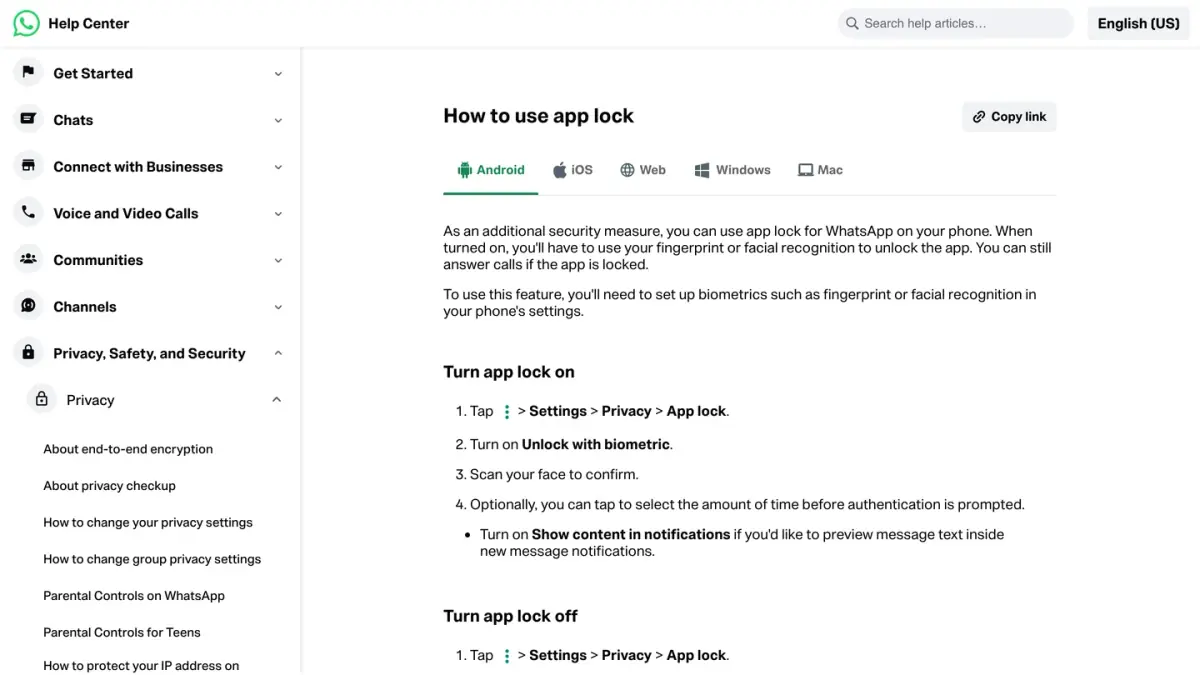
| Unlocks with | Phone passcode, Face ID, fingerprint or a secret code | Fingerprint or face recognition on Android, Touch ID or Face ID on iPhone |
| Where to find it | Press and hold a chat | Settings, then Privacy, then App lock |
| Calls | Not blocked | You can still answer calls while the app is locked |
Sources: Turn chat lock on or off and How to use app lock, WhatsApp Help Center, read on October 7, 2026.
Why do my notifications say "WhatsApp" with no name?
Because the chat is locked. Chat lock hides contact names and message content in notifications. To see the contact's name again, unlock the chat.
What happens to locked chats on a new phone?
If you back up WhatsApp and restore it on a new phone, your locked chats are still locked. To open them, the new phone must have device authentication set up.
Which other settings help keep a chat private?
- Disappearing messages erase new messages after a duration you choose.
- Delete for everyone removes a message you regret sending.
- Restricted chat blocks Meta AI features and chat exports in a conversation: see our guide to Meta AI on WhatsApp.
If you run a store
This guide is about your own chats. If you also run a Shopify store and want to talk to customers on WhatsApp, Kanal is a WhatsApp marketing and sales app for Shopify stores: campaigns, abandoned cart recovery and order notifications.
If you run a business account, conversations with customers at scale go through the WhatsApp Business API rather than a personal phone. See how the WhatsApp Business API works and, for Shopify stores, the best WhatsApp apps for Shopify.
Nicolas helps e-commerce brands grow revenue with WhatsApp marketing. With deep expertise in Shopify ecosystems and conversational commerce, he shares proven strategies for abandoned cart recovery, broadcast campaigns, and AI-powered customer engagement.