What is iMessage? How it works, and iMessage on Android
iMessage is Apple's encrypted messaging service for iPhone, iPad and Mac. How it works, blue vs green bubbles, cost, and why Android phones cannot use it.
 Nicolas ProvostOct 7, 2026 · 8 min read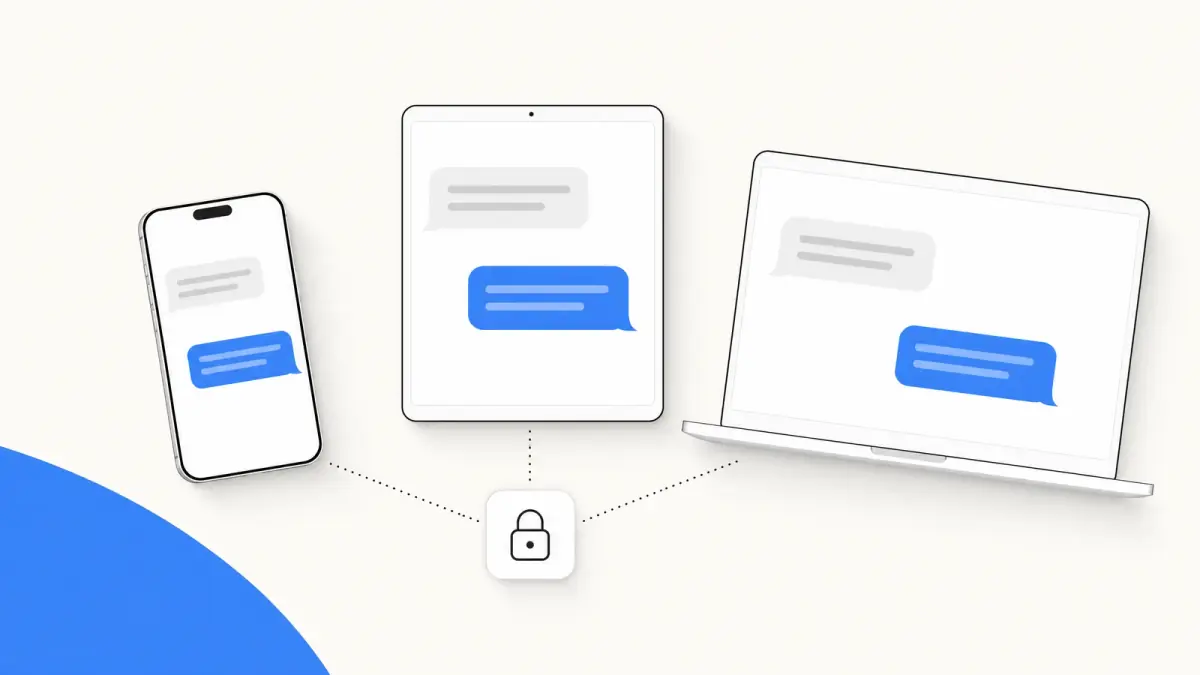
Summarize this article with an AI
 ChatGPT
 Claude
Table of contents (11)
Key takeaways
- iMessage is Apple's end-to-end encrypted messaging service, built into the Messages app, that sends texts over Wi-Fi or cellular data between Apple devices.
- Blue bubbles are iMessage, while green bubbles are SMS, MMS or RCS sent through your carrier.
- Android phones cannot use iMessage, so turn it off before moving your number to one, or deregister it on Apple's website.
iMessage is Apple's end-to-end encrypted messaging service, built into the Messages app on iPhone, iPad, Mac, Apple Watch and Apple Vision Pro. It sends texts, photos and videos over Wi-Fi or cellular data between Apple devices, shows them in blue bubbles, and is not available on Android phones.
This guide explains how iMessage works, how it differs from a regular text message, what it costs, how to turn it on or off, and what your options are with an Android phone. Everything comes from Apple's and Google's help pages, read on October 7, 2026.
What is iMessage?
Apple's iPhone User Guide defines it in one sentence: "iMessage is Apple's end-to-end encrypted messaging service that you can use to send and receive text messages in the Messages app on your iPhone, iPad, Mac, Apple Watch, and Apple Vision Pro."
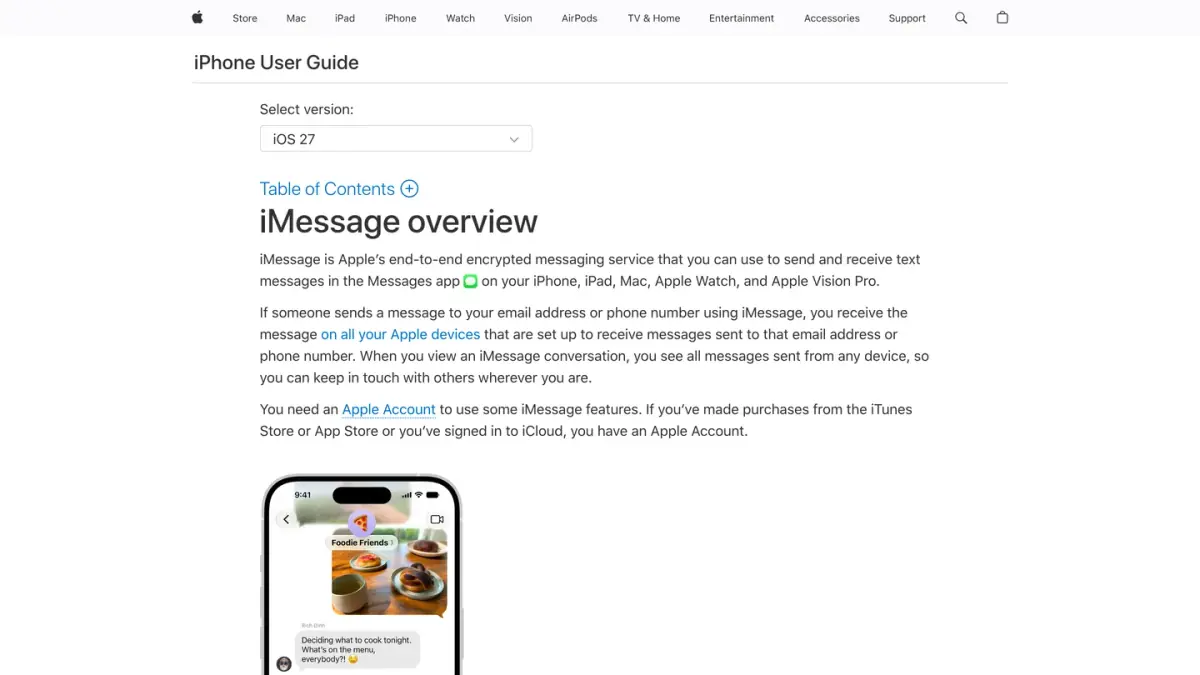
Three things follow from that definition:
- It is a service, not an app. You do not install iMessage. It lives inside Messages, the same app that handles your regular texts.
- It belongs to Apple. Messages go through Apple over the internet, not through your carrier's text messaging service.
- It needs iMessage on both sides. The person you write to must also use iMessage on an Apple device. Otherwise your iPhone sends a regular text.
How does iMessage work?
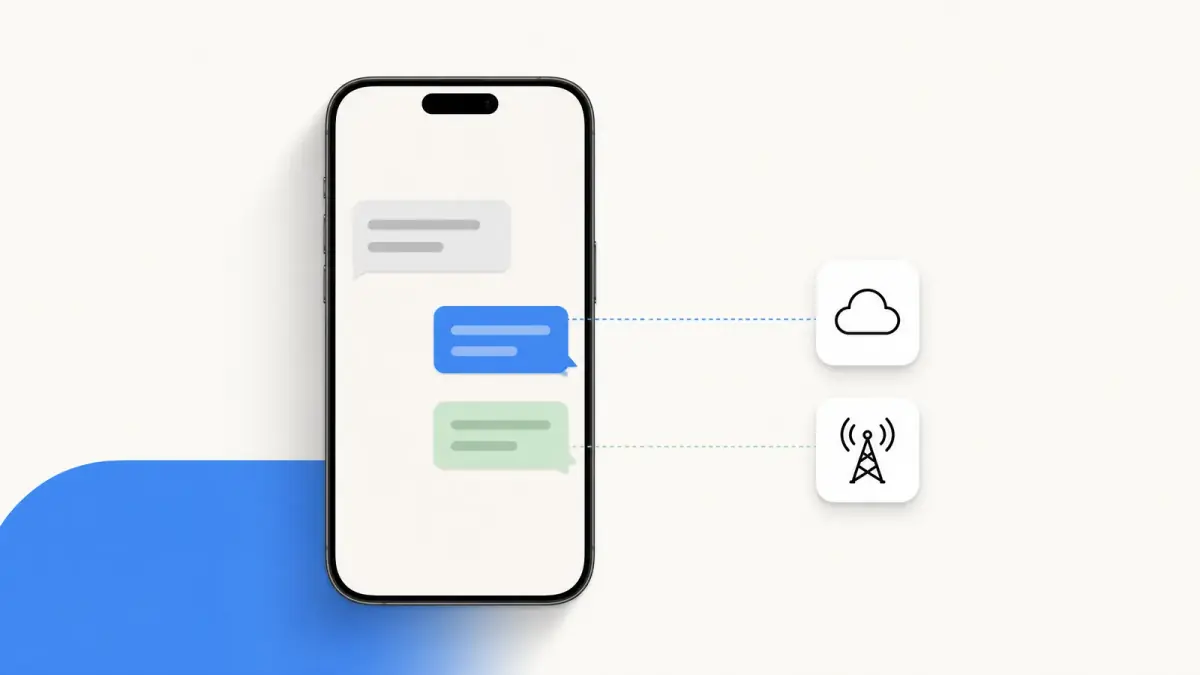
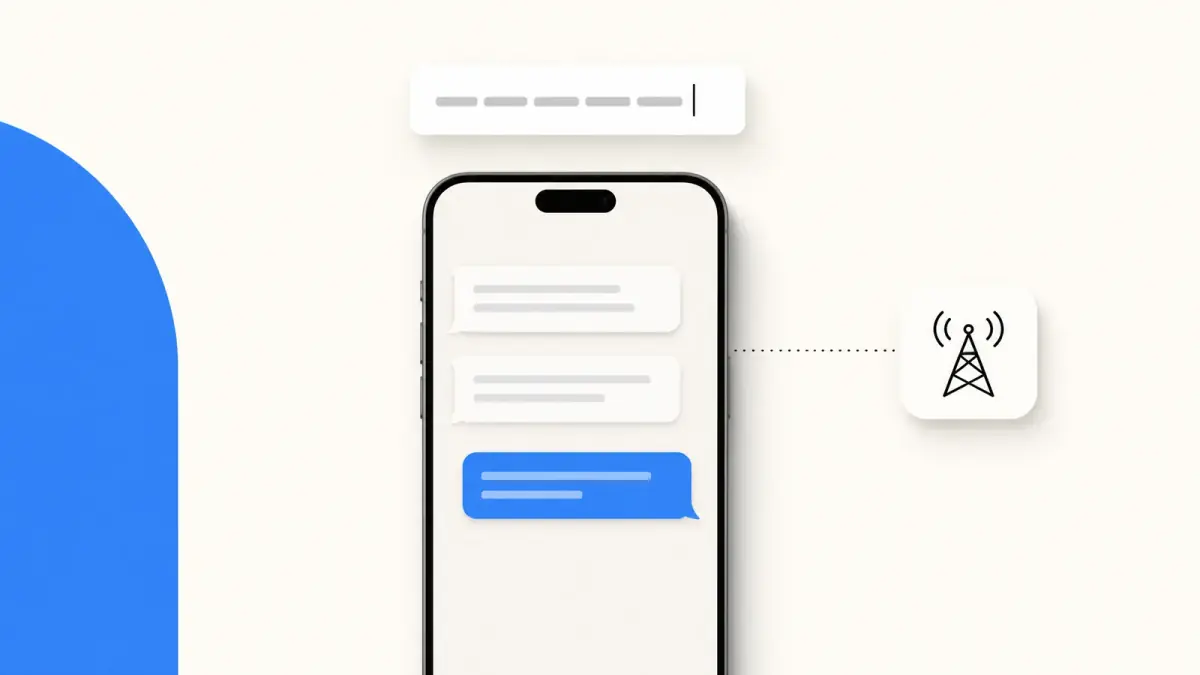
When you write to someone, the Messages app checks whether iMessage can be used for that conversation. If it can, the message travels over Wi-Fi or cellular data and the bubble is blue. If it cannot, the message goes through your carrier as SMS, MMS or RCS and the bubble is green.
A few things Apple's guide spells out:
- You are reachable at a phone number or an email address. A message sent to either one arrives "on all your Apple devices that are set up to receive messages sent to that email address or phone number". That is how a conversation started on your iPhone continues on your Mac.
- You need an Apple Account to use some iMessage features.
- You can check before you send. A blue send button means iMessage. A green send button means SMS, MMS or RCS.
What is the difference between iMessage and a text message?
| iMessage | Text message (SMS, MMS, RCS) | |
|---|---|---|
| Bubble color on iPhone | Blue | Green |
| Carried by | Apple, over Wi-Fi or cellular data | Your carrier |
| Works with | Apple devices | Apple and non-Apple devices |
| End-to-end encrypted | Yes | SMS/MMS: no. RCS: when the conversation shows "Encrypted" |
| Counts against your texting allowance | No, but cellular data rates may apply | Requires a text-messaging plan |
| Edit or unsend a message | Yes, within time limits | No |
Sources: Apple, "What is the difference between iMessage, RCS, and SMS/MMS?" and the iPhone User Guide, read on October 7, 2026.
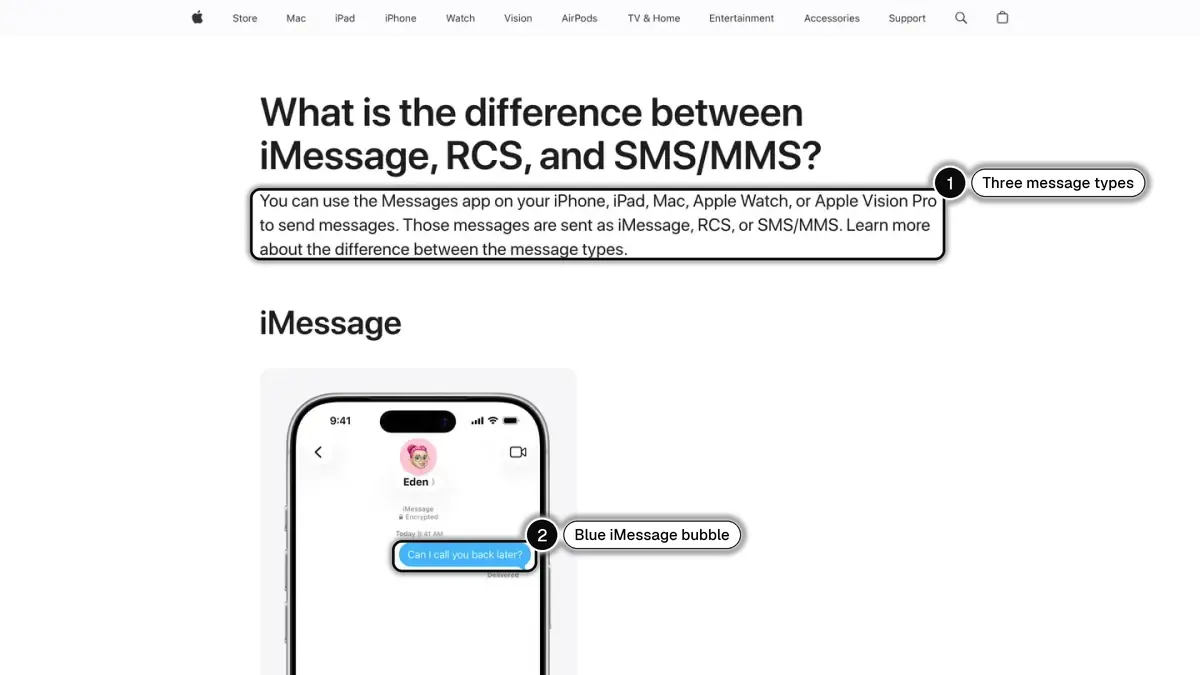
If your blue bubbles have turned green, the causes and fixes are in why your texts are green. For the carrier side, see what SMS means.
What can you do with iMessage?
Apple lists a wider range of features than regular texts offer. The main ones:
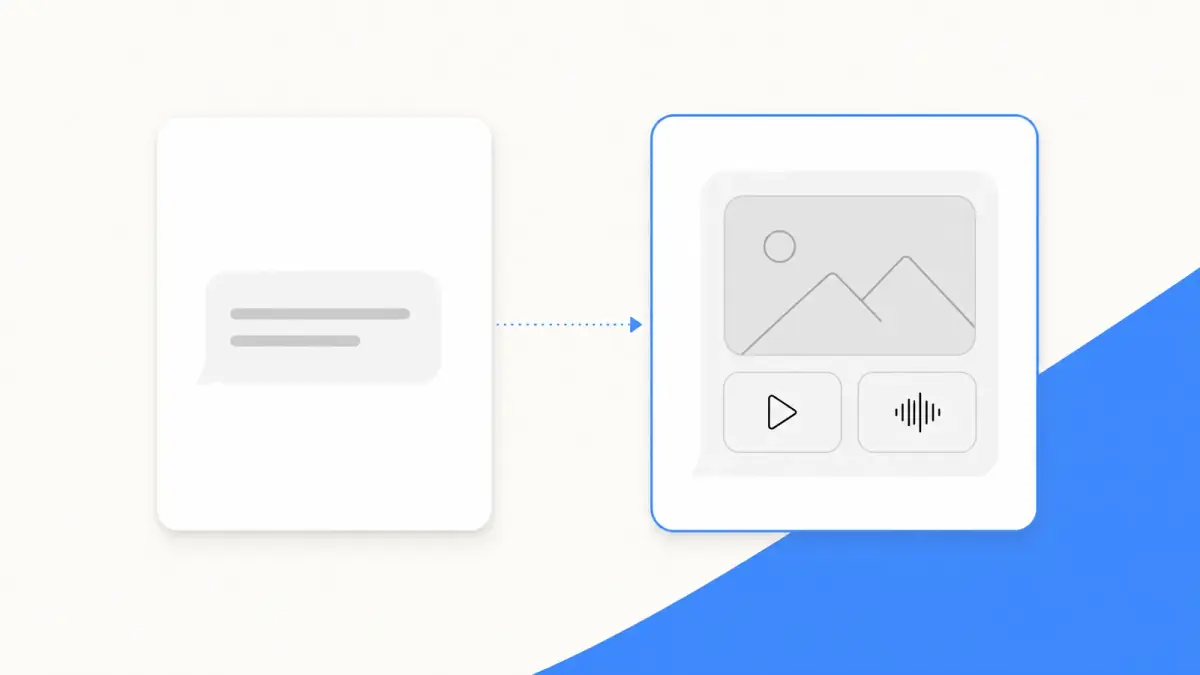
- Rich content. Texts, high-resolution photos and videos, documents, links, Tapbacks, text effects, stickers and message effects.
- Typing indicators and read receipts. You see when someone is writing, and, if they turned read receipts on, when they opened your message.
- Unsend and edit. According to the iPhone User Guide (read on October 7, 2026), you can undo a sent message for up to 2 minutes, and edit a sent message up to five times within 15 minutes. It requires iMessage with iOS 16 or later on both ends, and it does not work on SMS, MMS or RCS.
- Group tools. Naming a group, adding or removing people, mentions, polls.
- Sync across devices. With Messages in iCloud, your message history stays up to date on every device signed in to the same Apple Account.
- Satellite. Outside cellular and Wi-Fi coverage, supported iPhone models can send iMessage or SMS over satellite with certain carriers, in the U.S., Canada and Mexico only.
Is iMessage free?
Apple does not bill iMessage by the message. Its guide says texts sent and received with iMessage "don't count against your SMS, MMS, or RCS allowances in your cellular messaging plan, but cellular data rates may apply". On Wi-Fi, the message does not touch your cellular plan. Without Wi-Fi, it is sent over cellular data, and data rates might apply.
Is iMessage secure?
Yes, with one nuance worth knowing.
Apple states that "messages sent using iMessage are end-to-end encrypted as they're sent", and that an encrypted conversation shows "Encrypted" at the top. If you do not see that indicator, for example in an SMS or MMS conversation, the messages "aren't protected from being read by others as they're sent".
The nuance concerns backups. Apple's iCloud data security overview explains that with standard data protection, "Messages in iCloud is end-to-end encrypted when iCloud Backup is disabled", and that when iCloud Backup is enabled, "your backup includes a copy of the Messages in iCloud encryption key to help you recover your data". With Advanced Data Protection turned on, Messages in iCloud "is always end-to-end encrypted".
How do I turn on iMessage?
Apple's steps, from the iPhone User Guide:
- Go to the Settings app on your iPhone.
- Tap Apps, then tap Messages.
- Turn on iMessage.
- Tap Send & Receive to select which of your phone numbers and email addresses you want to use with iMessage.
To read and answer your regular texts on a Mac or an iPad as well, turn on Text Message Forwarding in the same Messages settings.
Can you get iMessage on Android?
No. Apple presents iMessage as a service for the Messages app on its own devices, and its help pages describe no Android version. When an iPhone and an Android phone exchange messages, they use the carrier services, and the iPhone shows them in green.
What you get instead:
- RCS between iPhone and Android. Google's RCS FAQ says you can now use RCS chats between Android and iPhones, with typing indicators and read receipts in one-to-one conversations, group chat management and high-resolution photos and videos. On the iPhone side, RCS needs iOS 18 and a carrier that supports it (Apple's requirements). Our RCS vs SMS guide has the details.
- A cross-platform app. When a group mixes iPhone and Android, an app that works the same on both is the usual answer. See iMessage vs WhatsApp, or how to create a WhatsApp group.
How do I turn off iMessage when I switch to Android?
This is the step people forget. If your number stays registered with iMessage, your iPhone friends' messages may keep going to iMessage instead of reaching your new phone. Google's switching guide warns that your SMS/MMS messages "could continue going to your old iPhone instead of your new phone".
If you still have your iPhone, Apple's deregistration page gives these steps:
- If you moved your SIM card to the new phone, put it back in your iPhone.
- Make sure the iPhone is connected to your cellular data network.
- In the Settings app, tap Apps, then Messages, and turn off iMessage.
- Go back to Settings, tap Apps, then FaceTime, and turn off FaceTime.
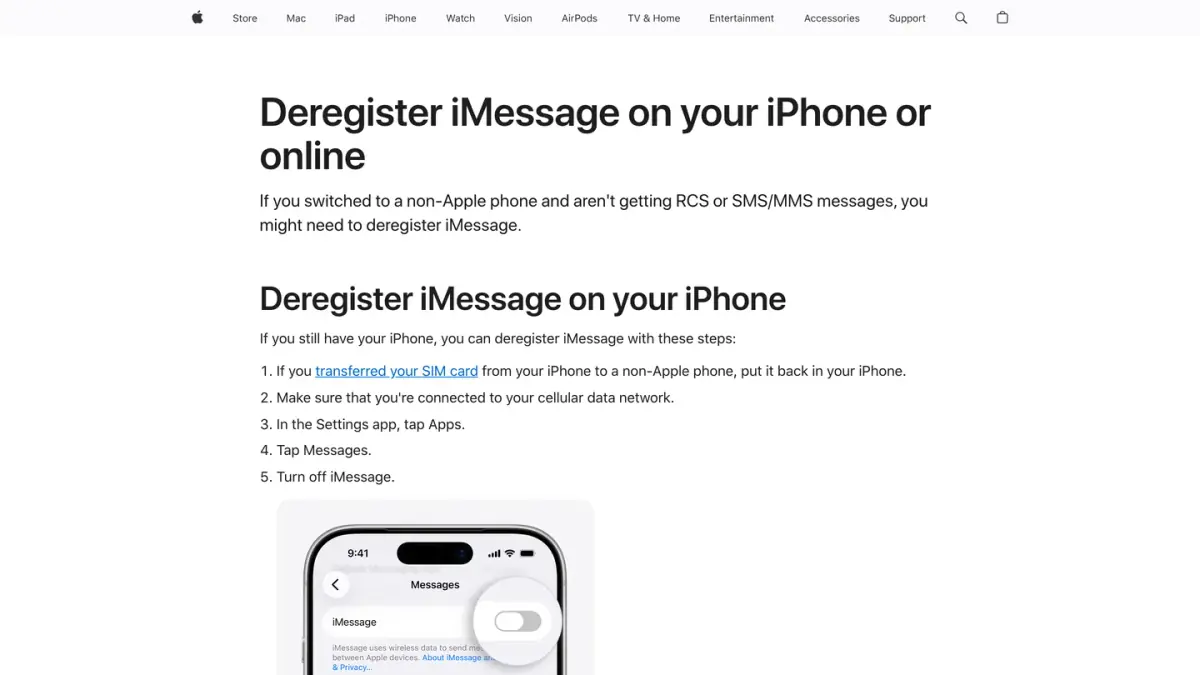
If you no longer have your iPhone, use Apple's Deregister iMessage web page: enter your phone number, then the 6-digit confirmation code Apple sends you by text. Apple says you should be able to receive text messages right away, but that "it might take a few hours for some Apple devices to recognize that you're not using iMessage".
One more tip from Google: if you were in group chats with friends who have iPhones, start a new group chat to keep getting their messages.
Can businesses use iMessage?
Not as such. Companies that want to talk to customers in the Messages app use a separate service, Apple Messages for Business, which Apple asks them never to call "iMessage". How it works, what it costs and who can use it: see Apple Messages for Business.
If you run a business account on WhatsApp instead, the business counterpart is the WhatsApp Business API, which lets companies send and receive messages at scale. See what the WhatsApp Business API is or, for a Shopify store, WhatsApp apps for Shopify stores.
If you run an online store
This guide is written for people who use iMessage. If you also sell online, one clarification: Kanal, the company behind this blog, is a marketing and sales app for Shopify stores (campaigns, abandoned cart recovery, order notifications, an AI agent, a team inbox). Kanal sends WhatsApp, SMS and RCS messages; iMessage is coming soon to Kanal, and there the store will send the first message. It does not offer Apple Messages for Business. To compare the channels from a store's point of view, see SMS vs MMS vs RCS vs WhatsApp.
Nicolas helps e-commerce brands grow revenue with WhatsApp marketing. With deep expertise in Shopify ecosystems and conversational commerce, he shares proven strategies for abandoned cart recovery, broadcast campaigns, and AI-powered customer engagement.