Why are my texts green? iMessage vs SMS vs RCS (2026)
Green texts on iPhone were sent as SMS, MMS or RCS instead of iMessage. What blue and green mean, what Sent as Text Message means, and how to get blue back.
 Nicolas ProvostOct 7, 2026 · 9 min read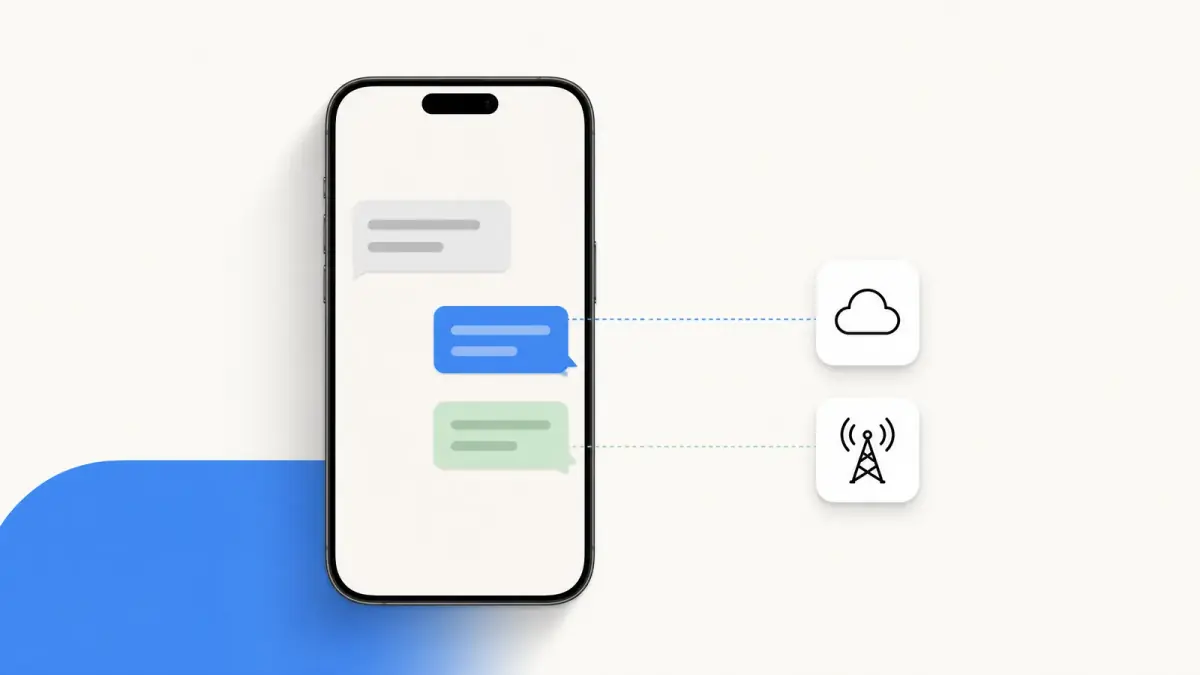
Summarize this article with an AI
 ChatGPT
 Claude
Table of contents (11)
Key takeaways
- Green bubbles mean your iPhone sent the message as SMS, MMS or RCS through your carrier instead of as iMessage.
- It happens when the recipient has no Apple device, or when iMessage is turned off or temporarily unavailable on either side.
- To get blue back, turn on iMessage in Settings > Apps > Messages and check your number under Send & Receive.
Your texts are green because your iPhone sent them as SMS, MMS or RCS through your carrier instead of as iMessage. Blue bubbles are iMessage, which works between Apple devices; green appears when the other person has no Apple device, or when iMessage is turned off or unavailable on either side.
The rest of this guide explains each cause, what "Sent as Text Message" means, how to get blue bubbles back, and what a green bubble changes for privacy and cost. Every setting and quote comes from Apple's and Google's help pages, read on October 7, 2026.
What do blue and green bubbles mean on an iPhone?
The color tells you which service carried the message.
| Bubble | Service | Carried by | Works with | End-to-end encrypted |
|---|---|---|---|---|
| Blue | iMessage | Apple, over Wi-Fi or cellular data | Apple devices | Yes |
| Green | RCS | Your carrier, over Wi-Fi or cellular data | Apple and non-Apple devices | When the conversation shows "Encrypted" with a lock |
| Green | SMS/MMS | Your carrier | Apple and non-Apple devices | No |
Source: Apple, "What is the difference between iMessage, RCS, and SMS/MMS?", read on October 7, 2026.
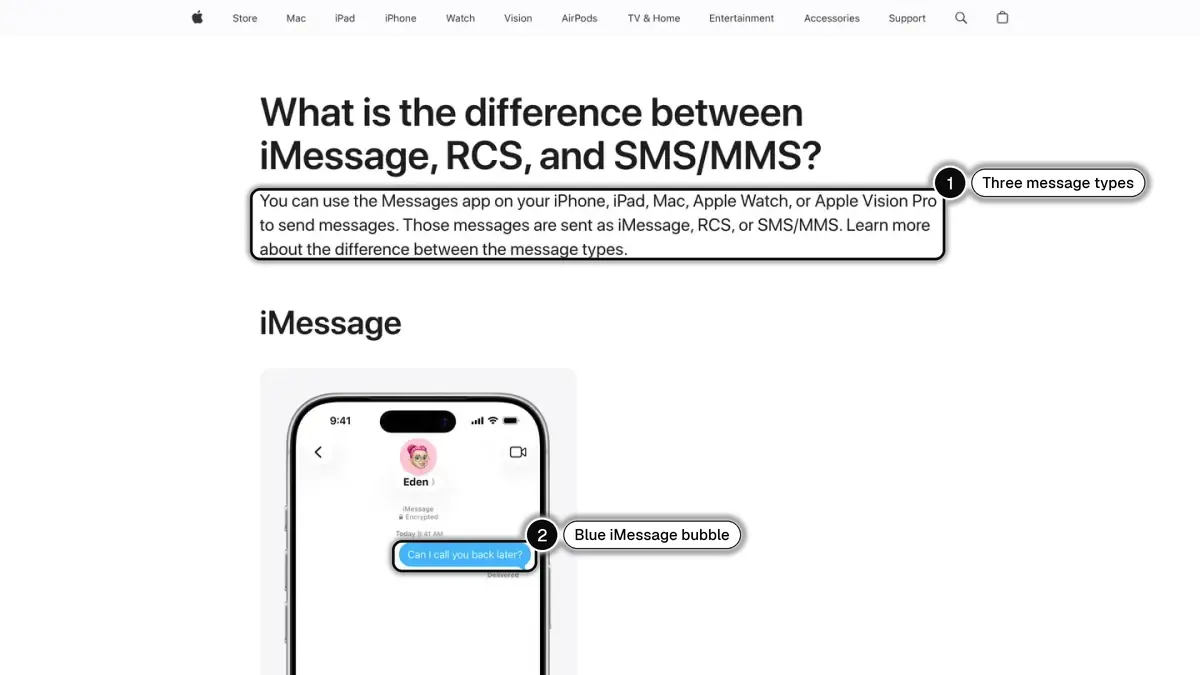
You can tell before you send. Apple's iPhone User Guide says a blue send button means the message will go with iMessage, and a green send button means SMS, MMS or RCS.
New to the terms? See what iMessage is and what SMS means.
Why are my texts green all of a sudden?
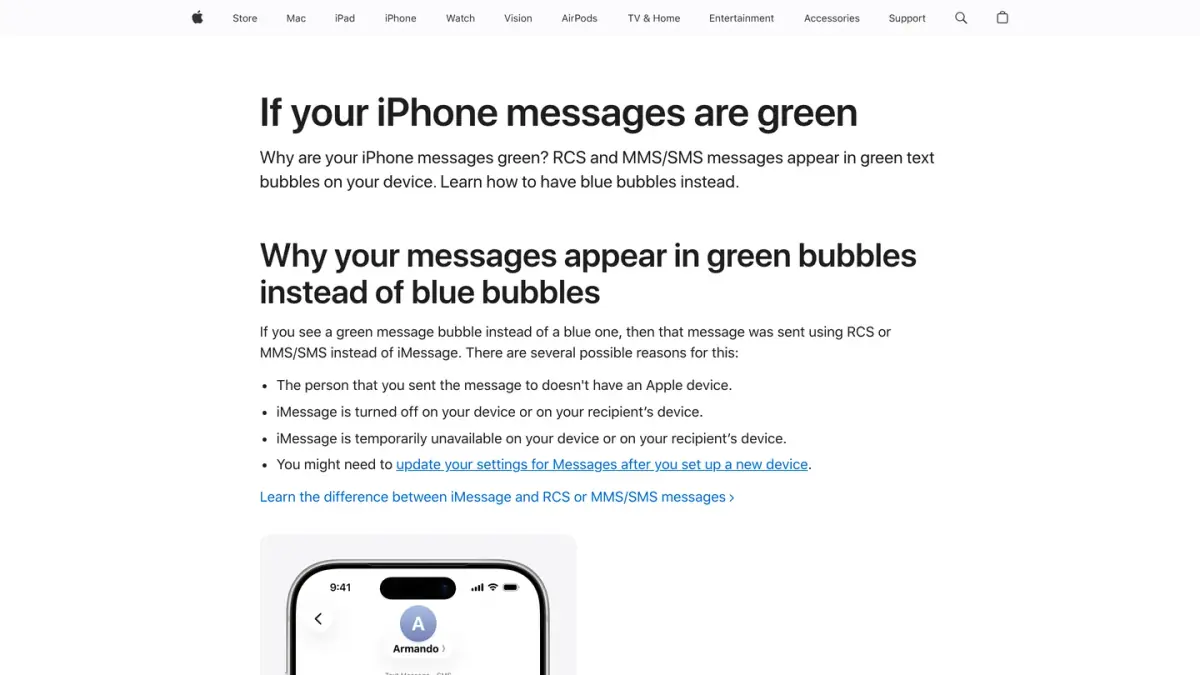
Apple's page "If your iPhone messages are green" gives these reasons:
- The person you are writing to doesn't have an Apple device. iMessage works between Apple devices. A text to an Android phone is always green.
- iMessage is turned off on your device or theirs. It takes both sides. If your friend turned iMessage off, your messages to them go green even though you both have iPhones.
- iMessage is temporarily unavailable on your device or theirs. iMessage needs Wi-Fi or cellular data. Apple's troubleshooting page notes that an SMS needs only a cellular network connection, which is why a phone with signal but no data can still send green texts.
- You set up a new device. Apple says you might need to update your Messages settings afterwards. The steps are further down.
One more case: the person moved from iPhone to Android. If messages to them fail or go missing, they may need to deregister iMessage so that their number stops being treated as an iMessage address.
Does a green text mean I was blocked?
Not by itself. Apple's page lists the causes above, and being blocked is not among them. A green bubble tells you which service carried the message, and nothing about what the other person did with your number. A recipient without an Apple device, a phone without data and a disabled iMessage setting all produce the same green.
What does "Sent as Text Message" mean?
It means your iPhone could not use iMessage for that message and sent it through your carrier instead.
There are two ways this happens, both described on Apple's troubleshooting page:
- Automatically. If Send as Text Message is turned on in Settings, under Apps, then Messages, your iPhone "automatically tries to send messages as an SMS when iMessage isn't available".
- By hand. When a message shows a red exclamation point and "Not Delivered", tap the exclamation point and choose Try Again. If it still fails, tap it again and choose Send as Text Message.
Apple adds: "Messaging rates may apply." A message sent this way goes through your text-messaging plan, and it is no longer end-to-end encrypted.
How do I change green texts back to blue?
You can fix the causes on your side. Apple gives two sets of steps.
Turn iMessage on (Apple's steps):
- In the Settings app, tap Apps.
- Tap Messages.
- Turn on iMessage.
- If needed, tap Send & Receive to choose whether new conversations start from your phone number or your email address.
After setting up a new iPhone (Apple's steps):
- Update your device to the latest version of iOS if needed.
- In Settings, tap Cellular and make sure your phone line is turned on. With several SIMs, check that the number you want to use is selected and turned on.
- In Settings, tap Apps, then Messages, and turn iMessage off and back on.
- Tap Send & Receive, then tap the phone number you want to use with Messages.
What you cannot change: messages to someone who does not use an Apple device, or who has turned iMessage off, stay green.
Why is my group chat green?
Because at least one person in it is not using iMessage. The iPhone User Guide puts it in one line: "If one or more of your recipients isn't using iMessage, messages appear in green bubbles instead of blue ones."
The group then runs on MMS, SMS or RCS, and loses some iMessage features. Apple's group message page lists what each type allows: in a group iMessage, everyone can name the group, add or remove people and leave; in a group MMS, everyone can send photos and videos and see all responses; in a group SMS, replies are sent as individual messages.
Are green texts less secure than blue ones?
It depends on which green.
- SMS and MMS: yes. Apple states that they "aren't end-to-end encrypted, which means they're not protected from a third-party reading them while they're sent between devices".
- RCS: check the conversation. On the same page, Apple says that "starting with iOS 26.5, end-to-end encrypted RCS messaging (Beta) in Messages is available with supported carriers and will roll out over time", and that it works "when all participants have carriers that support encryption". As of October 7, 2026, Apple's US carrier page lists the beta for AT&T, T-Mobile and Verizon, among others.
The one signal to rely on is in the conversation itself: an encrypted RCS conversation shows "Encrypted" with a lock icon at the top. Apple is explicit about the opposite case: "If you don't see the indicator, your RCS messages aren't protected from a third-party reading them while they're sent between devices."
A caution, because the two companies' help pages do not yet say the same thing: Google's RCS FAQ, read on the same day, still states that RCS chats with iPhone users don't have end-to-end encryption. Look for the lock rather than assuming.
What does RCS change for green bubbles?
RCS is why some green conversations now behave almost like blue ones. Apple's RCS page lists what it adds over SMS and MMS: high-resolution photos and videos, delivery receipts, read receipts and typing indicators. The bubbles stay green.
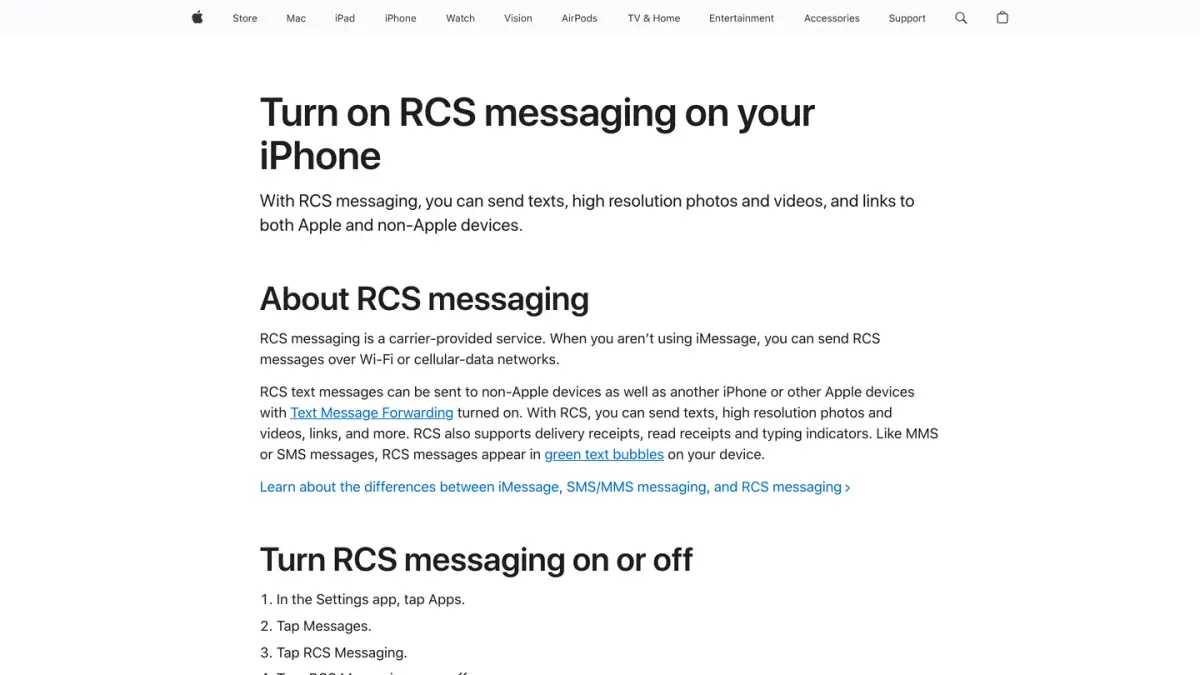
To use it, you need iOS 18 and a plan from a carrier that supports RCS on iPhone. The switch is in Settings, under Apps, then Messages, then RCS Messaging. If the setting does not appear, Apple says RCS messaging might not be available, and points to its list of supported carriers.
For the full picture, including how brands use it, see our RCS vs SMS guide and the RCS business messaging guide. For the older carrier services, see SMS vs MMS.
Why do my Android texts show up green on an iPhone?
Because the iPhone colors them that way. Google's RCS FAQ explains: "Apple displays text messages that don't come from an iPhone user as green bubbles. This is also true for messages from other iPhone users who have iMessage disabled."
On the Android side, the colors mean something else. In Google Messages, text messages are dark blue in the RCS state and light blue in the SMS/MMS state.
And if the blue you have in mind is the pair of blue check marks in WhatsApp, that is a read receipt, not a type of message: see what WhatsApp ticks mean.
Do green texts cost money?
They go through your mobile plan. Apple says messages sent as RCS, SMS or MMS "require a text-messaging plan", and that messaging rates may apply when you send one as a text. Texts sent with iMessage, by contrast, "don't count against your SMS, MMS, or RCS allowances", though cellular data rates may apply.
If your friends are split between iPhone and Android and you want the same features for everyone, a cross-platform app is the usual answer: see iMessage vs WhatsApp.
If you run an online store
This guide is for people puzzled by the color of their texts. If you also sell online, one clarification: Kanal, the company behind this blog, is a marketing and sales app for Shopify stores (campaigns, abandoned cart recovery, order notifications, an AI agent, a team inbox). Kanal sends WhatsApp, SMS and RCS messages; iMessage is coming soon to Kanal, and there the store will send the first message. To compare the channels from a store's point of view, see SMS vs MMS vs RCS vs WhatsApp.
If you run a business account on WhatsApp, one point is worth knowing: Meta charges businesses for each message delivered through the WhatsApp Business API. See what Meta charges businesses per WhatsApp message and, if you have a Shopify store, the WhatsApp apps for Shopify compared.
Nicolas helps e-commerce brands grow revenue with WhatsApp marketing. With deep expertise in Shopify ecosystems and conversational commerce, he shares proven strategies for abandoned cart recovery, broadcast campaigns, and AI-powered customer engagement.