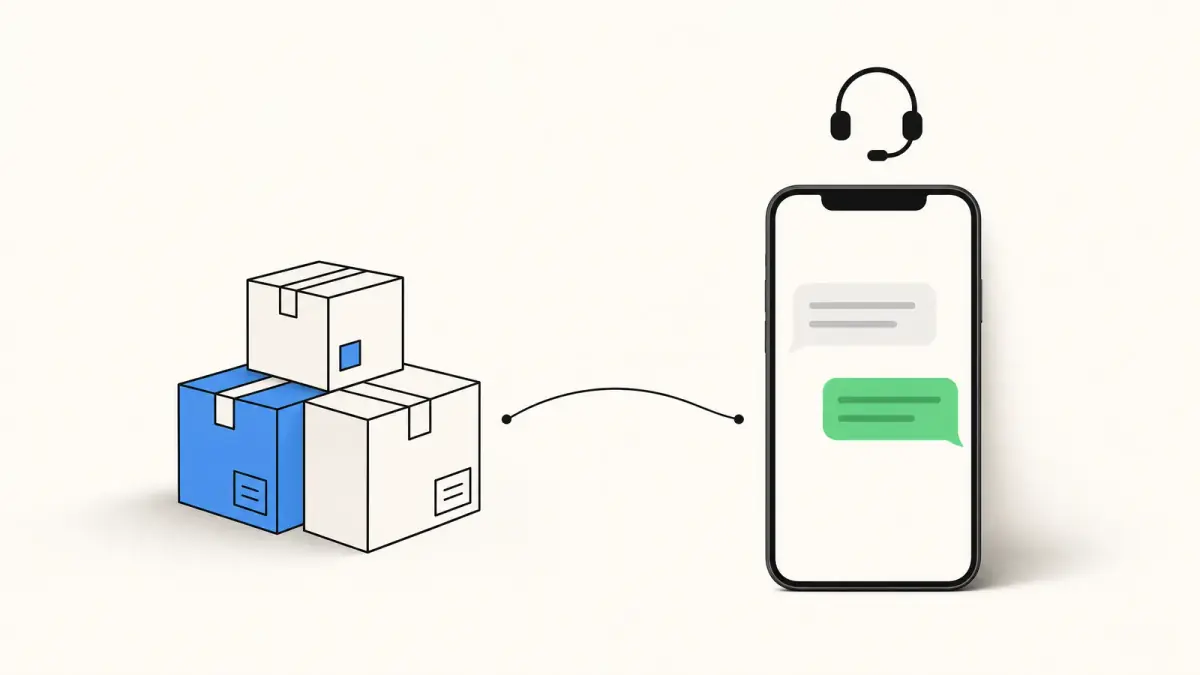
Apple Messages for Business: how it works in 2026
Apple Messages for Business lets customers message a company from the Messages app. Requirements, approved providers, cost, rules and how it compares.
 Nicolas ProvostOct 7, 2026 · 11 min read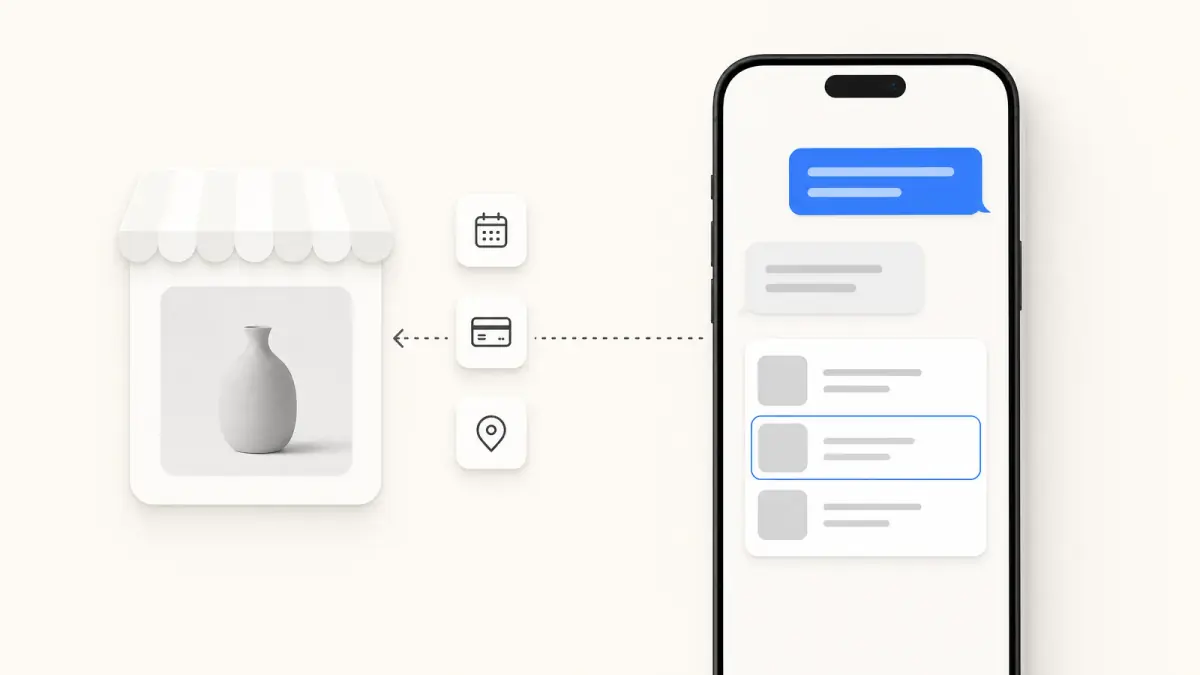
Summarize this article with an AI
 ChatGPT
 Claude
Table of contents (11)
Key takeaways
- Apple Messages for Business lets customers open a conversation with a registered company in the Messages app, and the customer always writes first.
- Apple does not charge for the channel, but you must connect through an Apple-approved Messaging Service Provider, which may charge for its services.
- Live agents are mandatory during business hours, and marketing messages are allowed only after the customer has sent the word subscribe.
- It only works on Apple devices, so treat it as a support channel for iPhone customers, not as a marketing channel.
Apple Messages for Business is Apple's channel for conversations between customers and companies inside the Messages app on iPhone, iPad and Mac. The customer always starts the conversation, the company answers through an Apple-approved Messaging Service Provider, and Apple itself does not charge for the channel.
This guide is for online merchants and support teams weighing it up: what customers see, what you need to launch, the rules Apple enforces, what it costs, and how it compares with iMessage, SMS, RCS and WhatsApp. The facts come from Apple's documentation (version 3.1, last updated July 21, 2026), read on October 7, 2026.
What is Apple Messages for Business?
It is a business channel that lives in the same Messages app people use for iMessage and texts. A customer taps a button or a link, a conversation with your brand opens in Messages, and your team (or your bot, then your team) answers from a support console.
Three points to keep in mind from the start:
- It only works on Apple devices. Apple's FAQ says "Apple devices running iOS 11.3 or later or macOS 10.13.4 or later support Apple Messages for Business". A customer on Android cannot use it.
- It used to be called Business Chat. Apple's revision history records the change in version 2.0.0, dated September 20, 2021: "Rebranded Business Chat to Messages for Business".
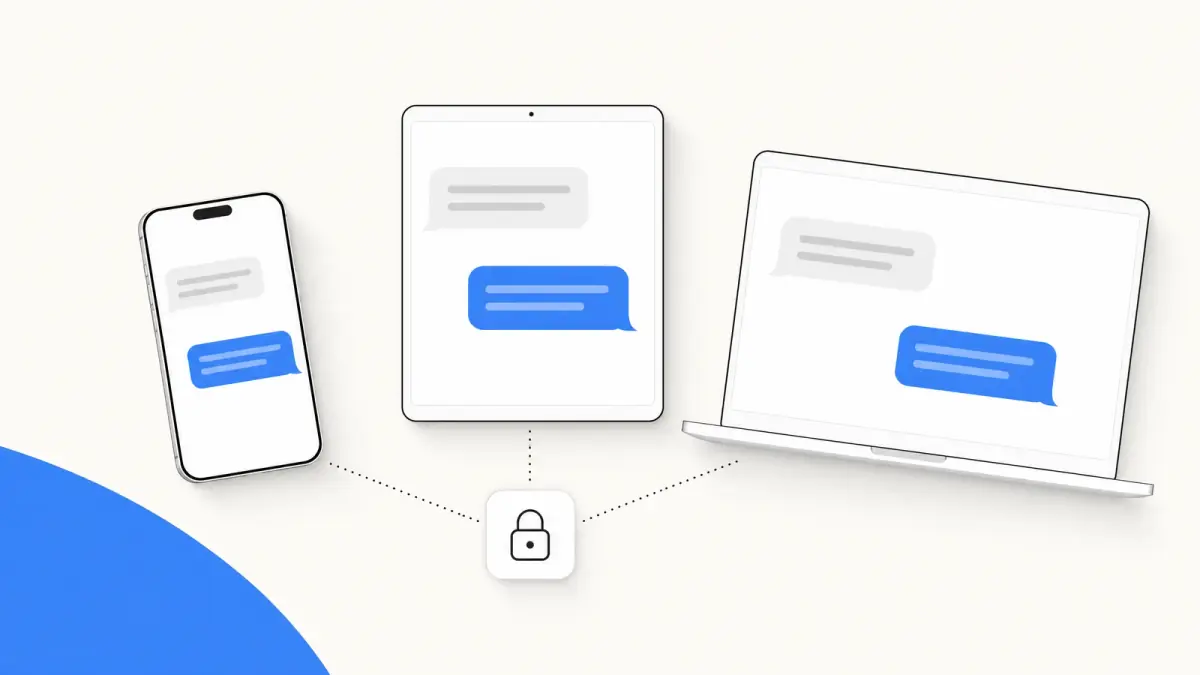
- It is not iMessage. Apple lists the differences: the purpose is business-to-customer, it requires a business account registered with Apple, it adds business features, and its messages "are encrypted, but with a different mechanism than personal iMessage". Apple's naming rules ask companies to say "Apple Messages", never "iMessage". If what you want is for your store to send the first iMessage to its customers (a cart reminder, an order update), that is a different product: see iMessage for business, coming soon to Kanal. For the consumer service, see what iMessage is.
How do customers start a conversation?
The customer always writes first. Apple calls the places where a conversation can begin entry points. Its FAQ lists them:
- a Messages button on your website or mobile site
- your iOS or iPadOS app
- email marketing
- QR codes and NFC tags
- your Apple Maps listing
- a registered business phone number, through Message Suggest
- Wallet passes
Message Suggest deserves a note. When a customer taps one of your registered phone numbers, the iPhone offers to message you instead of calling. Apple presents it as a way to deflect calls toward messaging.
What makes the channel different from a phone number based one:
- No phone number, on either side. Apple states that the channel "doesn't use a phone number for your business account". Your business is identified by a Business ID, and each customer by an anonymous identifier called an Opaque ID. Your team does not see the customer's phone number unless the customer chooses to share it.
- One-to-one only. "Group chat with a business is not supported."
- The customer can end it. Apple's customer help page shows people how to delete a conversation and tap Leave Conversation to stop receiving messages from a business.
What can a conversation include?
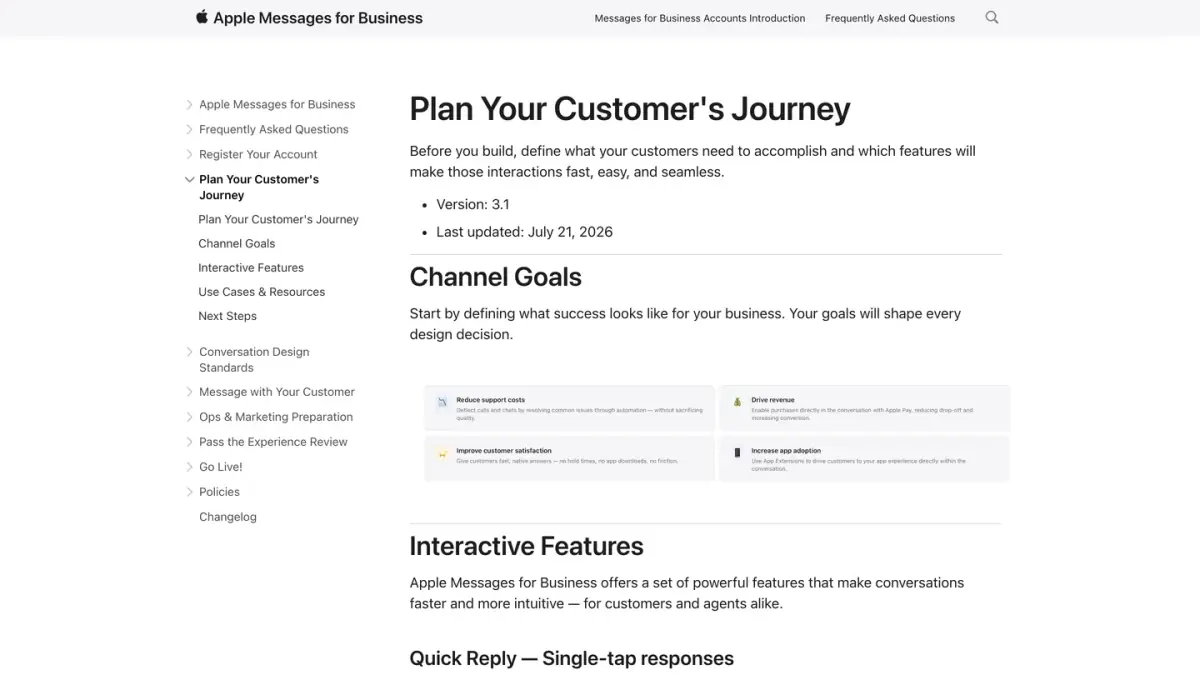
Plain text works, but Apple pushes brands toward interactive features. Its page on planning the customer journey describes them:
| Feature | What it does |
|---|---|
| Quick Reply | Lets the customer answer with a single tap, from two to five options |
| List Picker | Presents options in a scrollable sheet, with an image, a title and a short description |
| Time Picker | Shows available time slots and flags conflicts with the customer's calendar |
| Apple Pay | Lets the customer pay with Face ID or Touch ID without leaving Messages |
| Forms | Multi-page flows with text fields, dropdowns, checkboxes and date pickers |
| Authentication | Lets the customer sign in to their account in the conversation, using OAuth2 |
| Rich Links | Shows a link with a preview image, a title and the source URL |
| App Extension | Embeds part of your app in the conversation |
For an online store, Apple's own examples are order support (track an order, change a delivery window), purchases completed with Apple Pay inside the conversation, and account help.
What do you need to get started?
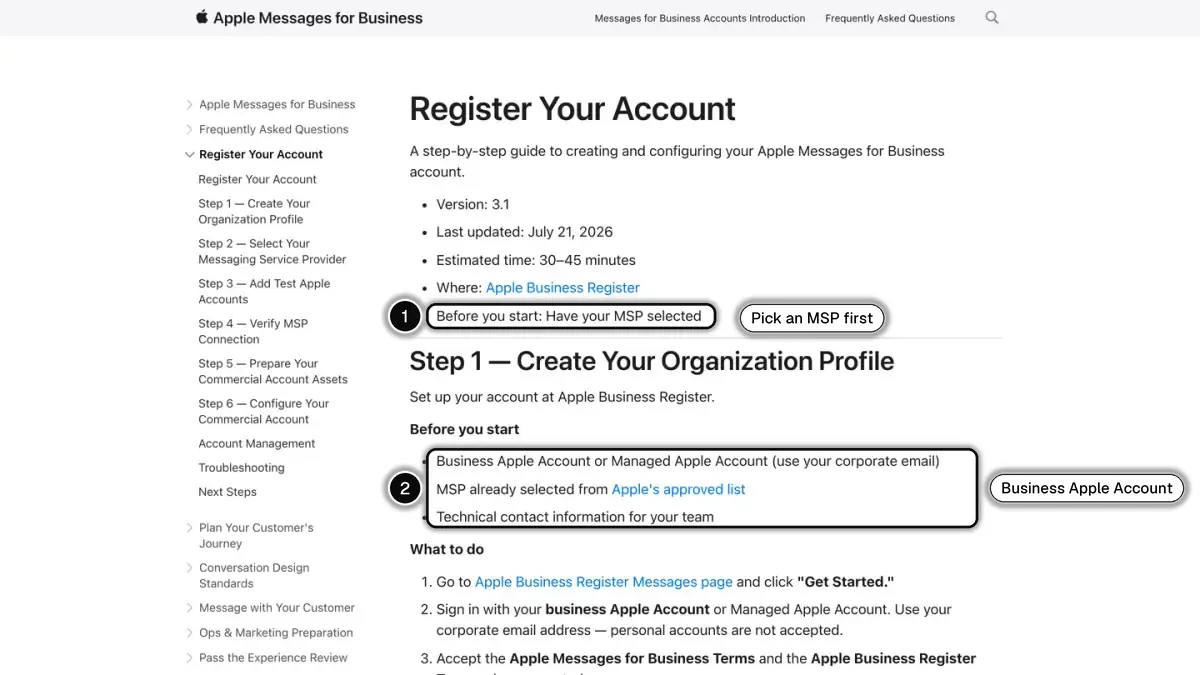 In 1, the Messaging Service Provider you need before you start; in 2, the account and contact details Apple asks for.
You cannot switch the channel on by yourself. Apple's documentation describes a path with several gates:
- Select a Messaging Service Provider. Apple writes: "To qualify for an Apple Messages for Business account, your company needs to select an Apple-approved Messaging Service Provider (MSP)."
- Register on Apple Business Register. Following Apple's registration guide, you create an internal test account with a business Apple Account that uses your corporate email. Personal accounts are not accepted.
- Build and test the experience with your provider: automation, hand-off to live agents, interactive features, entry points.
- Pass the Experience Review. Every account must pass this review before going live. Your provider submits a screen recording of the full customer journey, and Apple says most accounts need one to three rounds of review.
- Go live. Apple turns the test account into a commercial account, reviews your brand name and logo (it says this typically takes 1 to 3 business days), and you enable your entry points.
The conditions that weigh most on a small team, from Apple's policies, FAQ and conversation design standards:
- Live agents are mandatory. "The business must provide access to a live agent in this channel during its regular business hours. A business must not provide a limited or bot-only solution."
- Bots must identify themselves, fast. An automated agent has to disclose that it is automated and send a welcome within 5 seconds of the first message.
- One commercial account per business, for all use cases, business lines and territories.
- Some businesses are excluded. The policies list prohibited categories (tobacco, vaping, firearms and gambling among them) and add: "At this time, Apple is not onboarding businesses that primarily offer medical or health-related services or products."
Which providers can connect you?
Only those on Apple's list. A bot or a helpdesk cannot plug into the channel directly: Apple's FAQ says automation must connect through an approved provider.
As of October 7, 2026, the list published on Apple Business Register includes, among others, Zendesk, Salesforce, Freshworks, Genesys, LivePerson, Infobip, Sprinklr, Microsoft Dynamics, Amazon Web Services, LiveChat, Khoros, NICE and Webex by Cisco.
Each provider adds its own conditions on top of Apple's. Zendesk, for instance, says in its help center (read October 7, 2026) that it is certified by Apple as a Messaging Service Provider, and that a Zendesk account needs a Professional, Enterprise or Enterprise+ subscription with messaging or Chat activated, an active AI agent or third-party bot, and a Professional Services package.
The practical first step: check whether the support tool you already use is on Apple's list.
Is Apple Messages for Business available on Shopify?
Not through Shopify itself, as far as its App Store shows. The listing for Apple Business Chat for Inbox, an app developed by Shopify, reads as of October 7, 2026: "This app is not currently available on the Shopify App Store."
A Shopify store that wants the channel therefore goes through an Apple-approved provider, typically the helpdesk that already handles its support tickets.
How much does Apple Messages for Business cost?
Apple does not charge for it. The FAQ is explicit: "while Apple provides Apple Messages for Business for free, an MSP may charge for their services." On the question of the total, Apple's answer is: "Cost depends on your deployment scope and Messaging Service Provider (MSP) selection." It sends you to your provider for pricing.
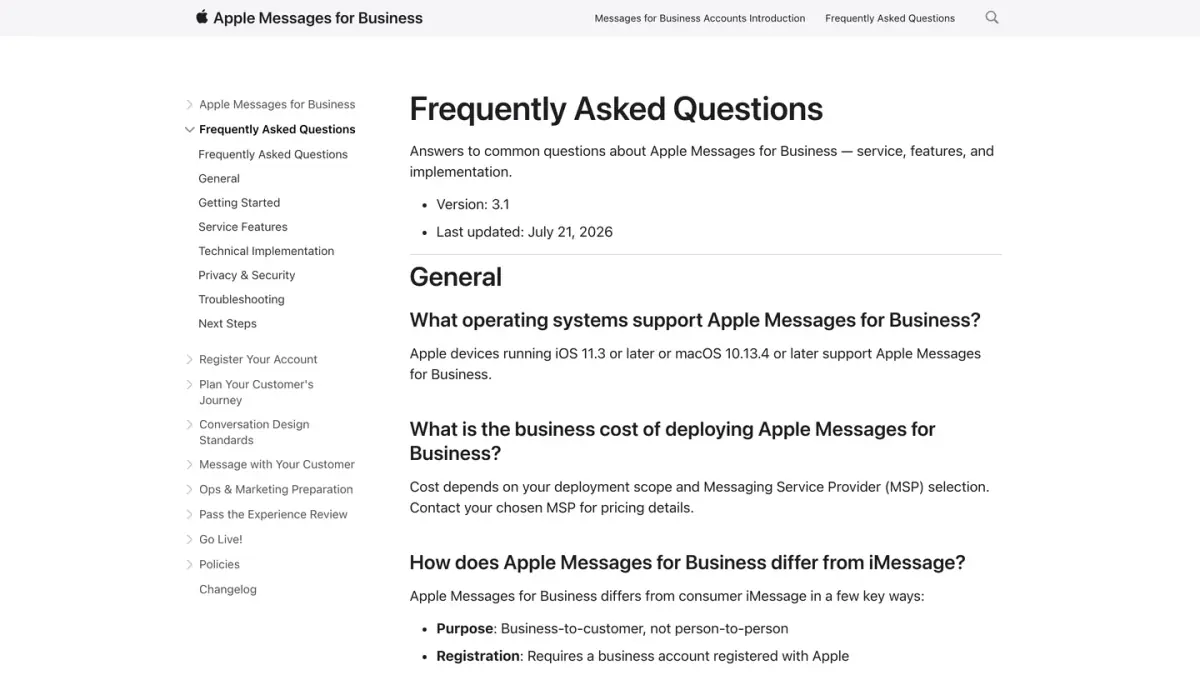
Budget for three things, then: your provider's plan, the setup work needed to pass the review, and the people who answer, since the channel cannot run on a bot alone.
What are the rules for messaging customers?
This is where the channel differs most from a marketing channel. Apple's policies set the limits:
- No unsolicited messages. "Your business may only send a message in response to an active conversation", with the exceptions below.
- Transactional notifications are allowed. You may send important notifications about a customer's account status or previous transactions, provided you tell them so and let them send "Unsubscribe".
- Marketing needs an explicit request. "At no time may your business send marketing information, promotional offers, or information related to products or services that the customer has not purchased unless the customer has expressly sent 'subscribe' and provided their permission."
- A deleted conversation is closed. When a customer deletes the conversation, you must stop messaging them until they write again.
- Standard trigger words. Customers must be able to type "agent" (or "support", "help") to reach a person, and "unsubscribe" (or "spam", "stop", "end") to manage their preferences.
- Personal data comes last. You may not ask for personal information before it is necessary to handle the request.
How does it compare with iMessage, SMS, RCS and WhatsApp?
| Apple Messages for Business | iMessage | WhatsApp Business Platform | |
|---|---|---|---|
| Purpose | Business to customer | Person to person | Business to customer |
| Who writes first | The customer | Either person | The customer, or the business with an approved template and the customer's opt-in |
| Customer devices | Apple devices | Apple devices | Android phones and iPhones |
| Marketing messages | Only after the customer sends "subscribe" | Not a business channel | To customers who opted in, through approved templates |
| How a business connects | An Apple-approved provider, then Apple's Experience Review | Not applicable | The WhatsApp Business Platform |
| Fee charged by the platform owner | None from Apple, the provider may charge | None | Messages are priced under WhatsApp's pricing policy |
Sources, read on October 7, 2026: Apple's documentation and the WhatsApp Business Messaging Policy (last updated September 23, 2026), which states: "You may only initiate conversations using an approved Message Template."
Two more channels reach the same Messages app through carriers instead of Apple:
- SMS. It reaches mobile numbers without any app. Consent rules and costs are covered in our business SMS guide.
- RCS business messages. Apple's RCS page notes that some businesses can send alerts and updates on orders through RCS messaging, and that iPhone users can turn RCS Business Messages off. See the RCS business messaging guide and, for a store, Kanal's page on RCS, the rich SMS.
For a side-by-side view of the carrier channels and WhatsApp, read SMS vs MMS vs RCS vs WhatsApp. For the personal apps, see iMessage vs WhatsApp.
Is Apple Messages for Business worth it for an online store?
It depends on what you want the channel to do.
It makes sense when:
- a large share of your customers use an iPhone
- you already run a staffed support desk on a tool that appears on Apple's list
- your use case is service: order questions, returns, appointments, payments inside the conversation
It fits poorly when:
- you want to send campaigns, since promotional messages require the customer to have sent "subscribe" first
- your customers are split between iPhone and Android, since the channel leaves Android out
- you have no one to answer during business hours, since a bot-only setup is not accepted
In short, treat it as a support channel for iPhone customers, not as a marketing channel. Our guide to iMessage marketing sets out what a brand may send, and the iMessage API guide covers the other ways to reach Messages.
Where Kanal fits
Kanal does not offer Apple Messages for Business and is not one of Apple's Messaging Service Providers. Kanal is a marketing and sales app for Shopify stores: campaigns and broadcasts, abandoned cart recovery, order notifications, an AI agent and a team inbox. It sends WhatsApp, RCS and SMS messages (SMS on the Scale plan), and iMessage is coming soon.
The two answer different needs. Apple Messages for Business waits for the customer to write. With iMessage for business, coming soon to Kanal, the store will send the first message in Messages: a cart reminder, an order update, a campaign to a segment. On WhatsApp, a store can also write first to customers who opted in, which is what WhatsApp campaigns and cart reminders rely on. If that is the job you have in mind, see how Kanal works with Shopify.
Hear first when iMessage opens on Kanal
- Cart recovery, order updates and campaigns in the Messages app
- The same automations as on WhatsApp, from your Shopify data
- In the meantime, WhatsApp, SMS and RCS from Kanal, available today
- brands
- 500+
- to set up
- 5 min
- open rate on WhatsApp
- +90%
Nicolas helps e-commerce brands grow revenue with WhatsApp marketing. With deep expertise in Shopify ecosystems and conversational commerce, he shares proven strategies for abandoned cart recovery, broadcast campaigns, and AI-powered customer engagement.