WhatsApp Cloud API vs On-Premises: What the 2025 Sunset Means
Meta shut down the WhatsApp On-Premises API on October 23, 2025. What Cloud API offers, how it is priced and how to move a number still stuck on it.
 Nicolas ProvostMay 12, 2026 · 12 min read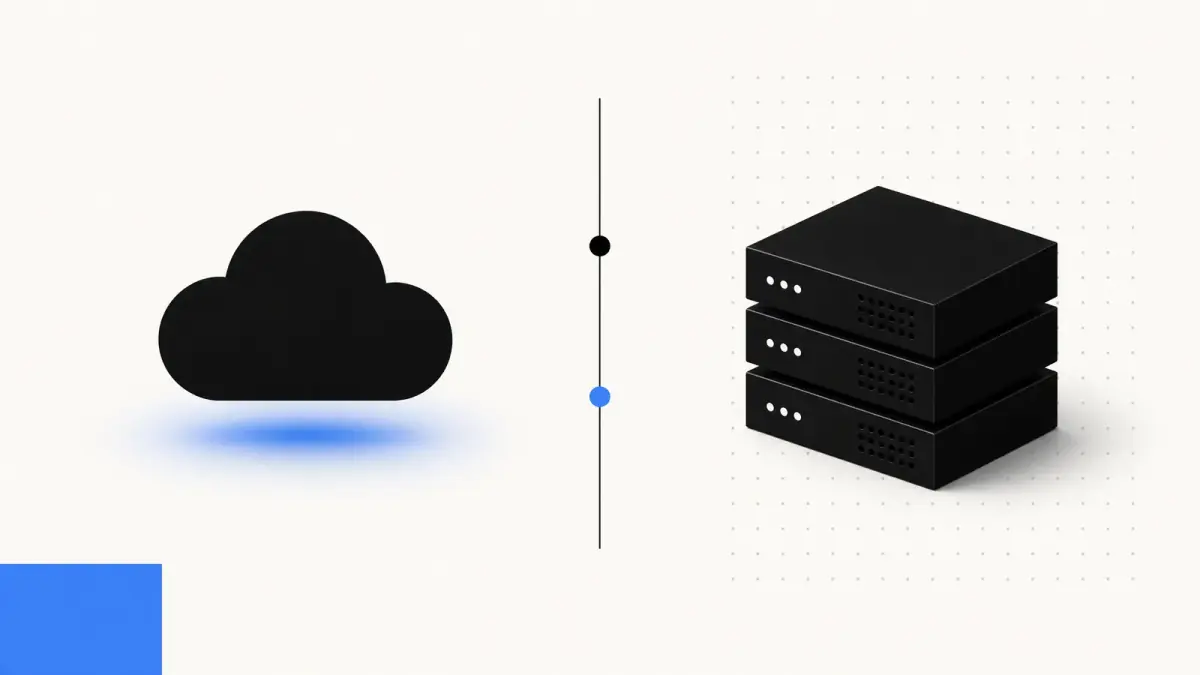
Summarize this article with an AI
 ChatGPT
 Claude
Table of contents (16)
Key takeaways
- Meta shut down the On-Premises API on October 23, 2025, so the Cloud API hosted by Meta is the only way left to run the WhatsApp Business API.
- A number left on On-Premises must be registered on Cloud API, most simply through a provider that onboards you with Meta's Embedded Signup.
- Meta has charged per delivered message since July 1, 2025, and since October 1, 2026 also charges service replies beyond 1,000 free per number each month.
If you are comparing the WhatsApp Cloud API and the On-Premises API, the comparison is over. Meta shut the On-Premises API down on October 23, 2025, and its documentation now states that On-Premises can no longer be used to send messages to WhatsApp users (Meta, On-Premises API sunset). The Cloud API, hosted by Meta, is the only option left.
This guide covers what happened to On-Premises, what the Cloud API gives a Shopify store today (hosting, throughput, pricing), and what to do if your WhatsApp number was left on an old setup. Every date and figure comes from Meta's own documentation, linked where it appears, as checked on September 11, 2026.
What happened to the WhatsApp On-Premises API
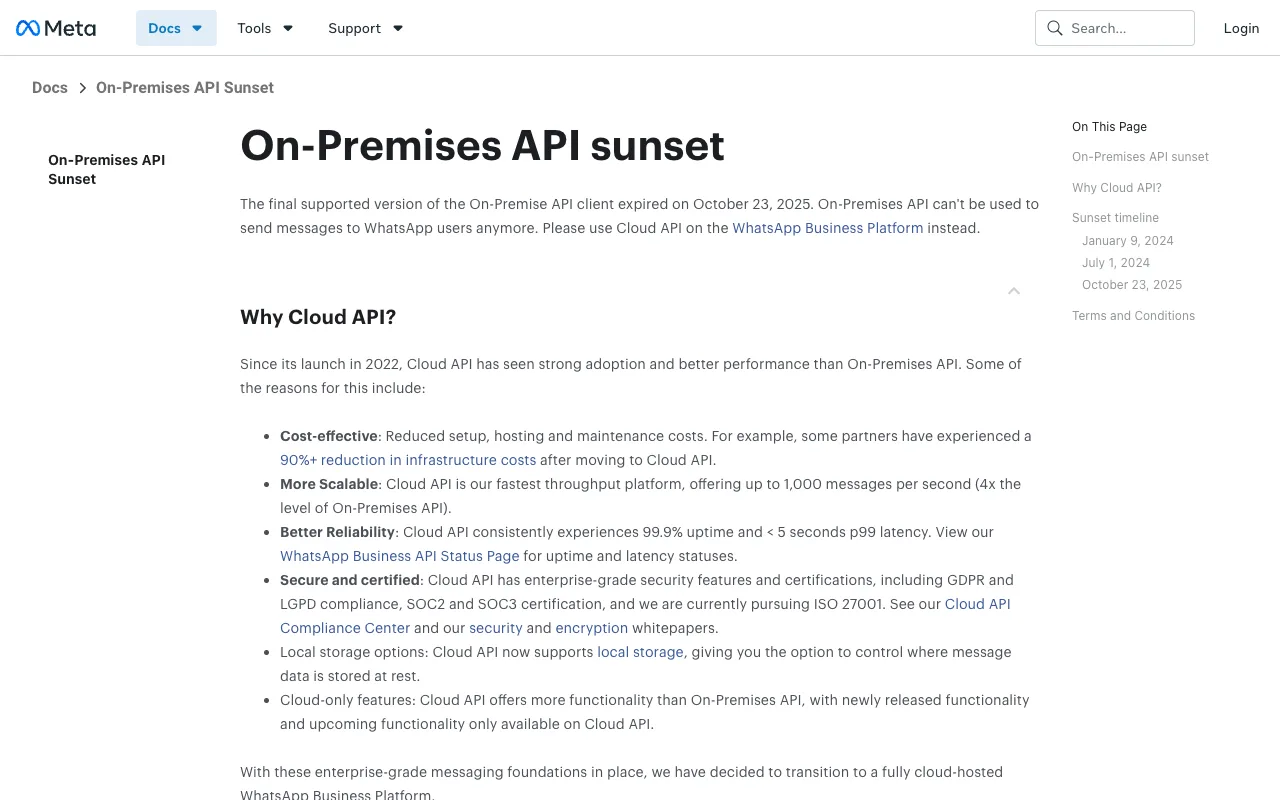
The On-Premises API (often written "On-Premise") was the self-hosted way to reach the WhatsApp Business Platform: businesses or their providers ran the API client on their own servers and installed each new version Meta released. The Cloud API, launched in 2022, moved that work to Meta. Meta then retired On-Premises in three steps, listed on its sunset page:
| Date | What Meta changed |
|---|---|
| January 9, 2024 | After On-Premises v2.53, every new feature ships to Cloud API only. On-Premises keeps quarterly releases limited to bug fixes and security patches. |
| July 1, 2024 | Business phone numbers can only be registered for Cloud API. Trying to register a number on On-Premises returns error code 1005. |
| October 23, 2025 | The final On-Premises version (v2.63) expires. Messages sent to or from numbers still registered on On-Premises are no longer delivered. |
Meta justifies the move on the same page with lower setup, hosting and maintenance costs, higher throughput, better reliability, security certifications, local storage options, and new features that only ship to Cloud API. Meta's former On-Premises documentation links now redirect to that sunset page.
Cloud API vs On-Premises: how the two compared
If On-Premises still appears in an old contract, integration or RFP, here is how the two APIs compared, using Meta's own figures.
| Cloud API | On-Premises API | |
|---|---|---|
| Who hosts it | Meta | The business or its provider |
| Status in 2026 | Active | Shut down on October 23, 2025 |
| New phone numbers | Yes | No registrations since July 1, 2024 |
| New features | Every new feature since January 2024 | Bug fixes and security patches only, then nothing |
| Throughput | Up to 1,000 messages per second per number | Lower: Meta says Cloud API reaches 4x the On-Premises level |
| Where message data is stored | Meta data centers, with optional local storage in a chosen country | The servers of the business or its provider |
| Servers and maintenance | Handled by Meta | Handled by the business or its provider |
Sources: Meta's On-Premises API sunset page, throughput documentation and local storage documentation.
Data location was one reason to self-host: message payloads stayed on servers the business controlled. The Cloud API now covers that need with local storage, which Meta presents for regulated industries such as finance, government and healthcare (Meta, Local storage). Details below.
What the WhatsApp Cloud API offers in 2026
Hosted and run by Meta
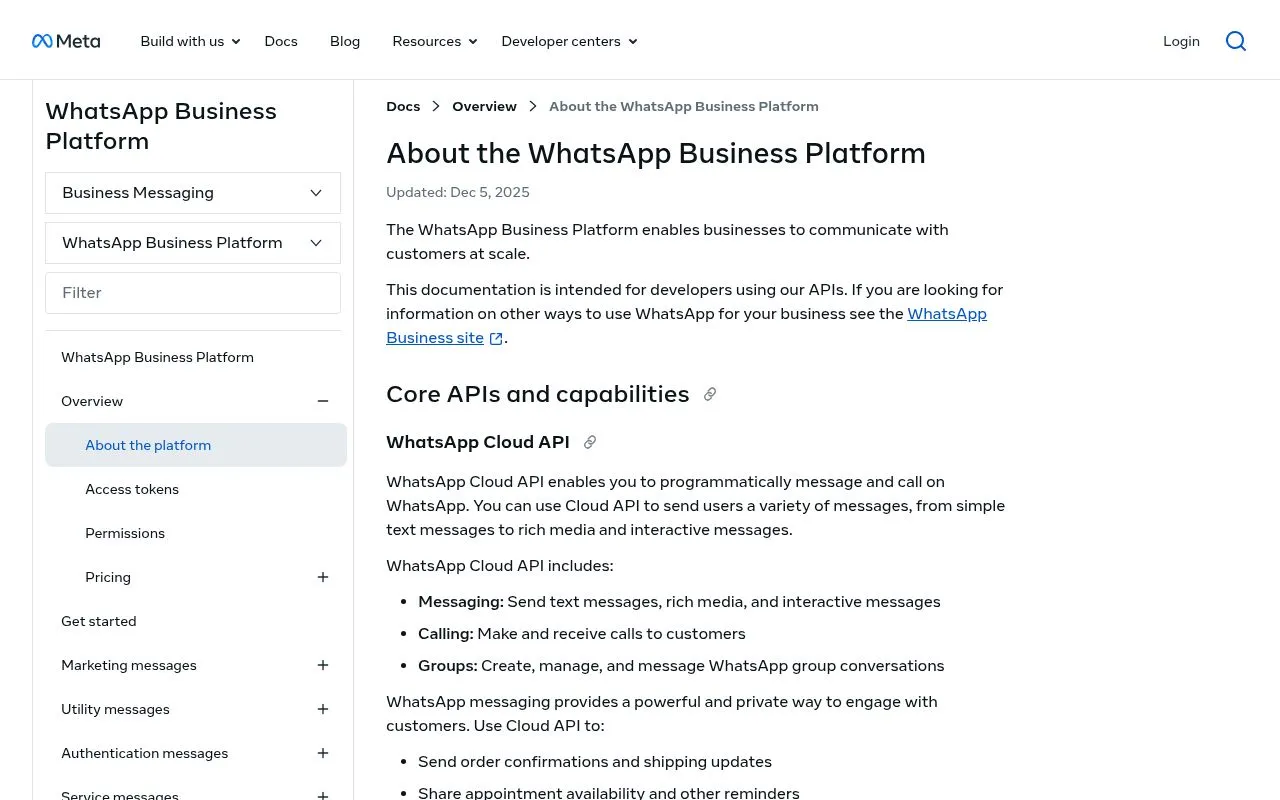
The Cloud API is offered by Meta under its Cloud API Terms. You send messages with HTTPS calls to Meta's Graph API and receive incoming messages and delivery statuses through webhooks (Meta, About the WhatsApp Business Platform). There is no client to install, patch or scale on your side. Meta says some partners cut their infrastructure costs by 90% or more after moving to Cloud API (sunset page).
The Cloud API covers messaging (text, media and interactive messages), calling and groups, and Meta ships its newly released and upcoming features to Cloud API only. That is where features such as WhatsApp Flows run.
Throughput: 80 messages per second, up to 1,000
Each registered business number can send up to 80 messages per second by default. Meta upgrades a number to 1,000 messages per second automatically, at no cost, once three conditions are met: the business portfolio has an unlimited messaging limit, the number messages 100,000 or more unique WhatsApp users outside a customer service window within a moving 24-hour period, and its quality rating is Medium or higher. Numbers used with both the WhatsApp Business app and Cloud API stay at a fixed 20 messages per second (Meta, Throughput).
Throughput counts inbound and outbound messages together, and every number remains subject to its messaging limits. Your quality rating matters here: Meta uses it to decide automatic throughput upgrades (Meta, About the WhatsApp Business Platform).
Reliability
Meta states that Cloud API consistently delivers 99.9% uptime with p99 latency under 5 seconds, and it publishes live status on its WhatsApp Business API status page (sunset page). If your webhook endpoint goes down, Meta keeps retrying failed webhooks for up to 7 days (Meta, Throughput).
Security and data location
Messages keep WhatsApp's Signal protocol encryption, and Cloud API encrypts data in transit (HTTPS with TLS) and at rest (Meta, About the WhatsApp Business Platform). Meta lists GDPR and LGPD compliance and SOC 2 and SOC 3 certification for Cloud API, with ISO 27001 in progress (sunset page, Cloud API Compliance Center).
For data residency, local storage lets you choose, per phone number, the country where message content is stored at rest. Supported regions include the EU (Germany), Switzerland and the United Kingdom, among others (Meta, Register a business phone number). Message content can still be processed in Meta data centers outside that region for up to 60 minutes while in use, after which it is kept only in the chosen region (Meta, Local storage).
How Cloud API pricing works since July 1, 2025
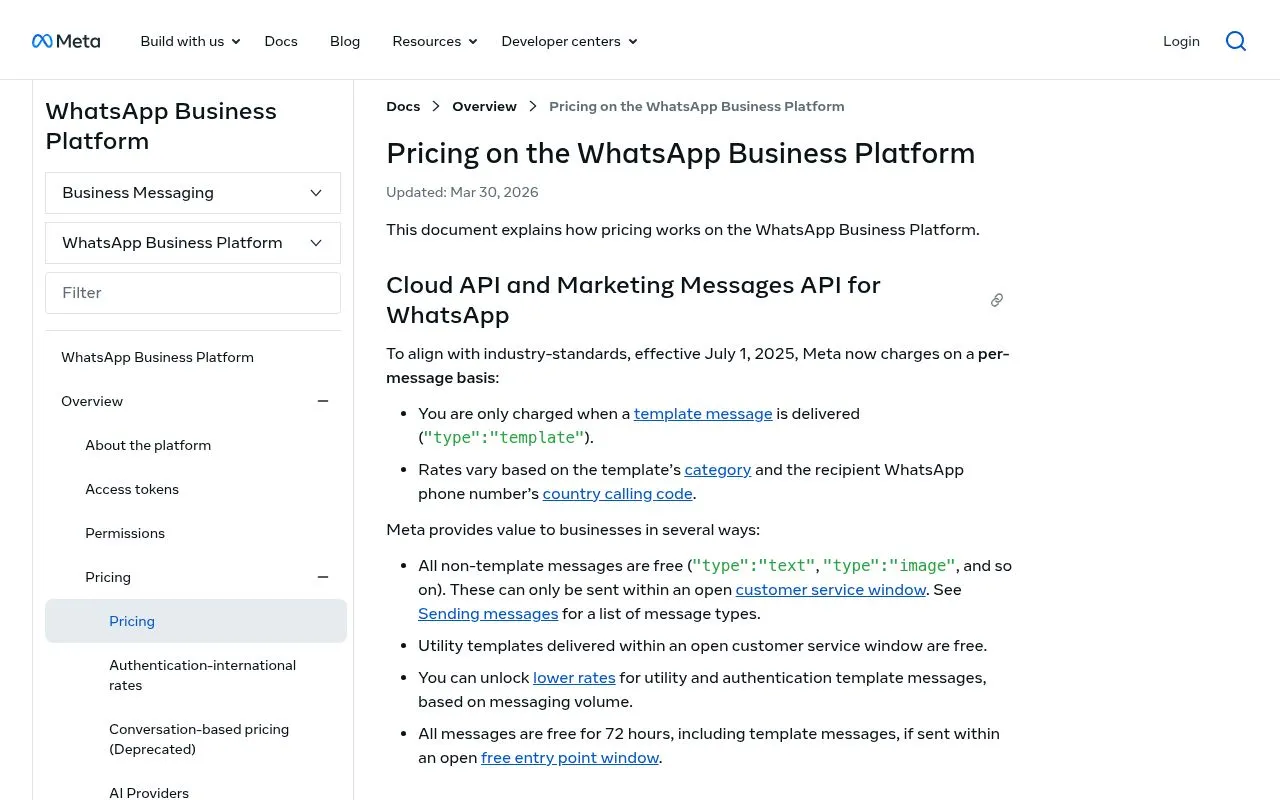
On Cloud API you pay Meta for messages, not for servers. Since July 1, 2025, Meta charges per message instead of per conversation (Meta, Pricing on the WhatsApp Business Platform):
- You pay when a template message is delivered. The rate depends on the template category (marketing, utility or authentication) and on the country calling code of the recipient's number. Messages your customers send you are not charged.
- Free-form replies are charged beyond a monthly free tier. Non-template messages (service messages) can only be sent inside an open 24-hour customer service window: since October 1, 2026, each business phone number gets 1,000 free service messages per month and Meta charges from the 1,001st. Utility templates sent inside that window are charged again too. Marketing templates are charged even inside that window.
- Volume tiers lower utility and authentication rates as your monthly volume grows.
- Free entry point window: when a customer messages you from a Click to WhatsApp ad and you answer inside the 24-hour customer service window, your messages are not charged while the free entry point window is open, which may be for up to 7 days according to Meta's pricing documentation read on October 7, 2026, except Meta Business Agent messages.
Two changes took effect on October 1, 2026 (Meta, upcoming pricing updates). Meta charges per message for service messages (non-template replies written by a person or a third-party AI), at the same rate as utility and authentication messages in each market, after 1,000 free service messages per business phone number each month. It also charges utility templates sent inside an open customer service window. Meta adds that, beyond that free tier, it does not deliver service messages for solution providers and directly integrated businesses that have no payment method on file. Replies generated by Meta Business Agent, Meta's own AI agent, have been billed per token since August 1, 2026.
Meta only changes prices on the first day of a quarter (January 1, April 1, July 1 or October 1), with at least one month's notice for rate card updates (Meta, Pricing). Rates by country and cost examples for a Shopify store are in our WhatsApp Business pricing guide.
Still on an old setup? What to do now
If your WhatsApp messages stopped around October 23, 2025, or your provider still talks about an On-Premises installation, these steps follow Meta's current documentation.
1. Check the number's status
In WhatsApp Manager, open Account tools, then Phone numbers. Meta requires a number to show the Connected status to send and receive messages through the API (Meta, Business phone numbers). If deliveries stopped on October 23, 2025, that is the day Meta's last On-Premises version expired: the number has to be registered on Cloud API.
2. Register the number on Cloud API
Meta only allows registration through the API, not from WhatsApp Manager or the App Dashboard. The number must first be added to a WhatsApp Business account and verified, then registered with a six-digit two-step verification PIN. Meta caps registration at 10 requests per number in a moving 72-hour window, so avoid trial and error. Registration is also the moment to turn on local storage (Meta, Register a business phone number).
Meta's registration guide adds that numbers coming from On-Premises need extra steps before registration. The migration guide it links to no longer shows any content (checked on September 11, 2026). In practice, let your provider run this step: when you onboard through a provider's Embedded Signup flow, the provider completes the registration.
3. Changing provider? Use Meta's migration flow
If the number sits with a provider you are leaving, it can move to your new provider's WhatsApp Business account through Embedded Signup. The number keeps its display name, quality rating, messaging limit and Official Business Account status, and approved templates with a high quality rating are copied over automatically. A migrated number can only be registered on Cloud API (Meta, Migrating a business phone number between Solution Partners).
Before starting, Meta requires:
- a verified Meta Business Account (business portfolio)
- an approved WhatsApp Business account with a valid payment method
- two-step verification turned off on the number
Plan for two details. Copied templates restart with an unknown quality rating for their first 24 hours, and templates that were not copied, or that Meta rejects after re-checking their category, must be resubmitted. Messages delivered before the migration completes are billed to the old provider.
4. Reconnect your store and your flows
Once the number is live on Cloud API, rebuild what the old stack did: webhooks for incoming messages and delivery statuses, your Shopify order and shipping notifications, your message templates and your opt-in collection. Meta requires opt-in before you send templates (Meta, About the WhatsApp Business Platform).
Where Kanal fits
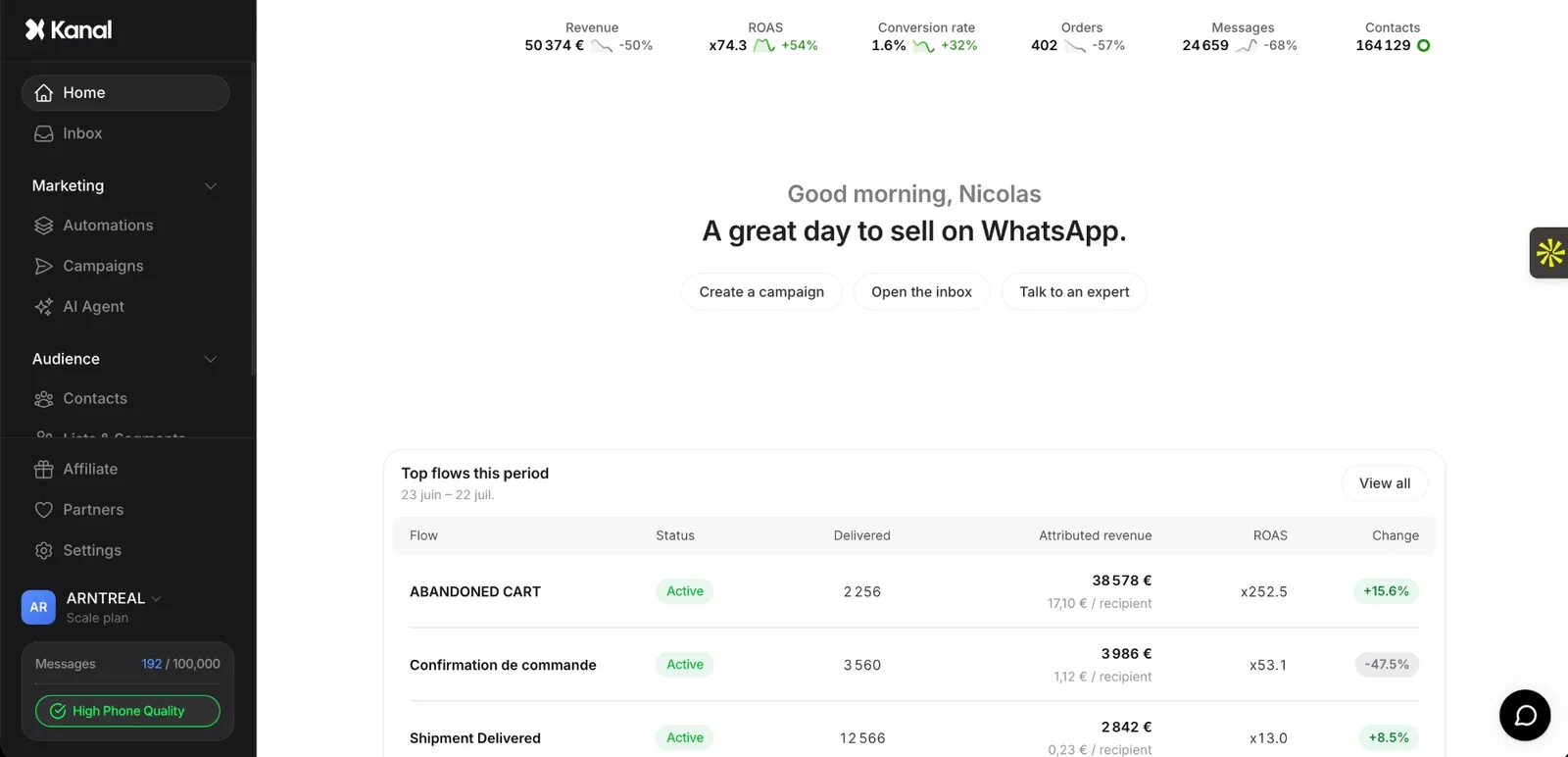
Kanal is a WhatsApp marketing app for Shopify built on Meta's official WhatsApp Business Platform, so your store runs on the Cloud API from day one, with nothing to host or update on your side. Kanal takes care of the parts that used to require a developer:
- Meta Business verification, number setup and template approval, handled during onboarding
- A native Shopify integration for order notifications, abandoned cart recovery and campaigns
- Meta's WhatsApp fees passed through at cost, with no per-message markup, next to a monthly plan (see pricing)
Moving off an old provider or a number that was stuck on On-Premises? Book a demo: we'll look at your current number and setup with you and plan the switch.
Conclusion
Meta settled the WhatsApp Cloud API vs On-Premises question: On-Premises stopped delivering messages on October 23, 2025. What is left to decide is how you run the Cloud API:
- Check that your number shows Connected in WhatsApp Manager.
- If it went silent on October 23, 2025, have it registered on Cloud API through a provider that uses Meta's Embedded Signup.
- Budget for per-message pricing, including the October 1, 2026 changes for service and utility messages.
Book a demo to see how Kanal runs WhatsApp on the Cloud API for your Shopify store.
Resources
- Meta: On-Premises API sunset
- Meta: About the WhatsApp Business Platform
- Meta: Throughput
- Meta: Pricing on the WhatsApp Business Platform
- Meta: Upcoming pricing updates for service and utility messages
- Meta: Register a business phone number
- Meta: Migrating a business phone number between Solution Partners
- Meta: Local storage
- Kanal YouTube channel
- WhatsApp Business API Guide
- WhatsApp Business API Providers Compared
- WhatsApp Business Pricing Guide
- Kanal Pricing
See Kanal on your own store
- Your campaigns and cart reminders on WhatsApp, starting from your own store
- Post-purchase offers, back-in-stock alerts, then the AI agent that advises your customers
- You leave with the plan that fits and its price
From €89/month
- brands
- 500+
- to set up
- 5 min
- open rate on WhatsApp
- +90%
Nicolas helps e-commerce brands grow revenue with WhatsApp marketing. With deep expertise in Shopify ecosystems and conversational commerce, he shares proven strategies for abandoned cart recovery, broadcast campaigns, and AI-powered customer engagement.