WhatsApp Business Profile: 12 Best Practices That Convert

Summarize this article with an AI
 ChatGPT
 Claude
Set up a WhatsApp Business profile that converts in 2026. 12 best practices for photo, name, description, catalog, verification, and Shopify sync.
Table of contents (18)
Key takeaways
- A converting profile starts with a square 640 by 640 photo, a business name under 25 characters and a 139-character about line with one number and one verb.
- Pick the most specific Meta category and set hours in your customers' timezone, because changing name or category after verification triggers a five-to-ten-day re-review.
- Sync a curated catalog of your top 20 products at launch, then add an automated greeting, an away message, 10 to 15 quick replies and labels.
What makes a high-converting WhatsApp Business profile
A high-converting WhatsApp Business profile follows twelve best practices: a square 640 by 640 brand photo, a 25-character business name, a 139-character about line with one number and one verb, a five-section description, hours in the customer's timezone, a verified business address, a UTM-tracked website link, a Shopify-synced catalog, a real email address, a specific Meta category, the verified badge (the former green tick, now a blue checkmark), and configured greetings, replies, and labels.
What is a WhatsApp Business profile
A WhatsApp Business profile is the public-facing page customers see when they tap your name or number inside WhatsApp. It surfaces your photo, business name, category, about line, description, hours, address, website, email, and (if connected) your product catalog. The profile exists on three tiers: personal WhatsApp (no business profile), the free WhatsApp Business app (basic profile, one device), and the WhatsApp Business API via providers like Kanal (full profile, automation, Shopify integration).
The free app fits stores doing fewer than 50 conversations per day from a single team member. Past that, agents step on each other and response times slip. Our WhatsApp Business API guide covers the migration path and pricing.
The profile data structure is identical across all three tiers, so the photo, about line, and category you set at launch travel with the number when you graduate to the API.
Best practice 1: Profile photo specs
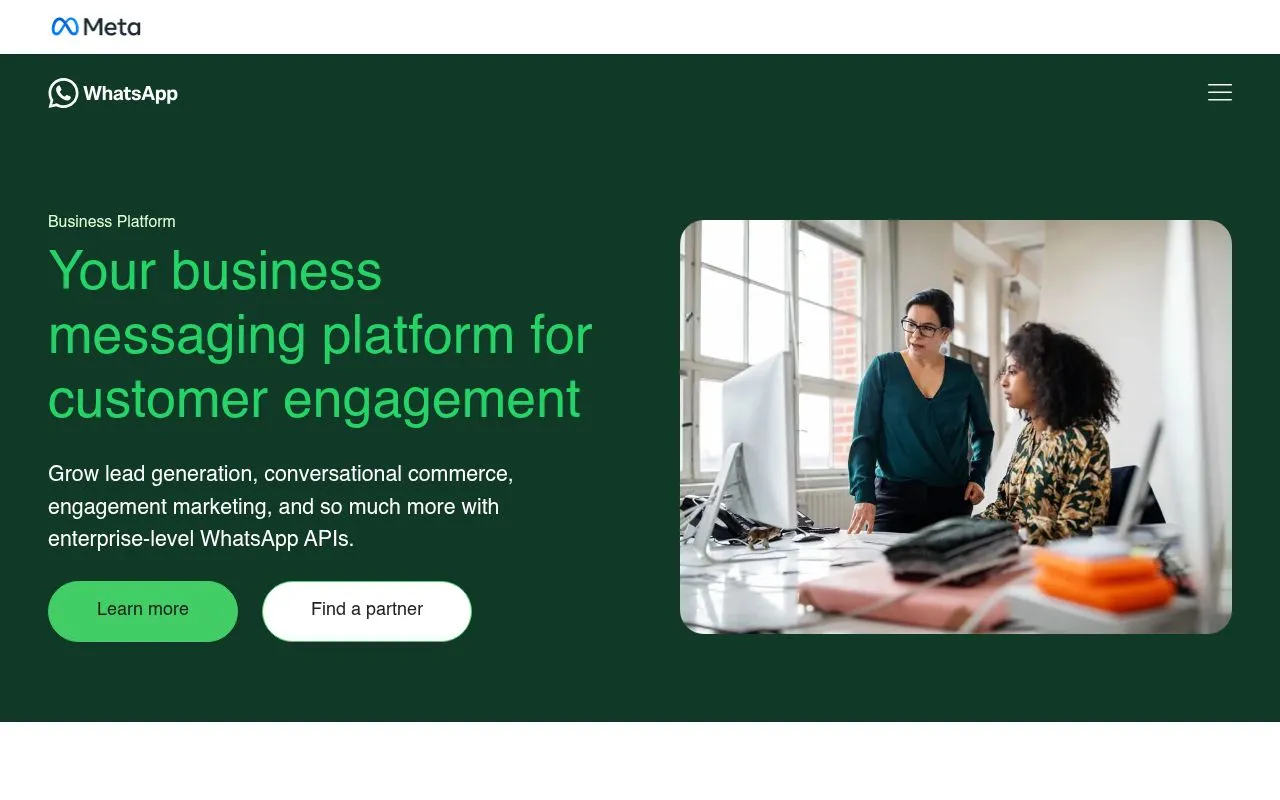
Upload a square image at exactly 640 by 640 pixels and 72 DPI. WhatsApp renders the photo at 192 by 192 in most clients but stores the source at 640. Larger files get downsampled and lose detail.
Use PNG with a transparent background when possible, rather than a JPG on a white square. Leave a 100-pixel safe margin from each edge so the circular crop never clips your wordmark.
The logo-versus-face decision tracks with your business model. Product brands (apparel, beauty, food) are recognised by their brand mark. Service brands (consulting, coaching, salons) sell a person, so a smiling human face fits. If you sit between the two, run a two-week sequential test with at least 1,000 profile visits per variant.
Best practice 2: Business name (25-character limit, verified versus display)
The business name field caps at 25 characters and shows up as the conversation title in every chat list. Two strategic patterns work.
Brand-only ("Maison Vert") is clean and ownership-clear. It works once your brand has organic recognition. Brand-plus-descriptor ("Maison Vert Skincare") adds discoverability and signals what you sell at a glance, which helps while your brand is still building recognition.
A second distinction matters: the verified business name (locked when you get the green tick) versus the display name (editable). Pick the right name before verification because changes to the verified name trigger a five-to-ten-day Meta re-review.
Meta enforces a banned-words list (offensive language, regulated terms, the literal word "WhatsApp"). Anything that resembles a Meta impersonation gets rejected at verification.
Best practice 3: Business description (139 characters, value prop, what to include)
The about section is 139 characters. Every character must earn its place.
A weak about: "We sell premium skincare. Visit our store for more information."
A strong about: "Indie skincare made in Paris. Order in chat. Free shipping over 50EUR. Reply to talk to Anna."
The strong version does five jobs in 93 characters: positions the brand, signals the channel, sets the shipping expectation, names a human, primes the next action. Three rules: include one number (founding year, threshold, product count), name a human if your team is under ten people, end with an action verb. Emojis cost two to four characters each, so use one max.
For brand-voice templates, see our WhatsApp templates library.
Best practice 4: Category selection (Meta's industry list)
Meta lets you pick one primary category. Pick the most specific match: the directory surfaces businesses by category and customers trust narrow categories more than catch-all ones.
Categories that suit Shopify merchants:
- Shopping and Retail (general and multi-category stores)
- Clothing and Apparel (fashion DTC)
- Beauty, Cosmetic and Personal Care (beauty and skincare brands)
- Food and Beverage (food and drink brands)
- Health and Wellness (alternative to Beauty when the fit is off)
Avoid generic catch-alls like "Business Services", "Company", "Brand", or "Local Business". They say little about what you sell and signal a non-mature setup to first-time visitors.
Category change after verification is allowed once, with a five-to-ten-day re-review window. Treat the initial pick as a near-permanent decision.
Best practice 5: Address, hours, and the greeting message
Add a real business address even if you are pure DTC: it shows customers there is a real company behind the chat. Paste the Google Maps short URL ("maps.app.goo.gl/") so WhatsApp renders a tappable map preview with your business name, photos, and reviews. Avoid PO boxes.
Set hours in the timezone of your largest customer market, not your office: customers react to the "Open now" or "Closed" indicator they see. Group days that share hours ("Mon-Fri 9am-6pm, Sat 10am-4pm, Sun closed") instead of listing seven lines.
Pair the hours with an automated greeting that fires on every first-time message. Format: "Hi, thanks for reaching out. I'm Anna and I reply within two hours. In the meantime, type 'menu' to see our catalog." Our WhatsApp automated message guide has more templates.
Best practice 6: Website and email links (UTM tracking, why include)
The website field accepts one or two URLs. Use one. Two URLs split traffic and dilute analytics.
UTM-tag the URL: https://yourstore.com/?utm_source=whatsapp&utm_medium=profile&utm_campaign=bio. In Shopify analytics or GA4, you can now isolate profile traffic specifically. Match the destination to the audience: returning shoppers go to a "Welcome back" landing, first-time visitors go to a best-seller collection. The homepage is rarely the right answer.
The email field follows the same principle. Skip the generic "info@". Use a stylist email, a sales email, or a support address routed to your helpdesk. Set a 4-hour SLA. Customers who emailed instead of chatting expect a real reply.
Best practice 7: Catalog setup (linking to Shopify product feed)
The catalog is the power feature of the profile. With a connected catalog, customers browse, tap, and buy without leaving the chat, which removes the jump to your website.
Two setup paths. Manual Meta Catalog: create the catalog in Meta Commerce Manager, upload products via CSV, maintain inventory by hand. Free, painful, prone to drift. Auto-sync via Kanal: install Kanal from the Shopify App Store and connect the catalog. Inventory, pricing, and product status push in real time. The Shopify-WhatsApp integration handles the technical mapping.
Practical tip: tag your top 20 SKUs in Shopify and only sync those at launch. A curated 20 is easier to browse in a chat window than a bloated catalog of 800 products.
Best practice 8: Verified badge (the former green tick)
The verified badge, long called the green tick and now a blue checkmark, is the visual trust signal that separates legitimate businesses from unverified profiles, and it makes your official account recognisable at a glance. On the API, you request an official business account in WhatsApp Manager. On the WhatsApp Business app, the badge comes with Meta Verified, a paid subscription offered in some countries.
Requirements: a registered business entity, a public web presence, official documentation (tax certificate, business registration), and an active WhatsApp Business API connection. Application runs through Meta Business Manager.
Before you submit, check for these rejection triggers: unclear ownership of the website, mismatched business names across documents, and a lack of public press coverage. Read our WhatsApp Business verification and green tick guide before submitting to maximize your odds.
Best practice 9: Profile signals that affect quality rating
Meta runs a hidden quality rating (green, yellow, red) on every WhatsApp Business account. The rating depends on user feedback (block, report, mute), response time, message volume, template approval rate, and profile completeness. A red rating throttles your daily messaging limit and can lead to suspension.
The profile signals visible to Meta before you send a single message: a complete photo, verified address, public website, real email, active catalog, and a specific category. Together they signal "legitimate business" and reduce false-positive flags.
Signals that hurt the rating: a default gray-avatar picture, an empty about line, a generic category, no business address, and a website URL that fails to resolve. Log into Meta Business Manager and check the WhatsApp Manager dashboard weekly.
Featured app: Reviewz.ai collects Trustpilot reviews on autopilot via email, SMS, and WhatsApp. Multichannel review requests with native Shopify event triggers.
Best practice 10: Step-by-step profile setup walkthrough
A repeatable 45-minute setup.
Step 1: Pick the account type. Free WhatsApp Business app for stores under 50 conversations per day, WhatsApp Business API for everything else.
Step 2: Upload the photo. 640 by 640 PNG with 100-pixel safe margins. Logo for product brands, face for service brands.
Step 3: Write the business name and about. Brand or brand-plus-descriptor under 25 characters. About 139 characters with one number and one action verb.
Step 4: Pick the category, address, and hours. Most-specific category. Real business address with Google Maps short URL. Hours in the customer's timezone, days grouped.
Step 5: Connect the catalog. Install Kanal for auto-sync or build a manual Meta Catalog. Curate to the top 20 SKUs at launch.
Step 6: Apply for the green tick. Submit Meta Business Verification via Business Manager. Have your tax certificate, business registration, and press coverage ready.
Step 7: Configure operations. Set up the first-message greeting, the away message for closed hours, 10 to 15 quick replies, 6 to 8 labels.
For the desktop workflow, our WhatsApp Business web and desktop guide walks through the multi-device setup.
Best practice 11: Common mistakes to avoid
Seven mistakes to fix first.
- Default gray avatar. It makes the account look unfinished. Even a low-res logo beats no photo.
- Generic about line. "We sell quality products" tells the visitor nothing.
- Wrong category. "Business Services" or "Company" signals a non-mature setup.
- PO box address. Reads as low trust. Use a coworking or registered business address.
- Untracked website URL. Skipping UTM tags loses attribution forever.
- Empty catalog. Customers cannot browse your products without leaving the chat.
- No automated greeting. First-time visitors who message during closed hours get no answer and no idea when one will come.
The fixes take 30 to 60 minutes total. The ROI lasts as long as the profile lives.
Best practice 12: How Kanal helps with profile management at scale
Running a polished WhatsApp Business profile on one store is a 45-minute job. Running it across multiple brands, languages, or seasonal pivots becomes a coordination headache. Kanal ships features built for that scale.
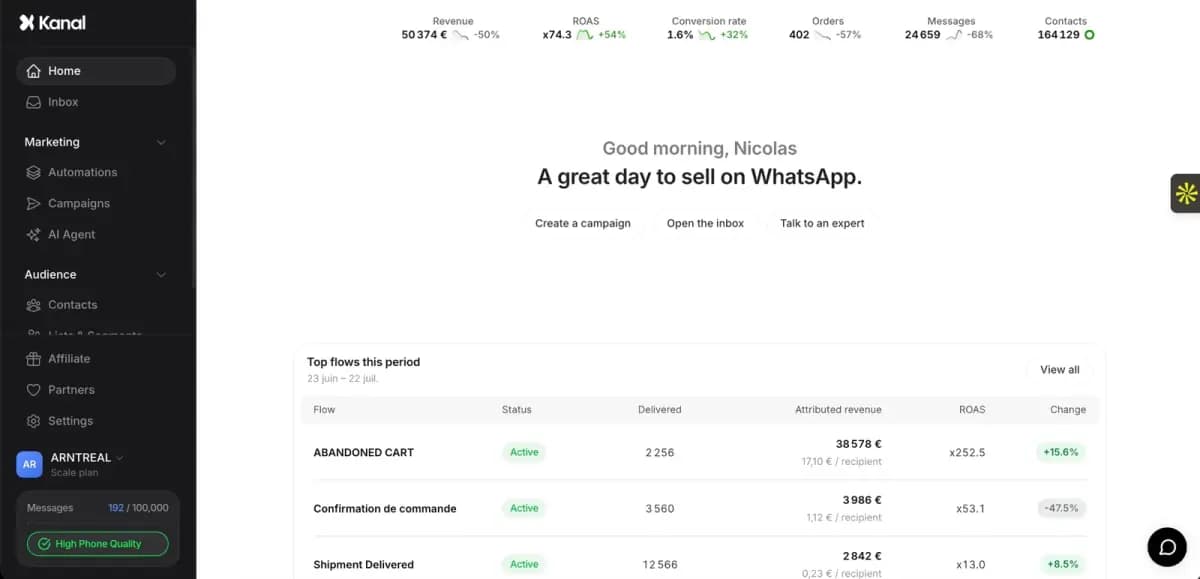
Catalog auto-sync from Shopify keeps your WhatsApp catalog in lockstep with your store catalog. Inventory changes, price updates, and SKU rotations flow through automatically. The AI chatbot handles first-message routing so your automated greeting feels intelligent rather than scripted, reading profile context (category, hours, catalog) to answer product questions and hand off to a human only when needed.
The multi-agent inbox lets your support team, sales team, and founder work the same WhatsApp number without stepping on each other. If you are comparing tools, our best WhatsApp apps for Shopify roundup walks through Kanal side-by-side with the alternatives.
Profile best practices checklist
Run this audit on your profile today.
- Display picture 640x640 PNG with 100-pixel safe margins
- Business name under 25 characters, brand or brand-plus-descriptor
- About section 139 characters with one number and one verb
- Description split into five purposeful sections
- Hours set in customer's timezone, days grouped
- Real business address with Google Maps short URL
- Single UTM-tracked website URL landing on the right page
- Catalog connected via Kanal, top 20 SKUs curated
- Email field uses a real human or team address with 4-hour SLA
- Category is the most specific match for what you sell
- Green tick application submitted or in progress
- First-message greeting, away message, quick replies, labels configured
Aim for 10 of 12 inside the first month, 12 of 12 by end of the first quarter.
Conclusion: 45 minutes that pay back forever
The twelve best practices above take roughly 45 minutes to implement end-to-end. The payback is measured in years because the profile is the front door to every campaign, broadcast, abandoned cart message, and support thread your brand will ever run on WhatsApp.
It is tempting to skip the profile and run straight to campaigns, but a leaky profile loses chats before the campaign even fires. Fix the most visible gaps first (catalog, about, hours). Re-audit in 30 days.
Ready for a structured audit? Book a Kanal demo and our team will walk through your profile point by point. See plans on the pricing page. Or install Kanal from the Shopify App Store and the built-in audit will flag every gap automatically.
Resources
- WhatsApp Business API guide
- WhatsApp Business verification and green tick
- WhatsApp Business web and desktop guide
- WhatsApp Business API glossary entry
- Shopify WhatsApp integration
- AI chatbot for WhatsApp
- Best WhatsApp apps for Shopify
- WhatsApp templates library
- WhatsApp automated message guide
- WhatsApp link generator
- WhatsApp QR code generator
- Meta Business Manager (official)
- WhatsApp Business Platform docs (official)
FAQ
What are the most important WhatsApp Business profile best practices?
Start with five practices: a square 640 by 640 logo or face photo with safe margins, a 139-character about section with one number and one verb, a category that matches your vertical (Shopping and Retail for a general Shopify store), a Shopify-synced catalog, and verified hours set in your customer's timezone. Then work through the rest of the checklist.
How long does it take to set up a WhatsApp Business profile?
The basic profile takes 10 to 15 minutes to set up inside the WhatsApp Business app or via the WhatsApp Business API. Best-practice optimization (catalog sync, green tick application, automated greetings, quick replies) adds another 30 to 45 minutes. Plan a full afternoon if you also want to write and submit message templates for Meta approval.
Can I edit my WhatsApp Business profile after setup?
Yes, the profile picture, about, description, hours, email, website, and address can be edited at any time without re-verification. Editing the business name or category after verification triggers a Meta re-review that can take five to ten business days. Plan name and category changes ahead of seasonal campaigns to avoid downtime.
Do I need the WhatsApp Business API to follow these best practices?
No. Every practice in this guide works on the free WhatsApp Business app and on the WhatsApp Business API. The API unlocks deeper automation (auto-synced catalogs from Shopify, advanced routing, broadcast at scale) but the profile fundamentals (photo, name, description, hours, category) are identical across both.
How do I know if my WhatsApp Business profile is working?
Track three metrics weekly. First, profile-to-chat conversion rate: the percentage of profile visitors who tap "message" and send a first message. Second, first-chat-to-purchase rate: the percentage of new chats that lead to a sale within 14 days. Third, the Meta quality rating in your WhatsApp Business Manager. Keep it green. There is no independent public benchmark for the first two, so record your baseline before you change the profile and compare against it.
Does Meta have a hidden quality rating that depends on the profile?
Yes. Meta assigns each business a quality rating (green, yellow, red) based on user feedback, message volume, response time, and profile completeness. A red rating throttles your daily messaging limit and can lead to suspension. A complete profile with a real photo, verified address, and active catalog signals legitimacy and protects the rating.
See Kanal on your own store
- Your campaigns and cart reminders on WhatsApp, starting from your own store
- Post-purchase offers, back-in-stock alerts, then the AI agent that advises your customers
- You leave with the plan that fits and its price

- brands
- 500+
- to set up
- 5 min
- open rate on WhatsApp
- +90%
5/5 on the Shopify App Store (125 reviews)

Nicolas helps e-commerce brands grow revenue with WhatsApp marketing. With deep expertise in Shopify ecosystems and conversational commerce, he shares proven strategies for abandoned cart recovery, broadcast campaigns, and AI-powered customer engagement.
Glossary terms in this article
Quick definitions for the WhatsApp Business terms used above.
Official Business Account (blue tick)
An Official Business Account (OBA) is a WhatsApp Business Platform phone number that Meta has verified as belonging to an authentic business. It shows a blue checkmark next to the business name; the green tick it replaced no longer exists.
Read full definitionWhatsApp Business App
The WhatsApp Business App is a free mobile application designed for small businesses to chat with customers, with a catalog, quick replies, and automated greeting messages.
Read full definitionMeta Verified
Meta Verified for Business is a paid monthly subscription that gives a business on WhatsApp a verified badge (a blue checkmark), impersonation protection and account support. It is subscribed to from the WhatsApp Business app.
Read full definitionQuality Rating
The quality rating is the score WhatsApp gives a business phone number, and each of its message templates, based on how recipients react: blocks, reports and read rates. It is shown as high, medium or low (green, yellow, red).
Read full definitionWABA (WhatsApp Business Account)
A WABA (WhatsApp Business Account) is the account that represents a business on the WhatsApp Business Platform. A business needs one to send and receive messages through the API and to create message templates; it holds the phone numbers, the templates and the billing setup.
Read full definitionMessaging Limits
Messaging limits are the maximum number of unique WhatsApp users a business can message outside a customer service window within a moving 24-hour period. A new business portfolio starts at 250, then moves to 2,000, 10,000, 100,000 and unlimited.
Read full definitionAway Message
An away message is an automatic reply the WhatsApp Business app sends when a business is unavailable. Customers who write receive a message saying the business is away, which can be scheduled and limited to chosen contacts.
Read full definitionQuick Replies
Quick replies are saved message shortcuts in the WhatsApp Business App that insert a frequently used answer when the user types a slash command.
Read full definitionWhatsApp Catalog
A WhatsApp catalog is a list of products or services, with names, images, prices and descriptions, that a business connects to its WhatsApp account so customers can browse and order without leaving the chat.
Read full definitionMessage Template
A message template is a pre-written WhatsApp message that Meta approves before a business can send it. Templates are the only messages a business can send outside the 24-hour customer service window, for example to start a conversation or run a campaign.
Read full definitionSuggested articles
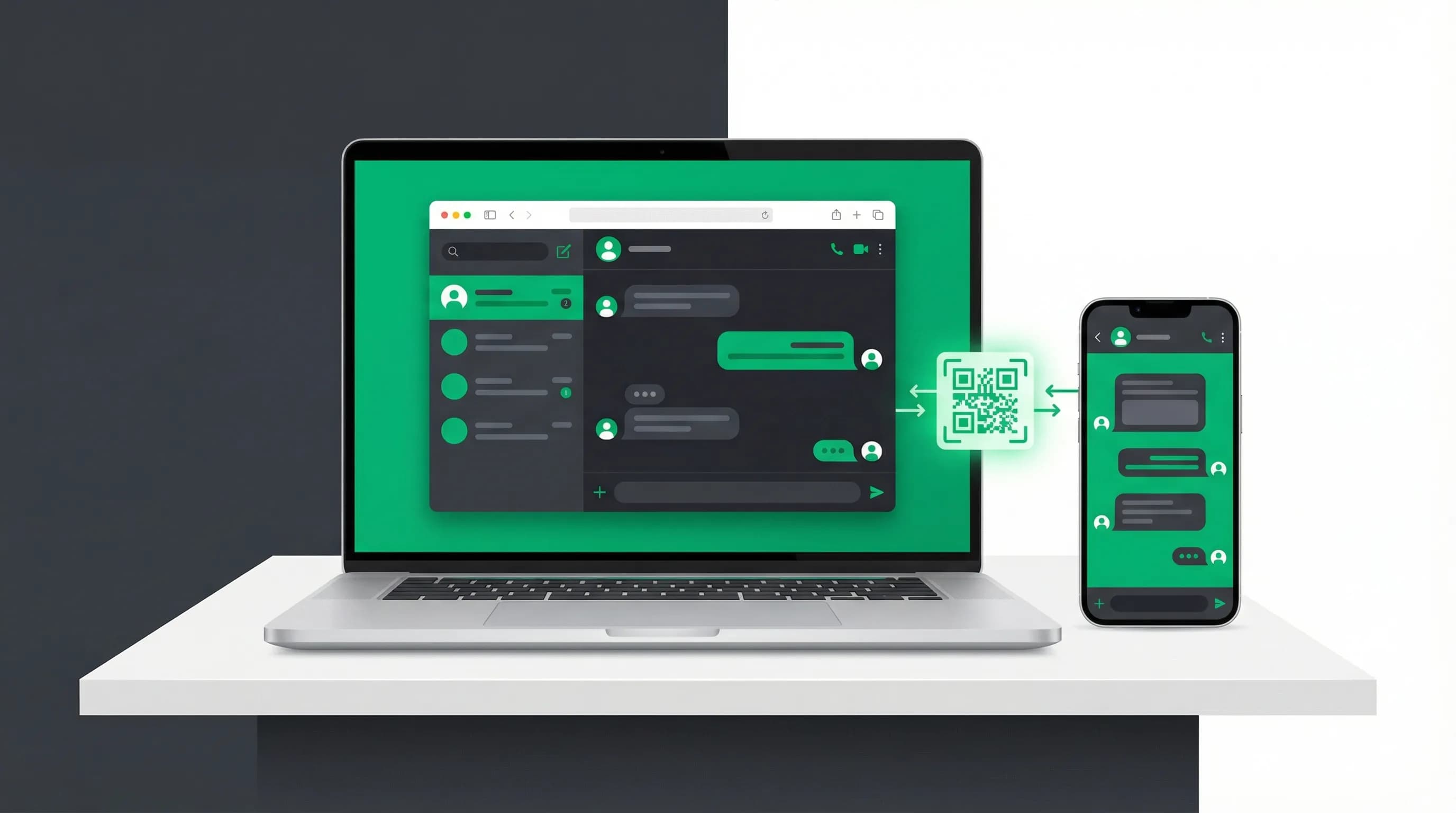
WhatsApp Business Web: Login, QR Code & Desktop App (2026)
Open WhatsApp Business Web in 30 seconds: QR code login from Chrome or any browser, fix a stuck QR code, link up to 4 devices, and get the Windows or Mac desktop app.
Shopify vs WooCommerce: Costs, Fees and Control (2026)
Shopify vs WooCommerce compared for US stores: subscription or hosting costs, payment fees, maintenance, flexibility, apps and how to migrate between them.
Shopify vs Wix: Plans, Payment Fees and Selling (2026)
Shopify vs Wix compared for US merchants: plan prices, card rates, product limits, sales channels, apps, support and how to migrate between the two platforms.
Shopify vs Squarespace: Pricing, Fees and Selling (2026)
Shopify vs Squarespace compared for US merchants: plan prices, card rates, transaction fees, checkout, apps, support and how to move from one to the other.