WhatsApp Web Not Working: 12 Solutions to Fix It (2026)

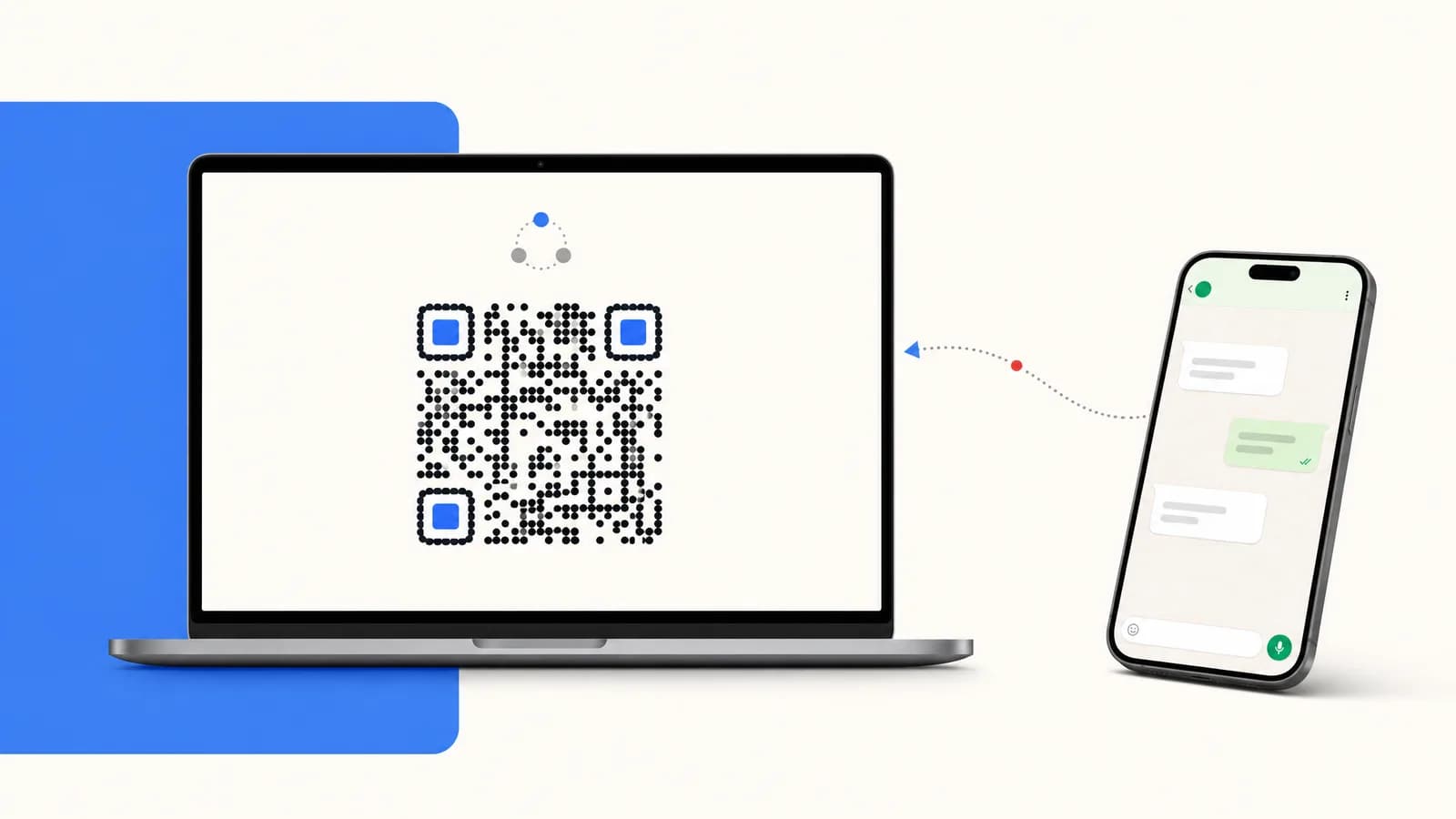
WhatsApp Web stuck on the QR screen or messages not syncing? 12 step-by-step fixes from browser cache to network issues plus a Shopify ecommerce workaround.
Table of contents (22)
You opened web.whatsapp.com, scanned the QR code, and nothing happened. Or the QR refreshes forever. Or you were logged in this morning and now messages are stuck on "Loading...". WhatsApp Web is the most-used desktop messaging tool on the planet, but it breaks more often than people realize. The good news: 95% of failures fall into 4 root causes and are fixable in under 5 minutes. This guide walks through every fix in order, from the fastest reset to the workaround Shopify merchants use when the consumer Web tool simply cannot scale to a real business. If you process more than a few customer messages a day, the right answer is probably not "fix WhatsApp Web" but "move to the Kanal inbox", we will get to that.

1. Why WhatsApp Web Fails (the 4 Root Causes)
Before clicking through 12 fixes blindly, understand what actually breaks. WhatsApp Web is a thin client. It runs in your browser, syncs through Meta's servers, and historically depended on your phone being online (until multi-device shipped in 2022). Failures cluster into four buckets:
- Session expiry. The QR pairing token lives 14 days. Browsers clearing cookies or extended idle kills it.
- Browser environment. Ad blockers, privacy extensions, outdated Chromium, or aggressive content scripts can break WebSocket connections to
web.whatsapp.com. - Network and DNS. Corporate Wi-Fi, ISP throttling, VPN routing, or a dropped IPv6 path frequently break the long-lived connection that powers real-time sync.
- Phone-side problems. If multi-device is off, your phone must be online. Battery saver modes (especially on Xiaomi, OPPO, Samsung One UI) kill the WhatsApp background process and silently break Web.
Most of the time, fix 1 (re-pair) and fix 2 (clear cache) solve the issue. The rest are for stubborn cases.
If you eventually realize WhatsApp Web is not the right tool for handling customer messages at scale, jump to section 13 or read our WhatsApp Business API guide for the proper alternative.
2. Fix 1: Re-Pair Your Phone (the Universal Reset)
This solves 60% of cases. Steps:
- On your phone, open WhatsApp and go to Settings - Linked devices.
- Tap your current Web session and choose Log out.
- Back on your computer, open
https://web.whatsapp.comin a fresh tab. - Scan the new QR code.
If the QR never appears or never refreshes, the problem is browser-side, move to fix 2.
3. Fix 2: Clear Browser Cookies and Cache
WhatsApp Web stores its session in IndexedDB, localStorage, and cookies for the web.whatsapp.com domain. When those caches go corrupt (mid-update, mid-extension-conflict), nothing else will work until you wipe them.
In Chrome:
- Click the padlock icon in the address bar
- Choose Site settings
- Click Clear data
- Reload the page and scan the QR again
In Firefox: about:preferences#privacy then Manage Data and search for whatsapp.com.
For a nuclear option, clear all cookies and cache for the last hour. You will lose some other site sessions but WhatsApp Web will boot fresh.
4. Fix 3: Disable Browser Extensions and Ad Blockers
The biggest offenders we have seen in 2026:
- uBlock Origin with strict third-party blocking
- Ghostery
- Privacy Badger
- AdGuard
- Honey and other coupon extensions injecting scripts
- LastPass / 1Password autofill on heavy-DOM pages
Open WhatsApp Web in an Incognito / Private window with extensions disabled. If it works, you have your culprit. Allowlist web.whatsapp.com in the offending extension and reload.
5. Fix 4: Check Your Phone's Battery Saver and VPN
Multi-device works for 14 days without phone connectivity, but if multi-device is disabled (or you are on a region where it never fully rolled out), your phone needs to be online and the WhatsApp process needs to be alive. Battery saver modes on Android, particularly Xiaomi MIUI, OPPO ColorOS, Huawei EMUI, and Samsung's "Adaptive battery", aggressively kill background apps.
Fix on Android:
- Open Settings - Apps - WhatsApp - Battery
- Set to Unrestricted (Samsung) or No restrictions (Xiaomi)
- Disable Wi-Fi assistant or VPN if active
- On iOS, go to Settings - WhatsApp - Background App Refresh and turn it on
Aggressive VPNs (NordVPN's kill switch, country-blocked tunnels) can also break the persistent connection. Pause the VPN and retest.
6. Fix 5: Use a Different Browser
Some Web breakages are scoped to one Chromium build. Quick triage:
- Try Edge if you are on Chrome (or vice versa)
- Try Safari on Mac (Safari support is solid since 2023)
- Avoid Brave, Tor Browser, or hardened forks for WhatsApp Web, they routinely block the WebSocket connections
If Web works in Edge but not Chrome, the problem is profile-specific in Chrome. Either create a fresh Chrome profile or use the WhatsApp Desktop app instead.
7. Fix 6: Verify Your Phone Is Connected to the Internet
Easy to forget. If your phone dropped to 1 bar of 3G or switched to a hotel Wi-Fi that requires a captive portal you never validated, WhatsApp Web cannot sync.
Test:
- Open WhatsApp on your phone
- Send yourself a message via the Message yourself chat
- If it sticks on the clock icon, your phone is offline
Quick fixes: toggle airplane mode, re-join Wi-Fi, validate captive portals, or switch to cellular data.
8. Fix 7: Update WhatsApp on Your Phone
WhatsApp regularly deprecates older client versions, and once your phone is two major versions behind, multi-device sync starts behaving unpredictably. Check the Play Store or App Store for an update.
If your phone is too old to receive updates (Android 4.x and lower, iOS 11 and lower in 2026), WhatsApp will simply refuse to start a Web session.
9. Fix 8: Reset Network Settings (DNS, Router Restart)
A flaky DNS resolver is a surprisingly common cause. Try:
- On Mac: System Settings - Network - Wi-Fi - Details - DNS, add
1.1.1.1and8.8.8.8 - On Windows: Settings - Network - Advanced settings, add the same DNS
- Power cycle your router (30 seconds unplugged)
- If on corporate Wi-Fi, ask IT whether
web.whatsapp.comor the underlying*.whatsapp.netdomains are allowlisted
Corporate firewalls and school networks frequently block WhatsApp's media servers, which makes Web load chats but not images.
10. Fix 9: Check If WhatsApp Is Down
Before assuming the problem is yours, confirm Meta is not having an outage. Useful tools:
- Downdetector WhatsApp page
- Meta status page
- Twitter / X search for
#whatsappdown
Outages in 2024 and 2025 each lasted under 4 hours but happened roughly twice a year. If everyone is reporting issues, just wait it out.
11. Fix 10: Log Out From All Sessions Then Re-Login
Sometimes a stale session ghost is silently blocking new logins. On your phone:
- Settings - Linked devices
- Tap each entry and Log out
- Optionally Log out from all devices
- Re-scan QR fresh in your preferred browser
This also catches the security case where someone (or an old laptop you forgot about) still has an active Web session you do not want.
12. Fix 11: Try WhatsApp Desktop (the Native App)
If browser-based Web stays broken, the WhatsApp Desktop app for Windows and macOS is a native Electron build that bypasses many browser-side bugs. It uses the same multi-device sync, so messages mirror correctly. Download it from whatsapp.com/download.
For a side-by-side comparison of Web, Desktop, and the Linked Devices flow, read our WhatsApp Business Web and Desktop guide.
13. Fix 12: Switch to WhatsApp Cloud API (the Ecommerce Workaround)
This is the fix nobody talks about, but it is the only durable answer if you are running a business. WhatsApp Web was designed for one human, one phone, one conversation at a time. As soon as you have:
- A second team member who needs to reply
- More than 50 customer messages per day
- An automation requirement (abandoned cart, order updates, broadcasts)
- A Shopify storefront that needs deep integration
… WhatsApp Web breaks down. Sessions expire, browser tabs crash, messages get missed, and you cannot share access without sharing the phone. The real fix is to move to the WhatsApp Business Cloud API, which is server-side, multi-user, and never logs out. Read our deep-dive on the Cloud API vs On-Premise comparison for the architecture.
14. For Shopify Stores: Scale Beyond WhatsApp Web With Kanal
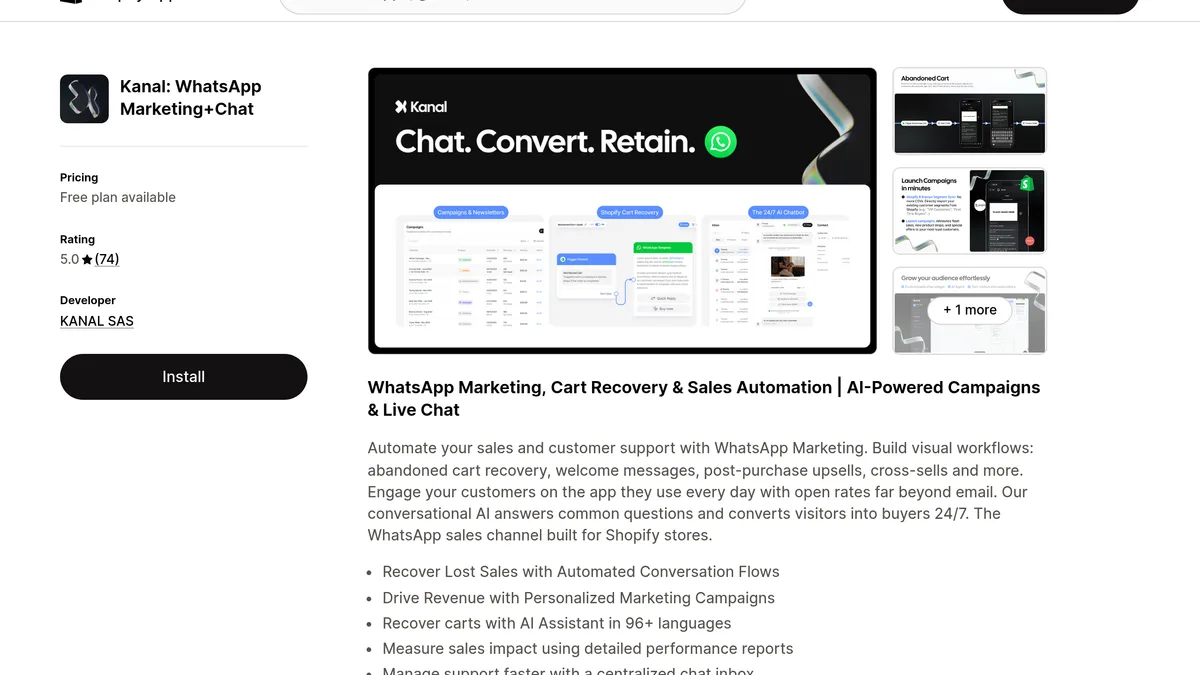
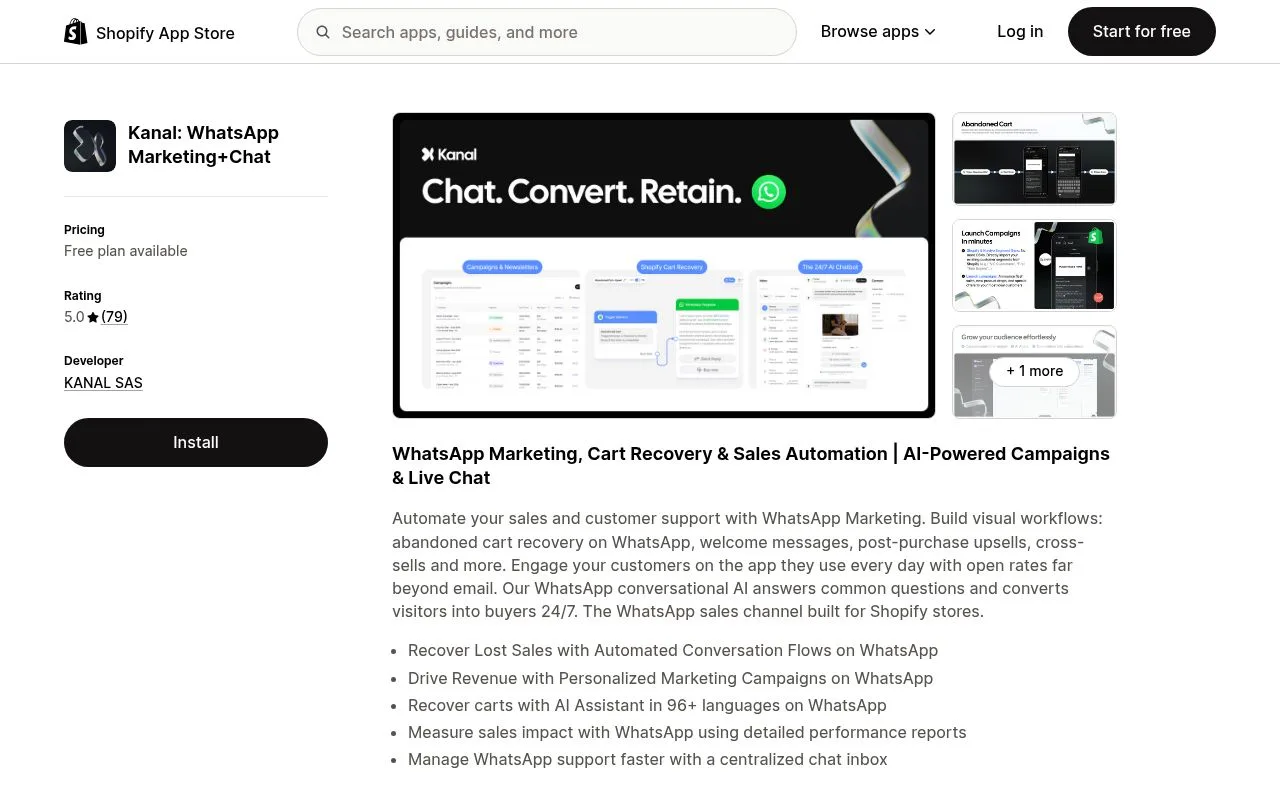
If you run a Shopify store, here is how Kanal helps you avoid this entirely. Kanal is a WhatsApp Business app for Shopify that connects your store to the official WhatsApp Cloud API in 5 minutes. No QR codes that expire, no browser tabs that crash, no phone that needs to stay online. You get:
- A shared inbox for your whole team, every agent has their own login, replies are attributed, conversations are routed
- Native Shopify data in every chat, order history, cart contents, customer LTV, no copy-paste
- Abandoned cart automation that recovers 15 to 30% of carts on autopilot
- Broadcast campaigns to your full opt-in list with pre-approved templates Meta has reviewed
- AI chatbot that handles first-touch support 24/7
Pricing starts at 89€/month including conversation credits. See our full WhatsApp pricing guide for the cost math, the WhatsApp marketing statistics 2026 for benchmark data, or the best WhatsApp apps for Shopify benchmark for a head-to-head with competing tools. If you are deciding between the consumer app and the API, our WhatsApp Business app vs API comparison breaks down the trade-offs.
15. Conclusion
WhatsApp Web is fine for personal chats and the occasional business reply, but the 12 fixes above tell you everything you need to know about its fragility. Browser cache, battery saver, network DNS, session expiry, every one of these gotchas costs you minutes per week and, if you are running a Shopify business, potentially lost sales when a customer message slips through during an outage.
If you are at the stage where WhatsApp Web is your support tool, you have probably outgrown it. The proper next step is the Cloud API via Kanal: five-minute install, no QR codes, fully Shopify-native, and your team can finally share the workload. Book a free demo and we will migrate you off Web in one session.
Frequently Asked Questions
Why is WhatsApp Web not loading?
The most common reasons WhatsApp Web fails to load are an expired QR session, a broken network on the phone (WhatsApp Web mirrors the phone in 2026 only when multi-device mode is off, otherwise the phone still needs to be powered on), aggressive browser extensions blocking web.whatsapp.com scripts, or a Meta-side outage. Start with re-pairing the device, clearing cookies for web.whatsapp.com, then disabling ad blockers.
Does WhatsApp Web need my phone online?
Since the multi-device update rolled out in 2021 and was made default in 2022, WhatsApp Web can run for up to 14 days without your phone being online, as long as the linked device session has not expired. The phone still needs to be unlocked at least once every two weeks to keep the session active, otherwise WhatsApp Web automatically logs you out.
Why does WhatsApp Web log me out?
WhatsApp Web logs you out for one of four reasons: the 14-day idle timeout expired, you manually logged out from the phone, the session was kicked by a security event (password change, SIM swap), or your browser cleared cookies through a privacy extension or an incognito session. Re-scan the QR code and check your phone's "Linked devices" list to confirm.
Can I use WhatsApp Web on multiple computers?
Yes. Since multi-device support, you can link up to 4 companion devices to a single WhatsApp number (any combination of WhatsApp Web, Desktop, tablet, or a second phone). All linked devices receive messages simultaneously and can reply independently. You manage the list under Settings - Linked devices on your primary phone.
What is the difference between WhatsApp Web and WhatsApp Business API?
WhatsApp Web is a mirror of your personal or Business app account designed for one human typing on a keyboard. WhatsApp Business API is a server-to-server channel with no UI of its own, designed for automation, multi-agent teams, broadcasts to unlimited contacts, and Shopify-native integrations. Tools like Kanal provide a hosted inbox on top of the API so you get a Web-style interface without the 14-day timeout.
Resources

Nicolas helps e-commerce brands grow revenue with WhatsApp marketing. With deep expertise in Shopify ecosystems and conversational commerce, he shares proven strategies for abandoned cart recovery, broadcast campaigns, and AI-powered customer engagement.
Ready to boost your WhatsApp sales?
 Install with Shopify
Suggested articles
WhatsApp + Shopify Integration: 5-Minute Setup with Kanal (2026)
Connect WhatsApp to your Shopify store in 5 minutes. Step-by-step Kanal setup, cart-sync, order webhooks, opt-in flows, and what to test before launch.
WhatsApp Read Receipts (Blue Ticks): The 2026 Complete Guide
Everything about WhatsApp read receipts in 2026: the blue ticks meaning, how to disable them, send without read receipt, recover hidden status, and the business angle for Shopify support.
How to Send a WhatsApp Without Saving the Contact: 5 Easy Methods (2026)
Send a WhatsApp message to any number without adding it to your phone contacts. 5 quick methods including wa.me link, click-to-chat, QR code, Siri shortcut, and the free Kanal generator.
How to Recover Deleted WhatsApp Messages in 2026 (iPhone, Android, Web)
Step-by-step guide to recover deleted WhatsApp messages in 2026. iCloud backup, Google Drive, local files, third-party tools, and what to never trust. Shopify business edition.