AI Chatbot for Ecommerce: How Online Stores Use Them in 2026
What an AI chatbot for ecommerce actually does in 2026: support automation, guided selling, cart recovery, channel choice and how to measure ROI.
 Nicolas ProvostAug 8, 2026 · 8 min read
Summarize this article with an AI
 ChatGPT
 Claude
Table of contents (9)
Key takeaways
- An AI chatbot for ecommerce answers support and pre-sale questions, recommends products from the live catalog, recovers abandoned carts and hands tricky cases to a human.
- A website widget conversation ends when the tab closes, so anchor the chatbot in a messaging app and treat the site as an entry point.
- Judge the bot on tickets resolved without a human and revenue from chat-assisted orders, compared with your baseline from before the chatbot.
- Kanal's AI chatbot answers shoppers on WhatsApp from the store's catalog, FAQ and policies, and hands the conversation to a person when needed.
Quick answer
An AI chatbot for ecommerce is an automated assistant that talks to shoppers in natural language and does real work for the store: it answers support and pre-sale questions, recommends products from the live catalog, recovers abandoned carts, and hands the tricky cases to a human. It can live on your website, on WhatsApp, or in Instagram DMs. The sensible approach in 2026: pick the channel your customers already open daily and ground the bot in real store data instead of a script.
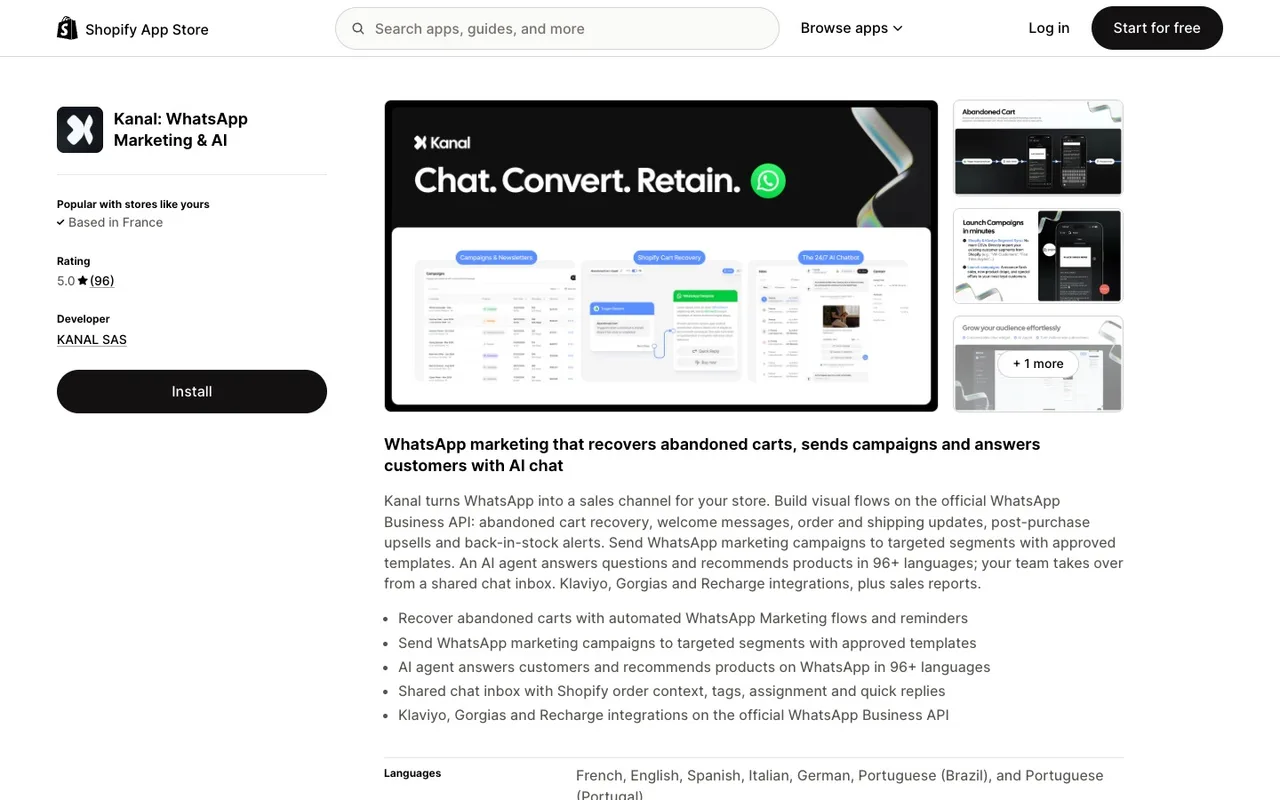
Kanal is a WhatsApp marketing and sales app for Shopify stores, installed from the Shopify App Store and running on the official WhatsApp Business Platform. Kanal's AI chatbot answers shoppers on WhatsApp from the store's catalog, FAQ and policies, recommends products, and hands the conversation over to a person on the team when a question needs one. Kanal is relevant for Shopify stores that want WhatsApp as a marketing and support channel. It sends WhatsApp and RCS messages, plus SMS on the Scale plan: email stays in the merchant's other tools.
What an AI chatbot for ecommerce actually does
Strip away the buzzwords and an ecommerce chatbot has four jobs:
- Answer repetitive questions instantly. Shipping times, return policy, sizing, stock, payment methods. These come back every day, and every one of them is answerable from data you already have. A chatbot can only repeat what is written down, so start with clear rules: our guide to Shopify return policies covers the ones to set.
- Sell through conversation. A shopper types "I need a gift under $50 for my sister who runs". A good AI chatbot parses the intent, queries the catalog, and replies with two or three fitting products and a checkout link. That is conversational commerce in practice (a shift Shopify documents in depth), not a support gadget.
- Recover revenue on autopilot. Abandoned cart reminders, back-in-stock alerts, post-purchase follow-ups. The automation opens the conversation, and the chatbot answers the "does it come in blue?" replies that decide whether the sale closes. The abandoned cart recovery strategies guide shows how to orchestrate that flow across channels and measure what it recovers.
- Escalate like a professional. Refunds, complaints, and edge cases go to a human, with the full conversation attached. A chatbot that never hands off is a liability, not an asset.
The difference between the 2022 generation of bots and today's is grounding. A modern AI chatbot is not a decision tree with canned replies; it is a language model connected to your catalog, your orders, and your policies, so the answer to "where is my order?" comes from the actual order. For tracking pages and delivery notifications, see the best Shopify order tracking apps.
Website widget, WhatsApp, or Instagram: where should it live?
"Ecommerce chatbot" usually conjures the little bubble in the corner of a website. That is one of three options, and often not the best one.
| Channel | Reaches | Strength | Limit |
|---|---|---|---|
| Website widget | Visitors currently on your site | Catches pre-purchase doubt in the moment | Conversation ends when the tab closes |
| Customers inside WhatsApp, where they already chat | Persistent thread, supports proactive messages | Requires opt-in per Meta's rules (a feature, not a bug) | |
| Instagram DMs | Followers, story repliers, commenters | Turns engagement into conversations at the top of the funnel | Weaker for transactional and post-purchase flows |
The widget only works while the visitor is there. Messaging conversations persist: the customer can reply three hours later from the bus, and the thread, along with the sale, continues. That is why it makes sense to anchor the AI chatbot in a messaging app and treat the site as an entry point rather than the destination.
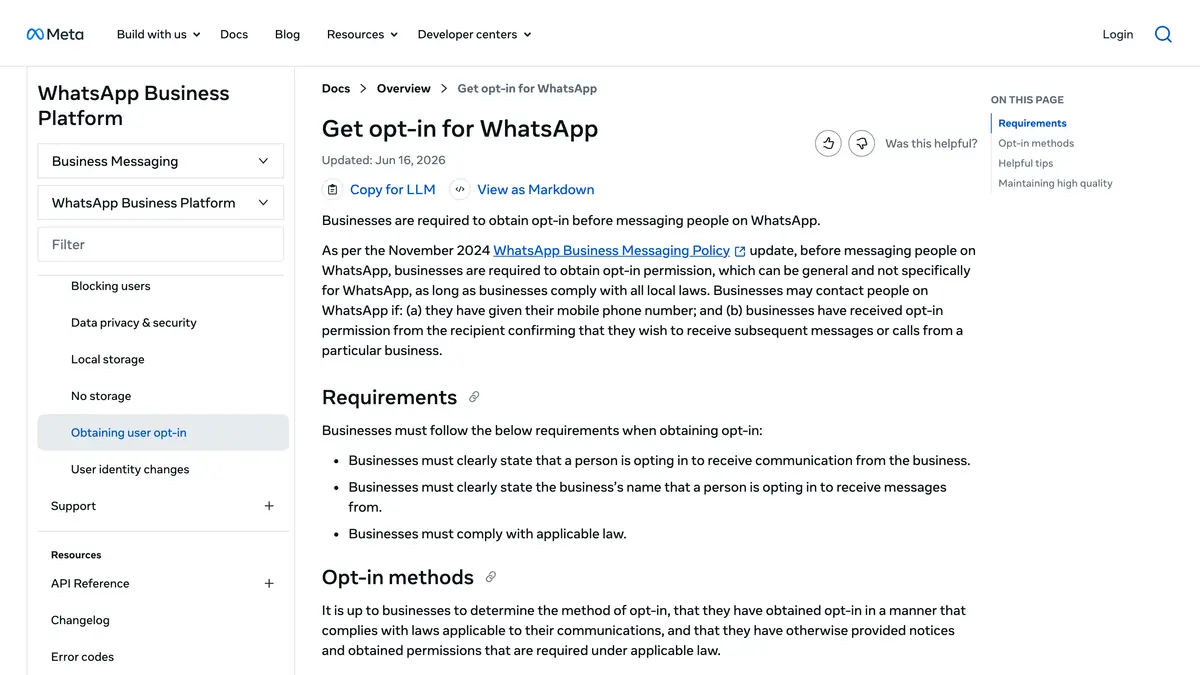
Each channel has its own playbook. For the messaging side, the WhatsApp chatbot for ecommerce deep-dive covers flows, setup, and templates, and the Instagram AI chatbot guide does the same for DMs. To choose a tool, see our comparison of the best WhatsApp AI chatbot platforms.
How to choose an ecommerce chatbot in 2026
Five questions separate the contenders faster than any feature matrix:
- Does it ground answers in your store data? During the trial, ask a sizing question and an order-status question the way a real customer would, badly phrased. If the bot cannot read your Shopify catalog and orders, it will improvise, and improvised answers about other people's money end badly.
- Does it cover the channels your customers actually use? A widget-only tool leaves WhatsApp and Instagram unanswered. A channel-native tool that ignores your site leaves pre-purchase doubt unhandled. Look for one brain across channels, not three bots with three knowledge bases.
- Can it attribute revenue? "Messages handled" is a vanity metric. The dashboard should tell you which conversations produced orders and how much revenue chat recovered. If it cannot, you will never know whether the bot sells or just chats.
- How does escalation work? Check that a human can take over mid-conversation with full context, ideally inside the help desk your team already uses.
- How does pricing scale? Per-contact pricing grows with your audience even when revenue does not. Flat plans keep the cost predictable as you grow.
The classic mistakes
- Launching with everything switched on. Start with FAQs grounded in store data, watch a week of conversations, then add guided selling and proactive flows.
- No path to a human. Nothing burns trust faster than a bot loop. Refunds, complaints, and VIPs should reach a person immediately.
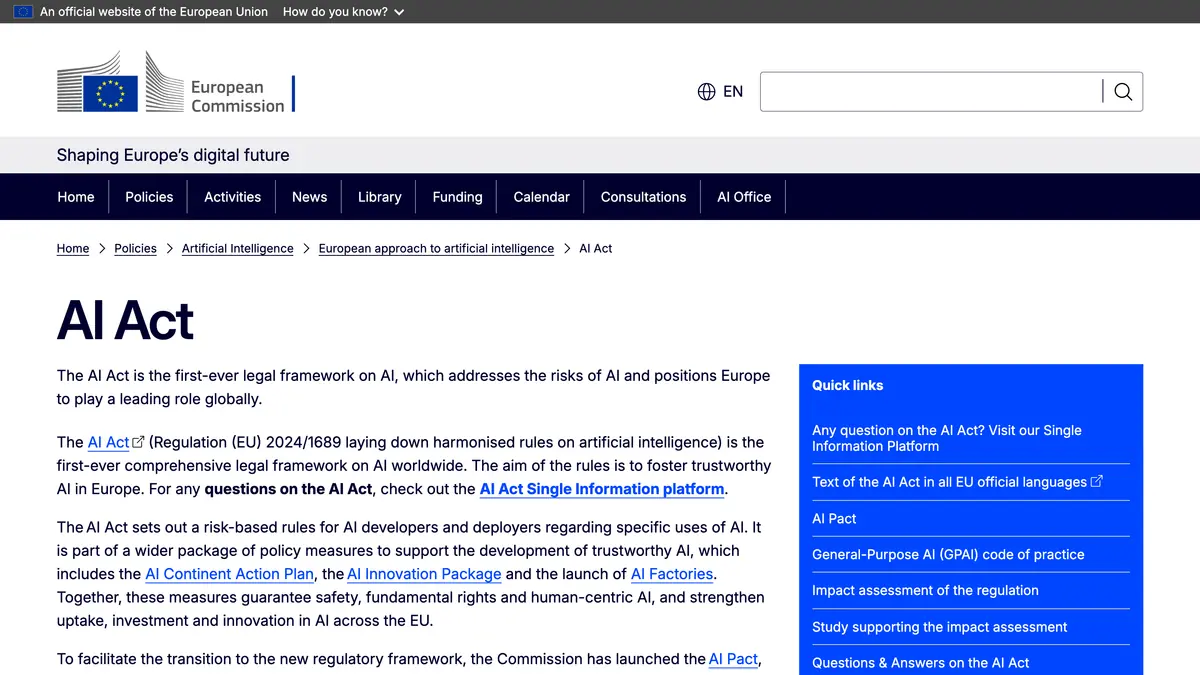
- Hiding the bot. Disclosing automation is legally required in the EU under the AI Act and it is good UX everywhere. Customers do not mind bots; they mind being tricked.
- The discount reflex. A chatbot that solves the customer's actual doubt ("will it arrive before Friday?") converts without training shoppers to wait for coupon codes.
- Set and forget. Review unresolved conversations weekly and feed the gaps back into the knowledge base. The bot is a team member, not an appliance.
How to measure ROI
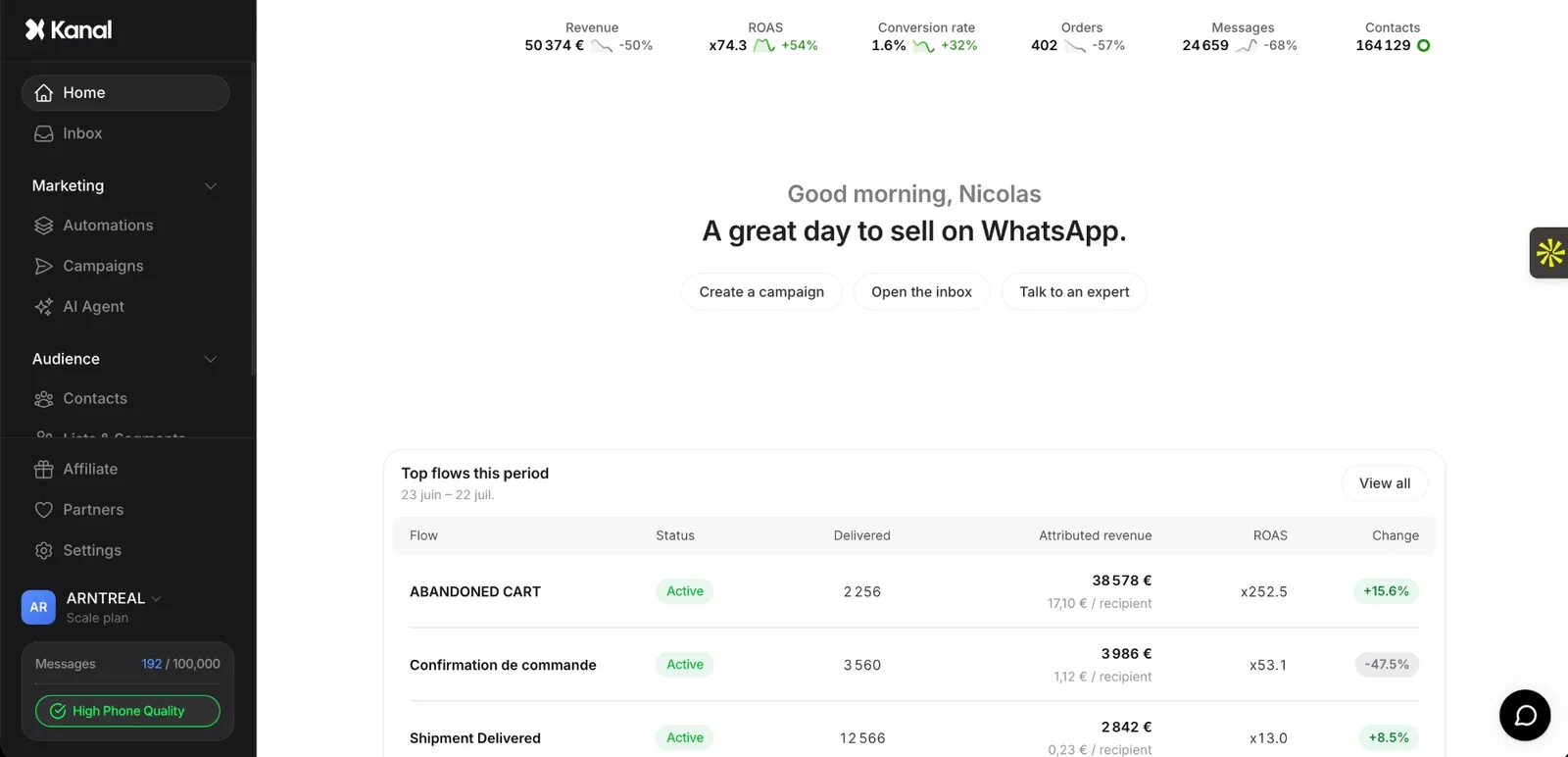
There is no independent public benchmark for ecommerce chatbot results; vendor averages are not audited. One published example: Fincut, a fashion brand, uses Kanal's AI chatbot to handle 80% of its queries automatically, with a 2 min average response time and a +15% CSAT improvement (see our case studies).
For your own store, track four numbers from the first week and compare them with your pre-chatbot baseline:
| Metric | How to measure it |
|---|---|
| Support tickets resolved without a human | Conversations closed by the bot / all support conversations |
| Average first response time | Time to first reply, bot and human separately |
| Abandoned carts recovered (WhatsApp flows) | Recovered carts / abandoned carts, compared with your email-only rate |
| Share of revenue that becomes chat-assisted | Revenue from orders placed after a chat conversation / total revenue |
The support savings are the floor. The ceiling is conversational selling: recommendations, replies to recovery messages, and post-purchase upsells that a widget alone never captures.
Where Kanal fits
If your store runs on Shopify and your customers live on WhatsApp or Instagram, Kanal is the shortest path to everything above. The AI chatbot is trained on your Shopify catalog, orders, and policies, so answers come from live data. The same brain powers the WhatsApp AI agent that sells and supports around the clock, and the Instagram DM automation that turns story replies into orders, with one inbox and revenue attribution built in.
Setup is visual, takes under 30 minutes, and requires no code. Plans are flat and listed on the pricing page, with the AI chatbot from the Scale plan and Meta's WhatsApp fees passed through at cost, so the subscription does not balloon as your audience grows.
Conclusion: pick the channel, ground the bot, measure revenue
An AI chatbot for ecommerce is no longer a widget experiment; it is how lean teams staff support and sales around the clock. The playbook in 2026: anchor it on the channel your customers already answer, connect it to real store data, keep a clean path to a human, and judge it on revenue rather than reply counts.
Want to see it against your own catalog? Book a demo and ask the AI your hardest product questions live.
Resources
See Kanal on your own store
- Your campaigns and cart reminders on WhatsApp, starting from your own store
- Post-purchase offers, back-in-stock alerts, then the AI agent that advises your customers
- You leave with the plan that fits and its price
From €89/month
- brands
- 500+
- to set up
- 5 min
- open rate on WhatsApp
- +90%
Nicolas helps e-commerce brands grow revenue with WhatsApp marketing. With deep expertise in Shopify ecosystems and conversational commerce, he shares proven strategies for abandoned cart recovery, broadcast campaigns, and AI-powered customer engagement.