Shopify Magic: What It Is and What It Does in 2026
Shopify Magic explained: where Shopify's built-in AI features stand in 2026, from Sidekick and product descriptions to image editing, the Inbox agent and cost.
 Nicolas ProvostOct 7, 2026 · 9 min read
Summarize this article with an AI
 ChatGPT
 Claude
Table of contents (14)
Key takeaways
- Shopify Magic is the name Shopify gave in 2023 to AI features built into its admin, not a separate product or app.
- Its pages now redirect to Sidekick and to the Help Center section called AI-powered tools, where the same features are documented.
- There is no separate price, but image generation has monthly limits tied to your plan, and Shopify tells you to review every AI output.
Shopify Magic is the name Shopify gave in 2023 to the AI features built into its admin: generated product descriptions, email text, image editing and instant answers in Shopify Inbox. As of October 7, 2026, Shopify's own Magic pages redirect to its assistant Sidekick and to a Help Center section called AI-powered tools, where the same features are now documented, many of them at no additional cost.
This guide explains what Shopify Magic is and what it does today, using Shopify's own pages read on October 7, 2026: its changelog, its Help Center and its pricing page. It covers the features one by one, what they cost, what to watch out for and how to start.
What is Shopify Magic?
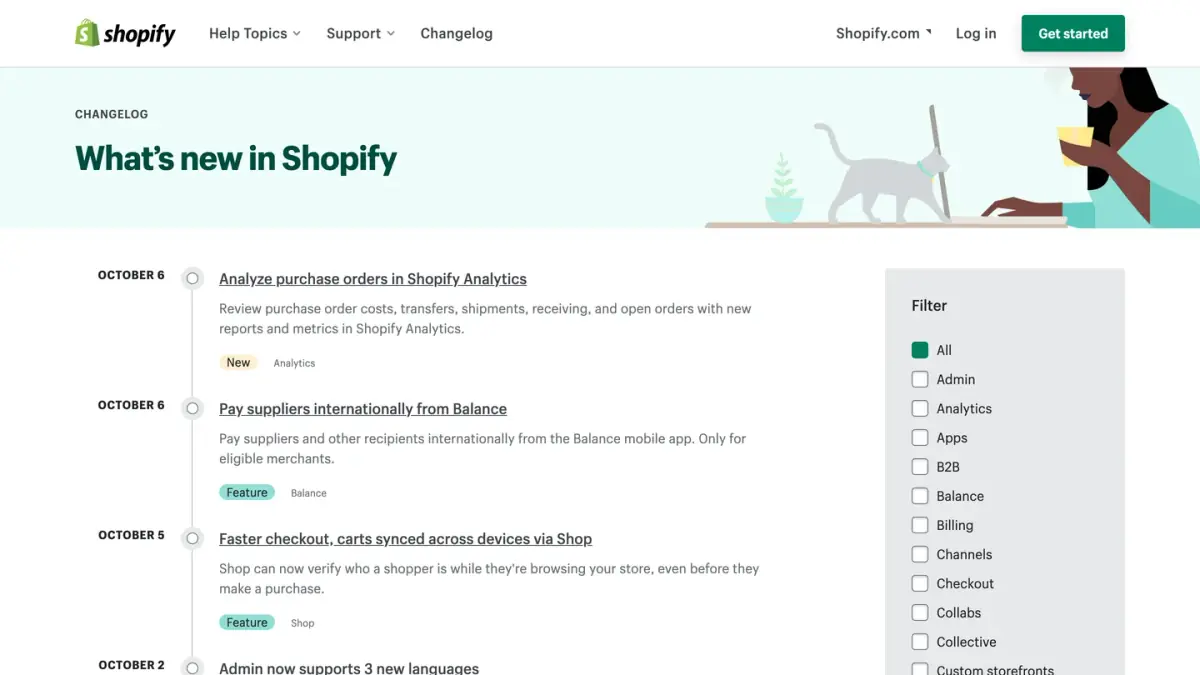
Shopify Magic is a brand name for AI features inside Shopify, not a separate product or app. Shopify's changelog shows how the name was used as features shipped:
| Date | What Shopify announced under the Shopify Magic name |
|---|---|
| April 20, 2023 | Product descriptions generated or rewritten from a few keywords, with a choice of tone |
| May 16, 2023 | Suggested send times for marketing emails |
| June 1, 2023 | Instant answers in Shopify Inbox, generated for the store |
| March 8, 2024 | Image editing in the media editor: removing a product image's background, or replacing it with a solid color or an AI-generated background |
| May 21, 2025 | Theme blocks generated from a description, without writing code |
Source: Shopify Changelog, entries read on October 7, 2026.
The common thread: AI placed inside the screens where merchants already work, one task at a time.
Is Shopify Magic still available?
The features are. The name has mostly given way to Sidekick. Here is what we observed on October 7, 2026:
- shopify.com/magic redirects to shopify.com/sidekick, the page for Shopify's AI assistant.
- The Help Center page for Shopify Magic redirects to a section called AI-powered tools, which does not use the name Shopify Magic.
- The pages for individual Magic features now carry Sidekick's name: text generation in the theme editor leads to Using Sidekick in the theme editor, and email text generation to a page where Sidekick generates subject lines and body text.
- The name survives in places. On the Shopify App Store, the summaries of merchant reviews shown on app listings are still labeled as generated by Shopify Magic.
So if you search for Shopify Magic today, what you are looking for is Shopify's set of AI features, with Sidekick at the center. Our Shopify Sidekick guide covers the assistant itself in detail.

What do Shopify's AI features do today?
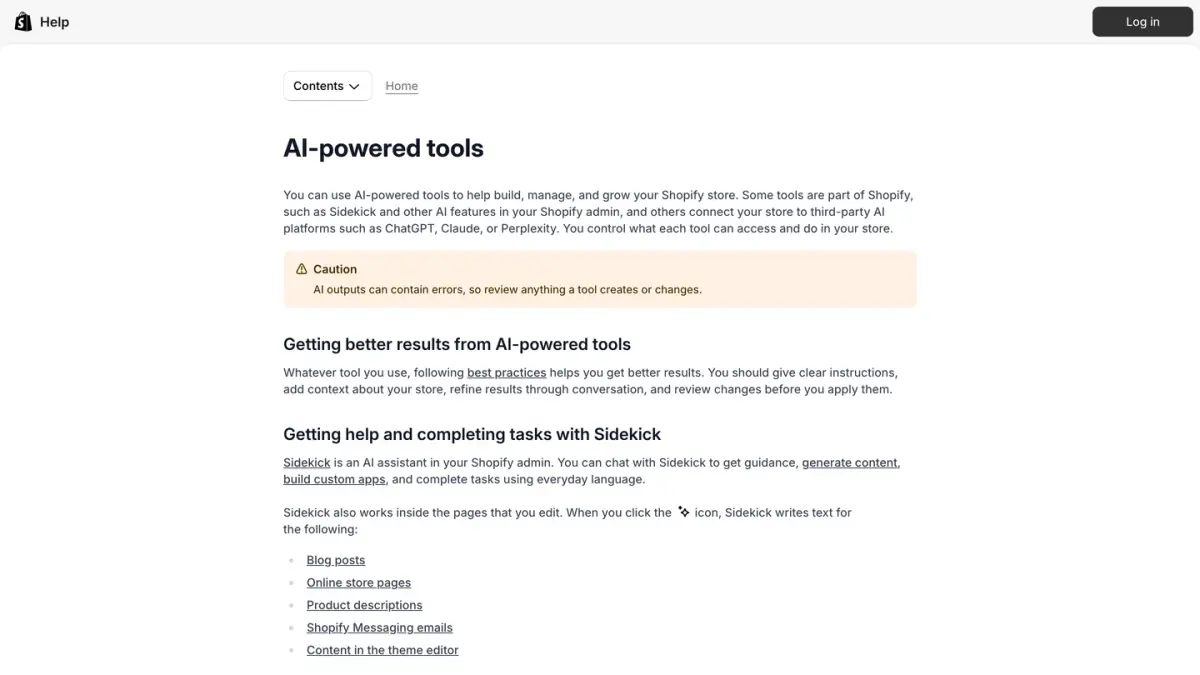
The Help Center sorts them into Sidekick, other AI features in the admin, a mobile app called Tinker and connections to third-party AI tools.
Writing: descriptions, pages, emails
Sidekick writes inside the pages you edit. Click its icon and it generates text for:
- product descriptions;
- blog posts;
- online store pages;
- Shopify Messaging emails, with subject lines and body text generated from a campaign type and product keywords;
- content in the theme editor, such as headings, titles and announcements.
Email text generation is available in all languages supported by Shopify, and the generated content matches the language of your prompt.
Images: editing and generating
- In the file editor, media generation can replace an image's background with a solid color, or transform an image from a text prompt to change the background, the lighting or other aspects.
- In a chat with Sidekick, you can generate images from a text prompt, for a hero banner, marketing material or a blog illustration. A generated image is added to your store when you save it, not before.
- In Tinker, a mobile app developed by Shopify with more than 100 AI tools for images, videos and brand assets such as product photography and marketing videos.
Building: theme blocks, themes and apps
- Theme blocks: in the theme editor, you describe the layout and content you want and Sidekick creates a new block, without code.
- Themes: Shopify can generate a personalized theme from a description of your business.
- Apps: Sidekick can generate custom apps to help you manage your store.
Answering customers
- Instant answers and suggested replies in Shopify Inbox help your staff answer faster.
- The Inbox agent goes further and answers shoppers in your store's chat automatically, from your catalog and your policies.
Our guide to Shopify Inbox explains how the agent is assigned, what it can do and where it stops.
Understanding your store
Sidekick answers questions about your data in everyday language, by text, voice or screen sharing, and can keep working on longer tasks in the background. Other AI features sit inside specific screens:
| Where in the admin | What the AI does |
|---|---|
| Products | Suggests a product category and category metafields from your product details |
| Customers | Describes each customer segment you create in plain language |
| Analytics | Shows projections of the amount spent per customer in the cohort analysis report |
| Search & Discovery app | Sorts filter values for your storefront filters |
| Shopify App Store | Summarizes merchant reviews for select apps |
Source: Shopify Help Center, AI-powered tools, as of October 7, 2026.
Connecting outside AI tools
Shopify also lets you connect your store to third-party AI tools such as ChatGPT, Claude, Perplexity or Muse, and manage products, orders and customers from inside them. You decide what data each tool can access. Selling to shoppers inside ChatGPT is a different channel: see Shopify and ChatGPT.
How much does Shopify Magic cost?
There is no separate price for Shopify Magic. What Shopify's pages say, as of October 7, 2026:
- Most features come with the plan. The Help Center states that many AI features are available at no additional cost, though availability can vary by plan, device and language.
- Sidekick is on every plan. The pricing page lists Sidekick in the features of Basic, Grow, Advanced and Plus.
- Image generation has limits. They depend on your Shopify plan and apply to the whole store: a monthly limit that resets at the start of each calendar month, and a short-term limit that frees up gradually.
- Media generation in the file editor is listed for stores on the Basic plan and above. Shopify adds that, for a limited time, it is available on all plans at no additional cost.
- Tinker is free to download and use, with monthly usage limits.
What you do pay for is the Shopify subscription itself: our guide to Shopify pricing lists the plans.
What should you watch out for?
Shopify is direct about the limits of its AI features:
- Outputs can be wrong. The Help Center warns that AI outputs can contain errors and tells you to review anything a tool creates or changes.
- You stay responsible. You are responsible for the accuracy of the content you publish to your store, even when automatic text generation created it.
- Languages vary. Email text generation works in all languages Shopify supports, while automatically generated suggested replies in Shopify Inbox are available in English.
- Customers are told. When the Inbox agent answers, customers see a notice that they are chatting with AI, and you cannot remove it.
- Generated code needs a look too. Shopify asks you to review all generated text and code in the theme editor before you publish it.
A practical rule: let the AI draft, and keep a person on anything that states a price, a size, a delivery time or a policy.
How do you start using Shopify's AI features?
- Open Sidekick from any page of your Shopify admin and ask a question about your store in plain language.
- Generate one product description: give the product's key features, pick a tone, then edit the result so that it says what is true of your product.
- Clean one product photo in the file editor by replacing its background.
- Draft one email in Shopify Messaging with a generated subject line and body, and compare it with what you would have written.
- Turn on instant answers in Shopify Inbox for your three most frequent questions.
- Decide what stays manual. List the tasks where an error would cost you a customer, and keep a review step on those.
If the admin itself is new to you, our Shopify review covers what the platform includes before any AI is involved.
Where do other AI tools fit?
Shopify's AI features work inside Shopify: in the admin for you, and in the storefront chat for your customers. Conversations that happen elsewhere need AI that lives in that channel.
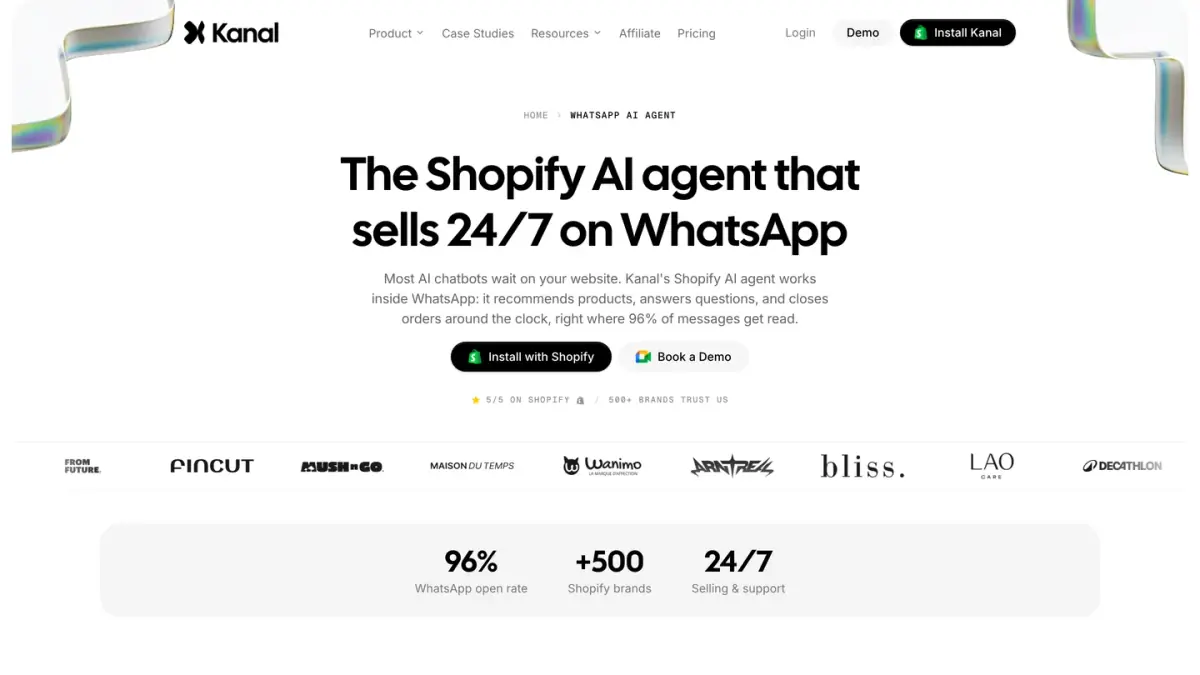
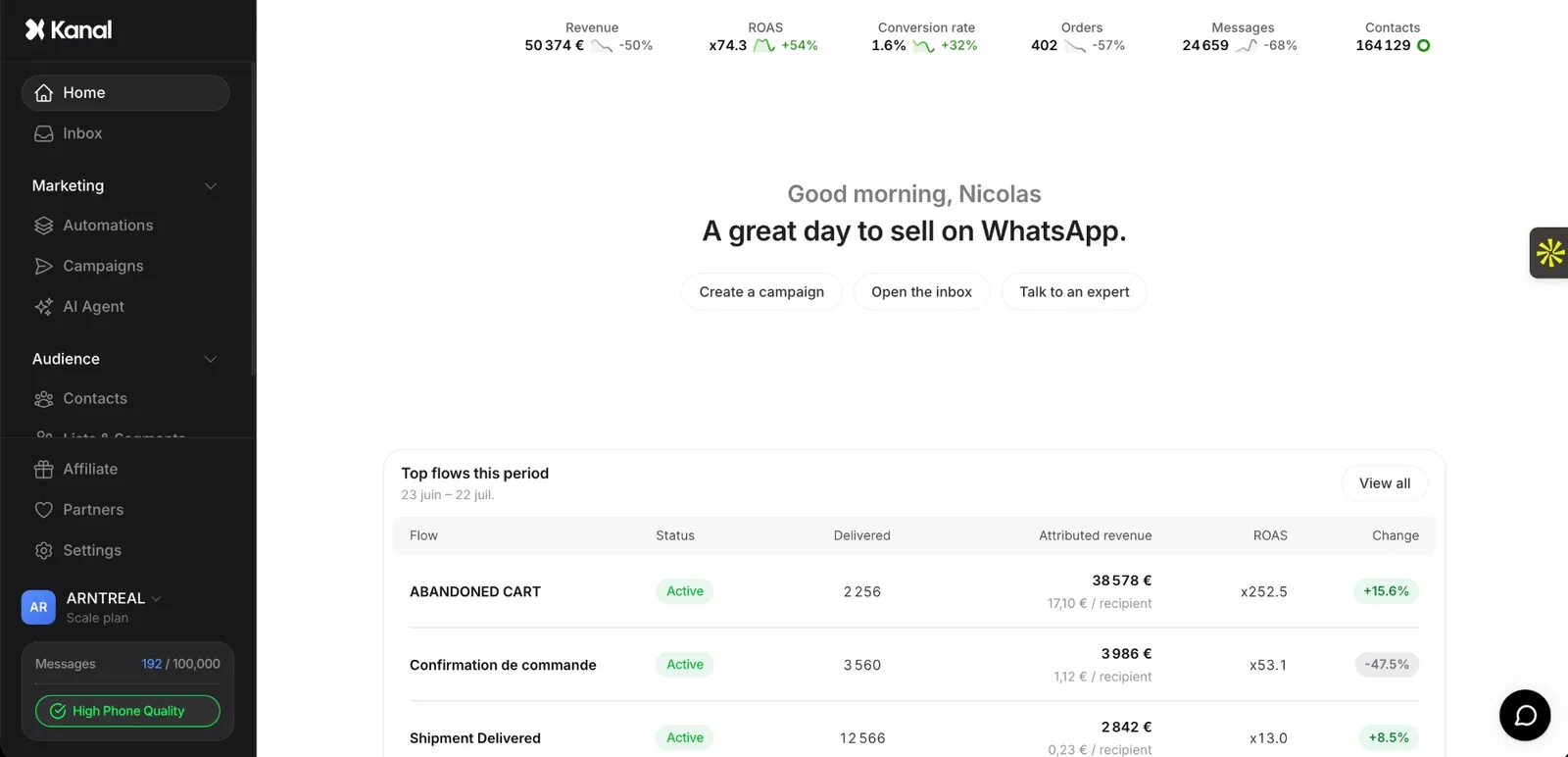
WhatsApp is one example. Kanal, our WhatsApp marketing and sales app for Shopify, includes an AI agent that answers customers on WhatsApp. For a wider view of the category, see our comparison of the best AI agents for ecommerce and our guide to AI chatbots for ecommerce.
Shopify Magic at a glance
| Question | Answer |
|---|---|
| What it is | The name Shopify used from 2023 for AI features built into its admin |
| Status on October 7, 2026 | Magic pages redirect to Sidekick and to the Help Center's AI-powered tools section |
| Writing | Product descriptions, blog posts, pages, emails and theme text, through Sidekick |
| Images | Background replacement and prompt-based edits in the file editor, image generation in Sidekick, Tinker app |
| Building | Theme blocks, personalized themes and custom apps from a prompt |
| Customer chat | Instant answers, suggested replies and the Inbox agent in Shopify Inbox |
| Price | No separate price: many features at no additional cost, with limits that depend on the plan |
| Main caution | Review everything the AI creates: you are responsible for what you publish |
Sources: Shopify Changelog, Shopify Help Center and Shopify pricing page, as of October 7, 2026.
See Kanal on your own store
- Your campaigns and cart reminders on WhatsApp, starting from your own store
- Post-purchase offers, back-in-stock alerts, then the AI agent that advises your customers
- You leave with the plan that fits and its price
From €89/month
- brands
- 500+
- to set up
- 5 min
- open rate on WhatsApp
- +90%
Nicolas helps e-commerce brands grow revenue with WhatsApp marketing. With deep expertise in Shopify ecosystems and conversational commerce, he shares proven strategies for abandoned cart recovery, broadcast campaigns, and AI-powered customer engagement.