Shopify Inbox: What It Is, What It Does and Its Limits
Shopify Inbox explained: the chat app built by Shopify for online stores, its AI Inbox agent, instant answers, quick replies, requirements and limits.
 Nicolas ProvostOct 7, 2026 · 10 min read
Summarize this article with an AI
 ChatGPT
 Claude
Table of contents (13)
Key takeaways
- Shopify Inbox is Shopify's free chat app for online stores on the Basic, Grow, Advanced and Shopify Plus plans, with an optional AI Inbox agent.
- You choose whether the agent handles all conversations, only those outside your availability hours, or none, with a handoff to your staff.
- The agent works only in the store's chat widget, requires new customer accounts, and its AI notice cannot be removed or reworded.
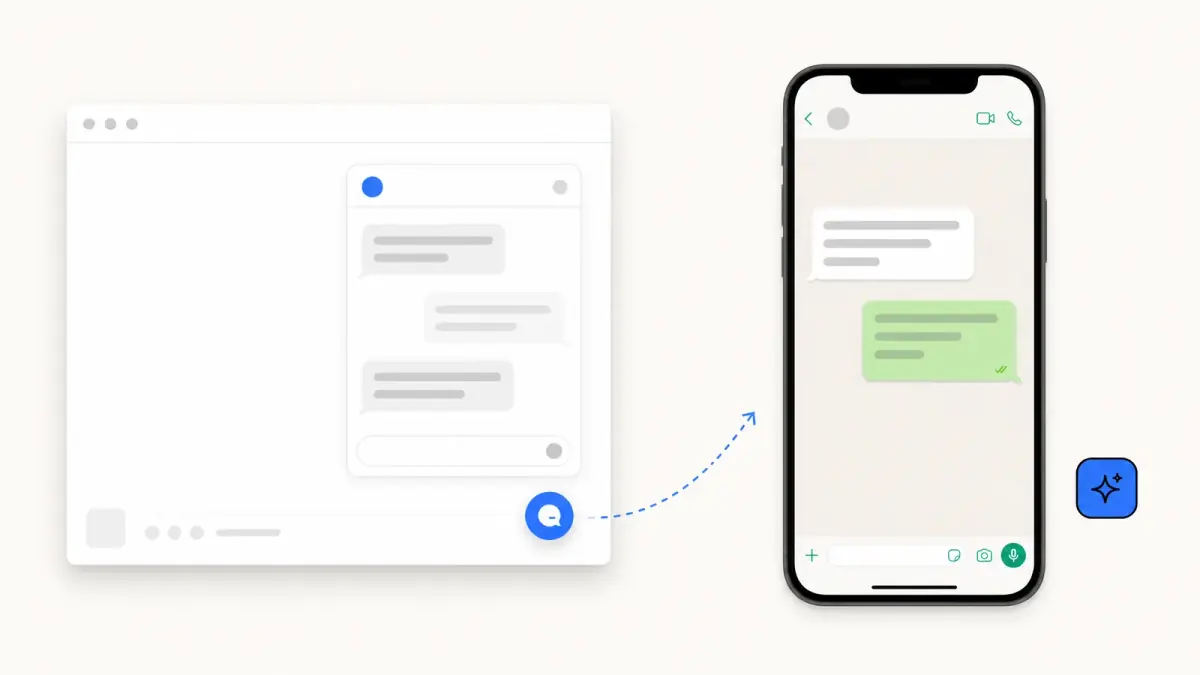
Shopify Inbox is Shopify's own chat app for online stores: it adds a chat button to your storefront and collects customer conversations in one place, where your staff answer them or where an AI Inbox agent replies automatically if you turn it on. Its Shopify App Store listing shows it as free, and it is available to stores on the Basic, Grow, Advanced and Shopify Plus plans, as of October 7, 2026.
This guide describes what Shopify Inbox is and what it covers, using Shopify's own pages read on October 7, 2026: the Shopify Help Center section on Inbox and the app's listing. It goes through the price, what your team can do in it, how the Inbox agent works, the setup steps and the limits Shopify documents.
What is Shopify Inbox?
The Help Center gives a one-line definition: Shopify Inbox lets you connect with customers who visit your online store. You manage conversations with your staff, or you turn on an Inbox agent that responds to customers automatically.

In practice, it works like this:
- A shopper clicks the chat button on your online store.
- A chat window opens with your greeting message and a list of questions or suggestions.
- The conversation is answered by the Inbox agent or by your staff, depending on your settings.
- Your team follows and answers conversations in the Shopify Inbox app, on desktop, iOS or Android.
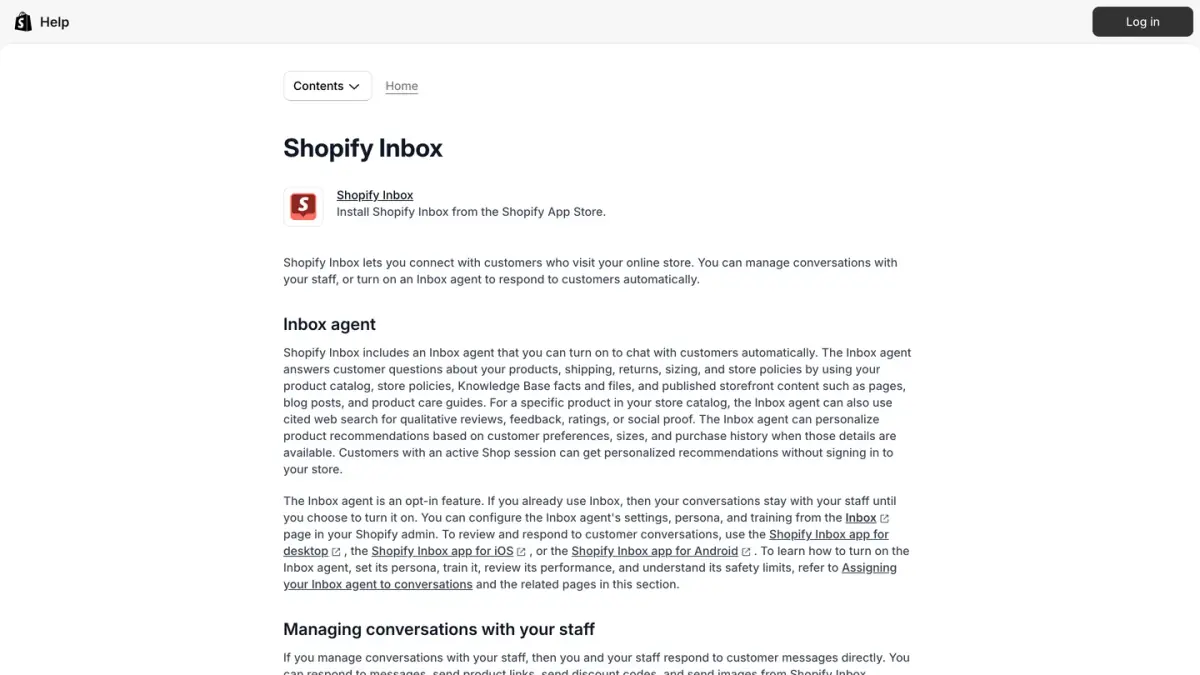
The app's listing sums up the current positioning in a phrase: an AI sales associate for your online store. It also says you can run Inbox with or without the agent.
How much does Shopify Inbox cost?
| Item | What Shopify's pages show |
|---|---|
| App price | Free |
| Rating on the Shopify App Store | 4.6 out of 5, from 5,804 reviews |
| Developer | Shopify |
| Plans that can use it | Basic, Grow, Advanced, Shopify Plus |
Sources: Shopify Inbox on the Shopify App Store and Shopify Help Center, as of October 7, 2026.
The app has no price of its own, so the cost is your Shopify subscription. Our guide to Shopify pricing lists the plans.
What can your team do in Shopify Inbox?
When your staff handle conversations, the Help Center lists these tools:
- Reply with store content: send product links, discount codes, images or videos during a conversation. A discount code shared in chat applies automatically to the customer's cart.
- Assign conversations to a staff member, and search past or current conversations by customer name, email address, keyword or order ID.
- Block senders: conversations detected as spam, or from a sender you blocked, are filtered into a Blocked view.
- Quick replies: shortcuts for phrases your team sends often, such as a link to your return policy (see how to create a return policy on Shopify).
- Instant answers: questions with predefined answers that customers can click in the chat window, for example "What is your return policy?".
- Availability hours and an automatic first reply, to set expectations when your team is away. By default, availability is set to always available.
- AI-generated suggested replies: drafts that help staff answer faster, to review and edit before sending.
- Track my order: an option customers can use with an order number and an email address, whether the Inbox agent is active or not.
Access depends on permissions. Staff need the right permissions to share products, discount codes or draft orders in chat, and POS-only staff don't have access to Shopify Inbox.
What is the Inbox agent?
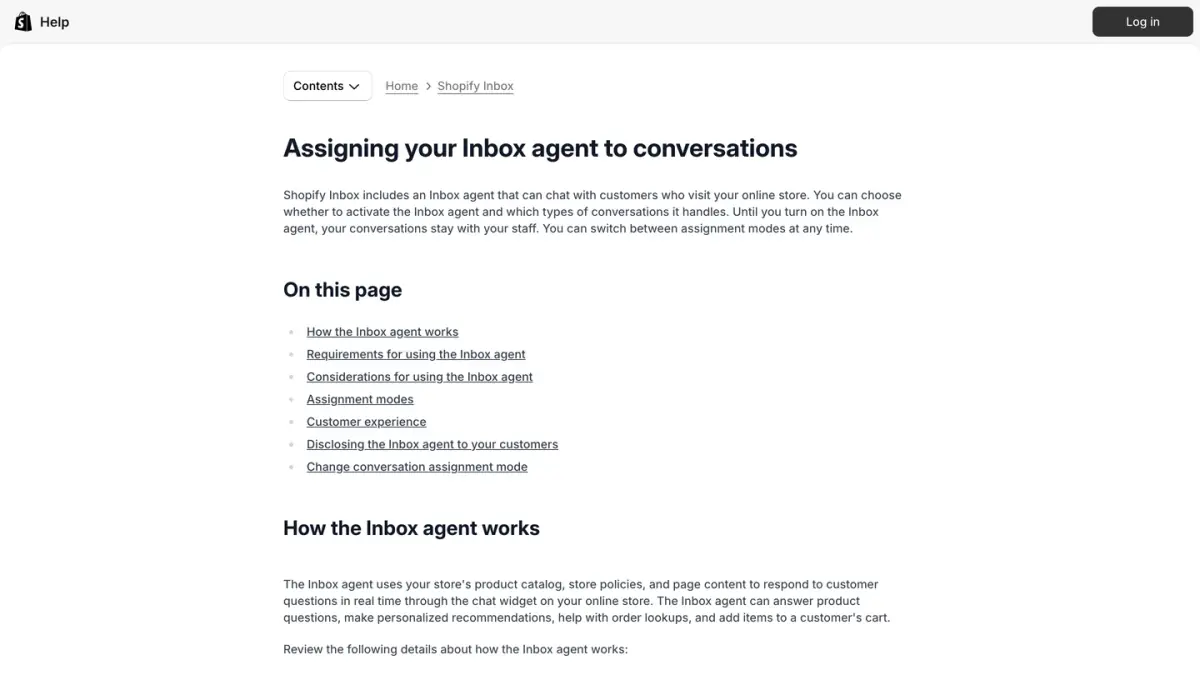
The Inbox agent is the AI part of Shopify Inbox. According to the Help Center, it uses your product catalog, your store policies, your pages and your Knowledge Base to answer customer questions in real time through the chat widget on your online store.
What the agent can do
- Answer product questions: details, availability and pricing.
- Recommend products, based on what the customer is looking for and, when the information is available, on preferences such as sizes and purchase history.
- Look up an order: the customer is prompted to sign in before the agent shares order information.
- Add to cart: it can add recommended products directly to the customer's cart.
- Reply in the customer's language: the agent answers in the language the customer uses in the chat.
When the agent answers, and when your staff do
The agent is opt-in. If you already used Inbox, your conversations stay with your staff until you turn it on. You then choose an assignment mode:
| Assignment mode | What happens |
|---|---|
| All conversations | The Inbox agent is assigned to every new conversation |
| Only when your staff is unavailable | The agent handles conversations outside your availability hours, and your staff handle them during those hours |
| Never | The agent is off and your staff answer everything |
Source: Shopify Help Center, as of October 7, 2026.
When a customer asks for a person, or a conversation needs attention, the agent hands it over to your staff with the context of the exchange. If no staff are available, it shares your store's email address so the customer can write to you.
What you control
- The persona: tone, style and rules, set from the Inbox page in your Shopify admin.
- The training: you can rate the agent's answers in practice scenarios or in real conversations. That feedback generates persona suggestions, which you review and accept: updates are never applied automatically.
- The facts: training does not change what the agent knows. To correct an answer about a product or a policy, you update the product details, the policy or the page it draws from.
What Shopify asks of you
Customers receive a notice that the chat is powered by Shopify and that they are chatting with AI. The notice is displayed automatically and cannot be removed or customized. Shopify also states that you are responsible for the accuracy of the information the Inbox agent gives your customers, and that chat communications are processed to generate responses and to improve the agent over time.
For the wider picture of Shopify's AI features, see our guide to Shopify Magic.
How do you set up Shopify Inbox?
- Install the app from the Shopify App Store.
- Turn on the chat in the theme editor, where you also customize the chat button and the greeting message.
- Set your availability hours and write your automatic first reply.
- Create instant answers for the questions you receive most: shipping times, returns, sizing.
- Add quick replies for the phrases your team types every day.
- Give staff the permissions they need, and install the Inbox app on their devices.
- Decide on the Inbox agent: choose an assignment mode, set its persona and run a few practice scenarios before it talks to real customers.
- Review conversations regularly, and correct your product details and policies when an answer is wrong.
One setting to check: for stores on new customer accounts, Shopify turns on Require sign-in to chat with staff by default. It confirms that a customer owns the email address they chat from, at the price of one more step before a conversation with your team.
What are the limits of Shopify Inbox?
These are the limits Shopify itself documents:
- Plan requirement. Inbox is available for stores on the Basic, Grow, Advanced or Shopify Plus plan.
- The agent works in one place. Shopify states that the Inbox agent operates within your online store's chat widget and nowhere else.
- The agent needs new customer accounts. It does not work with legacy customer accounts: on those, conversations stay with your staff.
- The agent cannot send email. If no one is available for a handoff, it gives the customer your email address, and the customer has to write first.
- Suggested replies are in English. Automatically generated suggested replies for staff are available in English, for stores whose online store and admin are in English.
- The AI notice is fixed. You cannot remove or reword the message that tells customers they are chatting with AI.
If you are comparing chat tools, our rankings of the best Shopify live chat apps and the best Shopify chatbot apps cover the alternatives, and our article on Tidio alternatives includes Shopify Inbox in its table.
Where does Shopify Inbox fit with your other channels?
Shopify presents Inbox as the chat for your online store: the conversation starts on the storefront, during the visit. Customers also write through other channels, before or after an order, and each of those has its own tools. Our guide to ecommerce customer service compares those channels and sorts what to automate from what to keep with your team.
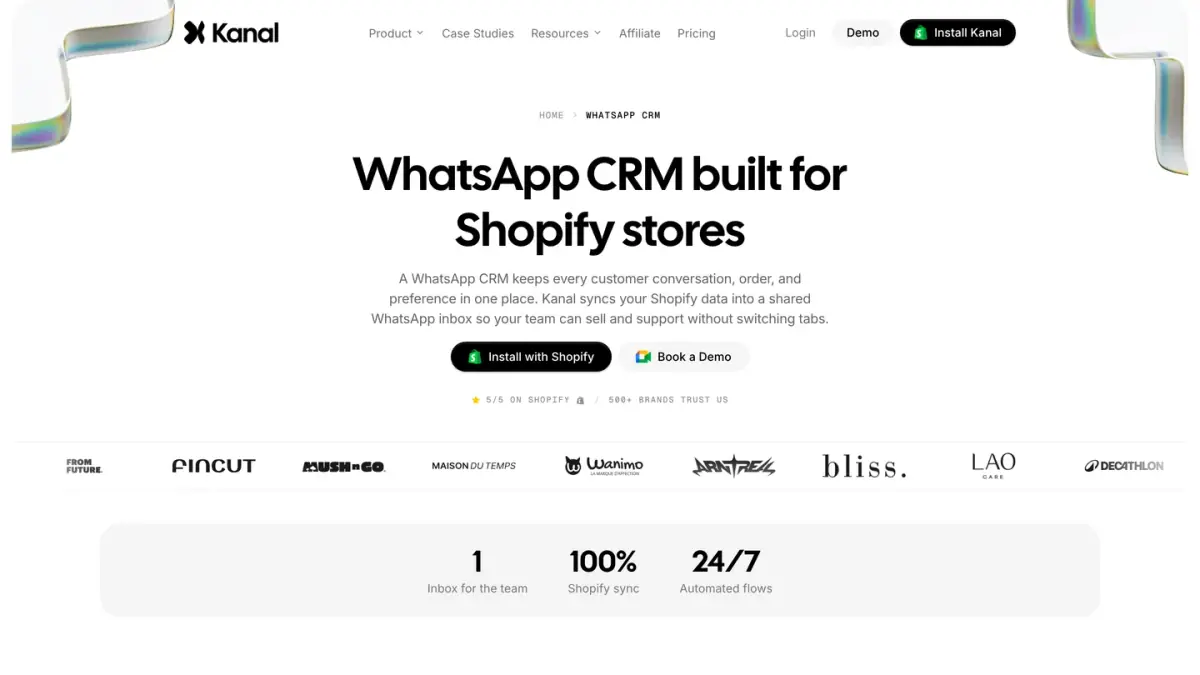
WhatsApp is one of them. Kanal, the app we build, is a WhatsApp marketing and sales app for Shopify with a shared team inbox for WhatsApp conversations. Our guide to WhatsApp customer support for Shopify describes the flows that work on that channel. For customer records across channels, our best Shopify CRM apps comparison lists the options.
Whatever the mix, the same rule applies: answer where the customer wrote, and keep the order context in front of the person, or the agent, who replies.
Is Shopify Inbox worth using?
For a store that has no chat yet, Shopify Inbox is the simplest place to start: it is built by Shopify, it costs nothing beyond your plan, and it reads your catalog and your policies without an integration. The Inbox agent adds automatic answers, with controls over when it speaks and how.
Before you settle on a tool, list the channels your customers actually use and check, in each tool's own documentation, which of them it handles. Our Shopify review places Inbox in the wider picture of what the platform includes and what it leaves to apps.
Shopify Inbox at a glance
| Question | Answer |
|---|---|
| What it is | Shopify's chat app for online stores, with an optional AI Inbox agent |
| Price | Free on the Shopify App Store |
| Plans | Basic, Grow, Advanced, Shopify Plus |
| Where staff reply | Shopify Inbox app for desktop, iOS and Android |
| What the agent uses | Product catalog, store policies, pages and Knowledge Base |
| Assignment modes | All conversations, only when staff are unavailable, never |
| Handoff | To your staff during availability hours, by email outside them |
| Documented limits | New customer accounts required for the agent, suggested replies in English, AI notice that cannot be removed |
Sources: Shopify Help Center and Shopify App Store, as of October 7, 2026.
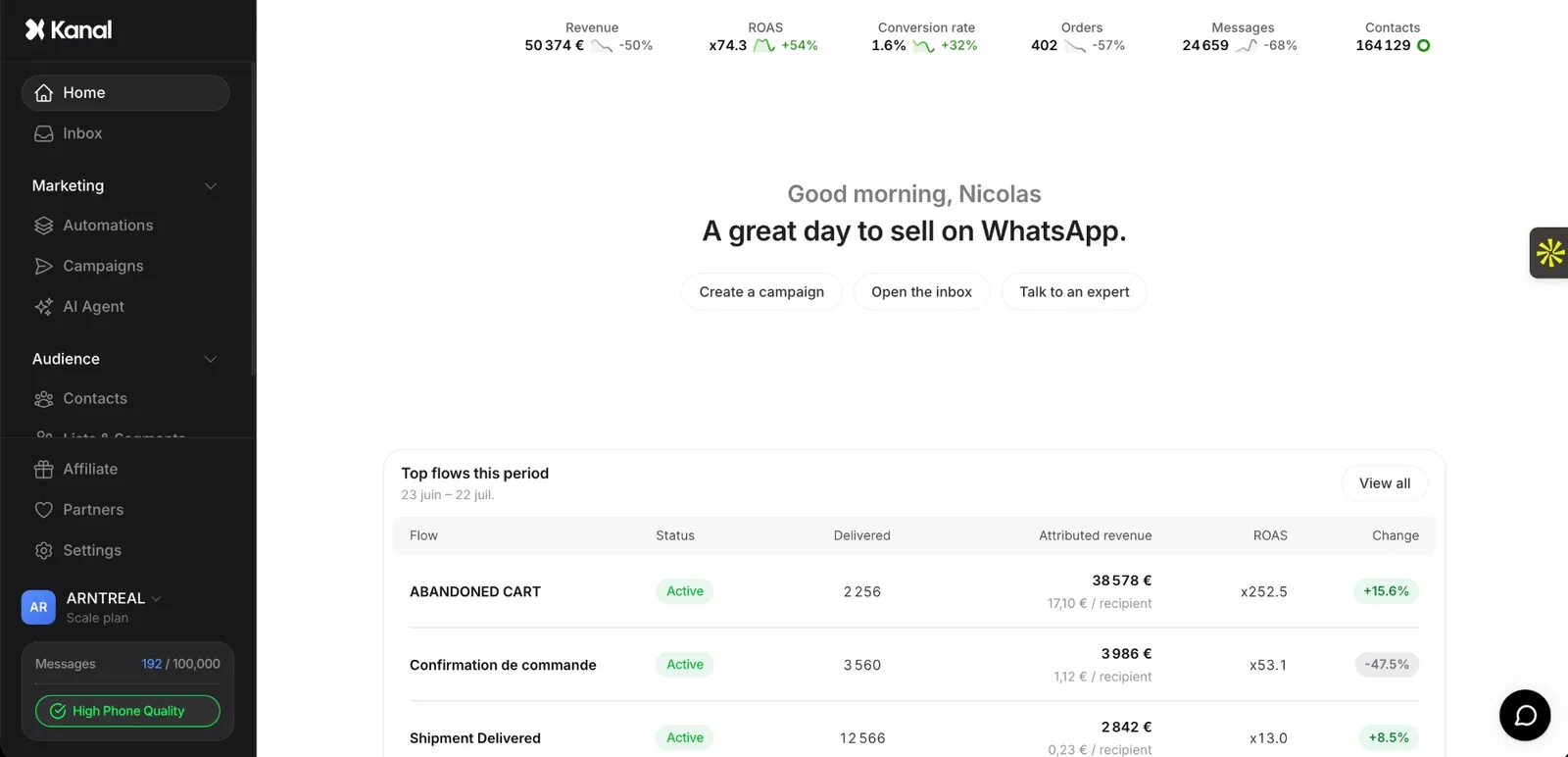
See Kanal on your own store
- Your campaigns and cart reminders on WhatsApp, starting from your own store
- Post-purchase offers, back-in-stock alerts, then the AI agent that advises your customers
- You leave with the plan that fits and its price
From €89/month
- brands
- 500+
- to set up
- 5 min
- open rate on WhatsApp
- +90%
Nicolas helps e-commerce brands grow revenue with WhatsApp marketing. With deep expertise in Shopify ecosystems and conversational commerce, he shares proven strategies for abandoned cart recovery, broadcast campaigns, and AI-powered customer engagement.