Delete WhatsApp Messages for Everyone: Time Limit & After

Summarize this article with an AI
 ChatGPT
 Claude
WhatsApp gives you two days to delete a message for everyone. Steps on iPhone, Android and Web, what the recipient sees, and what to do after the time limit.
Table of contents (22)
Key takeaways
- You have two days after sending a WhatsApp message to delete it for everyone, and after that only Delete for me remains.
- The recipient sees a "This message was deleted" placeholder, and may already have read the notification or kept auto-saved media.
- Group admins get the same two days to delete another member's message, and the placeholder names the admin who removed it.
WhatsApp delete for everyone removes a sent message from both your device and the recipient's chat, and it is available for two days after you send the message. After that time limit, "Delete for Everyone" disappears from the menu and you can only delete your own copy. You hit send, then a second later you spot the typo, or you realize the message went to the wrong group, or it is just embarrassing. Can you make it disappear? Yes, but only within those two days, and only if you understand exactly what the recipient still sees afterward. This guide walks through the steps on iPhone, Android and Web, the time limit as WhatsApp states it in its Help Center (read on October 7, 2026), what to do once the limit has passed, the cases where "Delete for Everyone" silently fails. 100% practical, no fluff.
1. WhatsApp Delete for Everyone: What It Actually Does (vs Delete for Me)
WhatsApp gives you two delete options and they do completely different things:
| Delete for Me | Delete for Everyone | |
|---|---|---|
| Affects | Your device only | Sender + all recipients |
| Recipient sees | No change | "This message was deleted" placeholder |
| Time window | Anytime | Two days after sending |
| Reversible | Undo for 5 seconds | No |
| Media files | Removed from your phone | Removed from the chat; media already saved to a recipient's phone can remain |
| Group chats | Just hides for you | Removes for every member |
Key takeaway: "Delete for Me" is just a tidy-up tool. The recipient still has the message and will still respond to it. "Delete for Everyone" is the real escape hatch and the only one anyone cares about. If the message only contains a typo, there is a third route: editing the WhatsApp message instead of deleting it.
For a wider context on WhatsApp's messaging mechanics, our WhatsApp Business API guide explains how the protocol handles delete events under the hood.
2. WhatsApp delete for everyone time limit: two days
WhatsApp states the limit in its Help Center: you have two days after you have sent a message to use "Delete for Everyone" (How to delete messages, read on October 7, 2026). Group admins get the same two days to delete a message sent by another member.
You may read slightly longer figures elsewhere. Two days is the limit WhatsApp publishes, so treat it as the deadline and do not count on extra hours.
Why does WhatsApp cap it? A time limit keeps "Delete for Everyone" a way to fix a recent mistake, not a way to erase a conversation weeks later.
The other time limits on the same Help Center page are worth knowing:
| Action | Time limit |
|---|---|
| Edit a message instead of deleting it | 15 minutes after sending |
| Delete for everyone (a message you sent) | Two days after sending |
| Delete for everyone as a group admin (someone else's message) | Two days after it was sent |
| Undo a "Delete for me" | 5 seconds |
If you go past the window, the "Delete for Everyone" option simply disappears from the long-press menu. WhatsApp's Help Center documents no way around it. The next section covers what you can still do.
3. How to delete a WhatsApp message for everyone after the time limit
Short answer: you cannot. Once two days have passed since you sent the message, whether that makes it three days, a week or a year old, WhatsApp no longer offers "Delete for Everyone", and nothing in its Help Center describes a way to bring the option back. A message sent 24 hours ago is still inside the window: delete it now rather than later.
What you can still do with an old message:
- Delete your own copy. Tap and hold the message, tap Delete, then Delete for me. It disappears from your phone and stays in the recipient's chat.
- Ask the recipient to delete it. Each person can remove a message from their own chat with "Delete for me". An old message leaves the other person's phone no other way, and it depends on their goodwill.
- Clear things up in writing. A short correction or apology, sent as a new message, often does more than a deletion, which leaves a visible placeholder anyway.
- Set up disappearing messages for next time. You can set new messages in a chat to disappear 24 hours, 7 days or 90 days after they are sent (About disappearing messages). The timer only applies to messages sent after you turn it on, not to the ones already in the chat.
Can a group admin delete older messages for everyone?
A group admin can delete a message sent by any member, for everyone in the group, but the same clock applies: admins have two days after someone sends a message to delete it. Older messages cannot be removed for everyone, even by an admin. When an admin deletes a message, the placeholder says it was deleted by the admin and names them, so the group sees who removed it. WhatsApp adds that messages deleted by an admin cannot be recovered and that the deletion cannot be appealed.
4. Step-by-Step on iPhone
- Open WhatsApp and find the message you want to delete
- Tap and hold the message until the action bar appears
- Tap Delete (or the trash icon)
- A dialog appears with three options:
- Delete for Everyone
- Delete for Me
- Cancel
- Tap Delete for Everyone
- The message is replaced by "You deleted this message" on your side, and "This message was deleted" on the recipient's side
You can also select multiple messages at once: long-press the first, then tap each additional message to add it to the selection, then tap the trash icon.
Pro tip: if you have a slow connection, give it 5 to 10 seconds before closing WhatsApp. The delete event needs to reach Meta's servers and then propagate to the recipient. Force-closing the app mid-sync can leave the message intact on the other side.
5. Step-by-Step on Android
- Open WhatsApp and find the message
- Tap and hold the message
- Tap the trash icon at the top of the screen
- Pick Delete for Everyone from the dialog
- The placeholder appears
Android also supports multi-select via long-press. The flow is functionally identical to iOS, but the visual position of the trash icon depends on your Android skin (One UI, MIUI, Pixel stock).
If the Delete for Everyone option does not appear, the most likely reasons are:
- More than two days have passed since you sent the message
- The message was sent by someone else and you are not an admin of the group
- You are offline (turn airplane mode off and retry)
- You or the recipient are not on the latest version of WhatsApp, which WhatsApp requires for the deletion to work
A deletion can also fail without telling you: WhatsApp does not notify you when deleting for everyone was not successful.
6. Step-by-Step on WhatsApp Web / Desktop
- Open
web.whatsapp.comor the WhatsApp Desktop app - Hover over the message, a small arrow appears at the top-right of the message bubble
- Click the arrow then choose Delete
- Pick Delete for Everyone
The Desktop and Web flows behave the same as the phone, but they require an active multi-device session. If your Web session is broken, read our WhatsApp Web troubleshooting guide before trying to delete anything (a failed delete inside a broken Web session does not stop the two-day clock, and the recipient still has the original).

7. What Recipients See After You Delete
This is what people actually want to know. Here is the exact behavior:
- Inside the chat: the message is replaced by "This message was deleted" with a small icon. The placeholder occupies the same vertical space as the original.
- In the chat list preview: same placeholder text
- Notification preview: if WhatsApp already pushed the notification before you deleted, the notification text is not retroactively redacted. The recipient can still see the original message in their lock screen or notification shade until they swipe it away.
- Replied / quoted messages: if anyone quoted your now-deleted message in a reply, the quote shows "This message was deleted" inline.
- Media: photos, videos, voice notes, and documents are removed from the recipient's gallery / files only if they had not yet been auto-downloaded. If WhatsApp's auto-download already saved the file to the recipient's Photos folder (default on most Android devices), the file stays.
- WhatsApp's own caveats: the Help Center says recipients might see your message before it is deleted, or if the deletion was not successful, and that recipients on iPhone might still have media you sent saved to their Photos after the message is deleted from the chat.
Media is the big one. Voice notes and photos sent over WhatsApp are often auto-saved before you have time to delete. Assume any media you send is potentially permanent.
8. Can People Still Recover the Deleted Message?
Short answer: occasionally yes, more often no. Our guide to recovering deleted WhatsApp messages walks through every method from the other side. Long answer:
- Android Notification Log: Android has a built-in feature called Notification History (Settings - Notifications - Notification history) that logs the last 24 hours of notification text. If the recipient had it enabled before receiving your message, they can read the original even after deletion. Pixel and most modern One UI phones support it.
- Third-party notification-log apps: on Android, some apps read notifications and keep the original text. If the recipient uses one, the message can survive deletion.
- Screenshots: if the recipient was active in the chat and screenshotted, you cannot do anything about it.
- iCloud / Google Drive backups: if the recipient backed up before you deleted, the original message lives in their cloud backup until they overwrite it. Restoring from that backup brings it back (see how WhatsApp backup and restore works).
Bottom line: "Delete for Everyone" is a courtesy mechanism, not a guarantee of erasure. Treat WhatsApp like a postcard, not a secret note.
For more context on WhatsApp privacy fundamentals, the Electronic Frontier Foundation's messaging security guide is required reading.
9. What Types of Messages Cannot Be Deleted
A few message categories cannot be deleted for everyone, even within the window:
- Status updates (the "Stories" equivalent), you can only delete from your own status, never from viewers' Recent Updates view
- Channel broadcasts (WhatsApp Channels), admins can delete posts but the delete is informational, viewers may still see cached copies
- Calls, call logs cannot be removed from the recipient's call history
10. Delete vs Archive vs Block: When to Use Which
Three nearby actions, very different consequences:
| Action | What it does | Visible to other party |
|---|---|---|
| Delete for Me | Removes from your phone | No |
| Delete for Everyone | Removes from all phones (within two days) | Yes ("This message was deleted") |
| Archive Chat | Hides the chat from your main list | No |
| Mute | Suppresses notifications | No |
| Block | Stops messages, calls, status visibility | Maybe (no last-seen, no profile pic, no status) |
If you want a clean break, Block is far more effective than constantly deleting messages.
11. Conclusion
"Delete for Everyone" is a two-day grace period, not a magic eraser. Inside that window the flow is clean: long-press, delete, confirm. Past it, your only option is "Delete for Me" which does nothing to the recipient. And in every case, the recipient sees a placeholder, may have already screenshotted, and might have a notification log app that captured the original.
For personal use, just be careful, assume every message is permanent the moment you hit send. For business use, the WhatsApp Business API replaces the consumer app with a shared inbox and message templates reviewed by Meta.
Frequently Asked Questions
How long do I have to delete a WhatsApp message for everyone?
You have two days after sending a message to delete it for everyone, according to WhatsApp's Help Center (read on October 7, 2026). Past that window the option disappears from the menu and you can only delete the message from your own device ("Delete for me"), which has no effect on the recipient. Some sites quote a slightly longer window: two days is the figure WhatsApp publishes.
How can I delete a WhatsApp message for everyone after a long time?
You cannot. Once two days have passed, WhatsApp removes "Delete for everyone" from the menu and documents no way to bring it back. What remains: delete your own copy with "Delete for me", ask the recipient to delete the message on their side, and, for the future, turn on disappearing messages in that chat so new messages expire after 24 hours, 7 days or 90 days.
Can the recipient still see a deleted WhatsApp message?
In normal conditions, no. The message is replaced by the placeholder "This message was deleted" on the recipient's side. WhatsApp warns, however, that recipients might see your message before it is deleted or if the deletion was not successful, and that media you sent may stay saved in the Photos of a recipient on iPhone. Anyone who read the notification preview or took a screenshot also keeps the content.
Why doesn't "Delete for Everyone" show up?
The most common reason is time: the option disappears two days after the message was sent. It also does not appear on messages sent by someone else, unless you are an admin of the group. And WhatsApp requires you and the recipients to use its latest version for the deletion to work: if it fails, you are not notified and the recipient still sees the original message.
If I delete a message on WhatsApp, is it deleted for everyone?
Only if you choose "Delete for everyone". WhatsApp offers two options: "Delete for me" removes the message from your own phone and leaves it in the recipient's chat, while "Delete for everyone" replaces it with "This message was deleted" in every participant's chat. The second option is available for two days after sending, and only for messages you sent yourself, unless you are a group admin.
Can a group admin delete messages for everyone?
Yes. A group admin can delete a message sent by another member, for everyone in the group, within two days of the message being sent. The message is replaced by a notice saying it was deleted by the admin, with the admin's name, so members can see who removed it. WhatsApp states that messages deleted by an admin cannot be recovered and that the deletion cannot be appealed.
Can I delete a message after 7 days?
No. WhatsApp's Help Center gives two days after sending to delete a message for everyone, and group admins get the same two days for other members' messages. After that, "Delete for me" is all that is left, and it only removes your own copy. To make future messages expire by themselves, turn on disappearing messages, which can be set to 24 hours, 7 days or 90 days.
Will the recipient be notified that I deleted a message?
They get no alert, but they see a clear placeholder, "This message was deleted", where the message was. If a group admin deleted someone else's message, the placeholder names the admin. There is no way to delete a message silently on WhatsApp. A store that sends the same messages often can limit mistakes with message templates on the WhatsApp Business API, written once and reviewed by Meta before use, through an app such as Kanal.
Resources

Nicolas helps e-commerce brands grow revenue with WhatsApp marketing. With deep expertise in Shopify ecosystems and conversational commerce, he shares proven strategies for abandoned cart recovery, broadcast campaigns, and AI-powered customer engagement.
Glossary terms in this article
Quick definitions for the WhatsApp Business terms used above.
WhatsApp Channels
WhatsApp Channels are a one-to-many broadcast feature in the Updates tab, where admins post to an unlimited audience of followers who can react and vote but not reply.
Read full definitionMessage Template
A message template is a pre-written WhatsApp message that Meta approves before a business can send it. Templates are the only messages a business can send outside the 24-hour customer service window, for example to start a conversation or run a campaign.
Read full definitionSuggested articles
WhatsApp disappearing messages: turn them on or off
WhatsApp disappearing messages erase new messages after 24 hours, 7 days or 90 days. How to turn them on or off, set a default timer, and what stays.
How to edit a WhatsApp message (15-minute limit)
You can edit a WhatsApp message for 15 minutes after sending it. The steps on Android, iPhone and Web, what the other person sees, and what to do after.
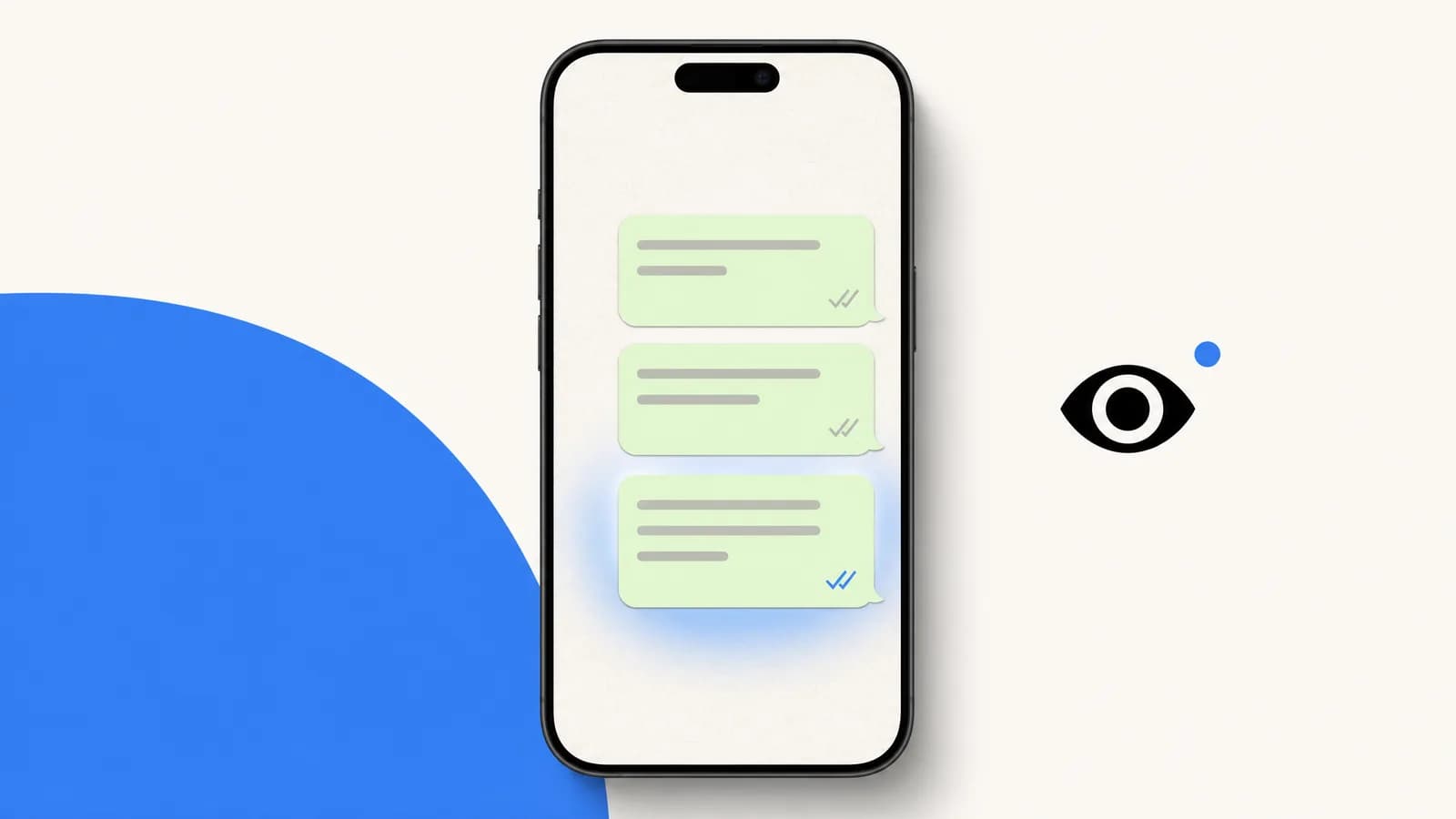
WhatsApp Ticks Meaning: One Grey, Two Grey, Blue (2026)
What WhatsApp ticks mean: one grey tick is sent, two grey ticks delivered, two blue ticks read. Plus how to tell if a message was read without blue ticks.
WhatsApp chat lock: lock, hide and unlock your chats
WhatsApp chat lock hides a chat behind your passcode, Face ID, fingerprint or a secret code. How to lock, open, hide and unlock chats on phone and Web.