WhatsApp Chatbot for E-Commerce: Automate 80% of Support (2026)

WhatsApp AI chatbot guide for Shopify stores in 2026. Automate 80% of customer support, recover carts, and answer pre-purchase questions 24/7. Setup, examples, ROI.
Table of contents (37)
70 to 80% of the questions an e-commerce store receives are repetitive: "Where's my order?", "What's your return policy?", "Does this run small?". Answering each one by hand burns your team's hours, slows replies and quietly tanks CSAT.
A WhatsApp chatbot fixes that. It replies in seconds, 24/7, inside the channel your customers actually open. The catch: a bad chatbot frustrates shoppers faster than a slow human ever could. This guide shows you how to deploy a WhatsApp chatbot that automates without dehumanizing, on top of Kanal and the official WhatsApp Business API.
What a WhatsApp chatbot actually does
A WhatsApp chatbot is an automated program that holds a conversation inside WhatsApp. Built on top of the WhatsApp Business Platform, it can:
- Read and interpret inbound messages from customers
- Reply with text, images, video, buttons or carousels
- Pull live data from your store (orders, inventory, customers)
- Trigger actions (open a ticket, send a payment link, apply a discount)
- Hand off to a human agent when needed
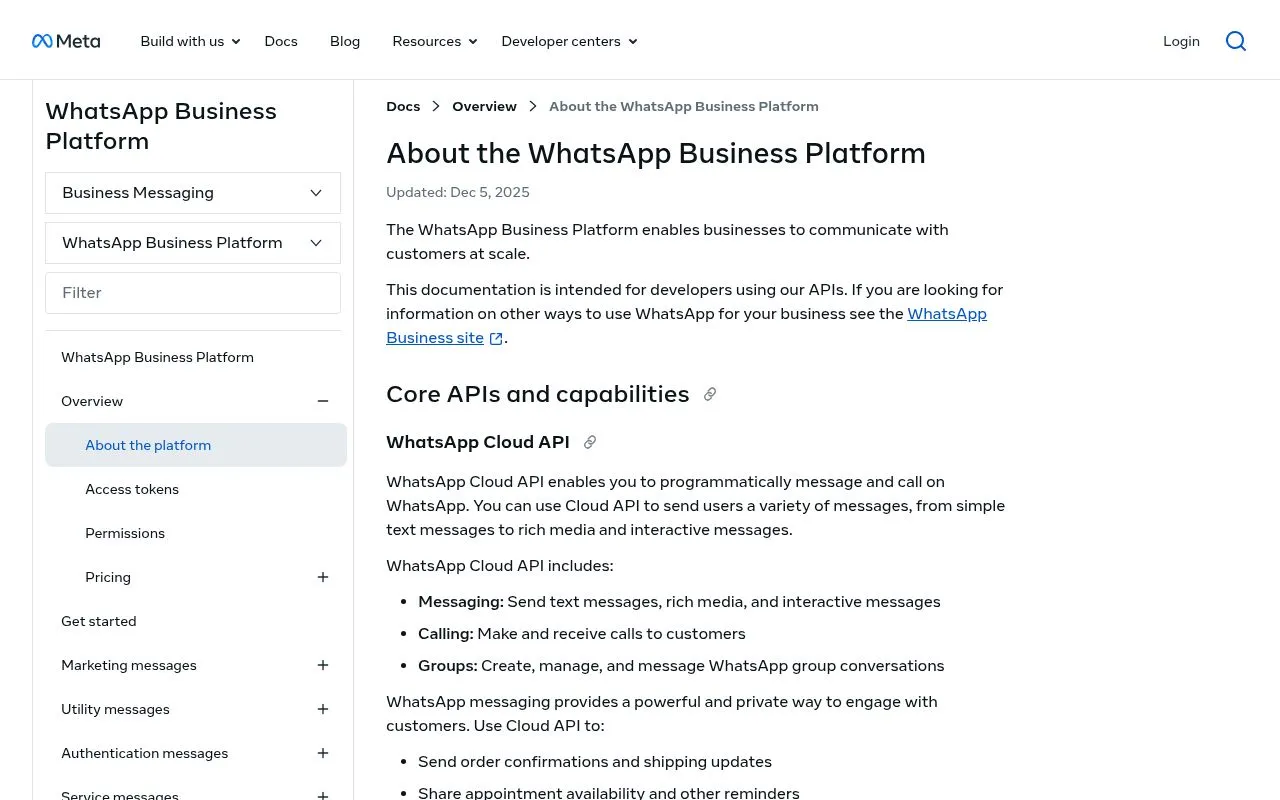
The full landscape of available endpoints is described in Meta's Cloud API documentation, and the WhatsApp Business API guide breaks down the practical setup steps.
Rule-based vs AI chatbot
| Feature | Rule-based chatbot | AI chatbot (like Kanal) |
|---|---|---|
| Logic | Pre-built decision tree | Natural language understanding |
| Flexibility | Only answers planned scenarios | Adapts to phrasing variations |
| Personalization | Limited (basic variables) | Contextual (history, preferences) |
| Maintenance | Manual rule updates | Learns from new conversations |
| Edge cases | Stuck if question is unseen | Tries to answer or routes smartly |
| Quality | Stiff, scripted | Natural, conversational |
| Setup | Cheap but time-consuming | Faster to configure |
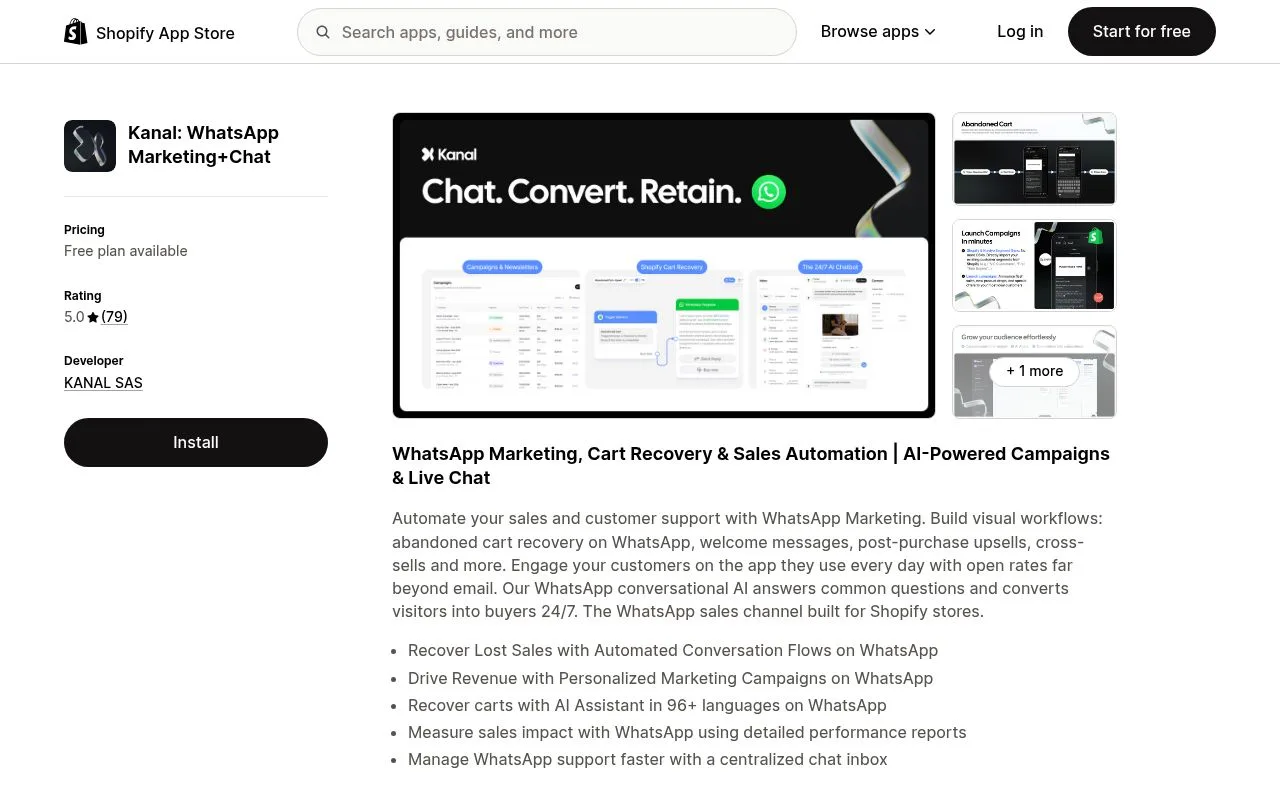
Kanal's AI chatbot uses large language models to understand natural-language questions and answer from a knowledge base you control: your FAQ, your policies, your catalog and your tone of voice.
6 high-ROI use cases for WhatsApp chatbots in e-commerce
1. FAQ deflection
The most immediate win. Your chatbot answers the same five to ten questions in seconds:
- Shipping times and rates
- Return and refund policy
- Sizing and size guides
- Product availability and stock
- Accepted payment methods
- Customer-service hours
Impact: 60-80% fewer human tickets. Your support team can focus on the conversations that actually need a human.
2. Guided shopping and product discovery
A customer types "I'm looking for a moisturizer for dry skin". The AI chatbot parses the intent, queries the catalog and replies with a carousel of relevant products complete with photo, price and buy button.
That's the core of conversational commerce: turning a chat into a sale. Real-world brands using this flow see 20-30% lift in conversion vs traditional category-page browsing.
3. Real-time order tracking
The customer sends their order number (or just "where's my package?"). The chatbot reads the synced Shopify data and replies with the live status: in preparation, shipped, out for delivery, delivered. With a tracking link inline.
This works because of the native sync between Shopify and Kanal. For the full WhatsApp setup, see the how to start a WhatsApp Business guide.
Impact: 40-60% fewer "where's my order?" tickets.
4. Returns and exchanges
The chatbot walks the customer through the return process:
- Identify the order
- Pick the item to return
- Select a reason
- Auto-generate the return label
- Confirm and track
Impact: the return flow runs 3x faster and CSAT goes up because customers self-serve.
5. Abandoned-cart recovery
The chatbot sends a personalized message to a shopper who left items behind, with the product photo and a one-tap link back to checkout. If it detects price hesitation, it can offer a coupon automatically.
The full recovery playbook lives in our abandoned-cart recovery strategies post and the 12 abandoned cart email examples breakdown. Impact: 15-30% of carts recovered.
6. Review and feedback collection
Seven days after delivery, the chatbot sends a satisfaction prompt with a star rating. Positive reviews are deep-linked to your product page or a public review site. Negative ones get routed straight to a human agent before they hit Trustpilot.
Impact: 3x higher response rate than email.
Setting up a WhatsApp chatbot with Kanal: practical guide
Prerequisites
- A Shopify store connected to Kanal
- A verified WhatsApp Business API phone number (see the verification and green tick guide)
- Your FAQ, policies and catalog handy
Step 1: turn on the AI chatbot
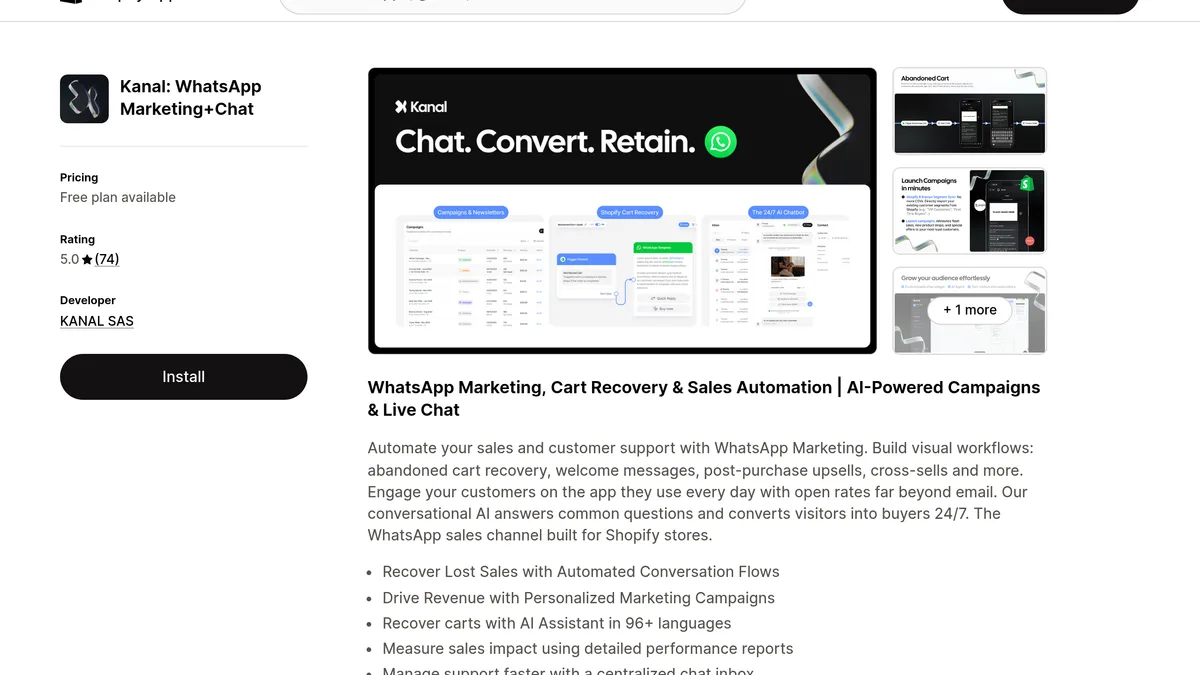
Inside the Kanal dashboard, open the AI Chatbot section and toggle it on. The model is pre-trained on common e-commerce intents (shipping, returns, sizing, payment, stock).
Step 2: import your knowledge base
Feed the chatbot the information it needs to answer accurately:
| Content type | Format | Example |
|---|---|---|
| FAQ | Question/Answer pairs | "What are your shipping times?" - "2-5 business days in the US" |
| Policies | Free text | Returns, terms, warranty |
| Product catalog | Shopify sync | Automatic via the integration |
| Brand info | Text + tone of voice | History, values, casual vs formal |
| Custom scenarios | Visual flows | Return flow, size guide |
Step 3: design your conversation flows
Define the core journeys with Kanal's automation builder:
Welcome message:
Hi! I'm the [Your Brand] assistant. How can I help today?
- Track my order
- Find a product
- Returns and exchanges
- Talk to a human
Human handoff rules:
- After two unsuccessful answer attempts
- On explicit customer request
- For sensitive topics (complaint, complex refund)
If you already use a help desk, the WhatsApp customer support integration lets agents resume the conversation from inside Gorgias, Zendesk or Re:amaze without copy-pasting.
Step 4: test, launch, optimize
- Test the chatbot with realistic scenarios from your own team
- Look at unresolved conversations weekly
- Add the missing answers to the knowledge base
- Track the WhatsApp marketing KPIs that matter: resolution rate, CSAT, handoff rate
Comparison: the main WhatsApp chatbot platforms
| Feature | Kanal | Tidio | Zoko | ManyChat | Wati |
|---|---|---|---|---|---|
| GPT-grade conversational AI | Yes | Lyro AI | Limited | No | Limited |
| WhatsApp Business API | Yes (official) | Limited | Yes | Yes | Yes |
| Shopify integration | Native | Plugin | Plugin | Plugin | Plugin |
| Cart recovery automation | Yes (automatic) | Basic | Yes | Yes | Yes |
| Product recommendations | AI + catalog | Basic | None | None | None |
| Real-time order tracking | Yes | No | Basic | No | No |
| Klaviyo integration | Native | No | No | No | No |
| Help desk integration | Native (Gorgias) | No | Partial | No | Limited |
| Multilingual auto-detect | Yes | Yes | No | Limited | Limited |
| Starting price | $49/mo | $29/mo | $34/mo | $15/mo | $39/mo |
| Built for e-commerce | Yes | Generalist | Yes | Generalist | Generalist |
For a deeper dive on Shopify-specific apps, see the best WhatsApp apps for Shopify roundup and the broader conversational commerce guide.
Why Kanal stands out
Kanal is the only platform that bundles all of these in one stack:
- A modern AI chatbot trained specifically on e-commerce intents
- Native Shopify sync with real-time order and catalog data
- Full automation library: cart recovery, order notifications, post-purchase upsell, back-in-stock
- Third-party integrations: Klaviyo, Gorgias, Zendesk
- All on top of Meta's official WhatsApp Business API
Tidio and iAdvize are strong generalist live-chat tools, but they don't reach Kanal's depth on Shopify-native e-commerce flows over WhatsApp specifically.
Best practices for a WhatsApp chatbot that doesn't annoy customers
1. Be transparent
Always disclose that the customer is talking to a bot. It's legally required in the EU under the AI Act, it's the right move under FTC guidelines in the US, and it's just good UX. Always offer a "Talk to a human" option.
2. Match your brand voice
Your chatbot is a brand ambassador. Define a consistent tone:
| Brand archetype | Recommended tone | Example |
|---|---|---|
| Luxury | Formal, refined | "I'd be delighted to help you find the right piece." |
| Streetwear / Gen Z | Casual, energetic | "Hey! What are we shopping for today?" |
| Clean beauty / wellness | Warm, reassuring | "I'm here to help you find what works for your skin." |
| Tech / DTC | Direct, efficient | "Tell me what you need, I'll surface the right SKU." |
3. Don't overload the bot
A chatbot that tries to do everything ends up doing everything badly. Focus on five to six core use cases and route the rest to a human agent.
4. Use rich media
WhatsApp supports images, video, PDF, buttons, list pickers and carousels. Use them:
- Product carousel for recommendations
- Hero image of the cart in recovery messages
- How-to video for usage questions
- PDF size guides or care manuals
- Buttons for one-tap responses
5. Measure and iterate
Track the KPIs that matter for your chatbot:
| KPI | Benchmark | How to improve |
|---|---|---|
| Self-serve resolution rate | > 70% | Enrich the knowledge base |
| Chatbot CSAT | > 4.2/5 | Tighten the answers, remove dead ends |
| Average response time | < 3 seconds | Optimize the flows |
| Human handoff rate | < 30% | Cover more use cases |
| Conversation drop rate | < 15% | Simplify the journeys |
For full marketing-funnel benchmarks, see the 2026 WhatsApp marketing statistics and WhatsApp marketing examples from real brands.
6. Stay compliant
WhatsApp marketing in any region with privacy regulation (EU, UK, California, Brazil) requires explicit consent, an easy opt-out and clear data-handling. The WhatsApp opt-in and GDPR playbook covers the legal requirements step by step.
5 ready-to-use chatbot flows
These five flows have been battle-tested on Shopify stores. Copy them, adapt the voice, ship.
Flow 1: Order tracking
Customer: "where's my order?"
Bot: "I can check that. Do you have your order number?"
  [Enter my number] -> Shopify lookup
  [I don't] -> ask for email instead
Bot (if found): "Order #{number}: {status}.
Tracking: {url}.
ETA: {date}."
  [See details] [Talk to a human]
Flow 2: Product recommendation
Customer: "I'm shopping for a gift for a friend"
Bot: "Happy to help. A few quick questions:"
  [Style] -> buttons casual / dressy / sporty
  [Budget] -> buttons under $50 / $50-100 / $100+
  [Occasion] -> buttons birthday / mom / other
Bot (summary): "Here are 3 matches:"
  Carousel of 3 products with price + [Buy] button
Flow 3: Returns
Customer: "how do I return something?"
Bot: "Sorry it didn't work out. Let's fix it."
  [See return policy] -> URL
  [Start a return] -> ask for order number
Bot: "What's the reason?"
  [Size] [Color] [Defect] [Other]
Bot (summary): "Return label sent by email.
Refund within 5 days of receipt.
Type 'agent' anytime to talk to a human."
Flow 4: Cart recovery
Bot (auto, 1h after abandon):
"Hey {first_name}, your cart is still waiting
{main_product} is still in stock ({quantity} left).
We'll hold the items for 24h."
  [Finalize my order] -> checkout URL
  [Browse more] -> catalog
  [Save for later] -> reminder at day 7
Flow 5: Product FAQ
Customer: "is the {product} safe for sensitive skin?"
Bot: "Good question. Here's what the product page says:"
  FAQ excerpt + ingredient image
  [Read all reviews] -> product URL
  [Compare with similar] -> 2 similar products
  [Talk to a specialist] -> human handoff
To configure flows like these in 30 minutes, Kanal ships with a visual editor, pre-built templates and the native Shopify connector.
ROI of a WhatsApp chatbot for a Shopify store
Stores using Kanal's AI chatbot report the following three-month deltas:
| Metric | Before chatbot | After 3 months |
|---|---|---|
| Support tickets/day | 50 | 15 (-70%) |
| Average response time | 4 hours | 8 seconds |
| Customer satisfaction (CSAT) | 72% | 92% |
| Chatbot-assisted sales | 0 | 12% of GMV |
| Cost per support ticket | $8 | $1.20 |
| Site conversion rate | 2.3% | 3.8% (+65%) |
The chatbot doesn't just cut support cost. It actively drives revenue via product recommendations, cart recovery and post-purchase upsell. For a side-by-side cost comparison with SMS, see WhatsApp vs SMS pricing by country.
Limits of WhatsApp chatbots (and how to work around them)
The bot won't understand everything
Even with modern LLMs, some messages are ambiguous or off-topic. The fix: configure a confidence-based handoff so the bot routes to a human whenever its answer score drops below a threshold. Anything related to refunds, complaints or legal questions should default to a human.
Customers sometimes just want a human
Some conversations (complaints, payment issues, special requests) need a human touch. The fix: always show a "Talk to a human" option and integrate a help desk so agents pick up where the bot left off. The WhatsApp customer support guide goes deeper.
The bot needs to be fed
A chatbot isn't "set and forget". Review unresolved conversations weekly and enrich the knowledge base. With Kanal, the AI improves continuously as you tag conversations.
Conclusion: a WhatsApp chatbot is a teammate that never sleeps
A well-configured WhatsApp chatbot is a team member that works 24/7, never takes a break and gets better over time. For Shopify merchants, it's one of the highest-leverage moves you can make in 2026 for both efficiency and revenue.
With Kanal, you can deploy it in under 30 minutes, without writing a line of code, and start seeing results in the first week.
Create a WhatsApp link or a WhatsApp QR code to drive customers from email, web, packaging or storefront into your chatbot. Then size the ROI with the ROAS break-even calculator.
Ready to launch your e-commerce WhatsApp chatbot?
- See Kanal pricing and pick a plan
- Book a personalized demo to watch the chatbot in action
Resources
- WhatsApp Business API guide
- Best WhatsApp apps for Shopify
- Conversational commerce guide
- WhatsApp marketing examples from real brands
- Abandoned cart recovery strategies
- WhatsApp customer support for Shopify
- WhatsApp marketing statistics 2026
- WhatsApp business app vs API comparison
- WhatsApp greeting message examples
- WhatsApp away message templates

Nicolas helps e-commerce brands grow revenue with WhatsApp marketing. With deep expertise in Shopify ecosystems and conversational commerce, he shares proven strategies for abandoned cart recovery, broadcast campaigns, and AI-powered customer engagement.
Ready to boost your WhatsApp sales?
 Install with Shopify
Suggested articles
WhatsApp Customer Support: 12 Flows that Cut Tickets by 60% (2026)
Build a WhatsApp customer support system that deflects 60% of Shopify tickets. 12 essential support flows, AI tier-1 automation, Gorgias and Zendesk integration, and SLA benchmarks for 2026.

WhatsApp Automated Messages: 12 Ready-to-Use Templates (2026)
12 WhatsApp automated message templates for Shopify stores in 2026. Welcome, away, post-purchase, recovery flows. Setup guide for the API and the Business app.

RCS Messaging: The Complete Guide for E-commerce (2026)
RCS (Rich Communication Services) explained for Shopify in 2026. RCS vs SMS vs WhatsApp, carrier rollout status, pricing, and where it fits in your messaging stack.

Business SMS for E-Commerce: The Complete Guide (2026)
Business SMS guide for Shopify stores in 2026. Compliance, opt-in rules, cost, 10DLC and short codes explained, plus when WhatsApp beats SMS for ecommerce.