RCS message: what it means, RCS vs SMS, how to turn it off

Summarize this article with an AI
 ChatGPT
 Claude
An RCS message is a text sent over Wi-Fi or mobile data with the standard that modernizes SMS. What the label means, RCS on iPhone, encryption, settings.
Table of contents (14)
Key takeaways
- An RCS message travels over Wi-Fi or mobile data and adds typing indicators, read receipts and high-resolution photos and videos to texting.
- RCS only works when everyone in the conversation has it turned on, otherwise the message can go out as an SMS or MMS.
- On iPhone, RCS needs iOS 18 and a carrier that supports it, and its messages appear in green bubbles like SMS.
- A lock icon is the reliable sign of end-to-end encryption, which SMS, MMS and RCS chats with businesses do not have.
An RCS message is a text sent with Rich Communication Services (RCS), the industry standard that modernizes SMS: it travels over Wi-Fi or mobile data and adds typing indicators, read receipts and high-resolution photos and videos. When your phone shows "RCS message" or "RCS chat", your messaging app is using that standard instead of SMS, which only happens when everyone in the conversation has RCS turned on.
This guide sticks to what Google, Apple and the GSMA (the mobile industry association that publishes the RCS standard) say on their own pages, read on October 7, 2026. It covers what the label means on Android and on iPhone, how RCS differs from SMS and MMS, how to turn it on or off, whether it is encrypted, what it costs, and why a message sometimes goes out as a plain text.
What is RCS messaging?
RCS stands for Rich Communication Services. Google presents it as a modern industry standard for messaging that allows more dynamic and more secure conversations than SMS and MMS (Google Messages Help). The GSMA, which publishes the standard under the name Universal Profile, describes RCS as a modernization of SMS that brings group chats, file sharing and read receipts to the phone's native messaging app (GSMA).
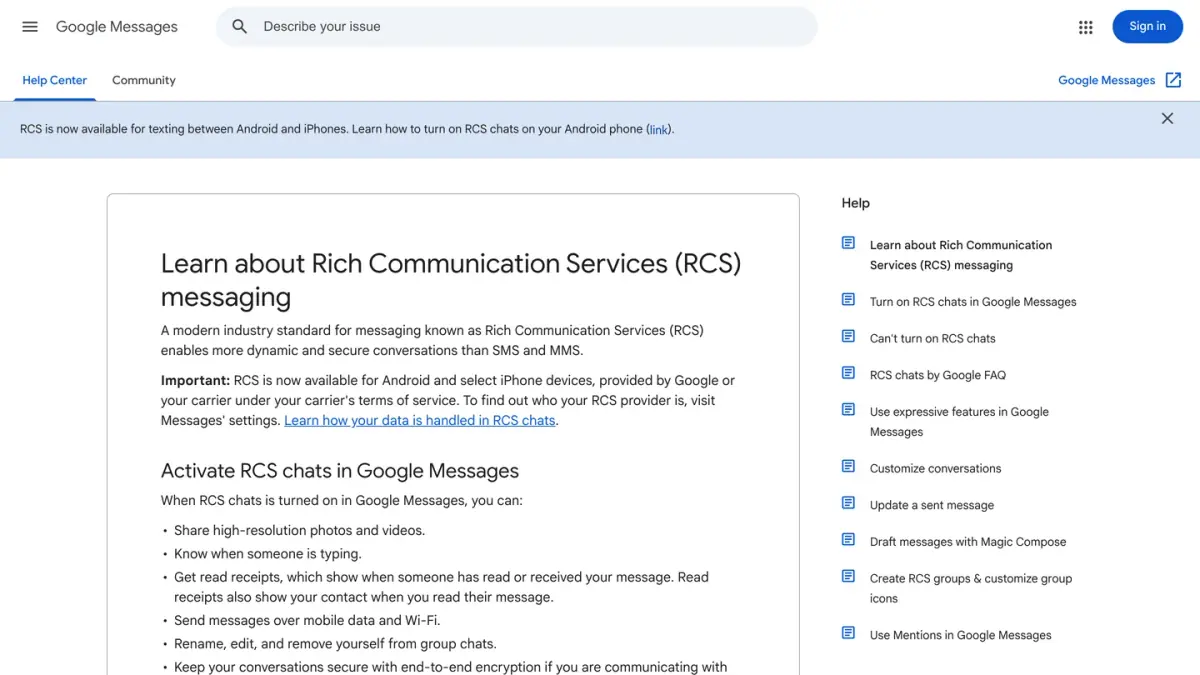
In practice, an RCS message is what your usual texting app sends when RCS is available on both sides. According to Google's help pages on RCS (the overview and the FAQ), RCS chats let you:
- see when the other person is typing;
- get read receipts, and let your contact see when you have read their message;
- send messages over mobile data and Wi-Fi;
- share files and high-resolution photos and videos.
RCS lives in the phone's texting app: Google Messages on Android, Messages on iPhone. Google adds that other apps that support the standard, such as Samsung Messages, can connect to RCS chats too. The service is tied to your phone number and your carrier: Google says RCS chats are provided by Google or by your mobile carrier, and Apple describes RCS as a carrier-provided service.
What does "RCS message" mean on your phone?
The label tells you which technology will carry the message you are about to send.
In Google Messages (Android)
Google's help page on how RCS chats keep your conversations secure explains the two labels you can see in the box where you type:
- RCS message: the message will be sent through RCS, by Google's RCS service or your carrier's.
- Text message: the message will be sent through your carrier as an SMS or MMS, and the conversation shows "SMS" or "MMS" below the send icon.
Other signs point the same way:
- Bubble color. Google says text messages are dark blue in the RCS state and light blue in the SMS/MMS state (Control message delivery).
- Status icons. A timer, a single check, a double check and a color-filled double check show that an RCS message is being sent, has been sent, delivered and read. Google specifies that these icons do not appear on SMS or MMS messages.
- A lock. A lock on the send button and next to the timestamp means the conversation is end-to-end encrypted (Google Messages Help).
"RCS chat" and "RCS chats" are simply the names Google Messages gives to these conversations and to the setting that controls them. WhatsApp shows the same kind of information with ticks, explained in our guide to WhatsApp read receipts. Our iMessage vs WhatsApp comparison sets Apple's service and WhatsApp side by side, read receipts included.
On iPhone
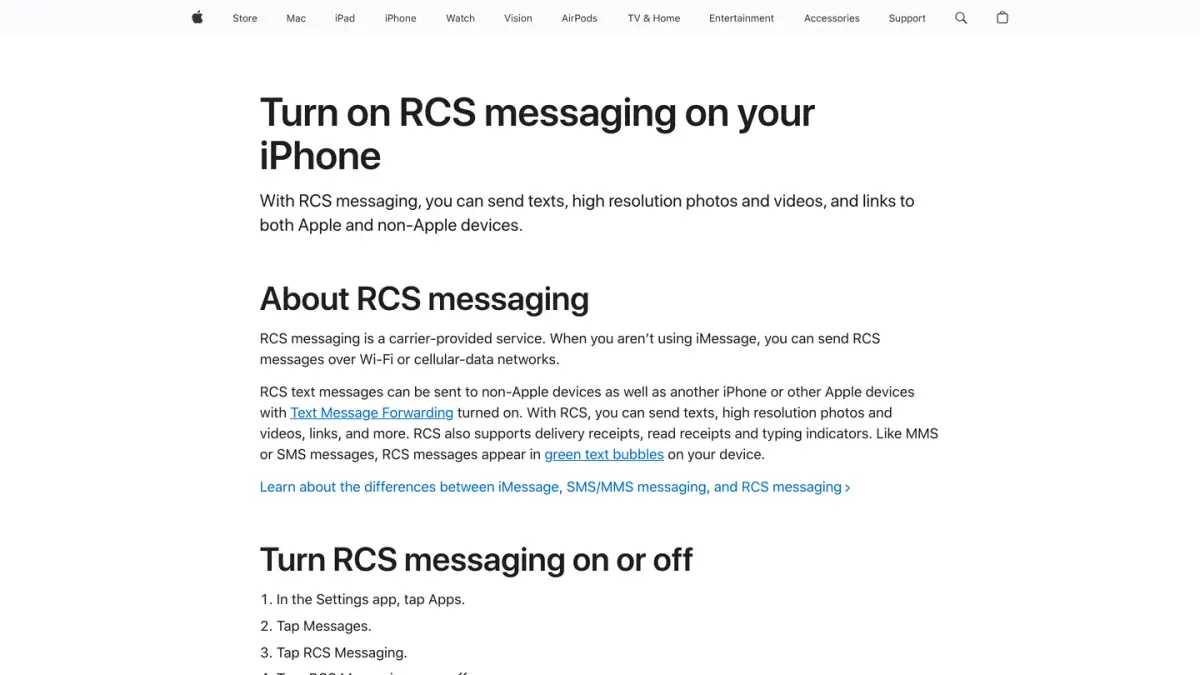
On iPhone, the color separates iMessage from everything else. Apple's support article on iMessage, RCS and SMS/MMS says messages sent with iMessage appear in blue bubbles, while RCS messages appear in green bubbles, like SMS and MMS. The iPhone User Guide adds that a green send button means the message is sent with SMS, MMS or RCS (Apple).
A green bubble alone therefore does not tell RCS from SMS (our guide on why your texts are green goes through each case). With RCS, Apple lists high-resolution photos and videos, delivery and read receipts and typing indicators. When an RCS conversation is end-to-end encrypted, the word Encrypted appears with a lock icon at the top.
RCS vs SMS vs MMS: what is the difference?
SMS and MMS are your carrier's classic text services: SMS for text, MMS for multimedia such as photos and videos. RCS is the newer standard that does both over an internet connection and adds chat features. The table sums up what Google and Apple state on their help pages.
| SMS | MMS | RCS | |
|---|---|---|---|
| What it carries | Text | Multimedia: photos, videos | Text, high-resolution photos and videos, files, links |
| How it travels | Through your carrier's text service | Through your carrier's text service | Over Wi-Fi or mobile data, with the RCS protocol |
| Typing indicators and read receipts | No | No | Yes. Both are settings that each person can turn on or off |
| Photo and video quality | Not applicable | Carriers compress MMS, which can reduce image quality | High resolution |
| End-to-end encryption | No | No | By default between Google Messages users. In beta on iPhone from iOS 26.5, with supported carriers |
| What it needs | A text-messaging plan from your carrier | A text-messaging plan from your carrier | RCS turned on for everyone in the conversation, a carrier and an app that support it, an internet connection |
| Label in Google Messages | Text message, light blue | Text message, light blue | RCS message, dark blue |
| Bubble color on iPhone | Green | Green | Green |
Sources: Google Messages Help (RCS FAQ, security, photos and videos), Google Fi Help and Apple Support, read on October 7, 2026.
For a marketing view of the same channels, WhatsApp included, see our SMS vs MMS vs RCS vs WhatsApp comparison.
Does RCS work on iPhone?
Yes. Apple states that to use RCS you need iOS 18 and a text-messaging plan from a carrier that supports RCS on iPhone (Apple Support, read on October 7, 2026). Messages uses RCS when iMessage is not available, typically when you write to someone on Android, and shows those messages in green bubbles.
With RCS on iPhone, Apple's article lists texts, high-resolution photos and videos, links, delivery and read receipts and typing indicators. The iPhone User Guide adds Tapbacks and inline replies.
Three points are worth knowing:
- It depends on your carrier. Apple publishes a list of carriers and the features they support. On the list for the United States and Canada, published on September 15, 2026 and read on October 7, 2026, AT&T, T-Mobile USA and Verizon Wireless all appear with end-to-end encrypted RCS messaging (beta). If the RCS Messaging setting does not appear on your iPhone, Apple says RCS might not be available with your carrier.
- It can take time. Apple mentions that activating RCS can take a few hours.
- It is not iMessage. iMessage remains Apple's own service between Apple devices.
| On iPhone | iMessage | RCS | SMS/MMS |
|---|---|---|---|
| Bubble color | Blue | Green | Green |
| Who you can message | Other Apple devices | Apple and non-Apple devices | Apple and non-Apple devices |
| Provided by | Apple | Your carrier | Your carrier |
| End-to-end encryption | Yes | In beta from iOS 26.5, when every participant's carrier supports it | No |
Sources: Apple Support, article published on May 11, 2026, and the iPhone User Guide, read on October 7, 2026.
How to turn RCS on or off
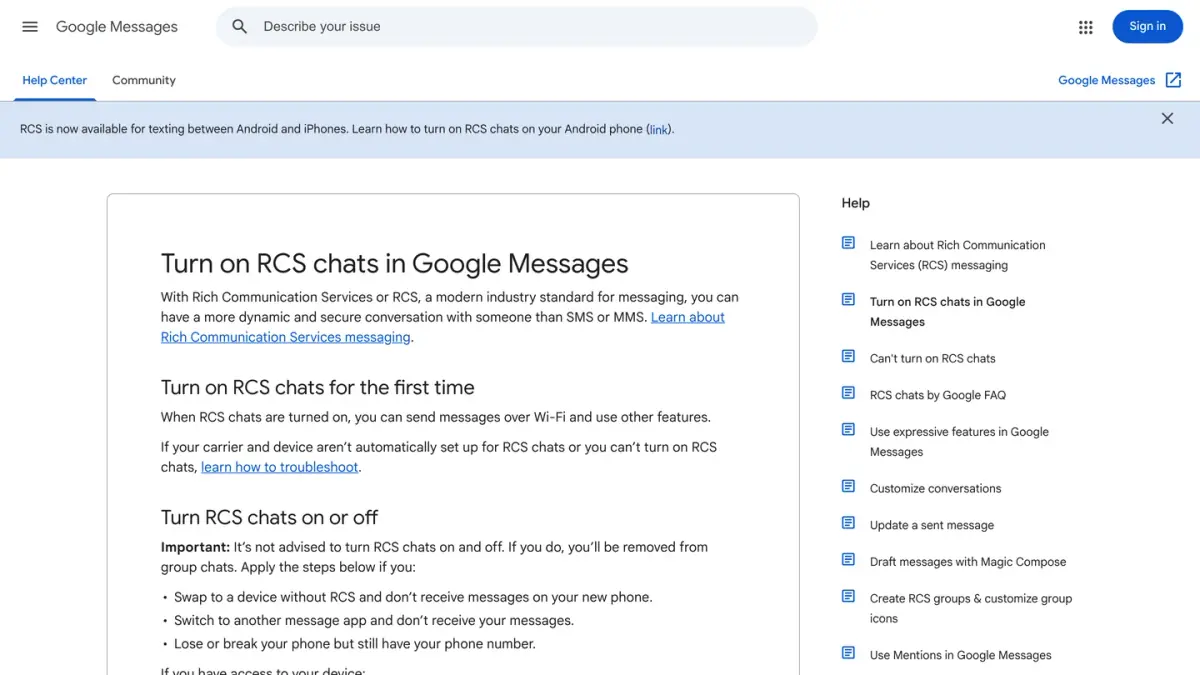
Before you switch it off, note two warnings from Google: turning RCS chats off removes you from your RCS group chats (Turn on RCS chats), and it also turns off typing indicators and read receipts (How RCS chats keep your conversations secure).
On Android, in Google Messages
- Open Google Messages.
- At the top right, tap your profile picture or initial, then Messages settings, then RCS chats.
- Turn RCS chats on or off.
If you cannot find RCS chats, Google says to tap Chat features instead. On the same screen, the status line tells you where you stand: Connected means RCS works with other people who have it turned on, Connecting means your phone number is still being verified, and a message saying that RCS chats are disabled by your carrier means you need to contact that carrier.
No longer have the phone at hand? Google provides a web page to turn off RCS chats temporarily without the device. It helps when you have lost or broken your phone, or moved to a device without RCS, and your messages no longer reach you.
On a Samsung phone, in Samsung Messages
Galaxy phones that use Google Messages follow the steps above. For the Samsung Messages app, Google's help page gives this path for most Samsung devices: open Samsung Messages, go to Menu, then Settings, tap RCS chats settings, and turn Rich Communication Settings (RCS) on or off (Google Messages Help).
On iPhone
- Open the Settings app and tap Apps.
- Tap Messages.
- Tap RCS Messaging.
- Turn RCS Messaging on or off.
These are the steps on Apple's support page. The same screen has two more switches: RCS Business Messages, for the alerts and updates that businesses send over RCS, and, on iOS 26.5, End-to-End Encryption (Beta), which Apple says is on by default.
Are RCS messages encrypted?
It depends on who you are talking to and which app each of you uses. The lock icon is the reliable test.
- Google Messages to Google Messages. Google says RCS chats between Google Messages users are end-to-end encrypted by default: nobody, Google included, can read the messages while they travel between the two phones. You see a lock on the send button and next to the timestamp (Google Messages Help).
- On iPhone. Apple says that starting with iOS 26.5, end-to-end encrypted RCS messaging is available in beta with supported carriers, and that a conversation can be encrypted when every participant's carrier supports it. An encrypted conversation shows Encrypted with a lock icon at the top. Without that indicator, Apple warns, RCS messages are not protected from being read by a third party while they travel between devices (Apple Support, article published on May 11, 2026).
- Between Android and iPhone. The two companies' pages do not say the same thing yet. Apple's article describes the beta above, while Google's RCS FAQ still stated, when we read it on October 7, 2026, that RCS chats with iPhone users are not end-to-end encrypted. Trust what your screen shows: no lock, no end-to-end encryption.
- With a business. Google states that verified RCS chats between businesses and users are not end-to-end encrypted (Google Messages Help).
- When the message falls back to SMS or MMS. SMS and MMS are never end-to-end encrypted, as both Apple and Google point out.
The standard itself now covers encryption. On March 14, 2025, the GSMA announced new RCS specifications, Universal Profile 3.0, that add end-to-end encryption based on the Messaging Layer Security (MLS) protocol (GSMA). And when end-to-end encryption is not available, Google says the RCS chats it provides are still protected in transit with TLS encryption (Google Messages Help).
Do RCS messages cost anything?
RCS messages use your internet connection. Google's FAQ says that over a Wi-Fi network you do not have to pay for, sending and receiving RCS messages adds no cost, and that over mobile data the cost depends on your mobile data plan (Google Messages Help).
On iPhone, Apple describes RCS as a carrier service, adds that carrier fees may apply and sends you to your carrier for details (Apple Support).
One case is different: when an RCS message cannot go through and is sent as an SMS or MMS instead, your carrier delivers it as a regular text.
Why did my RCS message go as SMS?
RCS needs everyone in the conversation to have it turned on, and an internet connection at both ends. When one condition is missing, your app can send the message as an SMS or MMS instead. The usual causes, from Google's and Apple's help pages:
- The other person does not have RCS. RCS chats only switch on when all participants have RCS, group chats included.
- No data or Wi-Fi, or the recipient is offline. Google Messages can still send the message as an SMS or MMS.
- Your carrier or device does not support RCS. Google notes that availability varies by region and carrier. If the RCS chats settings say that RCS chats are not supported by your carrier, your carrier does not offer RCS at the moment.
- Your number is not verified yet. While the status reads Connecting, Google is still verifying your phone number.
- An app or a system that is too old. Google asks for Android 5.0 or higher and for the latest version of Google Messages on both phones (Can't turn on RCS chats, read on October 7, 2026). Apple asks for iOS 18.
- On iPhone, RCS Messaging is off, or your carrier does not offer it.
You can decide what happens in that case. In Google Messages, open Messages settings, then RCS chats, and turn Automatically resend as text (SMS/MMS) on or off (RCS FAQ). For a single message that is stuck, tap its timestamp and choose Switch to text (SMS/MMS) (Control message delivery).
Keep in mind what the fallback removes: typing indicators and read receipts do not work over SMS and MMS, and the message is not end-to-end encrypted.
Why do businesses send you RCS messages?
Brands can use the same technology. Google explains that registered businesses can send RCS chats that show the company's name, its logo and a verification check mark instead of a phone number, with photos, videos, cards you can swipe through and suggested reply buttons (Google Messages Help).
You stay in control:
- In Google Messages, open the conversation, tap More, then Unsubscribe. Google Messages then sends a "STOP" message to the business from your number. Google lists this option for a set of countries that includes the United States.
- On iPhone, open Settings, tap Apps, then Messages, then RCS Messaging, and turn off RCS Business Messages. You can also report a message as junk from the conversation (Apple Support).
Do you run an online store and wonder whether RCS is worth it? Our RCS business messaging guide explains how a brand gets access, what a message can show and how it compares with WhatsApp, and our business SMS guide covers plain text messages. For transparency: Kanal, which publishes this blog, is a WhatsApp marketing app for Shopify stores. It sends WhatsApp messages, not RCS or SMS.
If you run a business account and WhatsApp is the channel you are weighing, the equivalent is the WhatsApp Business API, where Meta bills each delivered message. See what the WhatsApp Business API is and what businesses pay per WhatsApp message.
Frequently asked questions
What does RCS message mean?
RCS stands for Rich Communication Services, the industry standard that modernizes SMS. When the text box in Google Messages says "RCS message", your message will be sent through RCS, over Wi-Fi or mobile data, instead of going out as an SMS or MMS. That only happens when everyone in the conversation has RCS turned on. On iPhone, RCS messages appear in green bubbles.
What is the difference between RCS and SMS?
SMS is plain text sent through your carrier's text service. RCS travels over Wi-Fi or mobile data and adds typing indicators, read receipts, high-resolution photos and videos, and file sharing. RCS needs a compatible app and carrier on both sides. When it is not available, the message can still be sent as an SMS or MMS, without those extras.
Does RCS work on iPhone?
Yes. Apple says you need iOS 18 and a text-messaging plan from a carrier that supports RCS on iPhone. Messages uses RCS when iMessage is not available, for example with someone on Android, and shows those messages in green bubbles. To turn it on or off, open Settings, tap Apps, then Messages, then RCS Messaging.
Are RCS messages encrypted?
It depends on the conversation. Google says RCS chats between Google Messages users are end-to-end encrypted by default. Apple says end-to-end encrypted RCS is in beta from iOS 26.5, with supported carriers, when every participant's carrier supports it. Look for the lock icon: without it, the conversation is not end-to-end encrypted. SMS and MMS never are.
Do RCS messages cost money?
RCS messages use Wi-Fi or mobile data. Google states that over a Wi-Fi network you do not pay for, sending and receiving them adds no cost, and that over mobile data the cost depends on your data plan. On iPhone, Apple notes that RCS is a carrier service and that carrier fees may apply, so check your plan with your carrier.
How do I turn off RCS?
In Google Messages, tap your profile picture, then Messages settings, then RCS chats, and switch RCS chats off. On iPhone, open Settings, tap Apps, then Messages, then RCS Messaging, and turn it off. Google advises against switching it on and off repeatedly, because turning RCS chats off removes you from your RCS group chats.

Nicolas helps e-commerce brands grow revenue with WhatsApp marketing. With deep expertise in Shopify ecosystems and conversational commerce, he shares proven strategies for abandoned cart recovery, broadcast campaigns, and AI-powered customer engagement.
Glossary terms in this article
Quick definitions for the WhatsApp Business terms used above.
Suggested articles
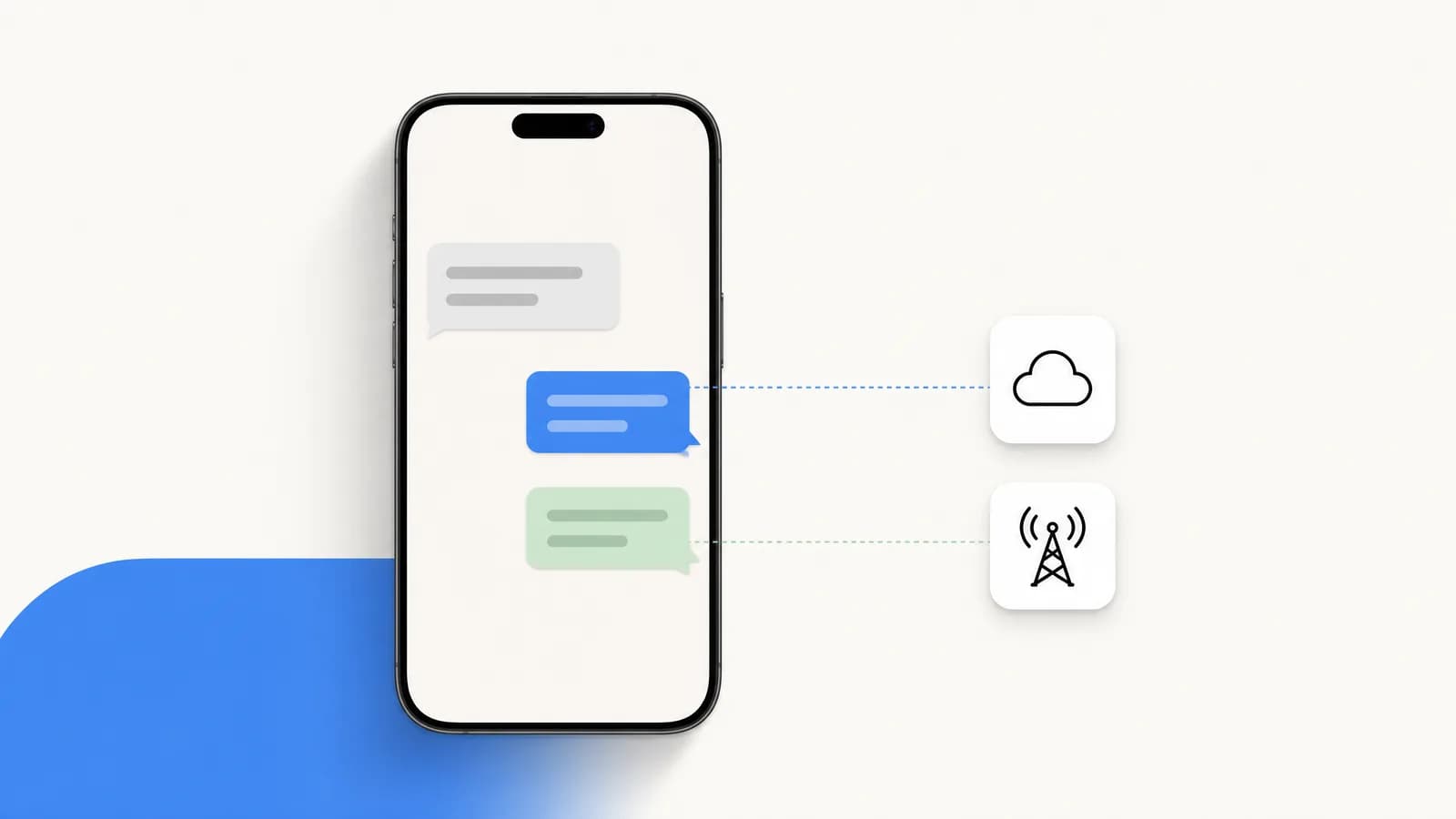
Why are my texts green? iMessage vs SMS vs RCS (2026)
Green texts on iPhone were sent as SMS, MMS or RCS instead of iMessage. What blue and green mean, what Sent as Text Message means, and how to get blue back.
What does SMS mean? Meaning, limits and how it works
SMS means Short Message Service: plain text of 160 characters at most, sent over your carrier's network. How it works on iPhone and Android, cost and security.
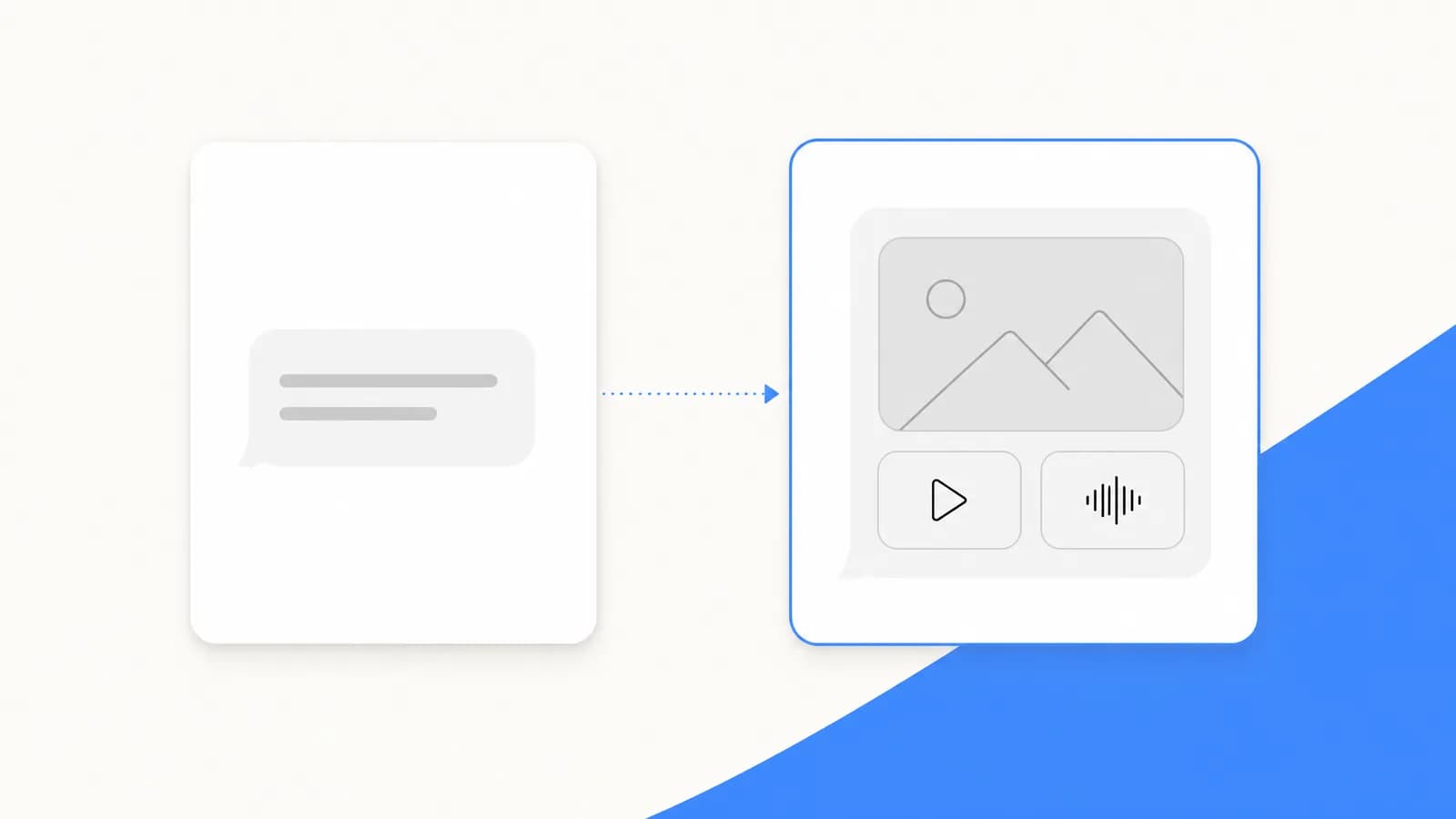
SMS vs MMS: the difference, and what MMS messaging is
SMS is plain text sent over the cellular network. MMS adds photos, videos, audio and group chats, and needs data. Differences, limits and phone settings.
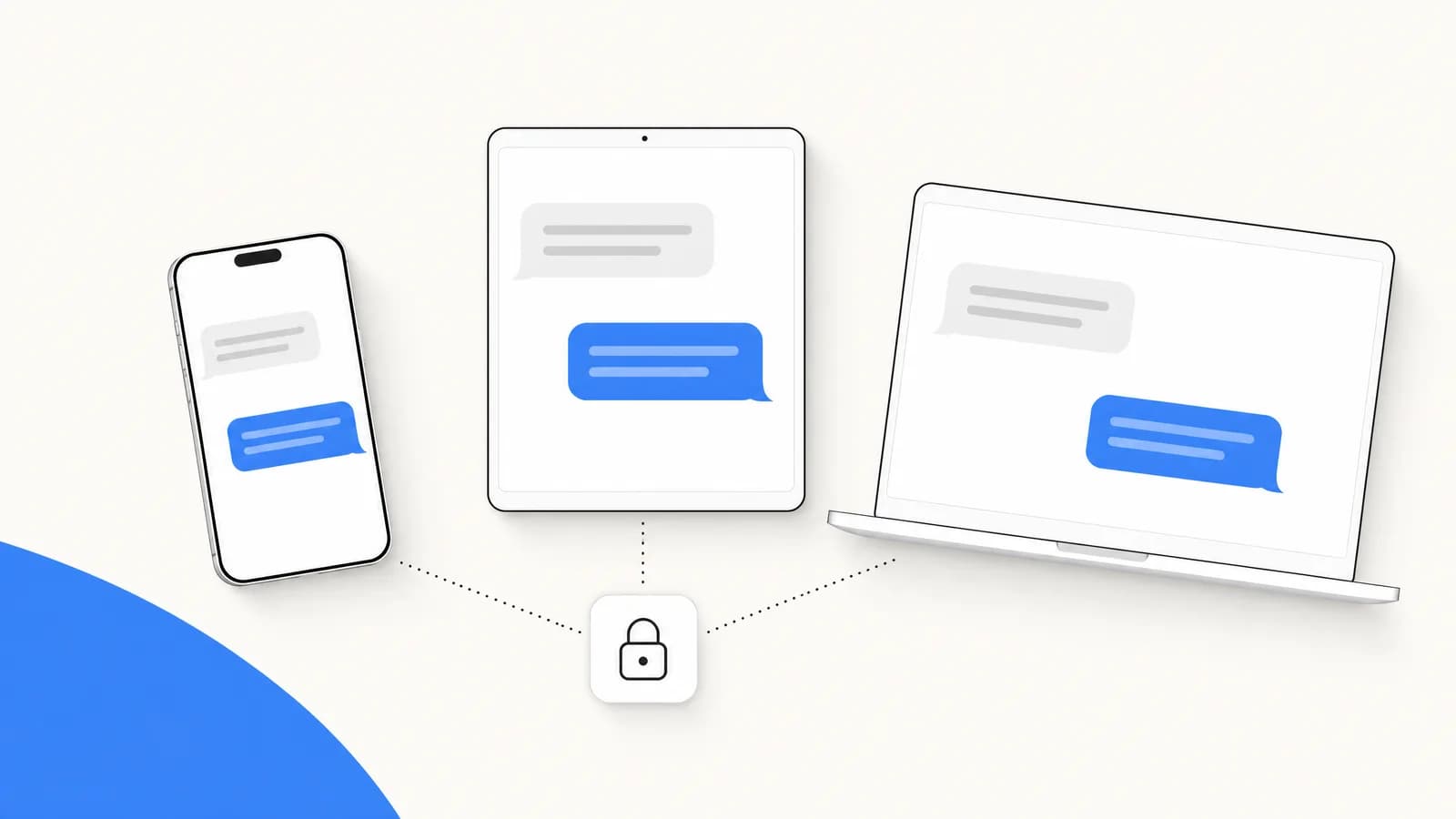
What is iMessage? How it works, and iMessage on Android
iMessage is Apple's encrypted messaging service for iPhone, iPad and Mac. How it works, blue vs green bubbles, cost, and why Android phones cannot use it.