WhatsApp Automated Messages: 12 Ready-to-Use Templates (2026)


12 WhatsApp automated message templates for Shopify stores in 2026. Welcome, away, post-purchase, recovery flows. Setup guide for the API and the Business app.
Table of contents (42)
WhatsApp automated messages let your Shopify store reply instantly to every customer, even when no agent is online. For e-commerce brands, automation is the difference between a 5% reply rate and a 60% reply rate, between recovered carts and lost revenue, between a support team that scales and one that drowns. This guide walks through the 3 native automations in the free WhatsApp Business app, the unlimited triggers available on the WhatsApp Business API, and 12 templates copy-pasted by Kanal customers in 2026.
Whether you ship 20 orders a month from your kitchen table or 5,000 orders a day from a fulfillment center, the same automation patterns apply. The only thing that changes is whether you run them manually on a phone or programmatically on the WhatsApp Business API through a solution provider like Kanal.
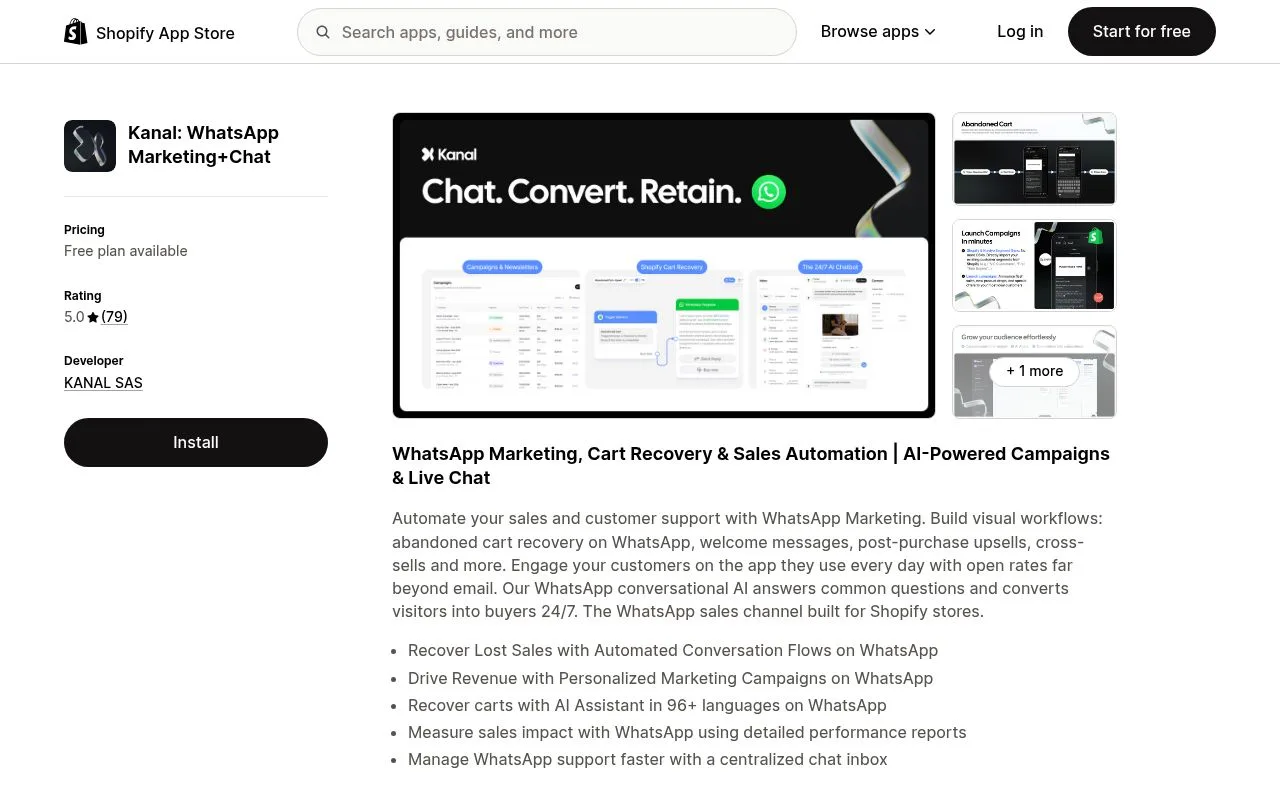
1. The 4 types of WhatsApp automated messages
WhatsApp Business offers 3 native auto-messages on the free app, plus unlimited automations on the WhatsApp Business API. Each type has a specific trigger and a specific use case.
| Type | Available on | Trigger |
|---|---|---|
| Greeting message | Free app + API | First inbound chat, or contact inactive 14 days |
| Away message | Free app + API | Inbound message outside business hours |
| Quick replies | Free app + API | Agent types a shortcut (e.g. /shipping) |
| Triggered flows | API only (Kanal) | Shopify event: cart, order, shipping, review |
Native auto-messages cover the basics: welcoming new contacts, deflecting after-hours requests, and speeding up agent typing. For genuine e-commerce automation, abandoned cart recovery, order notifications, post-purchase upsells, you need the WhatsApp Business API. The good news: through a Business Solution Provider, you do not write a single line of code.
2. WhatsApp greeting message: setup and templates
The greeting message fires automatically when a customer messages your business for the first time, or after 14 days of silence. It is the WhatsApp equivalent of a website chat widget's "Hi, how can we help?"
Setup on the WhatsApp Business app
- Open WhatsApp Business then Settings
- Tap Business tools then Greeting message
- Toggle Send greeting message
- Write your message (250 char max recommended)
- Choose recipients (everyone, non-contacts only, or custom selection)
For trigger-based greetings tied to Shopify events (signup, first order, abandoned cart), upgrade to the WhatsApp Business API via Kanal. See our WhatsApp greeting message examples for 50 industry-specific templates.
Template 1: Fashion store
Welcome to [Store] 👋

Thanks for reaching out. We design wardrobe-forward pieces with free shipping over $60.

How can we help today?
- Order tracking
- Sizing advice
- Returns and exchanges
Template 2: Beauty store
Hello 💄 Welcome to [Store].

Our beauty consultants are here to guide you. Tell us your skin type and we will recommend the perfect routine.

Browse our best-sellers: [link]
Template 3: DTC food and drink
Welcome 🍫 [Store] crafts small-batch chocolate, shipped fresh from our atelier.

Reply with:
- TRACK for order status
- MENU for our current collection
- VISIT to book our tasting room
3. WhatsApp away message: setup and templates
The away message tells customers you are temporarily unavailable, preventing the frustration of an unanswered message. Pair it with an AI chatbot to handle 80% of requests overnight, see Kanal's AI chatbot.
Setup
- WhatsApp Business then Settings then Business tools
- Away message then toggle on
- Define your schedule (always send, after hours, custom)
- Write the message
Our dedicated WhatsApp away message templates guide breaks down 40 examples by industry.
Template 4: Standard after-hours
Thanks for your message 🕐

Our team is currently outside business hours (Mon-Fri 9am-6pm CET).

We will reply first thing tomorrow. In the meantime, check our FAQ: [link]
Template 5: With AI fallback
Thanks for reaching out. Our team is back tomorrow morning.

In the meantime, our AI assistant can help right now:
- Order tracking → reply TRACK
- Product questions → reply HELP
- Returns → reply RETURN
For 24/7 automated support, the Kanal AI chatbot answers 80% of inbound queries without human intervention, nights and weekends included.
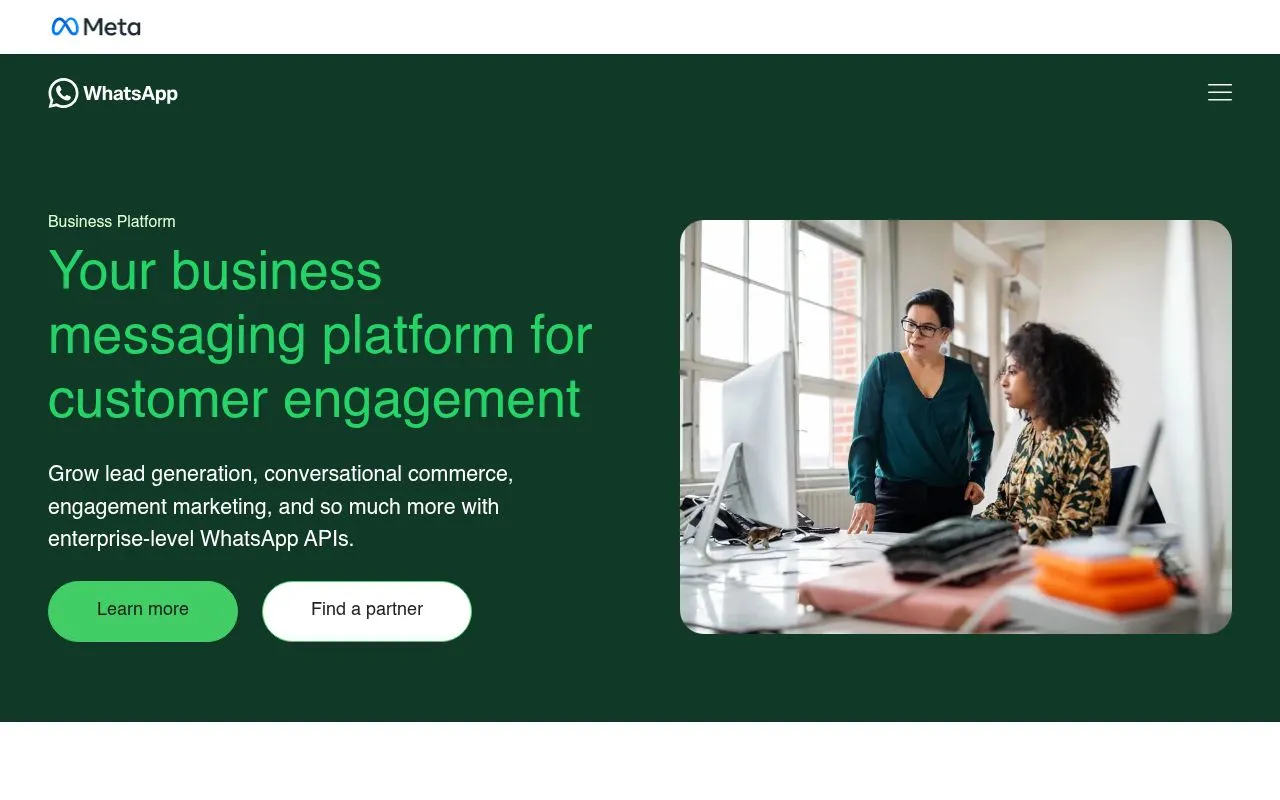
4. Quick replies: speed up agent typing
Quick replies are pre-saved messages that agents send by typing a shortcut starting with /.
Setup
- WhatsApp Business then Settings then Business tools then Quick replies
- Tap + to add
- Define the shortcut (e.g.
/shipping) - Write the message
Template 6: Essential e-commerce quick replies
| Shortcut | Message |
|---|---|
/shipping | "Standard shipping takes 3-5 business days. Express (1-2 days) is $4.99. Free shipping over $50!" |
/return | "You have 30 days to return any item. Start your return here: [link]. Refunds are processed in 5-7 days." |
/size | "Our size guide is here: [link]. If you are between sizes, we recommend sizing up." |
/track | "Track your order here: [link]. Or share your order number and I will check for you." |
/thanks | "Thanks for shopping at [Store]! 💚 Reply anytime if you need anything." |
5. Advanced automations via the WhatsApp Business API
The 3 native auto-messages on the free app handle the basics. To unlock genuine e-commerce automation, you need the WhatsApp Business API. Connect it to Shopify via Kanal and these triggered flows go live in minutes.
Template 7: Abandoned cart recovery, message 1 (after 1 hour)
Hey {first_name}

You left something behind 👀

{product_name}, ${price}, is still waiting in your cart.

[Complete my order]
Template 8: Abandoned cart recovery, message 2 (after 24 hours)
{first_name}, your cart expires soon ⏰

Use code BACK10 for 10% off to complete your order.

[Use my 10% off code]
This abandoned cart recovery flow recovers 15-30% of lost sales, with ROAS reaching up to 12x. See benchmarks in our WhatsApp marketing statistics 2026 study.
Template 9: Order confirmation
🎉 Thanks {first_name}!

Your order #{order_number} is confirmed. We will email and WhatsApp you when it ships.

Order details: [link]
Total: ${total}
Template 10: Shipping notification
📦 Your order is on the way!

Tracking number: {tracking_number}
Estimated delivery: {eta}

Track live: [tracking_link]
Template 11: Post-purchase upsell
{first_name}, thanks for your order 💚

Customers who bought {purchased_product} also love:
- {recommendation_1}: ${price_1}
- {recommendation_2}: ${price_2}

15% off your next order with code THANKS15.

[Discover]
The post-purchase upsell is one of the highest-ROAS automations in WhatsApp marketing, often above 8x.
Template 12: Back-in-stock alert
Hey {first_name}, {product_name} is back in stock 🎉

You were one of the first to ask. Grab yours before it sells out again.

[Shop now]
These automation patterns are documented in Meta's official WhatsApp Business Platform docs, and the policy framework is in the WhatsApp Business Solutions Terms.
6. WhatsApp automated message examples by industry
Fashion and accessories
Greeting: "Welcome to [Brand] 🛍️ New collection live. Free shipping over $60."
Away: "Our stylist is back Mon-Fri 10am-7pm. Browse looks of the moment: [link]"
Beauty and cosmetics
Greeting: "Hello 💄 Want personalized beauty advice? Tell us your skin type."
Recovery: "Your beauty routine is waiting. 15% off your first order."
Food and drinks
Greeting: "Welcome 🍕 Order here or on our site. Delivery in 30 min."
Confirmation: "Your order #{number} is being prepared. ETA: {time}."
For specific verticals, see our deep dives on WhatsApp marketing for beauty brands and the Black Friday WhatsApp playbook.
7. Common mistakes to avoid
Setting up automated messages looks simple. These 7 traps tank conversion on most stores.
1. Robotic tone
Automated messages perceived as "scripts" scare customers off. Use first names, well-dosed emojis, conversational tone. Skip the generic "Dear customer".
2. No personalization beyond first name
A generic "Hi {first_name}" performs 30% worse than a message that names the viewed product or the customer's city. Use Shopify variables in your templates.
3. Vague away message
"We will get back to you soon" reassures no one. Give a concrete time ("response within 2h business hours, mornings on weekends") and an alternative ("urgent? Call {phone}").
4. Too many auto-messages in a row
3 auto-messages in 5 minutes = feels like spam. Space at least 15-30 minutes between 2 auto-messages and always leave room for a human reply.
5. No call-to-action in the greeting
A welcome without a concrete action wastes the opportunity. Always add a button or question: "What are you looking for today?", "See new arrivals", "Track my order".
6. No human fallback
If a customer types an unexpected message, you need an escalation path to an agent. Otherwise: conversation abandoned. With Kanal, the AI detects complex topics and routes them to a human.
7. Not testing before launch
Send your auto-templates to 3 colleagues before activating them. Typos, broken links, and ambiguous phrasing are easier to spot with extra eyes. Meta covers testing best practices in the WhatsApp Business Platform onboarding guide.
8. WhatsApp app vs API: which to choose
Most stores start with the free WhatsApp Business app, then move to the API when they outgrow it. Here is when each makes sense:
Use the free app if:
- You ship under 50 orders per month
- One person handles all customer service
- You do not need Shopify or Klaviyo sync
- You broadcast to under 256 contacts at a time
Use the API (via Kanal) if:
- You ship 50+ orders per month
- You want abandoned cart, order, and shipping automations
- You run WhatsApp campaigns to your customer base
- You need analytics, segmentation, multi-agent inbox
Read our full WhatsApp Business app vs API comparison and the pricing breakdown before deciding.
9. Setting up automations on Kanal
If you choose to run automations on the WhatsApp Business API, Kanal handles the heavy lifting. The full setup takes about 20 minutes:
- Install the Kanal app on Shopify
- Connect your WhatsApp Business number (instant via Cloud API)
- Get your green-tick verified business profile
- Activate the templates above with one click
- Test on your own phone before going live
You can also create assets to collect opt-ins: a WhatsApp click-to-chat link, a WhatsApp QR code, and a WhatsApp opt-in flow compliant with GDPR. To project ROI before launch, use the ROAS break-even calculator.
FAQ
What is a WhatsApp automated message?
A WhatsApp automated message is a pre-written reply that fires automatically when a defined event occurs: a new inbound chat, a contact messaging outside business hours, a Shopify abandoned checkout, an order shipped event. The free WhatsApp Business app supports three native auto-messages (greeting, away, quick replies); the WhatsApp Business API unlocks any custom trigger.
What triggers a WhatsApp automated message?
Triggers fall in two buckets. Native app triggers fire on the first inbound chat from a new contact, after 14 days of inactivity, or when a message arrives outside business hours. API triggers are unlimited: cart abandoned, order placed, order shipped, order delivered, review request, back-in-stock alert, post-purchase upsell, and any Shopify or Klaviyo event you connect.
Can you personalize WhatsApp automated messages?
Personalization depth depends on the layer. The free Business app sends the same greeting to every contact, with no merge tags. The WhatsApp Business API supports dynamic variables like {{first_name}}, {{order_number}}, {{product_name}}, plus segment-based routing. With Kanal you also inject Shopify order, cart, and customer data without writing code.
What are the differences between the WhatsApp Business app and API for automation?
The free Business app supports greeting, away, and quick-reply messages manually configured in Settings. No Shopify integration, no segmentation, no analytics, no broadcast to 256+ contacts. The WhatsApp Business API supports unlimited triggers, dynamic personalization, full Shopify sync, AI chatbots, broadcast campaigns, and detailed analytics. The API is mandatory above 256 contacts or for any e-commerce automation.
What are common mistakes in WhatsApp automated messages?
Seven mistakes kill conversion. Robotic tone (use first names, light emojis). No personalization beyond the first name. Vague away messages with no response time. Too many auto-messages back-to-back. No clear call-to-action in the greeting. No human fallback when the AI cannot help. Not testing templates before launch. Send each template to two colleagues before activating it.
Conclusion
WhatsApp automated messages are non-negotiable for any Shopify store that wants a fast, professional customer experience. Start with the basics (greeting + away) on the free app, then move to advanced automation (cart recovery, order notifications, upsell) on the WhatsApp Business API.
Ready to automate your WhatsApp? Install Kanal on your Shopify store to configure your automated flows in minutes. Or book a demo to see our automations in action.
Start by creating your WhatsApp link and your WhatsApp QR code to collect opt-ins.
Resources
- WhatsApp Business API guide
- WhatsApp marketing for e-commerce guide
- WhatsApp broadcast guide
- WhatsApp Business pricing
- WhatsApp Business templates
- Best WhatsApp apps for Shopify
- WhatsApp Business app vs API comparison
- WhatsApp customer support on Shopify
- Conversational commerce guide
- WhatsApp marketing examples by brand
- Meta WhatsApp Cloud API documentation
- WhatsApp Business Solutions Terms (Meta legal)
- WhatsApp Business Platform onboarding guide

Nicolas helps e-commerce brands grow revenue with WhatsApp marketing. With deep expertise in Shopify ecosystems and conversational commerce, he shares proven strategies for abandoned cart recovery, broadcast campaigns, and AI-powered customer engagement.
Ready to boost your WhatsApp sales?
 Install with Shopify
Suggested articles
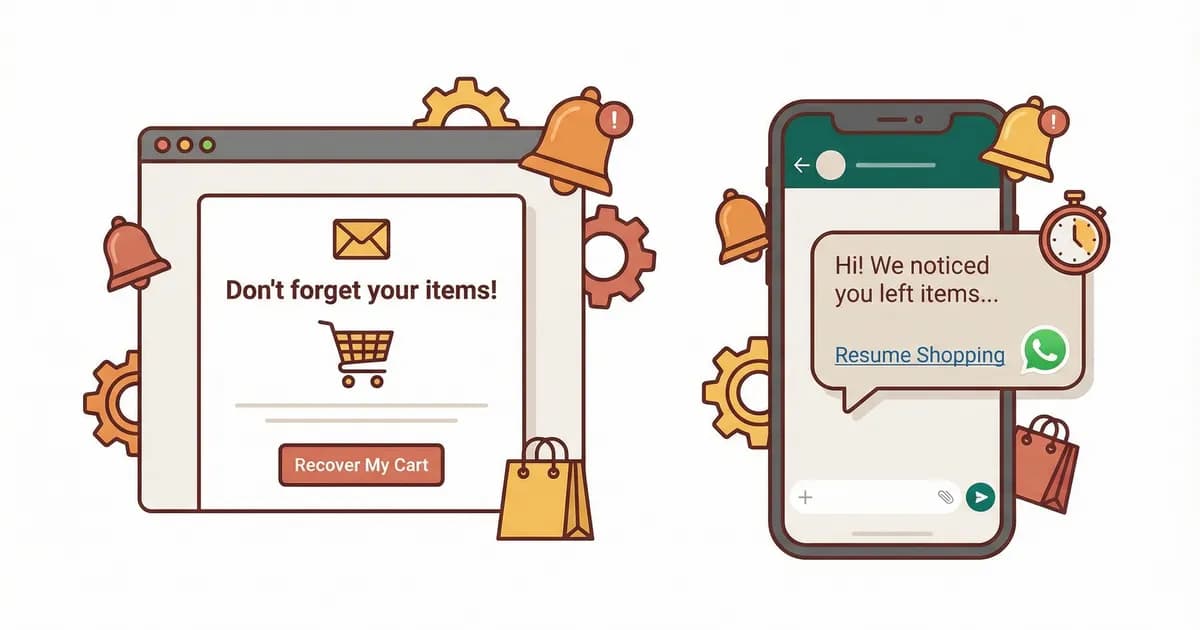
Abandoned Cart Email Examples: 12 Templates That Convert (2026)
12 abandoned cart email templates that convert in 2026. Real DTC brand examples, copy frameworks, send-time data, and how WhatsApp beats email for cart recovery.
50 WhatsApp Greeting Message Examples for Businesses (2026)
Copy-paste WhatsApp greeting message templates for Shopify stores. 50 examples by industry, opening hours, language. Best practices and free editable templates.
WhatsApp Chatbot for E-Commerce: Automate 80% of Support (2026)
WhatsApp AI chatbot guide for Shopify stores in 2026. Automate 80% of customer support, recover carts, and answer pre-purchase questions 24/7. Setup, examples, ROI.

WhatsApp Abandoned Cart Recovery: 15 Templates That Convert (2026)
15 WhatsApp abandoned cart recovery message templates with conversion data from real Shopify stores in 2026. Send time strategy, sequence length, and ROI breakdown.