WhatsApp in Shopify Messaging: Pricing, Features and Limits
WhatsApp is live in Shopify Messaging: what the channel does, per-message prices by country ($0.106 UK, $0.172 France), limits and the US rule, October 2026.
 Nicolas ProvostJul 27, 2026 · 13 min read
Summarize this article with an AI
 ChatGPT
 Claude
Table of contents (8)
Key takeaways
- Shopify Messaging bills WhatsApp per message, at $0.106 per marketing message for the United Kingdom and $0.172 for France.
- Meta's rate calculator shows $0.0635 for the same UK marketing message, so Shopify's price is 1.67 times Meta's list rate.
- Marketing messages cannot go to customers located in the United States, and WhatsApp automations cover only Shopify's three abandonment templates (browse, cart, checkout).
WhatsApp is now a marketing channel in Shopify Messaging, next to email and SMS: you build a campaign from a template in the Shopify admin, send it to subscribers who opted in, and pay per message on your Shopify bill. Shopify's price list shows $0.106 per marketing message for the United Kingdom and $0.050 for Canada, and Shopify excludes customers located in the United States from WhatsApp marketing messages, although a US store can send them to subscribers in other supported countries (pages read on October 7, 2026). Shopify's three abandonment automations (browse, cart, checkout) can now send WhatsApp too.
Our first article on this channel, in July 2026, covered its announcement in Shopify's Spring '26 Edition. Shopify's help center now documents the features, the prices, the requirements and the limits. This article restates them with a link next to each figure, then sets Shopify's price next to Meta's own list rate.
What does the WhatsApp channel in Shopify Messaging do today?
Shopify Messaging is the app formerly known as Shopify Email. According to Shopify's overview page, it lets you create and send email, SMS and WhatsApp marketing campaigns from the Shopify admin. The WhatsApp section of the help center describes the following:

- Campaigns built from templates. Five starting points are listed: Back in stock, Blank WhatsApp, Upcoming sale, Product showcase and VIP exclusive (campaign page).
- Customer segments as the audience. You choose a segment, and the campaign goes to the customers in it who opted in to WhatsApp marketing.
- A structured message. Shopify's campaign instructions list an optional header (a text of 60 characters or fewer, an image or a product), a body of 1,024 characters or fewer, and buttons: a link, a phone call, a discount code or a quick reply, with a maximum of 10 buttons per message.
- Meta approval, then test and schedule. Each template is submitted to Meta, and Shopify gives 24 hours as the maximum for that approval. You can then send test messages and schedule the campaign for a date and a time. Shopify displays an estimated cost when you schedule.
- Keyword replies. When a customer's reply contains a keyword you defined, the store answers with an automated response.
- Consent tools. A WhatsApp marketing opt-in at checkout, and the import of existing consent by CSV file or by bulk editing (setup page).
- Automatic unsubscribes. Every message carries a STOP instruction, and a customer who replies STOP is unsubscribed from your future WhatsApp campaigns (deliverability page).
If Meta's template rules are new to you, our WhatsApp Business templates guide covers the approval rules and the common rejection reasons, and our WhatsApp opt-in guide covers consent.
How much does WhatsApp cost in Shopify Messaging?
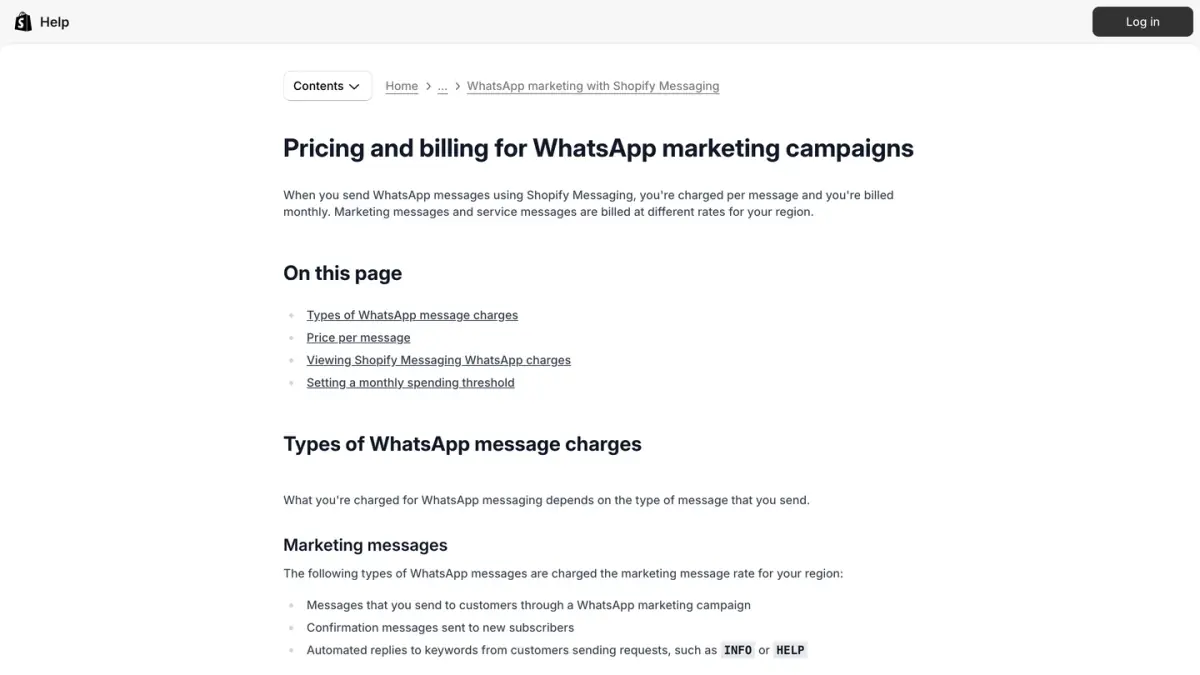 In 1, per-message billing on a monthly invoice; in 2, the messages charged at the marketing rate.
The app is free to install, and WhatsApp is billed per message. Here is what Shopify's WhatsApp pricing page said on October 7, 2026:
- Two message types, two prices. Marketing messages and service messages each have a price per country or region, in US dollars. Shopify specifies that the list covers messages sent to customers in supported regions.
- What counts as a marketing message. Campaign messages, confirmation messages sent to new subscribers, and automated replies to keywords.
- What counts as a service message. Your replies to a customer inside the 24-hour customer service window that opens when the customer answers one of your messages. The first 1,000 service messages of each month are not charged, per WhatsApp Business Account and across all the platforms connected to that account. Since October 1, 2026, service messages beyond that threshold are charged.
- Test messages. 25 test messages per week are not charged.
- Billing. WhatsApp costs are added to your Shopify bill on a WhatsApp line, with the detail per campaign. You can set a monthly spending threshold, shared by email, SMS and WhatsApp, that triggers an email notification.
Shopify's published prices for the main markets, read on October 7, 2026:
| Country or region | Price per marketing message | Price per service message |
|---|---|---|
| United Kingdom | $0.106 | $0.0220 |
| Canada | $0.050 | $0.0034 |
| Germany | $0.248 | $0.0550 |
| France | $0.172 | $0.0300 |
| Spain | $0.112 | $0.0200 |
| Italy | $0.126 | $0.0300 |
| Netherlands | $0.290 | $0.0500 |
| India | $0.024 | $0.0014 |
| Brazil | $0.125 | $0.0068 |
| Mexico | $0.076 | $0.0085 |
| Rest of Western Europe | $0.118 | $0.0171 |
| United States | No price listed: marketing messages can't be sent | No price listed |
Source: Shopify Help Center, pricing and billing for WhatsApp marketing campaigns. Prices are in USD, and the full list is on Shopify's page.
Shopify's page does not list the countries inside each "Rest of" region. On Meta's rate card, the Rest of Western Europe region covers Austria, Belgium, Denmark, Finland, Ireland, Norway, Portugal, Sweden and Switzerland.
How does Shopify's price compare with Meta's list rate?
Meta charges for WhatsApp business messages itself: a rate per delivered message that depends on the message category and on the country calling code of the recipient's number, according to Meta's pricing documentation (rate card effective October 1, 2026). Both price lists are in US dollars, so the two figures can be set side by side. The Meta rates below come from Meta's rate calculator, read on October 7, 2026.
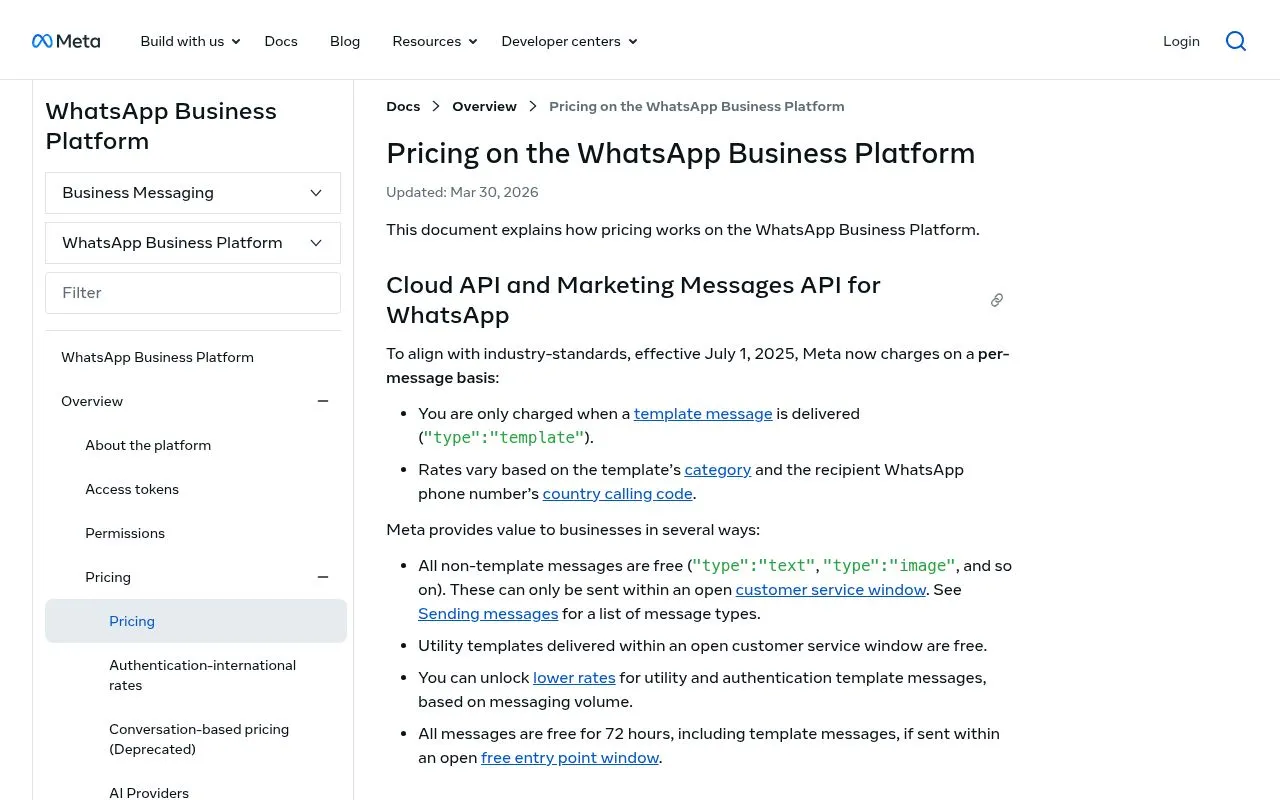
| Market | Shopify price per marketing message | Meta list rate per marketing message | Difference (Shopify minus Meta) | Ratio (Shopify divided by Meta) |
|---|---|---|---|---|
| United Kingdom | $0.106 | $0.0635 | $0.0425 | 1.67 |
| Canada | $0.050 | $0.0250 (North America rate) | $0.0250 | 2.00 |
| Germany | $0.248 | $0.1365 | $0.1115 | 1.82 |
| France | $0.172 | $0.0859 | $0.0861 | 2.00 |
| Spain | $0.112 | $0.0707 | $0.0413 | 1.58 |
| Italy | $0.126 | $0.0795 | $0.0465 | 1.58 |
| Netherlands | $0.290 | $0.1597 | $0.1303 | 1.82 |
| India | $0.024 | $0.0118 | $0.0122 | 2.03 |
| Brazil | $0.125 | $0.0625 | $0.0625 | 2.00 |
| Mexico | $0.076 | $0.0397 | $0.0363 | 1.91 |
| Rest of Western Europe | $0.118 | $0.0592 | $0.0588 | 1.99 |
The last two columns are our calculation: the difference is Shopify's price minus Meta's list rate, and the ratio is Shopify's price divided by Meta's list rate, rounded to two decimals.
A worked example, also our calculation: 10,000 marketing messages for the United Kingdom come to 10,000 × $0.106 = $1,060 at Shopify's price and 10,000 × $0.0635 = $635 at Meta's list rate, a difference of $425.
Three points help you read these figures:
- Shopify publishes one price per message and adds it to your Shopify bill. Its page shows no breakdown of that price.
- Meta's list rate is what Meta charges for the message. It does not include the subscription of the WhatsApp tool you send from, when that tool has one.
- For service messages, Shopify's price is the same as Meta's list rate in the four markets we checked: United Kingdom ($0.0220), Canada ($0.0034, Meta's North America rate), Germany ($0.0550) and France ($0.0300).
Our WhatsApp Business pricing guide explains how Meta's per-message billing works.
What are the requirements and limits?
To send WhatsApp campaigns with Shopify Messaging, Shopify asks for the following:
- A paid Shopify plan. Shopify Messaging is open to the Basic, Grow, Advanced and Shopify Plus plans (compared in our Shopify pricing guide). The store needs an active paid plan, the Online Store sales channel and a payment provider (requirements for Shopify Messaging). On a free trial or on the Pause and Build plan, you can create campaigns and send tests to yourself, but you can't send messages to your subscribers.
- Shopify Network Intelligence. It must be enabled in the store's privacy settings (overview page).
- A WhatsApp Business Account connected through Meta's embedded signup. Shopify verifies your eligibility during onboarding. Your business must comply with the WhatsApp Business Solution Terms and the WhatsApp Business Messaging Policy, and the business entity can't be registered in China (WhatsApp requirements).
- A phone number. An existing number of your business, a number provided by WhatsApp (Meta then reviews your business and display name, in 5 business days at most according to Shopify) or a number bought from a third-party provider (setup page).
- A disconnection first, if your account is with another provider. Shopify asks you to disconnect the WhatsApp Business Account from that provider before connecting it. If the account connection has a payment method on file, it can't be connected to Shopify and you need a new WhatsApp Business Account. The calendar matters: a disconnection made in the first 4 days or the last 3 days of a month blocks WhatsApp marketing sends through Shopify Messaging until the first day of the following month (setup page, step 1).
The same WhatsApp requirements page sets these limits:
- A daily cap for new accounts. A new WhatsApp Business Account is capped at 2,000 messages per day until it moves through Meta's trusted-account tiers.
- Per-user limits. WhatsApp may limit the number of marketing messages a subscriber receives from businesses, based on factors such as that person's recent read rate for marketing messages.
- Formats. A message can include an image header, text or a product. Video headers and carousel cards aren't supported.
- The STOP instruction. It is included in every message by default and can't be removed or edited.
- Brazil and Indonesia. A store located in one of these two countries can message customers in its own country. To send marketing messages to other countries, it must first verify its business with Meta or reach the sending volume that Shopify specifies.
The sending limits depend on the quality rating Meta gives your number: our guide to the WhatsApp Business quality rating explains how it is calculated and how to recover it.
Can a US store use WhatsApp in Shopify Messaging?
Partly. Shopify's requirements page excludes customers located in the United States from WhatsApp marketing messages, and adds that a store located in the United States can still send them to its subscribers in other supported countries. Shopify's price list has no row for the United States.
The restriction comes from Meta. Its developer documentation says WhatsApp does not currently deliver marketing template messages to users with United States phone numbers, meaning a +1 dialing code with a US area code. It therefore applies to every tool that sends through the WhatsApp Business Platform. Our article on WhatsApp marketing in the USA covers what still works during Meta's pause.
Shopify also excludes customers in China and in the sanctioned regions it lists: Cuba, Iran, North Korea, Syria, Crimea, Donetsk and Luhansk.
What does the channel not cover, according to Shopify's own pages?
Each point below comes from the Shopify pages cited, as read on October 7, 2026, and the automations page on October 30, 2026.
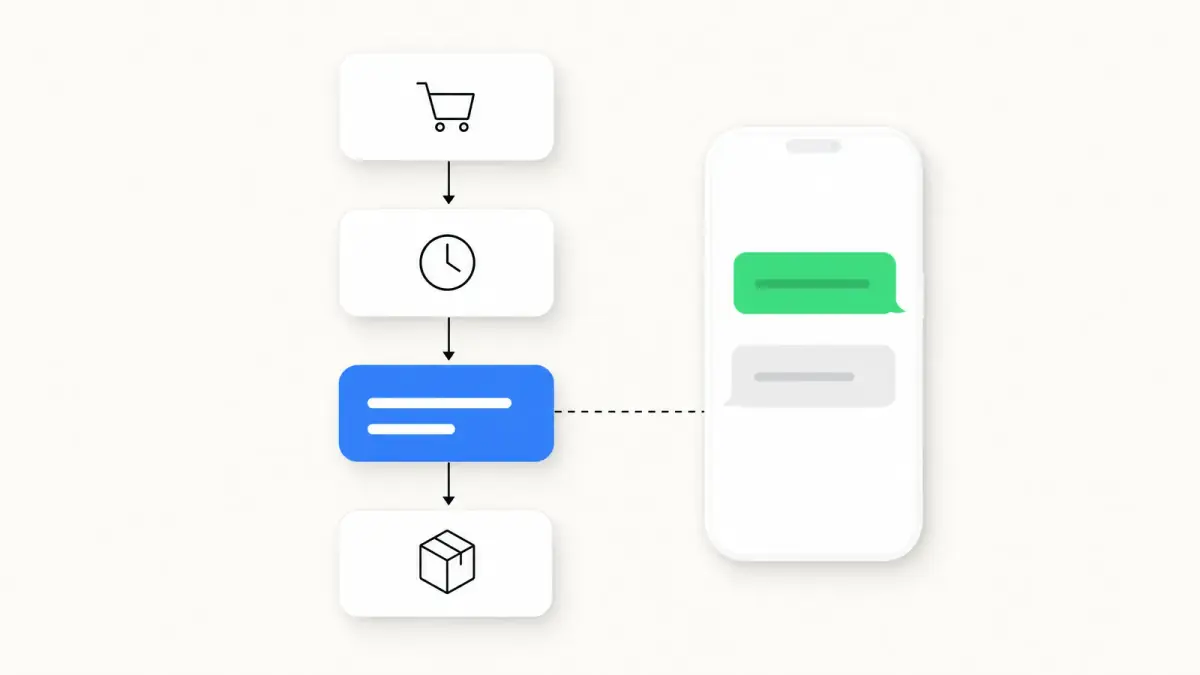
- Automations beyond abandonment. The automations page lists WhatsApp as a channel for three templates: abandoned cart, abandoned checkout and browse abandonment. Meta must approve the message templates first, and these WhatsApp automations send only to subscribers. Welcome, post-purchase and customer appreciation automations are email only. Shopify's overview page still mentions automations for email and SMS only.
- Transactional messages. The WhatsApp section covers marketing campaigns, and the price list has two message types, marketing and service. It has no utility price, the category Meta defines for transactional templates.
- Video and carousels. Video headers and carousel cards aren't supported.
- Some destinations. No marketing messages to customers in the United States, in China or in the sanctioned regions listed above.
- Conversations. The WhatsApp pages describe automated keyword replies and the billing of your replies as service messages. They do not describe a shared inbox or an AI agent for WhatsApp conversations. Shopify's own AI features are covered in our Shopify Magic guide.
Where does Kanal fit?
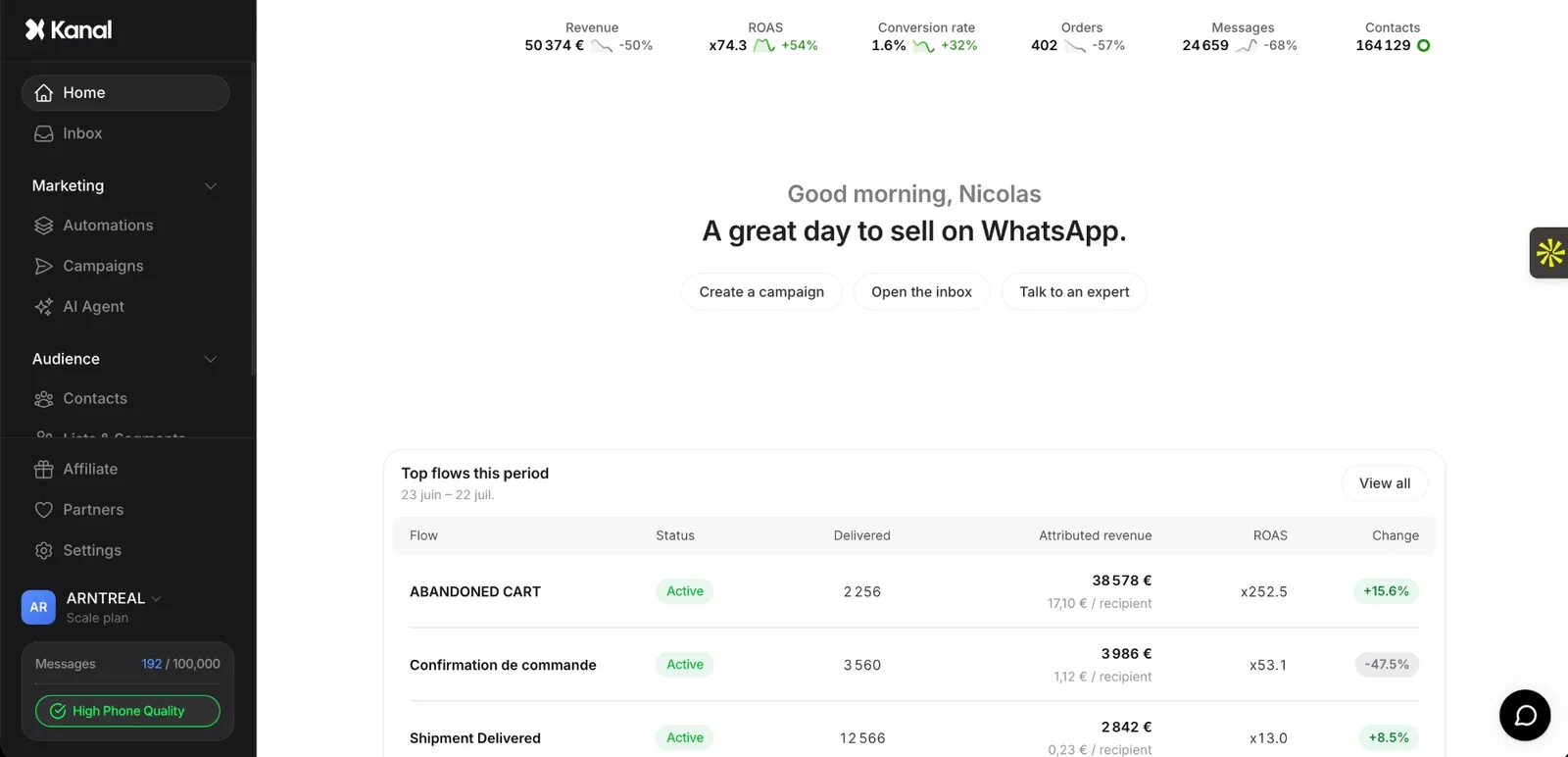
Kanal is a WhatsApp marketing app for Shopify with campaigns, abandoned cart recovery, order notifications, an AI agent and a team inbox. Where Shopify automates WhatsApp on abandonment only, Kanal's flows also start from an order created, a shipping status, a WhatsApp keyword or an incoming webhook. Kanal sends WhatsApp and SMS messages (it has a page on SMS campaigns for Shopify stores), so email stays in your other tools, Shopify Messaging included. Meta's pause on marketing templates to US numbers applies to Kanal as it does to every WhatsApp provider.
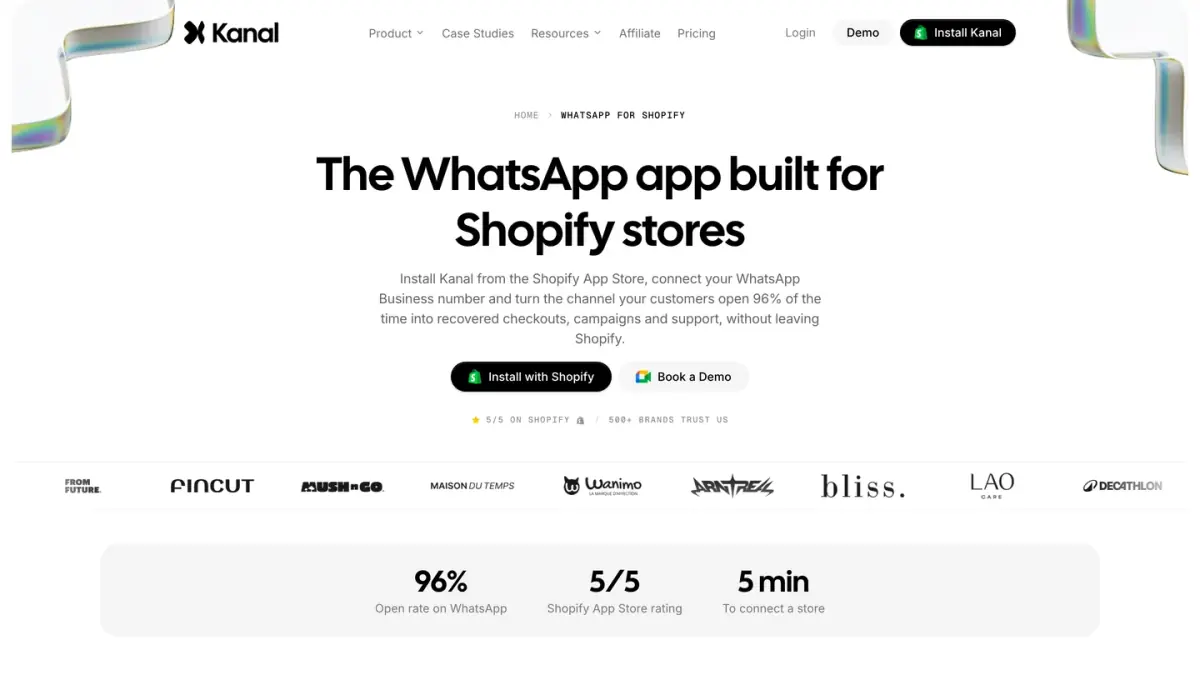
The pricing model differs from Shopify's price per message. Kanal charges a monthly subscription, listed on the pricing page, and, in the words of our FAQ, "WhatsApp message costs are passed through at cost". To compare the two for your store, start from your monthly volume by country: on one side Shopify's price per message, on the other a subscription plus Meta's rate per message. Since Shopify asks you to disconnect a WhatsApp Business Account from its current provider before connecting it to Shopify Messaging, decide as well which tool will hold your number. Our Kanal vs Shopify Messaging comparison sets the two side by side.
Sources
All pages were read on October 7, 2026, except the automations page, re-read on October 30, 2026.
- Shopify Help Center: Multi-channel marketing with Shopify Messaging and requirements for using Shopify Messaging
- Shopify Help Center, WhatsApp section: requirements, setup, pricing, campaigns and deliverability
- Shopify Help Center: marketing automations in Shopify Messaging
- Shopify App Store: Shopify Messaging listing
- Meta: Pricing on the WhatsApp Business Platform and the rate calculator
- Meta: Per-user marketing template message limits
See Kanal on your own store
- Your campaigns and cart reminders on WhatsApp, starting from your own store
- Post-purchase offers, back-in-stock alerts, then the AI agent that advises your customers
- You leave with the plan that fits and its price
From €89/month
- brands
- 500+
- to set up
- 5 min
- open rate on WhatsApp
- +90%
Nicolas helps e-commerce brands grow revenue with WhatsApp marketing. With deep expertise in Shopify ecosystems and conversational commerce, he shares proven strategies for abandoned cart recovery, broadcast campaigns, and AI-powered customer engagement.