WhatsApp Opt-in Rules: GDPR Compliance for E-Commerce (2026)

Master WhatsApp opt-in for Shopify in 2026: Meta business policy, GDPR Article 6, double opt-in, STOP routing and 5 compliant copy examples to paste.
Table of contents (33)
WhatsApp puts your offers in the app your customers already use to talk to friends and family, which is what makes it such a direct channel for e-commerce. The catch is that one botched opt-in process can trigger a CNIL audit, a GDPR fine of up to €20M, and a permanent Meta phone-number ban that no provider can lift.
In this guide you'll learn what counts as a valid WhatsApp opt-in in 2026, the exact Meta and GDPR requirements that apply to Shopify stores, five compliant opt-in copy templates ready to paste, how to handle STOP requests cleanly, and what non-compliance can cost.
What WhatsApp opt-in actually means
Opt-in is the moment a user explicitly agrees to receive WhatsApp messages from your business. It's not the moment they buy from your store, not the moment they fill a contact form, and not the moment they click a chat widget. It's a separate, intentional, channel-specific action.
A valid opt-in has four ingredients:
- Explicit action (a checkbox, a button click, a sent message)
- Informed consent (the user sees who's sending, what types of messages, how often)
- Freely given (no bundled with terms of service, no condition of purchase)
- Auditable proof (timestamp, IP, consent text, channel)
Anything less and you're operating in a grey zone that Meta, the CNIL, and any future regulator can challenge.
Meta's WhatsApp Business Policy requirements
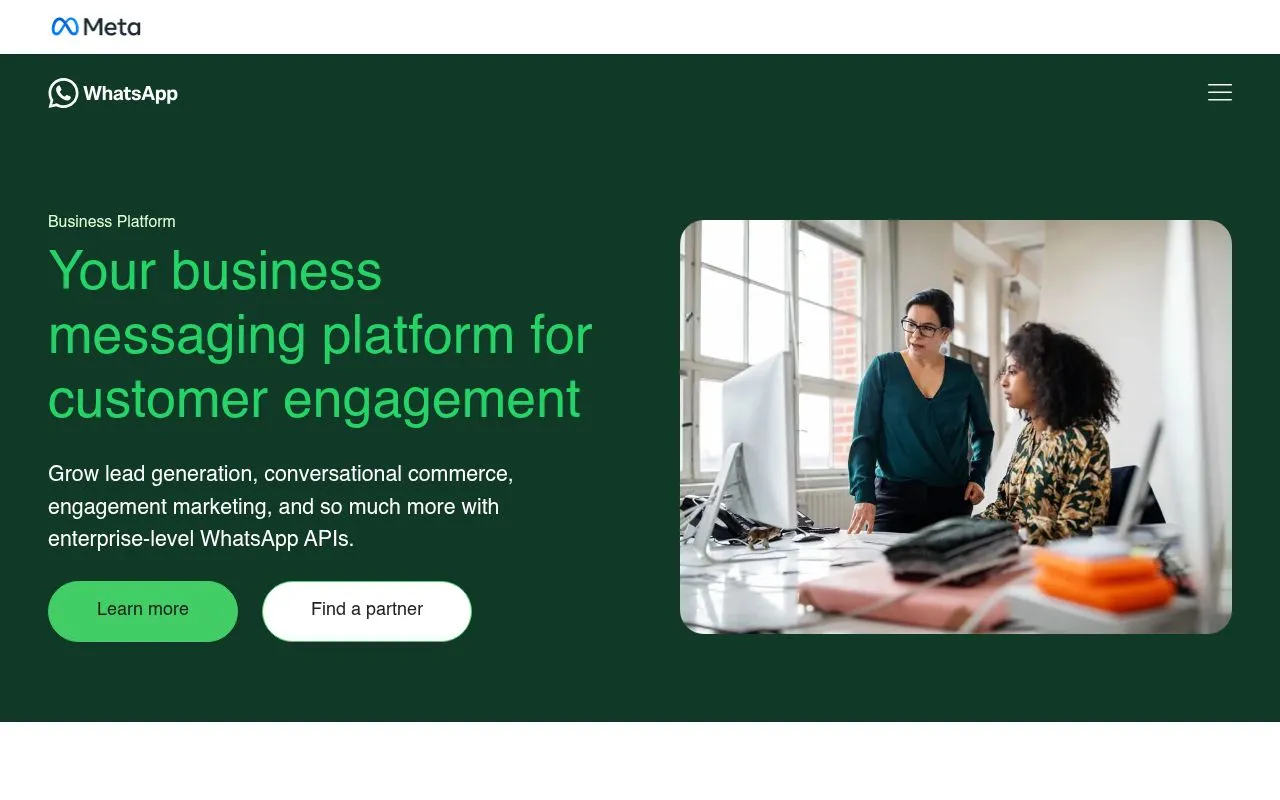 WhatsApp Business Platform overview page with policy section" style="max-width:100%;border-radius:12px" loading="lazy" />
Meta's WhatsApp Business Policy is enforced at the platform level, before GDPR even enters the picture. Break it and your phone number gets restricted, paused, or permanently banned, regardless of your provider.
The three core requirements:
Explicit opt-in
You must obtain explicit opt-in before sending the first template message. Meta's policy only lets you contact people who gave you their phone number and whose opt-in confirms they want to receive messages from your business, and its best practices add that people should expect the messages they receive. Vague consent like "I agree to marketing communications" does not qualify.
Clear value exchange
The opt-in flow must state what the user will receive. "Order updates and promos" is fine. "Marketing messages" alone is borderline. The user should be able to picture the messages they're agreeing to.
Identifiable business sender
The user must know which business they're opting in to. Your WhatsApp Business display name must match your store name, and your opt-in copy must name the brand explicitly. White-labeling or hiding behind a third party is a policy violation.
Meta tracks opt-in quality through user feedback. When people block or report your business, your phone number quality rating drops from green to yellow to red, and a rating that stays low for a sustained period limits how many messages you can send. Detailed mechanics here: WhatsApp Business API guide.
GDPR / CNIL requirements specific to messaging
Meta's policy is the floor. GDPR is the ceiling. In Europe, both apply simultaneously, and the strictest rule wins.
GDPR Article 6 requires a lawful basis for processing personal data. For WhatsApp marketing, the only realistic basis is consent (Article 6(1)(a)), because legitimate interest cannot override the user's right to opt out of marketing communications.
What consent requires under GDPR
The four GDPR consent criteria (Article 4(11) and Recital 32):
- Freely given: no detriment for refusing
- Specific: per-channel, per-purpose
- Informed: identity of controller, types of processing, retention period
- Unambiguous: a clear affirmative action
The CNIL's prospection commerciale par SMS / MMS guidance extends to OTT messaging like WhatsApp by analogy. The core rule for B2C: prior, free, specific, informed consent collected before any marketing message.
Double opt-in: not mandatory, but the safest bet
Double opt-in (where the user confirms a second time via a message they receive) is not explicitly required by GDPR, and Meta's Business Policy leaves the opt-in method to you. It is still the safest bet: it filters out typos and accidental sign-ups, and the confirmation reply gives you a second, timestamped proof of consent.
Data subject rights
GDPR Articles 15-22 give every user the right to:
- Access their data (export of all WhatsApp conversations and metadata)
- Rectify incorrect data
- Erase their data (right to be forgotten)
- Restrict processing
- Data portability
Your WhatsApp marketing stack must support these requests within 30 days. Manual export from a generic CRM rarely qualifies: consent state has to live in the same place as the conversation, which is the point of a WhatsApp CRM. See the WhatsApp marketing for e-commerce guide for stack architecture that covers this end to end.
Compliant opt-in methods for Shopify
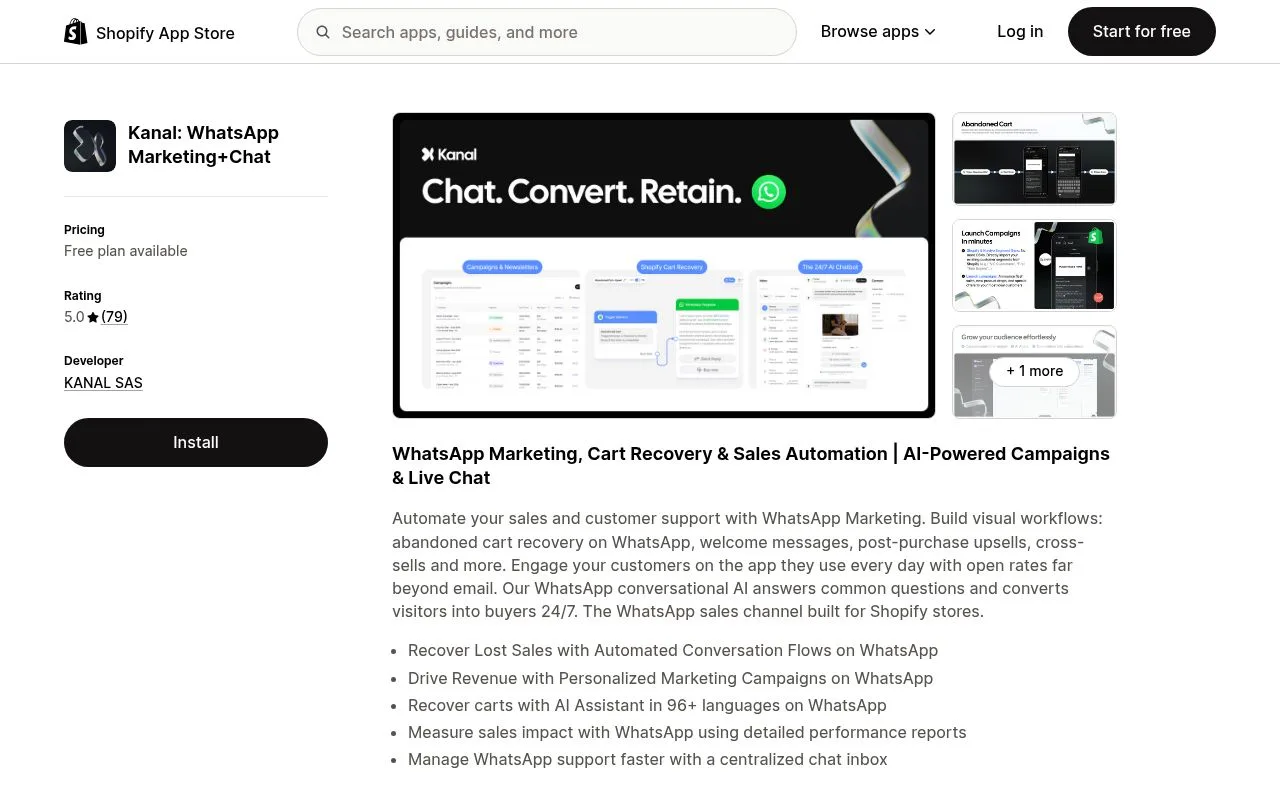
Five methods work cleanly on Shopify, each with its own way to record consent.
1. Checkout opt-in checkbox
The highest-quality opt-in source: a dedicated, unchecked checkbox on checkout asking the user to receive WhatsApp messages. Shopify's native checkout extensions support this since 2024. The opt-in is tied to the verified phone number on the order, which makes audit trail bulletproof.
What to track: the share of checkouts where the box is ticked.
2. Pop-up with phone number capture
A site pop-up that offers a discount or content in exchange for a WhatsApp opt-in. Must include a clear consent line below the phone field, not bundled inside the privacy policy.
What to track: opt-ins as a share of pop-up impressions.
3. QR code with implicit confirmation
A QR code on packaging, print ads, or in-store displays. The user scans, lands in a pre-filled WhatsApp conversation, and sends a message like "JOIN" or "VIP". The act of sending counts as opt-in if your auto-reply confirms the subscription and the QR landing copy was clear.
What to track: confirmed subscriptions per QR code, with one code per placement.
4. Footer chat widget
A persistent footer link or floating button that opens WhatsApp. By itself this is not an opt-in (the user is starting a conversation, not subscribing to marketing). To convert the conversation into a marketing opt-in, send an explicit confirmation message asking the user to reply YES to receive future promos.
What to track: the share of widget conversations that end with a YES.
5. Click to WhatsApp Ads (CTWA)
Meta ads that open WhatsApp directly. The opt-in mechanic mirrors the QR code: the user sends the first message, you reply with a confirmation, and consent is logged. Combine with the WhatsApp Business pricing guide to model unit economics.
5 examples of compliant opt-in copy
Paste these into your Shopify theme, pop-up tool, or checkout extension. Adjust the brand name and frequency to your reality.
Example 1: Checkout checkbox
[ ] Receive order updates and promos from {Brand} on WhatsApp at the
number above. Max 4 messages per month. Reply STOP anytime. See our
privacy policy.
Example 2: Pop-up confirmation
Get 10% off your first order. Enter your phone number and we'll send
your code on WhatsApp. By clicking Get my code I agree to receive
marketing messages from {Brand} on WhatsApp. Max 4 per month. STOP
to unsubscribe.

[Phone number field]
[Get my code]
Example 3: QR code landing message
Hi {Brand}, I'd like to join your WhatsApp VIP list.Followed by an auto-reply:
Welcome! You're now subscribed to {Brand} WhatsApp updates: order
status, restock alerts, and exclusive drops (max 4 per month). Reply
STOP anytime to unsubscribe. Reply HELP for support.
Example 4: Footer widget upgrade
After the conversation opens via the chat widget, send:
Thanks for reaching out. Would you like to receive future promos
and order updates from {Brand} on WhatsApp? Reply YES to subscribe
or NO to opt out. Max 4 messages per month, STOP anytime.
Example 5: Post-purchase upgrade
72 hours after a delivery confirmation:
Hi {FirstName}, hope you love your {Product}. Want exclusive WhatsApp
restock alerts and early access to drops? Reply YES to subscribe or
NO to skip. Max 4 messages per month, STOP anytime.
All five examples share three features: explicit channel naming (WhatsApp), explicit brand naming, and explicit opt-out instruction. Drop any one of them and you're back in the grey zone.
Handling opt-out (STOP keyword, auto-blocklist, audit trail)
Opt-out is the part most stores get wrong. GDPR requires the opt-out to be as easy as the opt-in, and Meta penalizes any number that ignores STOP signals.
The 40+ stop keywords you must catch
The minimum English set is STOP, UNSUBSCRIBE, OPT OUT, CANCEL, END, QUIT. Multilingual stores need the equivalents: ARRET (FR), STOPP (DE), STOPP (NL), BAJA (ES), CANCELAR (PT), and 30+ more. Case-insensitive matching is mandatory. Whitespace and punctuation should be normalized before matching.
Auto-blocklist with timestamp
When a stop keyword is detected, three things must happen in under 5 seconds:
- The contact is added to a permanent opt-out blocklist with timestamp
- A confirmation reply is sent ("You've been unsubscribed from {Brand} WhatsApp. Reply START to re-subscribe.")
- All scheduled outbound marketing messages to that number are cancelled
Audit trail for regulators
For each contact you must store: opt-in timestamp, opt-in source (URL, checkout order ID, QR code ID), consent text shown at opt-in, opt-out timestamp (if applicable), opt-out source. The CNIL can request this audit trail at any time, and a missing entry is a separate violation.
For deeper context on automation, see the WhatsApp automatic message guide.
What non-compliance can cost
The GDPR sets the ceiling: fines of up to €20 million or 4% of global annual turnover, whichever is higher. In France, the CNIL enforces the rules on electronic prospecting, and its guidance on commercial prospecting is clear: as a rule, consent comes before the first marketing message, and every message must show who is sending it and offer a simple way to refuse further messages.
The platform risk comes on top of the regulatory one. Meta's WhatsApp Business Policy lets it limit or remove the access of a business that breaks its rules or receives significant negative feedback.
In both cases the protection is the same: a consent record you can produce for any contact, and opt-outs honored immediately.
How Kanal handles compliance automatically
Kanal is built for Shopify and bakes GDPR + Meta compliance into every flow. The compliance layer is not optional, it ships on by default.
Built-in opt-in tracking
Every opt-in is logged with timestamp, source (Shopify order ID, pop-up campaign, QR code, ad ID), IP address, and the exact consent text shown. Each contact's audit trail is one click away in the Kanal dashboard and exportable as CSV or PDF for regulator requests.
STOP routing
Kanal auto-detects 40+ stop keywords in 8 languages (EN, FR, ES, DE, IT, PT, NL, AR). Detection is real-time, blocklist update is instant, scheduled messages are cancelled within 2 seconds, and the confirmation reply uses the contact's detected language. Zero configuration required.
GDPR data export
Any contact can be exported with a single API call or dashboard click: full conversation history, opt-in logs, message templates received, metadata. The export ships in machine-readable JSON for data portability requests, and as PDF for human-readable access requests.
Double opt-in by default in the EU
For Shopify stores with EU customers, Kanal enables double opt-in by default on all opt-in surfaces. This reduces block rate, raises Meta phone-number quality scoring, and provides a stronger audit trail.
Compare the compliance feature set against alternatives in our WhatsApp Business API providers comparison.
Conclusion
The cost of non-compliance is asymmetric: best case you get a warning, worst case you lose €20M and your WhatsApp number simultaneously. The cost of compliance is one careful opt-in flow and one tool that tracks everything in the background.
The three actions to take now:
- Audit your current opt-in surfaces against the 4-criteria checklist (explicit, informed, free, auditable)
- Replace any pre-checked or bundled consent with a dedicated WhatsApp checkbox using the copy templates above
- Deploy a tool that auto-tracks opt-ins, routes STOP keywords, and exports GDPR data on demand. Kanal does this out of the box for Shopify
If you want a personalized compliance audit of your current WhatsApp setup, book a demo. We'll walk through your opt-in flow, flag the risks, and show you the exact same dashboard CNIL auditors would see.
Resources
Frequently asked questions
What counts as a valid WhatsApp opt-in under GDPR?
A valid opt-in is an explicit, informed, freely given action by the user that documents their consent to receive WhatsApp messages from your business. Pre-checked boxes, bundled consents, or silent enrollment via checkout do not qualify. You must store proof: timestamp, IP address, consent text shown, and the exact channel (WhatsApp specifically, not generic marketing).
Do I need double opt-in for WhatsApp marketing in Europe?
Double opt-in is not strictly required by GDPR, and Meta's Business Policy leaves the opt-in method to you. It is still the safest standard: it protects you from accidental signups, typos, and spam complaints. Kanal defaults to double opt-in for Shopify stores in the EU.
What is the maximum GDPR fine for non-compliant WhatsApp marketing?
Up to 20 million euros or 4% of global annual turnover, whichever is higher. National regulators such as the CNIL (France) or the AEPD (Spain) enforce these rules, so keep a consent record you can produce for every contact.
How do I handle a STOP request on WhatsApp?
When a contact replies STOP, STOPP, UNSUBSCRIBE, OPT OUT, or any equivalent in their language, you must immediately stop sending marketing messages and confirm the opt-out. The phone number should enter a permanent blocklist with timestamp. Kanal auto-detects 40+ stop keywords in 8 languages and routes them to the blocklist in real time.
Can I import an existing email list into WhatsApp marketing?
No. Consent collected for email marketing does not transfer to WhatsApp, full stop. WhatsApp opt-in must be channel-specific and the user must know they're consenting to receive messages on WhatsApp. Importing an email list and broadcasting marketing templates is a direct violation of both Meta's business policy and GDPR Article 6.

Nicolas helps e-commerce brands grow revenue with WhatsApp marketing. With deep expertise in Shopify ecosystems and conversational commerce, he shares proven strategies for abandoned cart recovery, broadcast campaigns, and AI-powered customer engagement.
Ready to boost your WhatsApp sales?
 Install with Shopify
Glossary terms in this article
Quick definitions for the WhatsApp Business terms used above.
Opt-in
An opt-in is the explicit permission a customer gives a business to contact them on WhatsApp. It is required before a business can send any message.
Read full definitionWhatsApp Business Platform
The WhatsApp Business Platform is the umbrella name for the set of products and APIs that Meta offers businesses to message customers programmatically at scale.
Read full definitionQuality Rating
The quality rating is a score WhatsApp assigns to a business phone number based on recent customer feedback, mainly blocks and reports. It influences messaging limits.
Read full definitionOpt-out
An opt-out is a customer's request to stop receiving WhatsApp messages from a business, typically expressed by replying with a keyword like STOP or tapping an unsubscribe button.
Read full definitionMessage Template
A message template is a pre-formatted message that a business submits to WhatsApp for approval, then uses to start conversations or message customers outside the 24-hour window.
Read full definitionSuggested articles
WhatsApp Account Review: How Long It Takes & What to Do
WhatsApp account in review? What the status means, how long a review can take, how to submit a review request, and exactly what to do while you wait.
WhatsApp Account Banned? How to Unban Your Number (2026)
My WhatsApp number is banned: how to get unbanned step by step, temporary vs permanent bans, and how businesses stay ban-proof on the official API.

WhatsApp + Shopify Integration: 5-Minute Setup with Kanal
Connect WhatsApp to your Shopify store in 5 minutes. Step-by-step Kanal setup, cart-sync, order webhooks, opt-in flows, and what to test before launch.

Business SMS for E-Commerce: The Complete Guide (2026)
Business SMS guide for Shopify stores in 2026. Compliance, opt-in rules, cost, 10DLC and short codes explained, plus when WhatsApp beats SMS for ecommerce.