Instagram Auto Reply: Automate Your DMs With a Tool (2026)
How Instagram auto reply works with a tool: keyword triggers, comment-to-DM, reply examples, the 48-hour marketing cap and the bridge to WhatsApp.
 Nicolas ProvostJul 27, 2026 · 14 min read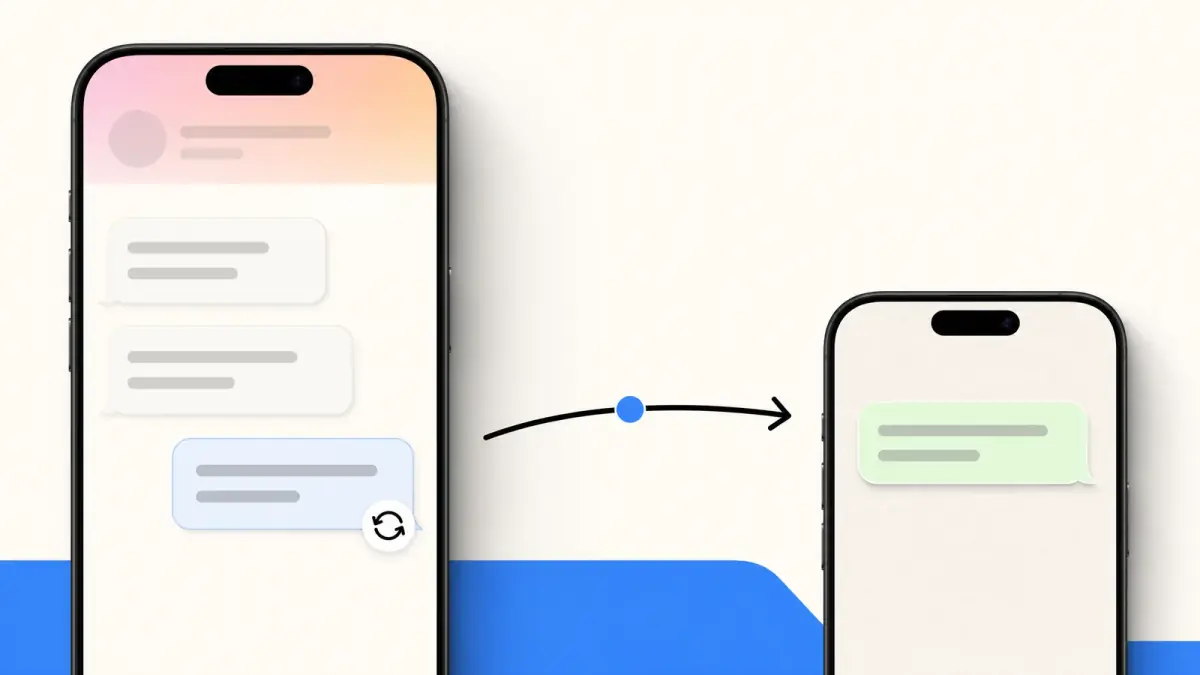
Summarize this article with an AI
 ChatGPT
 Claude
Table of contents (13)
Key takeaways
- Instagram's native tools are saved replies and a frequently asked questions feature, and fully automatic replies need the Instagram Messaging API through a third-party platform.
- Since February 10, 2026, the Marketing Messages API limits marketing DMs to one message per subscriber per 48-hour window.
- Use Instagram for discovery and first questions, then move the recurring relationship to WhatsApp with click-to-WhatsApp ads or a link in bio.
Quick answer
Does Instagram auto reply exist? Yes, on two levels. Natively, business and creator accounts include saved replies (pre-written answers you insert manually) and a frequently asked questions feature that surfaces tappable questions when a chat starts. Full DM automation (instant answers, keyword triggers, comment-to-DM) runs through Meta's Instagram Messaging API via third-party platforms, with user opt-in requirements. Since February 10, 2026, recurring marketing messages on Instagram and Messenger are governed by the Marketing Messages API: one marketing message per subscriber per 48-hour window. That cap shapes the strategy in 2026: use Instagram for discovery and first questions, and move the recurring relationship to WhatsApp.
Introduction: Your DM Inbox Is the New Front Desk
For an online store, Instagram DMs are where buying decisions actually happen. Someone sees a reel, taps your profile, and asks about sizing, shipping, or stock. If the answer arrives in minutes, the sale often follows. If it arrives the next day, the customer has usually moved on.
That is why auto replies and DM automation have become standard practice for e-commerce brands. The topic splits into two layers: what Instagram gives every business account natively, and what dedicated automation platforms add on top through Meta's official API.
This guide covers both layers, the comment-to-DM pattern that turns comments into conversations, the 48-hour marketing cap that changed the rules in February 2026, Meta's upcoming Business Agent, and a simple channel strategy: Instagram to open the conversation, WhatsApp to keep it going.
Native Instagram Auto Reply Tools: Saved Replies and FAQs
Every Instagram business or creator account ships with two features that speed up DM handling, both managed from your business inbox settings.
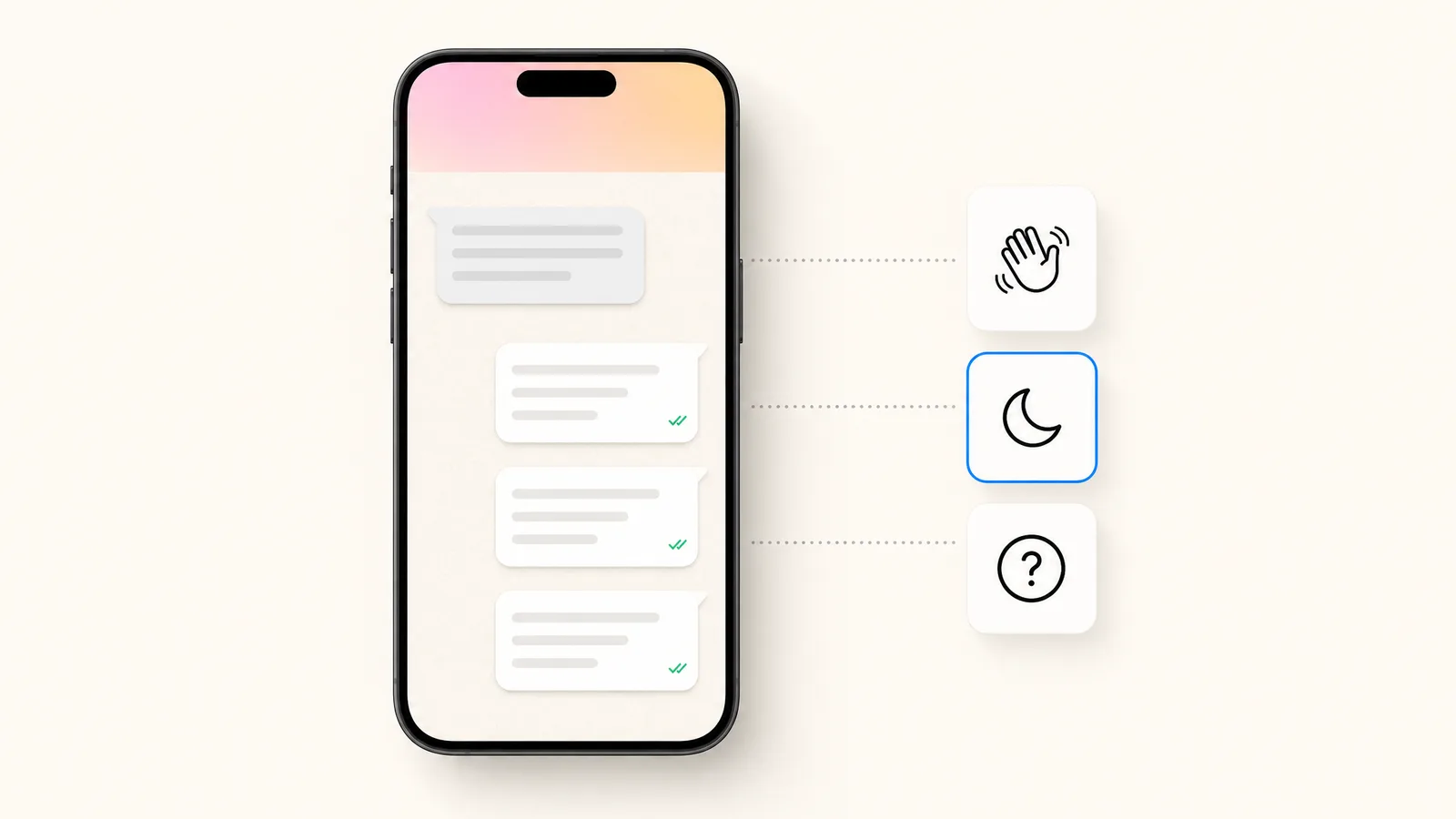
Saved replies are pre-written answers you store once and insert manually into any conversation. When a familiar question lands ("Do you ship to Canada?", "What is your return policy?"), you pick the matching saved reply instead of typing the same paragraph again. They cut response time, but a human still has to open the chat and hit send.
Frequently asked questions work at the start of a conversation. When someone opens a chat with your account, Instagram can surface a short list of tappable questions. The visitor taps one instead of typing, which guides the opening message toward questions you are prepared to answer well.
Both features are free and worth setting up before anything else. The menu paths, along with the welcome and away messages of Meta Business Suite, are in our guide to Instagram automatic messages. Their limit is structural: they organize and accelerate manual work rather than replace it. Neither one runs a conversation for you, qualifies a lead, or handles the volume that a viral reel can generate overnight.
What DM Automation Platforms Add
Full automation, meaning replies that go out instantly with nobody at the keyboard, runs through the Instagram Messaging API, Meta's official messaging platform for Instagram. Most businesses do not integrate the API directly; they use third-party DM automation platforms built on top of it.
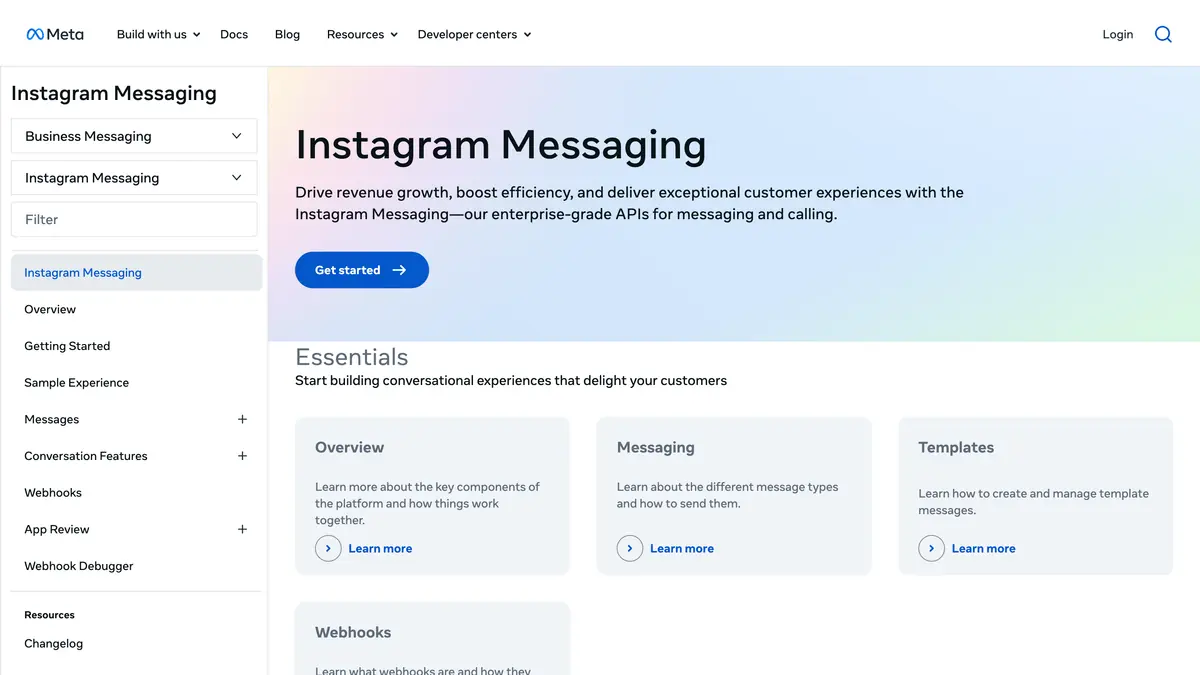
On top of the raw API, these platforms typically add:
- Instant replies to incoming DMs, triggered by keywords or intents you define.
- Structured flows that greet, qualify, and route a conversation, with handoff to a human agent when needed.
- Comment-to-DM triggers, the pattern covered in the next section.
- Team inbox features so several agents can work the same account without stepping on each other.
One rule sits above all of it: opt-in. Meta requires that people agree to receive ongoing messages from a business, and serious platforms build those consent steps into their flows. Automation on Instagram is permission-based by design, which protects the inbox from becoming a spam channel and protects your account along with it.
Kanal brings this layer to Shopify stores through its Instagram automation: comment-to-DM, automatic replies to DMs and story replies, and AI answers grounded in your catalog, next to the WhatsApp suite the platform is known for.
Comment-to-DM: The Pattern That Fills Your Inbox
Comment-to-DM automation is the workhorse of Instagram marketing in 2026. The mechanic is simple: someone comments on your post or reel, often with a keyword you announced ("comment LINK for the guide"), and the platform automatically sends that person a DM.
It is a widely used pattern across DM automation platforms, and it works because it converts public engagement into a private, one-to-one conversation. A single reel with a comment trigger can open conversations at a scale no human inbox could handle manually. Creator tools such as LinkDM are built around this single mechanic: our LinkDM review shows what it covers.
Typical e-commerce uses:
- Product drops: comment a keyword to receive the product link in DM.
- Lead magnets: comment to get a guide, a size chart, or a discount code.
- Giveaways: comment to enter, with the DM confirming entry and asking a follow-up question.
- Waitlists: comment to hear about a launch directly in your inbox.
How to set up comment-to-DM, step by step
- Pick one trigger word per campaign that is easy to type: LINK, GUIDE, PRICE or the product name.
- Write the DM it sends: one line of context, the link or product card, and one question that opens the conversation ("want the size guide too?"). Our Instagram DM templates give ready-to-copy wording for this first message.
- Choose the posts: one post or Reel, or every post where the word appears. The trigger works the same way on posts and Reels.
- Plan the follow-up: when the person replies, keyword flows take over (sizes, shipping, checkout link).
- Add a public reply (optional): a short "sent you a DM" under the comment shows the next viewer that the mechanic works.
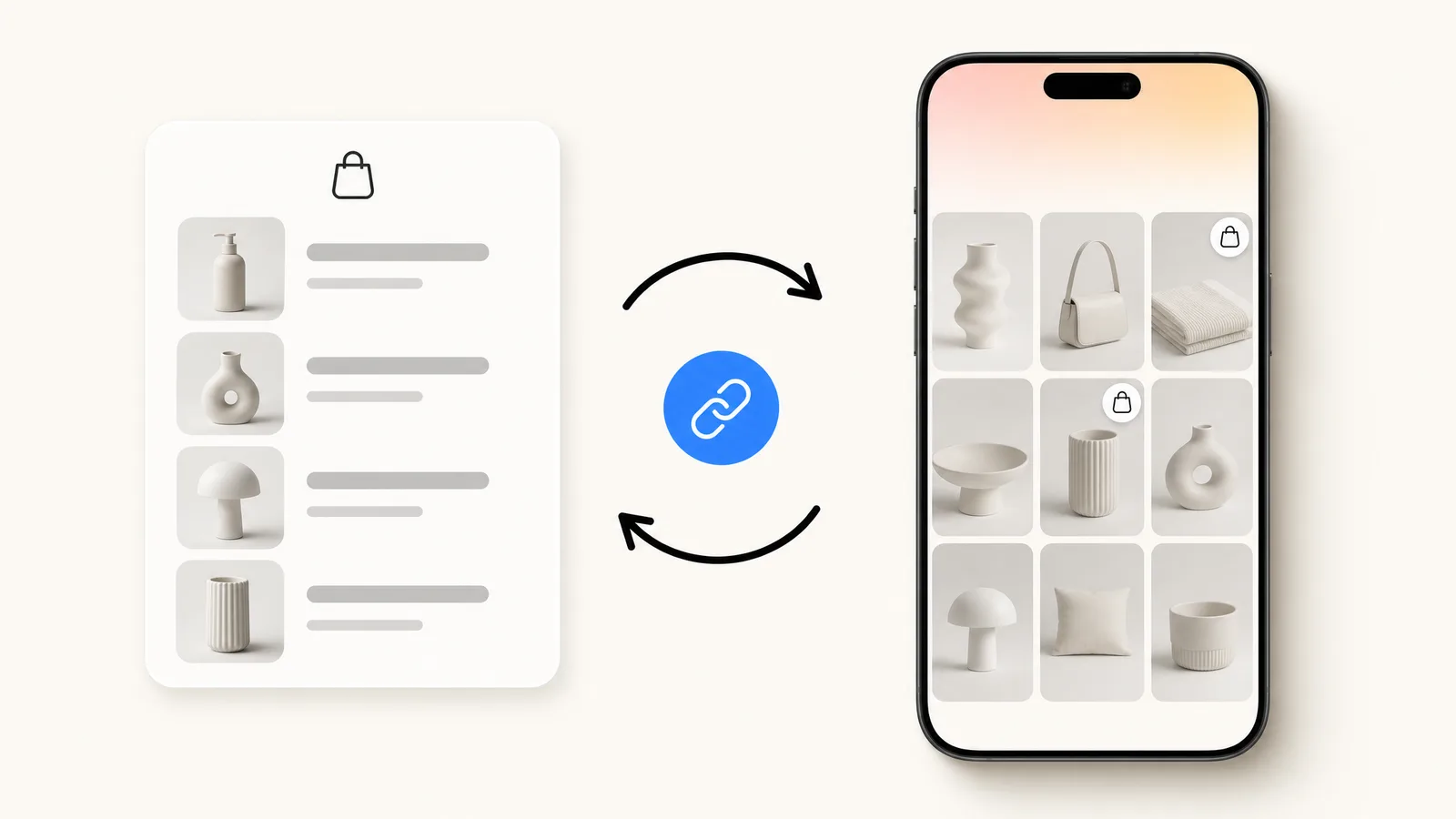
Keep the request simple: one comment, one word. Wording that asks for several comments or tags reads as engagement bait. With Kanal's Instagram DM automation, the trigger, the DM and the follow-up flows run through the official Instagram messaging API on your professional account, and the product cards come from your Shopify catalog.
There is no reliable public benchmark for comment-to-DM conversion. Measure it on your own posts: how many commenters open the DM, how many click through and how many buy. The click-through share depends on how closely the post matches the product, so test one strong post before using the mechanic everywhere.
The catch is what happens next. Opening the first DM is easy. Sending the follow-ups that actually drive repeat revenue is where Instagram's rules get strict, and that is what the 48-hour rule section below covers.
Instagram Auto Reply Message Examples
Copy these, replace the bracketed placeholders with your own details, and load them as saved replies or as automated replies in your DM platform. They all follow the same rules: short, warm, one clear next step. With an AI chatbot, the reply is generated from your store data instead of a fixed script, but these examples remain the baseline for tone (our comparison of the best Instagram automation tools covers the options). And if you also sell on WhatsApp, our WhatsApp Business templates cover that channel with 25 Meta-ready examples.
Example 1: Welcome reply to a new DM
Hey [first name], thanks for your message! You're chatting with the [brand] team. Ask us anything about sizes, shipping or stock: we answer within a few minutes during the day. 💬
Tip: Only promise "a few minutes" if you can hold it. An honest "within 2 hours" beats a broken promise every time.
Example 2: Away message outside business hours
We're offline right now, back tomorrow at 9am. Your message is saved and a real person answers first thing. If it's about an order, add your order number so we can move faster. 🌙
Tip: An away reply that asks for the order number turns the wait into progress and saves one full back-and-forth.
Example 3: Product FAQ reply (sizing)
Good news: [product] runs true to size, and the full size guide is here: [link]. Hesitating between two sizes? Tell us the size you wear in your usual brand and we'll recommend one.
Tip: Always end with a question. It keeps the conversation alive and tells you what actually blocks the purchase.
Example 4: Order status request
Of course! Send us your order number (it starts with #) and we'll check the status right away. If you ordered with this account's email, just reply "same email" and we'll find it.
Tip: Connected to your store, this answer becomes instant and exact. That is precisely what an automation platform adds over a saved reply.
Example 5: Customer service and returns
So sorry it's not quite right, [first name]. You can start a return here: [link], it takes 2 minutes. If something arrived damaged, send us a photo and we'll fix it today.
Tip: Put the apology and the solution in the same message. A DM complaint cools down fast when the fix is one tap away.
Example 6: Story mention thank-you
You just made our day, thank you for sharing [brand] in your story! 🧡 Here's a little thank-you: code [code] for 10% off your next order, valid 7 days.
Tip: Reply to mentions within the hour, while your brand is still on their screen. One message rewards exactly the behavior you want more of: customers sharing your brand.
Example 7: Comment-to-DM link delivery
As promised, here's the link from our post: [link] 🎁 Want help picking the right option? Just reply here, a human (helped by a very fast AI) reads everything.
Tip: Deliver the promised link in the first line, before any pitch. The keyword was the deal, so honor it instantly.
Example 8: Promo and product drop
[first name], the [collection] drop is live! As a follower you see it first: [link]. The last drop sold out in 48 hours, so if something catches your eye, don't wait.
Tip: This is a marketing message, so the 48-hour rule applies: one per subscriber per window. Make it count.
Example 9: Invitation to WhatsApp
Want restock alerts and private sales before everyone else? We send those on WhatsApp. One tap to join: [link], and you can leave anytime.
Tip: The DM that moves a follower to your WhatsApp list is the one with the longest payoff. Pair it with a real perk, not just "join us".
The 48-Hour Rule: Marketing Messages on Instagram in 2026
The rules changed in early 2026. Meta deprecated the Recurring Notifications API on February 10, 2026, the mechanism platforms previously used for recurring updates. Its replacement is the Marketing Messages API, and it comes with a hard limit: a 48-hour cooldown per subscriber for marketing messages on Messenger and Instagram.
In plain terms, that is one marketing message per subscriber per 48-hour window. For a store, the practical consequences are real:
- You cannot run a daily promotional sequence to the same subscriber in DMs.
- A launch or sale week gives you only a few marketing touches per subscriber, so each one has to count.
- Every send starts a new two-day cooldown for that subscriber, so sequences have to be planned around the cap rather than around your campaign calendar.
The cap is deliberate. Meta is protecting the DM inbox as a conversational space rather than a broadcast channel. It also draws a clear strategic line: Instagram DMs reward automation that answers and converts in the moment, not marketing programs that depend on frequent recurring touches.
Meta's Business Agent Is Coming to Instagram
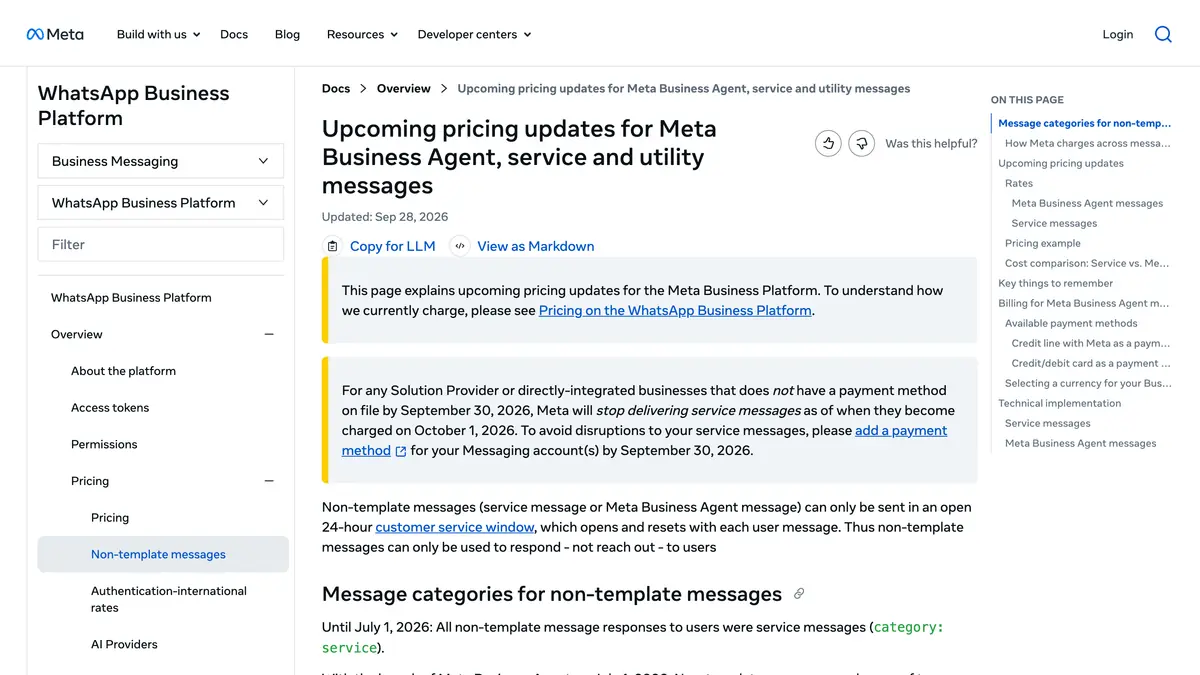
Automation on Instagram is also about to get a first-party player. In June 2026, Meta announced that its Business Agent, the AI agent already live on WhatsApp and Messenger, will expand to Instagram. At the time of writing, it is not yet live on Instagram. On WhatsApp, Meta has billed its messages per token since August 1, 2026: $2.00 USD per 1 million tokens, about 4 to 5 US cents per message according to Meta's pricing documentation.
The direction is clear: Meta itself expects business conversations to be answered by AI inside its apps. For stores, that validates the automation bet and raises the bar at the same time. Instant, accurate answers are becoming the default customers expect from any brand inbox, on Instagram and everywhere else.
Instagram vs WhatsApp: Two Channels, Two Jobs
Zoom out and the two channels split the customer journey cleanly.
Instagram is where customers discover and ask. Reels and ads create demand, comment triggers open conversations, and DM automation answers the first questions. It is a discovery channel with a conversational layer, and the 48-hour marketing cap keeps it that way.
WhatsApp is where the recurring relationship lives. For a store, WhatsApp supports opt-in broadcast campaigns to your customer list, automated cart recovery, order and shipping updates, and a full support inbox your team works from every day.
| Job | Instagram DMs | |
|---|---|---|
| Discovery and first contact | Excellent: reels, ads, comment triggers | Not a discovery channel |
| Answering product questions | Strong with DM automation | Strong with an AI chatbot |
| Recurring marketing messages | One per subscriber per 48 hours | Opt-in broadcast campaigns |
| Cart recovery and order updates | Not its core job | Core use case |
| Long-term support thread | Conversation by conversation | Full support inbox |
This is not a ranking, it is a division of labor. A sound setup treats Instagram as the top of the funnel and WhatsApp as the relationship channel, with a WhatsApp chatbot answering questions and automations covering the revenue moments. The remaining question is how to move people from one channel to the other.
From Instagram to WhatsApp: Building the Bridge
Two mechanics move an Instagram audience onto WhatsApp, and both are fully compatible with the automation described above.
- Click-to-WhatsApp ads: Meta ads shown on Instagram and Facebook that open a WhatsApp conversation instead of a landing page, so the click lands directly in a chat where opt-in can be captured.
- Link-in-bio funnels: your bio link points to a WhatsApp entry point, so followers who want a discount code, restock alerts, or support start a WhatsApp chat in one tap. A comment-to-DM flow can even deliver that WhatsApp link as the payoff.
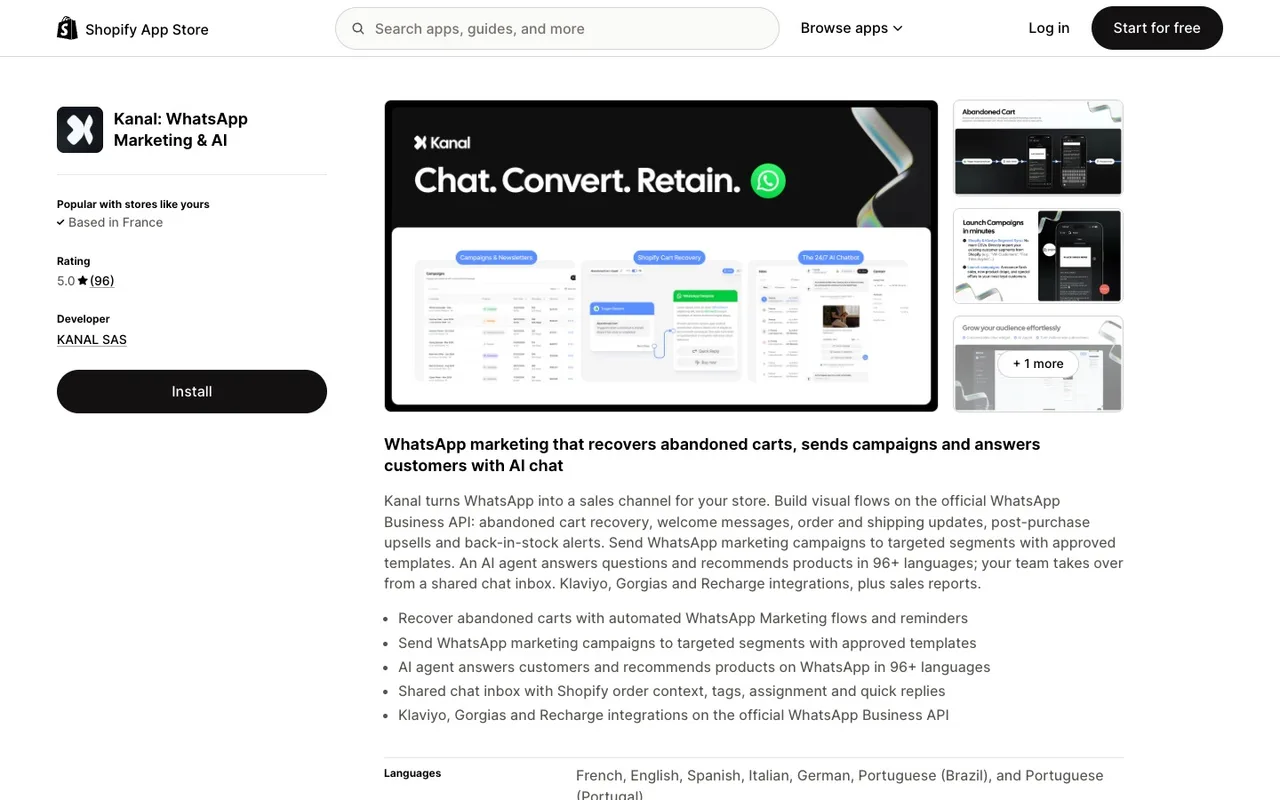
Once the conversation lands on WhatsApp, Kanal runs it for Shopify stores. Kanal connects WhatsApp to your store so an AI chatbot answers product questions from your catalog, abandoned carts are recovered automatically, opt-in broadcasts go out to segmented customer lists, and your team handles everything from one shared inbox. The Instagram side opens the conversation, and Kanal turns it into a customer relationship. You can book a demo to see the full loop on your own store.
Conclusion: Automate the First Reply, Then Pick the Right Channel
Instagram auto reply in 2026 is a layered system. Saved replies and the FAQ feature give every business account a free head start. DM automation platforms, built on Meta's Instagram Messaging API, turn the inbox into a machine that answers instantly and converts comments into conversations. And the Marketing Messages API sets the boundary: one marketing message per subscriber every 48 hours, which keeps Instagram DMs conversational by design.
The winning setup respects what each channel is for. Let Instagram do discovery and first answers. Move customers who want an ongoing relationship to WhatsApp, where opt-in broadcasts, cart recovery, and a support inbox carry the relationship over time. And if your store runs on Shopify, Kanal handles the WhatsApp side end to end.
Resources
- Instagram DM automation by Kanal
- The best Instagram automation tools, prices compared
- WhatsApp Business templates: 25 Meta-ready examples
- Click-to-WhatsApp ads benchmarks: build your own
- WhatsApp chatbot for e-commerce
- WhatsApp broadcast guide
- Kanal AI chatbot
- Kanal on the Shopify App Store
- Book a Kanal demo
- Instagram Messaging API documentation
- Social Media Today on the Recurring Notifications API deprecation
Join the Instagram early access program
- Comment to DM, auto-replies and AI answers as they roll out
- Priority onboarding with the Kanal team
- The full WhatsApp suite, included from day one
Early access opens progressively
See Kanal for Instagram@claire.mrn commented on your Reel: "LINK"
Here is the link you asked for. The Riviera set is back in stock.
- brands
- 500+
- to set up
- 5 min
- open rate on WhatsApp
- +90%
Nicolas helps e-commerce brands grow revenue with WhatsApp marketing. With deep expertise in Shopify ecosystems and conversational commerce, he shares proven strategies for abandoned cart recovery, broadcast campaigns, and AI-powered customer engagement.