
La meilleure application WhatsApp pour une boutique Shopify dépend de ce que vous voulez en faire. Pour le marketing WhatsApp sur l'API WhatsApp Business officielle (relance de paniers abandonnés, campagnes, notifications de commande et agent IA), nous classons Kanal en premier. Kanal est notre propre application : cette page affiche donc sa note et son prix sur l'App Store à côté de ceux des dix autres. Zoko, Wati, Dondy, Interakt, TextYess, SleekFlow et Charles sont les autres plateformes API de la liste, et SeedGrow et Chaty sont des boutons de chat pour les boutiques qui veulent seulement être joignables sur WhatsApp.
Le Shopify App Store liste des dizaines d'applications « WhatsApp » qui font des choses très différentes, du simple bouton de chat à la plateforme marketing complète. Ce guide en compare 11, avec les notes, le nombre d'avis et les prix relevés sur chaque fiche le 7 octobre 2026. Si vous découvrez le canal, notre page WhatsApp pour Shopify explique le fonctionnement de l'API officielle, des règles d'opt-in et de la tarification au message avant toute installation.
Comment nous avons comparé les 11 applications
Nous avons installé chaque application sur une boutique Shopify de test, connecté un numéro WhatsApp Business lorsque l'application prend en charge l'API officielle, puis joué les mêmes scénarios : un checkout abandonné, une mise à jour d'expédition, une question produit envoyée en dehors des heures d'ouverture et une campagne envoyée à un segment d'anciens acheteurs. Nous avons noté six critères : le fonctionnement sur l'API WhatsApp Business officielle ou la simple ouverture d'un chat dans l'application du client, la profondeur des données Shopify (produits, commandes et clients synchronisés dans la conversation), l'automatisation et la création de flows, la qualité des réponses de l'IA, les outils d'opt-in et de conformité, et le coût total, frais de messagerie de Meta compris. Les notes, le nombre d'avis et les tarifs ont été relevés sur la fiche Shopify App Store de chaque application le 7 octobre 2026. Nous avons écarté les applications sans fiche Shopify, les revendeurs en marque blanche et les outils sans mise à jour significative au cours des douze derniers mois.
Comparatif rapide
| # | Application | Ce qu'elle fait | Note (avis) | Offre gratuite | À partir de |
|---|---|---|---|---|---|
| 1 | Kanal WhatsApp | Relance de paniers, campagnes, chatbot IA et flows sur l'API officielle | 5,0 (125) | Démo sur demande | 89 €/mois |
| 2 | Zoko | Bots IA, relance de paniers, campagnes et commande depuis le catalogue | 4,9 (452) | Essai gratuit | 49,99 $/mois |
| 3 | Pushdaddy | Widget de chat, chat en direct, FAQ et rappels de panier automatisés | 4,3 (946) | Non | 2,99 $/mois |
| 4 | SeedGrow | Widget et bouton de chat WhatsApp | 4,8 (129) | Oui | 6,90 $/mois |
| 5 | Charles | Plateforme de marketing WhatsApp conforme au RGPD | 2,2 (3) | Installation gratuite | Non publié |
| 6 | Wati | Boîte de réception partagée, campagnes, agents IA et flows | 3,8 (122) | Essai gratuit | 69 $/mois |
| 7 | TextYess | Assistant IA pour les campagnes et le service client | 5,0 (48) | Essai gratuit | 290 $/mois |
| 8 | Dondy | Bouton WhatsApp, relance de paniers, campagnes et chatbot IA | 4,9 (820) | Oui (bouton seul) | 6,99 $/mois (API à partir de 79,99 $) |
| 9 | Chaty | Bouton de chat flottant multicanal | 4,9 (318) | Oui | 15 $/mois |
| 10 | Interakt | Rappels de panier, confirmations de commande, campagnes, boîte d'équipe | 4,2 (230) | Essai gratuit | 21 $/mois |
| 11 | SleekFlow | Boîte de réception omnicanale, campagnes, agents IA | 4,1 (4) | Non | 199 $/mois |
Quelle application WhatsApp pour quel besoin
Ce tableau répond à la question que les marchands posent le plus souvent : quelle plateforme WhatsApp s'intègre à Shopify pour un besoin donné. Chaque ligne cite les applications de cette liste dont la fiche App Store décrit ce besoin (fiches lues le 7 octobre 2026).
| Votre besoin | Applications de la liste conçues pour cela | Ce que décrivent les fiches |
|---|---|---|
| Un bouton WhatsApp sur la boutique | SeedGrow, Chaty, Dondy (offres Free et Pro) | Widget flottant, bouton click-to-chat, messages préremplis |
| La relance des paniers abandonnés sur l'API officielle | Kanal, Zoko, Wati, Dondy (offre Power Automation), Interakt, TextYess | Rappels automatisés déclenchés par les checkouts Shopify |
| Des campagnes marketing | Kanal, Zoko, Wati, Dondy, TextYess, Interakt, Charles, SleekFlow | Campagnes envoyées avec des templates approuvés par Meta |
| Un agent IA qui répond aux clients | Kanal (offre Scale), Zoko (option payante), Wati (offre Pro), TextYess, Dondy (offre Elite), Interakt (offre Premier), SleekFlow | Réponses aux questions sur les produits et les commandes, avec passage de relais à votre équipe |
| L'achat dans la conversation WhatsApp | Zoko, Charles, SleekFlow | Commande depuis le catalogue, paniers personnalisés, liens produit et de paiement dans le chat |
| La confirmation des commandes en paiement à la livraison | Interakt, Dondy | Commandes confirmées sur WhatsApp avant l'expédition |
| WhatsApp et d'autres canaux dans une même boîte | Wati, SleekFlow, Zoko (option Instagram), Pushdaddy | Instagram, Messenger et d'autres canaux à côté de WhatsApp |
| Klaviyo dans votre stack | Kanal, TextYess, Dondy | Klaviyo cité parmi les intégrations |
| Gorgias ou Zendesk comme helpdesk | Kanal, TextYess | Conversations ou tickets transmis au helpdesk |
Bouton de chat ou plateforme complète : deux types d'applications WhatsApp
L'essentiel de la confusion dans cette catégorie vient de deux produits très différents qui portent le même nom. Un widget de chat (SeedGrow, Chaty) ajoute un bouton WhatsApp à votre boutique : quand un visiteur appuie dessus, une conversation s'ouvre dans son application WhatsApp avec votre numéro professionnel habituel. C'est peu coûteux et rapide à installer, et la conversation part toujours du visiteur : un widget n'envoie ni rappels ni campagnes.
Une plateforme API WhatsApp Business (Kanal, Zoko, Wati, Dondy, Interakt, TextYess, SleekFlow, Charles) connecte un numéro officiel de l'API pour envoyer des templates de messages approuvés aux clients qui ont donné leur opt-in, créer des flows déclenchés par des événements Shopify, lancer des campagnes de diffusion, partager des catalogues et laisser une IA répondre. Elle coûte un abonnement plus les frais de messagerie de Meta, et c'est la voie vers la relance des paniers abandonnés, les campagnes et les notifications de commande sur WhatsApp. Si vous voulez seulement un bouton de contact, un widget suffit. Si vous voulez que le canal génère du chiffre d'affaires, il vous faut l'API. Pushdaddy se situe entre les deux : un widget de chat et un chat en direct qui peuvent aussi envoyer des messages automatisés de panier, de commande et de suivi depuis votre propre numéro.
Les critères pour choisir une application WhatsApp pour Shopify
- API officielle et vérification Meta. L'application doit enregistrer votre numéro sur l'API WhatsApp Business, gérer l'approbation des templates et vous donner un profil professionnel vérifié. Sans cela, aucune automatisation n'est possible.
- Profondeur des données Shopify. Produits, clients, commandes et checkouts abandonnés doivent se synchroniser automatiquement, pour que les messages reprennent le contenu du panier, les liens de suivi, la bonne langue et la bonne devise.
- Éditeur de flows et déclencheurs. Cherchez des flows déclenchés par des événements Shopify (checkout abandonné, commande expédiée, livraison confirmée), avec des délais, des conditions et un arrêt automatique dès que le client a acheté.
- Qualité des réponses de l'IA. Testez la façon dont l'IA répond à une question produit, à une question de livraison et à une demande hors périmètre, et la netteté du passage de relais à une personne de votre équipe.
- Opt-in et conformité. Le recueil du consentement RGPD, la gestion des désinscriptions et le respect de la fenêtre de service de 24 heures et des règles de templates de Meta doivent être intégrés, pas laissés à votre charge.
- Transparence des tarifs. Comparez l'abonnement, le nombre de postes agents et de contacts inclus, et les frais par message de Meta au volume que vous prévoyez.
- Intégrations. Klaviyo, Gorgias, Zendesk et les plateformes d'abonnement déterminent si WhatsApp s'intègre à votre stack ou reste à côté.
Les 11 meilleures applications WhatsApp pour Shopify
#1 Kanal WhatsApp, le marketing WhatsApp pensé pour Shopify
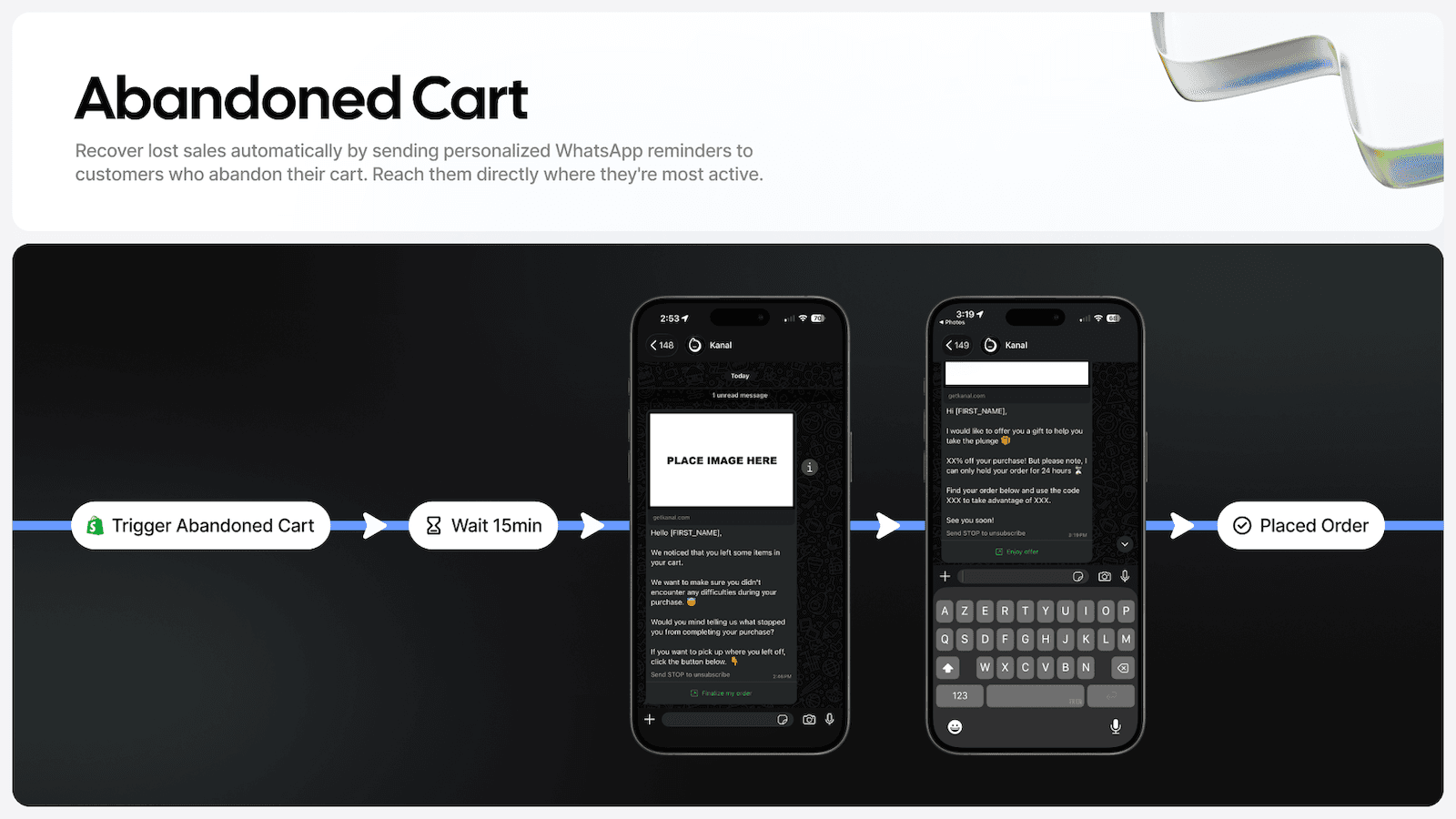
Kanal est une application de marketing et de vente sur WhatsApp pour les boutiques Shopify. C'est notre propre produit, et nous la classons en premier pour le besoin dont parle cette page : faire de WhatsApp un canal marketing sur Shopify. Elle fonctionne sur l'API WhatsApp Business officielle et s'organise autour de flows visuels : relance de panier abandonné, messages de bienvenue, suivi de commande et d'expédition, upsell post-achat et alertes de retour en stock. Les campagnes WhatsApp partent vers des segments avec des templates approuvés, un chatbot IA répond aux clients et recommande des produits (il est inclus à partir de l'offre Scale), et votre équipe reprend la main depuis une boîte de réception partagée qui affiche la commande Shopify à côté de la conversation. Les intégrations comprennent Klaviyo, Gorgias et Recharge. Kanal envoie des messages WhatsApp et des SMS : l'email reste dans les outils que vous utilisez déjà. Sa fiche App Store affiche 5,0 sur 132 avis, et les offres démarrent à 89 €/mois, avec une démo sur demande.
#2 Zoko, bots IA et commerce conversationnel sur WhatsApp
Zoko est une application de vente et de support WhatsApp pour Shopify qui fonctionne sur l'API officielle, avec un éditeur de flows et des bots IA qui exploitent vos données Shopify. Les marchands l'utilisent pour la relance des paniers abandonnés, les notifications de commande, les campagnes vers des segments Shopify et une boîte de réception partagée multi-agents. Elle permet aussi de prendre des appels WhatsApp, d'envoyer des notes vocales et de traduire les messages en temps réel. La fiche App Store affiche une note de 4,9/5 sur 452 avis. Les tarifs démarrent à 49,99 $/mois après un essai gratuit de 7 jours, plus 0,015 $ par conversation et les tarifs de Meta, avec Instagram (9,99 $/mois) et les bots IA (à partir de 24,99 $/mois par bot) en options. Le catalogue WhatsApp de Zoko se synchronise depuis Shopify, et sa fiche décrit des clients qui parcourent le catalogue et achètent dans WhatsApp : une question sur un produit peut ainsi se conclure par une commande passée dans la conversation.
#3 Pushdaddy, un widget de chat à petit prix avec une automatisation de base
Pushdaddy associe un widget de chat et un chat en direct à un chatbot, des pages FAQ, Facebook Messenger, Instagram et des notifications push. Sa fiche, qui mentionne la Cloud API, ajoute la relance automatisée des paniers abandonnés, les confirmations de commande et les mises à jour de suivi envoyées depuis votre propre numéro, ainsi que des messages promotionnels, la messagerie étant payée directement à Meta, sans commission. L'application est notée 4,3/5 sur 946 avis sur le Shopify App Store et coûte 2,99 $/mois, sans offre gratuite. Les boutiques l'installent quand elles veulent un widget à petit prix avec un peu d'automatisation derrière. Comparez les automatisations annoncées avec celles des plateformes spécialisées de cette page avant de lui confier la relance des paniers.
#4 SeedGrow, un bouton WhatsApp personnalisable
SeedGrow (WhatsApp Chat Widget) ajoute à votre boutique Shopify un bouton WhatsApp et une fenêtre de chat personnalisables, pour que les visiteurs écrivent à votre équipe en un geste. Vous pouvez afficher plusieurs agents avec des numéros WhatsApp et des horaires différents, définir un message prérempli et placer un bouton click-to-chat sur les pages produit. La conversation s'ouvre dans le WhatsApp du visiteur, avec le numéro auquel vous répondez déjà. Il est noté 4,8/5 sur 129 avis, avec une offre gratuite et une offre Pro à 6,90 $/mois (essai gratuit de 14 jours) qui ajoute les horaires personnalisés, le style du bouton, le suivi des clics et des rapports d'événements dans Google Analytics. Sa mission est limitée, et il la remplit proprement : rendre votre numéro joignable depuis chaque page de la boutique.
#5 Charles, une plateforme de marketing WhatsApp pour les équipes CRM
Charles est une plateforme de marketing WhatsApp conçue pour les équipes CRM qui veulent ajouter WhatsApp à leurs canaux marketing existants, avec des parcours (flows automatisés et personnalisés), des campagnes et des paniers personnalisés envoyés directement dans WhatsApp. Sa fiche Shopify décrit une plateforme conforme au RGPD, un support de qualité et l'attention portée au ROI, et cite des intégrations avec HubSpot, Pipedrive et Google Analytics. La fiche affiche une note de 2,2/5 sur 3 avis, trop peu pour en tirer une conclusion sur l'application Shopify, et la présente comme gratuite à installer, avec des frais supplémentaires et sans grille de prix publiée : le tarif est donc communiqué par Charles. Demandez des chiffres de boutiques de votre catégorie et une ventilation claire entre les frais de la plateforme et les frais de messagerie de Meta avant de signer un contrat.
#6 Wati, boîte de réception partagée et campagnes sur l'API
Wati est une plateforme API WhatsApp Business qui réunit une boîte de réception d'équipe partagée, des campagnes de diffusion, un éditeur de flows qui combine chatbots, règles d'automatisation et agents IA, et une intégration Shopify pour les notifications de panier abandonné et de commande. Sa fiche couvre aussi Instagram, Facebook, TikTok, le RCS, le SMS et les appels dans le même fil client : les fonctionnalités Shopify côtoient donc des outils généralistes de messagerie et de support. La fiche App Store affiche une note de 3,8/5 sur 122 avis, et les tarifs démarrent à 69 $/mois (offre Growth) après un essai gratuit de 7 jours, les messages étant facturés à part. Wati capte les prospects venus des publicités Click-to-WhatsApp et synchronise les segments Shopify, et son agent IA est inclus à partir de l'offre Pro à 149 $/mois. Lisez attentivement la section tarifs : les utilisateurs supplémentaires, les crédits d'automatisation et les crédits IA s'ajoutent aux offres Pro et Business.
#7 TextYess, un assistant IA pour les campagnes et le support
TextYess est une application WhatsApp centrée sur l'IA, qui envoie des campagnes marketing, exécute des automatisations comme la relance des paniers abandonnés et le suivi post-achat, et répond aux questions du service client grâce à un assistant IA connecté à votre catalogue produits. Elle s'intègre à Shopify et à Klaviyo, transmet les tickets de support à Gorgias et Zendesk, et elle est notée 5/5 sur 48 avis sur l'App Store. Les tarifs démarrent à 290 $/mois pour 1 750 réponses IA et 1 000 messages sortants, après un essai gratuit de 7 jours, ce qui la place parmi les prix d'entrée les plus élevés de cette liste. Le produit est arrivé sur l'App Store en 2023, après Wati et Zoko, avec donc moins d'avis, et l'assistant IA est la principale raison de l'installer.
#8 Dondy, l'automatisation WhatsApp du bouton à l'API
Dondy est une plateforme de marketing et d'automatisation WhatsApp conçue pour l'e-commerce, avec relance des paniers abandonnés, campagnes de diffusion, messages pour le paiement à la livraison, collecte d'avis, widget de chat et chatbots IA. Ses offres d'automatisation fonctionnent sur l'API WhatsApp Business officielle, et sa fiche cite des intégrations avec Shopify Flow, Klaviyo, Judge.me et Loox. La fiche affiche une note de 4,9/5 sur 820 avis, l'une des bases d'avis les plus larges de cette catégorie, avec une offre gratuite pour le bouton WhatsApp, une offre Pro à 6,99 $/mois et l'automatisation via l'API WhatsApp (relance de paniers, campagnes et boîte de réception intégrée à Shopify) à partir de 79,99 $/mois. Le chatbot IA pour la vente et le support est inclus dans l'offre Elite à 159,99 $/mois. Les frais de messagerie de Meta s'ajoutent à l'abonnement, comme pour toute application basée sur l'API.
#9 Chaty, un bouton pour toutes les messageries
Chaty est un bouton de chat flottant qui permet aux visiteurs de vous joindre sur WhatsApp, Messenger, Instagram, Telegram, par email, par téléphone et sur d'autres canaux depuis un seul widget. Vous pouvez afficher des canaux différents selon la page, l'appareil ou le pays, programmer l'apparition du bouton et suivre les clics dans Google Analytics. Un appui ouvre une conversation dans la messagerie du visiteur. Noté 4,9/5 sur 318 avis, il propose une offre gratuite (500 visiteurs par mois) et des offres payantes à partir de 15 $/mois. Chaty est l'outil à choisir quand l'objectif est un bouton de contact qui couvre toutes les messageries de vos clients, avec une plateforme API qui gère les conversations derrière.
#10 Interakt, rappels automatisés et confirmations de commande
Interakt est une plateforme API WhatsApp Business dont l'application Shopify envoie des rappels automatisés de panier abandonné avec un lien de paiement, des confirmations de commande, d'expédition et d'annulation, et des campagnes en masse pour les annonces de produits et les remises. Elle confirme aussi sur WhatsApp les commandes en paiement à la livraison, ajoute un widget de chat à la boutique et réunit les conversations entrantes dans une boîte de réception d'équipe partagée, avec des réponses automatiques aux questions fréquentes. La fiche affiche une note de 4,2/5 sur 230 avis, avec un essai gratuit de 14 jours et des offres payantes à partir de 21 $/mois, plus les frais de conversation WhatsApp. L'automatisation Instagram et un chatbot de base arrivent avec l'offre Growth à 41 $/mois, et les agents IA avec l'offre Premier à 99 $/mois.
#11 SleekFlow, une boîte de réception omnicanale avec agents IA
SleekFlow est une plateforme de messagerie omnicanale qui réunit l'API WhatsApp Business, Instagram, Messenger et le chat en direct dans une seule boîte de réception, avec campagnes de diffusion, agents IA et automatisation des workflows. Son application Shopify envoie sur WhatsApp des confirmations de commande et des mises à jour d'expédition automatisées, déploie des agents IA qui répondent aux questions produit et qualifient les prospects, et permet de partager des produits et des liens de paiement dans le chat. La fiche App Store affiche une note de 4,1/5 sur 4 avis : il y a donc peu de retours propres à Shopify sur lesquels s'appuyer. Les tarifs démarrent à 199 $/mois pour l'offre Pro AI (2 000 contacts actifs par mois, 3 utilisateurs et usage illimité des agents IA), et les analytics avancées, les webhooks et les appels API sont inclus dans l'offre Premium AI à 399 $/mois. Lisez attentivement son comparatif d'offres : les limites de contacts et le nombre de postes inclus varient selon la formule.
Quelle application WhatsApp pour votre boutique
Le bon choix dépend moins de la longueur de la liste de fonctionnalités que de ce que vous attendez du canal et de la part que vous voulez faire tourner sans intervention humaine. Voici quatre situations courantes, avec les applications de cette liste qui correspondent à chacune.
Vous voulez seulement être joignable sur WhatsApp
- Stack : un widget comme Chaty ou SeedGrow, ou l'offre bouton de Dondy.
- Pourquoi : votre numéro devient joignable depuis chaque page de la boutique, et vous répondez depuis l'application WhatsApp Business que vous utilisez déjà.
- Étape suivante : prévoyez le passage à une plateforme API quand vous voudrez relancer les paniers et envoyer les notifications de commande automatiquement.
Vous voulez relancer les paniers et envoyer des campagnes automatiquement
- Stack : une plateforme API. Avec Kanal, cela signifie le flow de relance de panier abandonné, les notifications de commande et une première campagne WhatsApp vers les anciens acheteurs, avec le chatbot IA à partir de l'offre Scale.
- Pourquoi : les rappels, le suivi de commande et les campagnes partent seuls une fois les templates approuvés, et les réponses arrivent dans une boîte de réception partagée.
- À comparer : Zoko, Wati, Dondy, Interakt et TextYess se connectent aussi aux checkouts Shopify. Mettez leurs prix et leurs frais par conversation en face du volume que vous prévoyez.
Vous utilisez déjà Klaviyo, un helpdesk ou des abonnements
- Stack : une plateforme API qui se connecte à ces outils. Kanal s'intègre à Klaviyo (offre Scale), à Gorgias ou Zendesk pour le support, et à Recharge si vous vendez des abonnements.
- Pourquoi : segments, tickets et événements d'abonnement alimentent les mêmes automatisations : relance de paniers, upsell post-achat, alertes de retour en stock et demandes d'avis.
- À surveiller : la qualité des templates et les taux de désinscription. Des campagnes mal ciblées peuvent faire baisser votre quality rating chez Meta : segmentez finement et gardez une fréquence marketing mesurée.
Vous vendez dans plusieurs pays ou voulez déléguer le canal
- Stack : une offre avec plusieurs utilisateurs et plusieurs marchés. L'offre Scale de Kanal comprend cinq utilisateurs et une option multi-marchés, et son offre Business ajoute les utilisateurs illimités, la configuration des flows par l'équipe Kanal, l'optimisation continue et un account manager dédié. Voyez aussi les pages d'intégration Loyoly et Splio si vous utilisez ces outils de fidélisation.
- Pourquoi : les boutiques multi-marchés ont besoin de templates approuvés pour chaque langue, et de quelqu'un qui surveille la quality rating et les approbations de templates à mesure que le volume augmente.
- Raccourci : si vous préférez ne rien construire vous-même, avec l'offre Premium de Kanal, l'équipe lance pour vous vos automatisations, vos segments et votre agent IA.
Quatre questions pour trancher
Les critères présentés plus haut décrivent une bonne application WhatsApp. Ces quatre questions décident de celle à installer sur votre boutique.
1. La relance des paniers est-elle votre priorité ?
Le Baymard Institute établit le taux moyen documenté d'abandon de panier en ligne à 70,22 % (page lue le 7 octobre 2026), ce qui explique que la relance soit en général la première automatisation activée. Il faut une plateforme API pour envoyer ce rappel, car un widget n'écrit jamais en premier. Parmi les plateformes de cette page, Kanal, Zoko, Dondy, Interakt, Wati et TextYess se connectent toutes aux événements de checkout Shopify. Notre guide des stratégies de récupération des paniers abandonnés détaille le timing et les séquences.
2. Quelle part de la conversation pouvez-vous automatiser ?
Les réponses manuelles deviennent difficiles à tenir quand les conversations s'accumulent. Le chatbot IA de Kanal répond aux questions sur les produits, les commandes et la livraison, et passe la main à une personne quand une demande va au-delà. Plusieurs autres plateformes API de cette page proposent aussi des réponses IA (TextYess, Zoko, Dondy, SleekFlow, Wati, Interakt) ; avec un widget, chaque message reçoit la réponse d'une personne. Avant de vous engager, testez chaque application sur une question hors de ses données d'entraînement et observez le passage de relais. Notre guide du chatbot WhatsApp pour l'e-commerce montre ce que l'automatisation couvre en pratique.
3. S'intègre-t-elle à votre stack actuelle ?
WhatsApp doit rejoindre vos outils existants plutôt que rester à côté. Kanal s'intègre à Klaviyo, Gorgias, Zendesk, Crisp et Recharge : flows, tickets de support et événements d'abonnement fonctionnent ainsi ensemble. Appliquez le même test à toute autre application : une boîte de réception qui ne voit pas le ticket du helpdesk, ou un outil de campagnes qui ne lit pas vos segments email, est un silo de plus à maintenir. Si l'outil en question est Klaviyo, notre guide pour intégrer WhatsApp à Klaviyo décrit les options.
4. Le prix, ou ce qu'il rapporte ?
Ne choisissez pas sur le seul prix affiché de l'abonnement. Mettez ce que l'application automatise (rappels de panier, suivi de commande, campagnes) en face du prix de l'offre, des frais par conversation que certains éditeurs ajoutent et des frais de Meta par message, qui s'ajoutent à tout abonnement API. Comparez le coût total de vos messages au volume que vous prévoyez plutôt que le prix de l'offre.
WhatsApp, SMS ou email pour une boutique Shopify
Aucun canal ne gagne sur tous les critères. L'email est le canal le moins cher, et votre liste est un actif qui vous appartient. Le SMS touche presque tout le monde, mais en texte brut et avec des frais d'opérateur à chaque message. WhatsApp ajoute les conversations dans les deux sens, les médias enrichis et les catalogues produits, dans la messagerie que les clients utilisent déjà sur les marchés où elle domine.
| Critère | SMS | ||
|---|---|---|---|
| Conversations dans les deux sens | Natives, avec réponses IA | Limitées | Limitées |
| Médias enrichis | Images, vidéos, catalogues, boutons | MMS uniquement | Oui |
| Coût par message | Frais Meta selon le pays et la catégorie | Frais d'opérateur par SMS | Très faible |
| Portée | Forte en Europe, en Amérique latine, en Inde, au Moyen-Orient et en Afrique du Nord | Universelle | Universelle |
| Usage courant | Relance, conversations, suivi de commande | Alertes urgentes là où WhatsApp n'est pas utilisé | Newsletters, contenus longs |
Pour la plupart des boutiques, la configuration pratique est la suivante : WhatsApp pour les messages qui doivent être lus, un outil SMS là où WhatsApp n'est pas utilisé, et l'email pour la profondeur et le coût. Nos guides des meilleures applications SMS pour Shopify et des meilleures applications d'email marketing pour Shopify couvrent les deux autres canaux, et notre comparatif WhatsApp ou SMS : les prix par pays met en regard le coût par message.
Se lancer avec WhatsApp sur Shopify
Une fois l'application choisie, la mise en ligne suit les mêmes étapes sur toutes les plateformes API. Avec Kanal, le parcours est le suivant :
- Choisissez une offre sur la page des tarifs : Pro couvre la relance de paniers, les confirmations de commande et les campagnes ; Scale ajoute le chatbot IA, les automatisations avancées, les segments personnalisés et l'intégration Klaviyo.
- Installez Kanal depuis le Shopify App Store. Les produits, les clients et les commandes se synchronisent automatiquement.
- Connectez votre numéro WhatsApp Business. Kanal l'enregistre sur l'API WhatsApp Business officielle, et la vérification d'entreprise de Meta se fait en arrière-plan.
- Activez le flow de panier abandonné et les notifications de commande, puis soumettez vos templates de messages à l'approbation de Meta.
- Collectez des opt-in sur la boutique et au checkout dès le premier jour, car la taille de votre audience WhatsApp détermine ce que rapporte le canal.
Si vous préférez ne rien configurer vous-même, avec l'offre Premium de Kanal, l'équipe construit vos automatisations pour vous. Pour les autres catégories d'applications, parcourez l'ensemble de nos comparatifs des meilleures applications Shopify.

Relancez les paniers abandonnés, lancez des campagnes WhatsApp et automatisez vos ventes avec l'IA. Conçue pour les boutiques. Support par chat en direct et éditeur visuel de flows inclus.


Marketing WhatsApp, automatisation et relance de paniers pour Shopify. Campagnes de diffusion, relance des paniers abandonnés, bots IA, boîte de réception partagée et commande depuis le catalogue.


Many Chat, Facebook Messenger, FAQ, relance des paniers abandonnés, etc.


Widget et bouton de chat pour Shopify : intégrez rapidement Messenger et vos comptes Business à votre boutique en ligne Shopify | SeedGrow Apps


Lancez, gérez et développez votre canal WhatsApp Business avec une plateforme SaaS conforme au RGPD. L'éditeur met en avant la qualité de son support et l'attention portée au ROI.
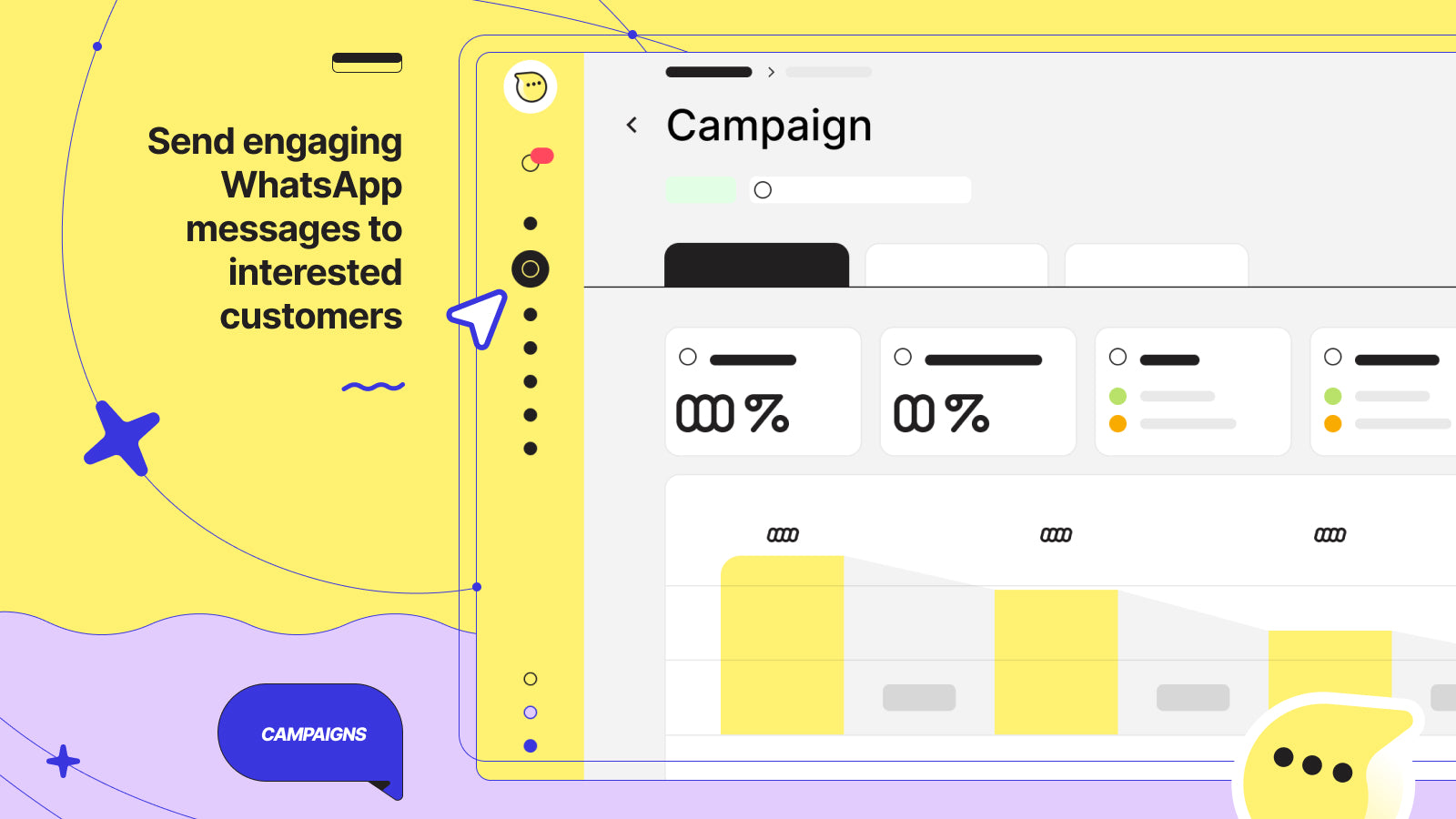
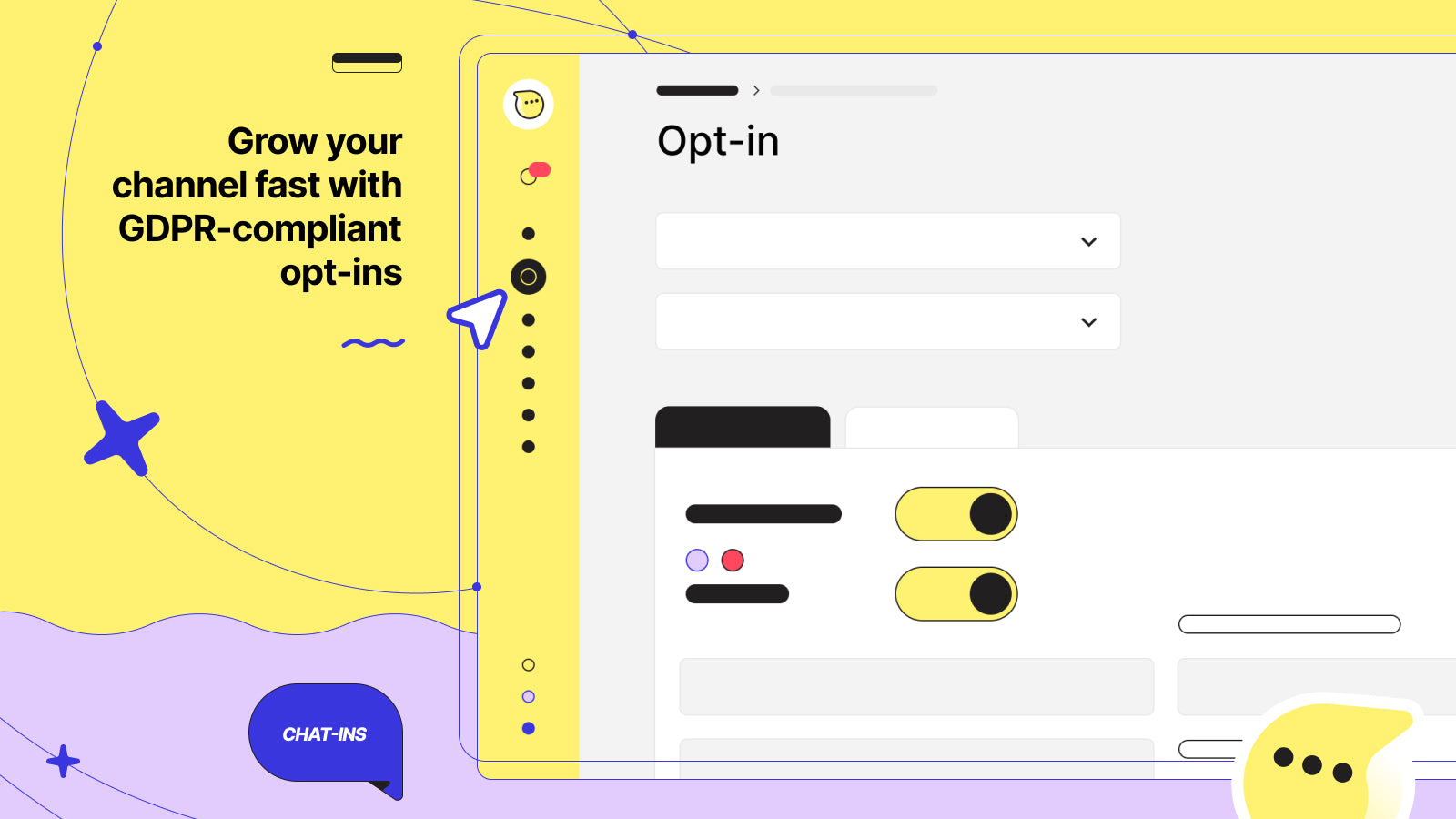

Relancez les paniers abandonnés et développez vos ventes Shopify avec Wati. Campagnes WhatsApp séquencées, automatisation par IA, suivi des commandes et boîte de réception d'équipe, pensés pour l'e-commerce.


Envoyez des campagnes marketing, configurez des automatisations et automatisez le service client sur WhatsApp avec l'IA de TextYess.


Dondy se présente comme la plateforme de marketing WhatsApp par IA des marques e-commerce. Adoptée par des milliers de marques, elle génère des ventes et maximise le ROI grâce à l'intégration de l'API WhatsApp.


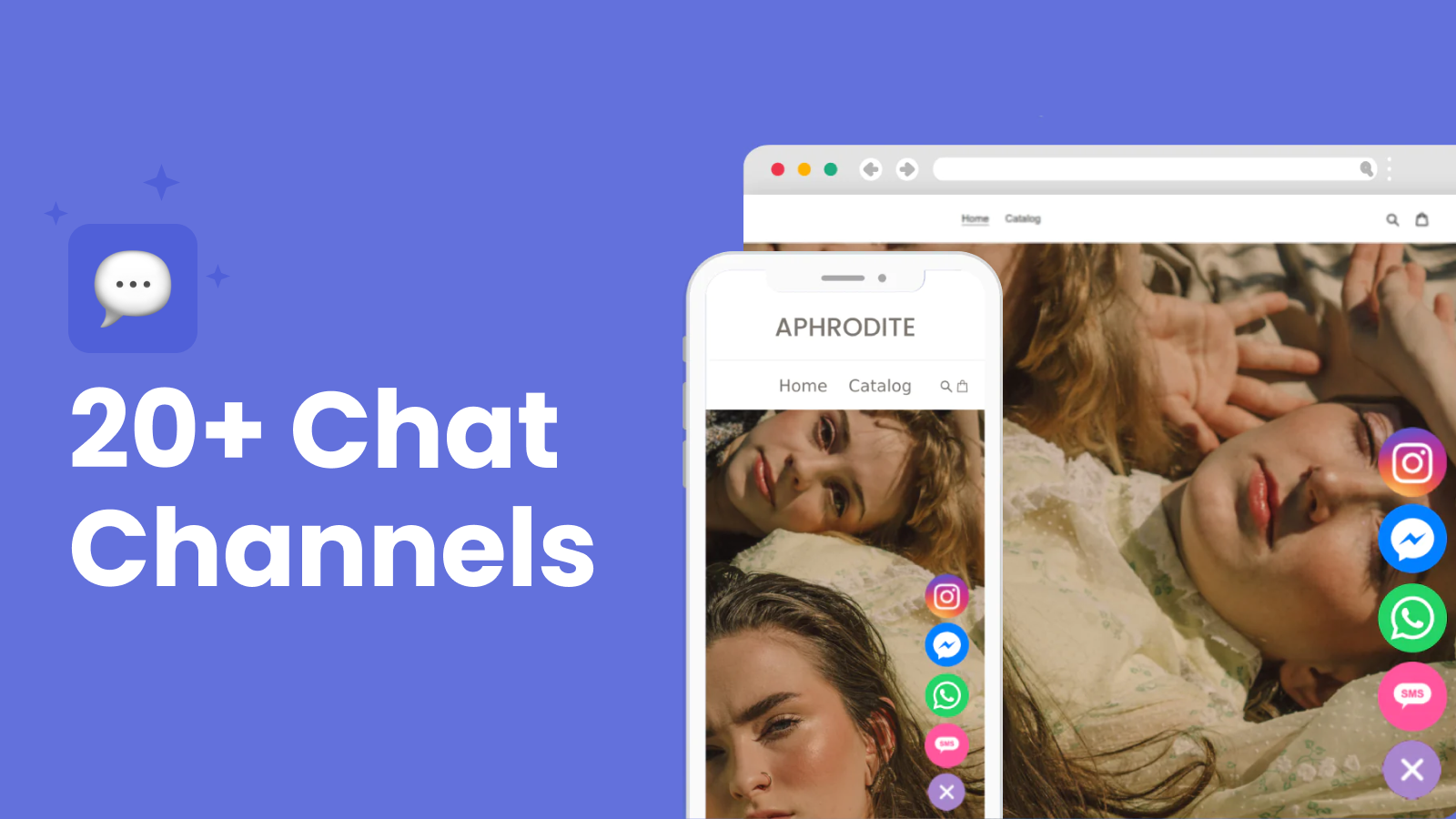
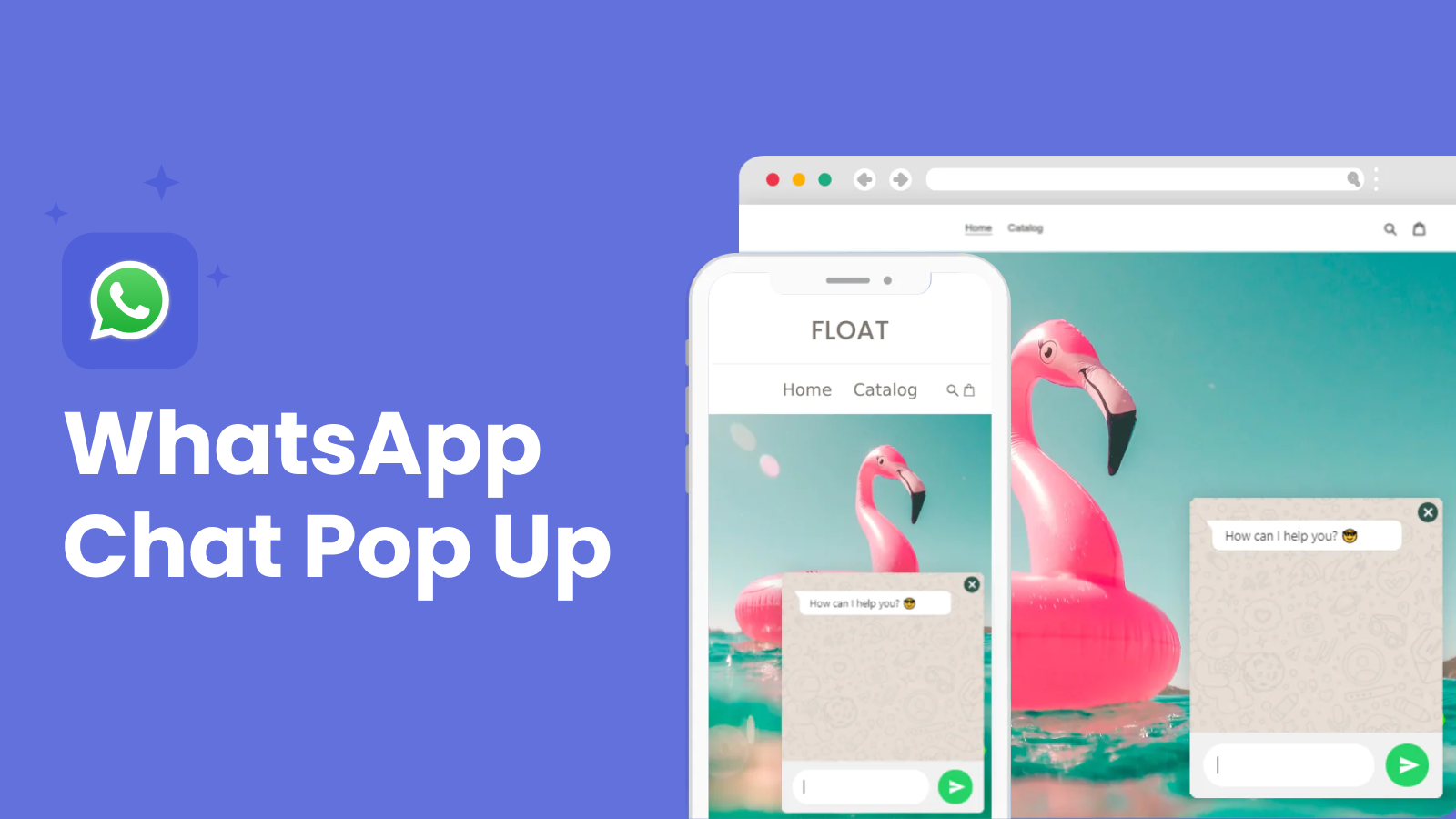

Développez vos ventes Shopify avec WhatsApp et Instagram ! Automatisez les rappels de panier, suivez les checkouts, créez des flows et engagez vos clients avec des réponses automatiques intelligentes.
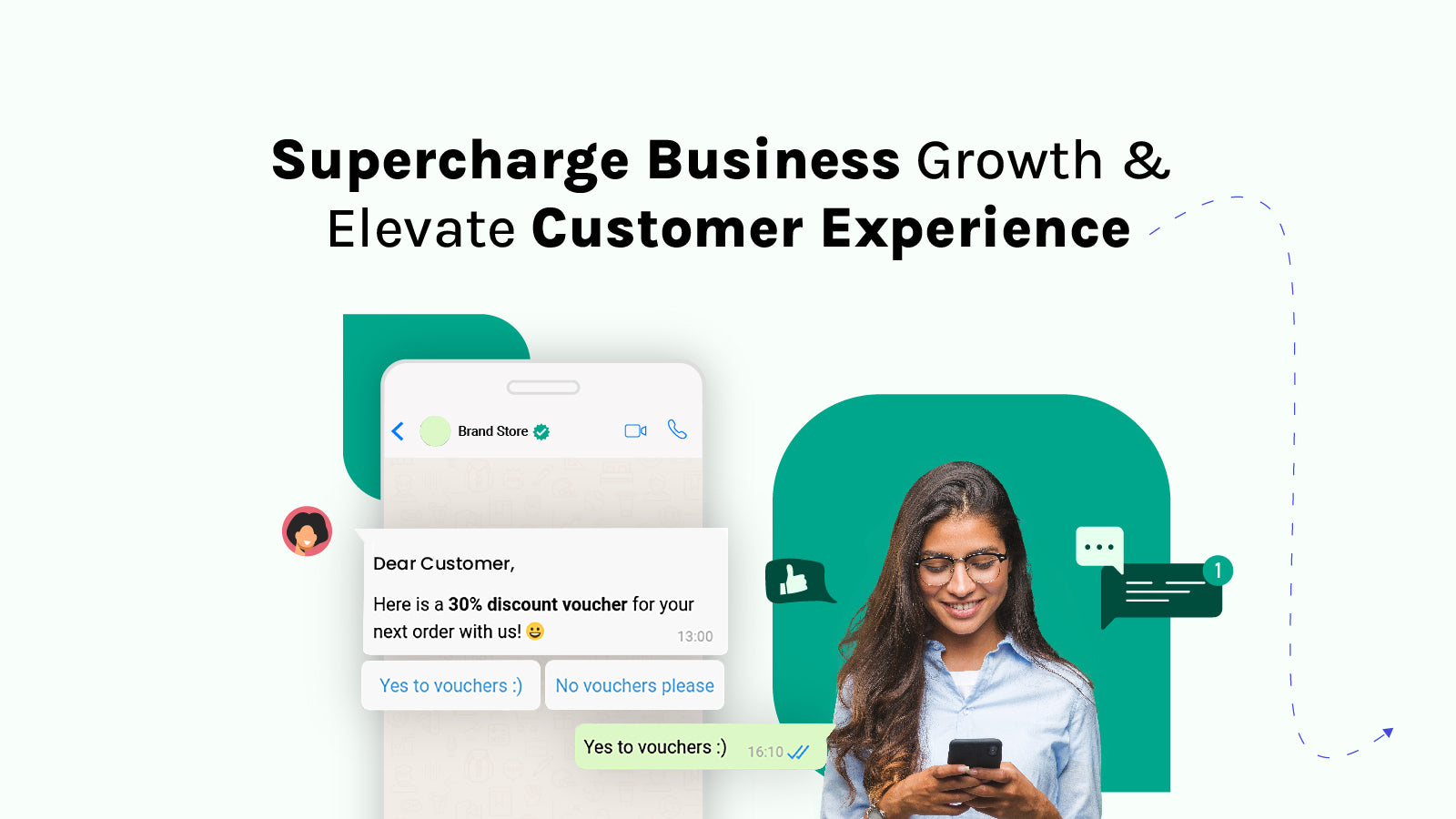
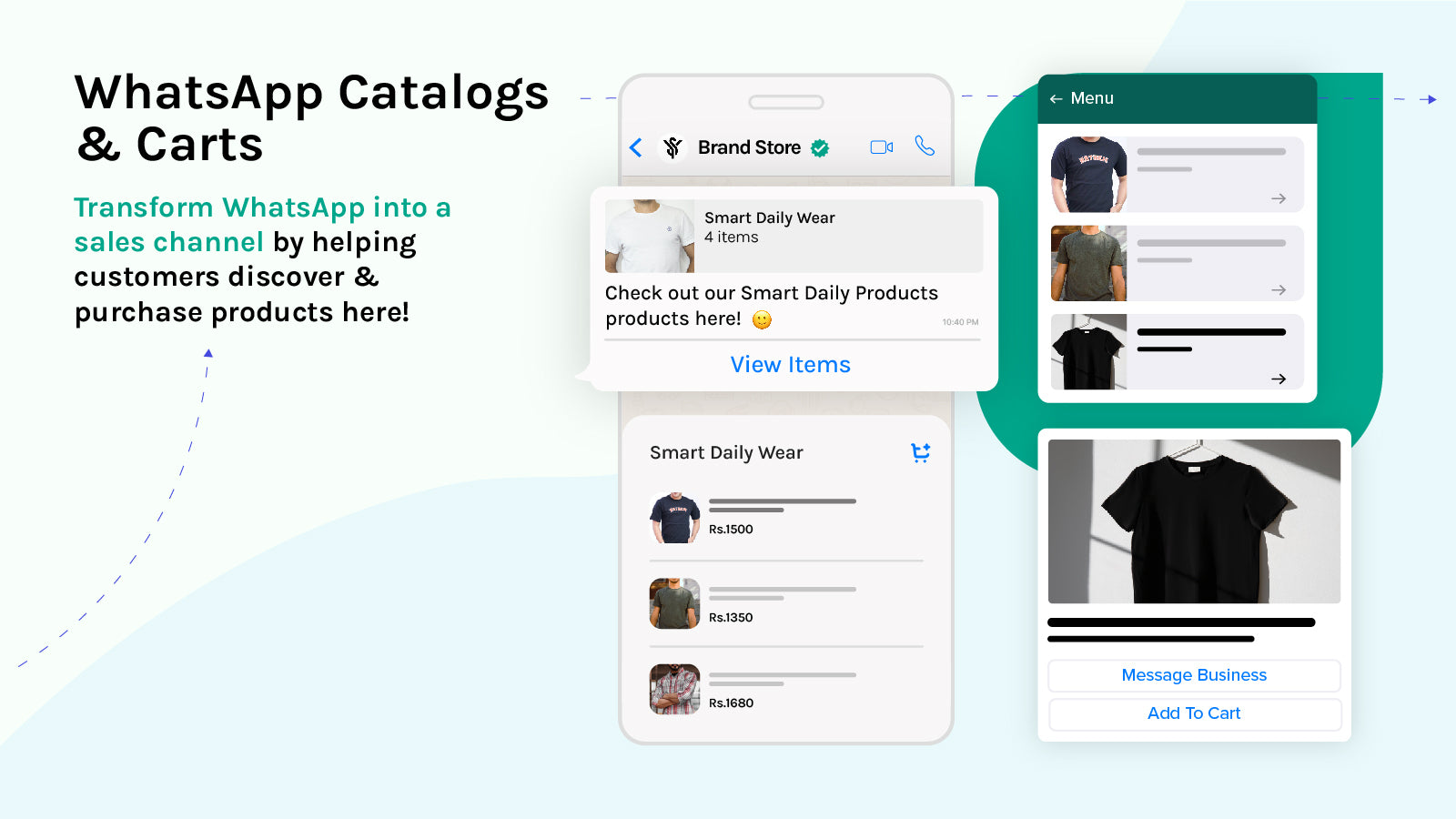

Connectez votre boutique Shopify à SleekFlow pour échanger avec vos clients sur leurs messageries préférées 24/7, les accompagner à grande échelle avec l'IA, et vendre


Questions fréquentes
Quelle est la meilleure application WhatsApp pour Shopify ?
Pour le marketing WhatsApp sur Shopify, nous classons Kanal en premier : l'application fonctionne sur l'API WhatsApp Business officielle et réunit la relance des paniers abandonnés, les campagnes, les notifications de commande et un chatbot IA, à partir de 89 €/mois (le chatbot IA est inclus à partir de l'offre Scale). Kanal est notre propre application : comparez-la donc à Zoko, Wati et Dondy, les autres plateformes API de cette liste. Si vous avez seulement besoin d'un bouton de contact, un widget comme Chaty ou SeedGrow fait ce travail.
Quelle plateforme de messagerie WhatsApp s'intègre à Shopify ?
Les 11 applications de cette page s'installent depuis le Shopify App Store. Huit sont des plateformes API WhatsApp Business qui lisent les checkouts, les commandes et les clients Shopify : Kanal, Zoko, Wati, Dondy, Interakt, TextYess, SleekFlow et Charles. Pushdaddy ajoute des messages automatisés à un widget de chat, et SeedGrow et Chaty sont des boutons de chat. Choisissez une plateforme API pour la relance de paniers et les campagnes, un bouton si vous voulez seulement être joignable.
Shopify a-t-il sa propre application WhatsApp ?
Shopify Messaging, anciennement Shopify Email, permet de créer et d'envoyer des campagnes marketing par email, SMS et WhatsApp depuis l'admin Shopify, selon le centre d'aide de Shopify (page lue le 7 octobre 2026). L'outil couvre les campagnes envoyées aux abonnés qui ont donné leur opt-in. Notre article sur WhatsApp dans Shopify Messaging détaille ses fonctions, ses prix et ses limites, et ce qui le distingue des plateformes API de cette page.
Ai-je besoin de l'API WhatsApp Business officielle ?
Oui, dès que vous voulez écrire en premier : rappels de panier, mises à jour d'expédition, campagnes ou réponses automatisées. L'API apporte aussi un profil professionnel vérifié, des templates de messages approuvés et un accès multi-agents. Un numéro personnel ou un numéro de l'application WhatsApp Business suffit pour un bouton click-to-chat, mais il ne peut pas être automatisé et les conditions de Meta y limitent les envois en masse. Chaque application basée sur l'API de cette liste se charge de l'enregistrement du numéro pour vous.
Existe-t-il des applications WhatsApp gratuites pour Shopify ?
Oui, dans la catégorie des widgets : SeedGrow, Chaty et Dondy (pour son bouton WhatsApp) ont des offres gratuites, et Zoko, Wati, TextYess et Interakt proposent des essais gratuits. Les plateformes basées sur l'API facturent un abonnement, car Meta facture les messages et l'éditeur héberge l'automatisation : une offre gratuite désigne donc en général un widget sans automatisation. Kanal est une offre payante qui démarre à 89 €/mois, avec une démo sur demande, et couvre la connexion à l'API, les flows et les campagnes.
Une application WhatsApp ralentit-elle ma boutique Shopify ?
Un widget de chat ajoute un script à chaque page : testez avec Lighthouse avant et après l'installation pour mesurer son effet sur vos Core Web Vitals. Les plateformes basées sur l'API font l'essentiel de leur travail côté serveur : le bouton click-to-chat est le principal élément qu'elles ajoutent à la boutique. Si un widget dégrade votre score de chargement sur mobile, demandez à l'éditeur une intégration plus légère ou changez d'application.
Puis-je combiner une application WhatsApp avec Klaviyo ou mon outil d'emailing ?
Oui, et c'est la configuration que nous recommandons. L'email reste le canal le moins cher pour les newsletters et les contenus longs, tandis que WhatsApp prend en charge les messages urgents. L'intégration Klaviyo de Kanal synchronise les segments Klaviyo vers Kanal et déclenche des messages WhatsApp depuis les flows Klaviyo, l'email et le SMS restant dans Klaviyo. Ses intégrations Gorgias et Zendesk gardent le support dans le helpdesk que vous utilisez déjà.
Combien coûtent les messages WhatsApp ?
Meta facture chaque message délivré, à des tarifs qui varient selon le pays du client et la catégorie (marketing, utilitaire, authentification, service). Depuis le 1er octobre 2026, Meta accorde à chaque numéro professionnel 1 000 messages de service par mois sans frais et facture à partir du 1 001e, et les messages envoyés dans une fenêtre de point d'entrée gratuit ne sont pas facturés (voir la page tarifs de Meta, lue le 7 octobre 2026). Les applications API ajoutent ces frais à leur abonnement : comparez l'abonnement et votre volume de messages prévu.
Le marketing WhatsApp fonctionne-t-il pour les boutiques internationales et Shopify Markets ?
WhatsApp est très utilisé dans la plupart des pays d'Europe et d'Amérique latine, en Inde, au Moyen-Orient et en Afrique : c'est donc un canal naturel pour les boutiques qui vendent sur plusieurs marchés. Les templates de messages sont approuvés langue par langue, et les tarifs de Meta dépendent du pays du client qui reçoit le message. Vérifiez que votre application gère plusieurs langues de templates et, si besoin, des numéros d'envoi distincts par marché.
Puis-je envoyer des messages WhatsApp depuis ma boutique Shopify ?
Oui, avec une application qui fonctionne sur l'API WhatsApp Business. Kanal envoie des messages automatisés déclenchés par des événements Shopify (checkout abandonné, confirmation de commande, mises à jour d'expédition) et des campagnes de diffusion aux clients qui ont donné leur opt-in, le tout piloté depuis l'application Kanal connectée à votre boutique. Les messages envoyés en dehors de la fenêtre de service de 24 heures doivent utiliser un template approuvé par Meta, que vous soumettez depuis l'application.
Puis-je gérer les retours et les questions de commande Shopify sur WhatsApp ?
Vos clients peuvent écrire à votre numéro WhatsApp au sujet d'une commande ou d'un retour, et une application dotée d'une boîte de réception partagée affiche la commande Shopify à côté de la conversation pour que votre équipe réponde. Le retour lui-même reste traité dans Shopify ou dans votre application de retours. Pour les outils qui se trouvent derrière la conversation, consultez notre comparatif des meilleures applications de service client pour Shopify.
Comment ajouter un chat WhatsApp à ma boutique Shopify ?
Installez une application WhatsApp depuis le Shopify App Store, connectez votre numéro WhatsApp Business, et le widget de chat apparaît sur la boutique. Plusieurs applications ajoutent aussi un bouton click-to-chat sur les pages produit. Avec Kanal, le widget fait partie de la plateforme : chaque conversation arrive dans la boîte de réception partagée, où le chatbot IA et votre équipe y répondent. Si un bouton suffit, un widget comme Chaty ou SeedGrow est conçu précisément pour cela.
Notre recommandation
Kanal est notre recommandation pour les boutiques Shopify qui veulent faire de WhatsApp un canal marketing, et pas seulement y répondre aux messages : l'application est conçue pour Shopify, fonctionne sur l'API officielle et réunit la relance de panier abandonné, les campagnes WhatsApp, un chatbot IA et un CRM WhatsApp, à partir de 89 €/mois (le chatbot IA à partir de l'offre Scale). C'est notre propre application : lisez donc aussi les dix autres fiches. Les boutiques qui ont seulement besoin d'un bouton de contact peuvent commencer avec un widget comme Chaty ou SeedGrow et évoluer quand elles veulent automatiser, et les équipes dont la priorité est une boîte de réception multi-agents sur de nombreux canaux regarderont aussi SleekFlow ou Wati. Quel que soit votre choix, collectez des opt-in dès le premier jour, car la taille de votre audience WhatsApp détermine ce que rapporte le canal. Pour aller plus loin, consultez nos comparatifs des meilleures applications de relance de panier abandonné Shopify, des meilleures applications de chat en direct pour Shopify et des meilleurs CRM pour Shopify, ou lisez notre présentation du marketing WhatsApp.
Guides associés
Meilleures applications de bundles Shopify
Quelle application de bundles choisir sur Shopify ? Comparatif de 13 applications et de l'application gratuite Shopify Bundles : types d'offres, avis et prix.
Lire le guide11 apps comparéesMeilleures applications de pop-up Shopify
Quelle application de pop-up choisir sur Shopify ? 11 applications comparées : pop-ups email, SMS et code promo, tests A/B, offres gratuites et prix.
Lire le guide12 apps comparéesMeilleures applications pour Shopify Plus
Les 12 meilleures applications pour Shopify Plus par besoin, de Flow, Launchpad et Checkout Blocks à Klaviyo, Recharge et Gorgias. Prix relevés le 7 octobre 2026.
Lire le guideKanalWhatsApp pour Shopify
Le guide complet Kanal du marketing WhatsApp pour les boutiques Shopify : fonctionnalités, mise en place et tarifs.
Lire le guide