Free WhatsApp Number for Business: 5 Legit Methods in 2026

Summarize this article with an AI
 ChatGPT
 Claude
Virtual number for WhatsApp Business, free or near-free: 5 legit methods in 2026 without sharing your personal one, from Google Voice to the WhatsApp API.
Table of contents (13)
Key takeaways
- Five legitimate routes give a business its own WhatsApp number: Google Voice, a virtual number, an eSIM trial, a prepaid business SIM or the WhatsApp Business API.
- A prepaid SIM from a major carrier, at 2 to 15 dollars a month, is the most reliable choice because Meta trusts real mobile numbers most.
- The WhatsApp Business API has no subscription fee, but Meta bills each delivered template message and the number can no longer run on the app.
Why you need a separate WhatsApp number for business
A virtual number for WhatsApp Business is a phone number that lives on a provider's server instead of a physical SIM, and it can receive the SMS or voice code WhatsApp needs to register a business line without exposing your personal one. This guide covers five legit ways to get one free or near-free in 2026. Sharing your personal phone number with customers is the single fastest way to ruin both your evenings and your customer experience. Three reasons make a dedicated business number non-negotiable once you cross the threshold from "side project" to "real store."
Reason 1. Privacy and burnout. Your personal number is on your CV, your bank app, and your kid's school contact list. The moment a customer has it, they have it forever. Refund disputes at 11pm, WhatsApp voice notes during family dinner, and the constant low-grade anxiety of "did that ping come from a friend or a complaint" is the fast track to founder burnout.
Reason 2. Team scalability. A personal number lives on one device, tied to one human. The moment you want to add a CX assistant, a fulfillment partner, or a second cofounder to the inbox, you hit the wall. A dedicated business number, whether on the WhatsApp Business app or the API, supports multiple agents from day one.
Reason 3. Channel hygiene. A business number lets you run opt-in, broadcast, and automation flows that would be impossible (and frankly weird) on a personal line. It also signals to Meta that you are operating a legitimate business, which protects you from the quality-rating penalties that disposable-number users get hit with.
The good news is that you do not need to pay for a premium business number to get started. There are five legitimate methods to get a free or near-free WhatsApp number in 2026, and three of them work reliably for a small Shopify store. Kanal makes the API-based version of this trivial, but let's walk through the full landscape first.
Method 1: Google Voice (US + Canada only)
Google Voice is the lowest-effort free option if you have a US or Canadian presence. You get a real local-area-code phone number, completely free, that can receive SMS (see what SMS means and how it works) and voice calls. WhatsApp accepts it for registration because, from WhatsApp's perspective, it is just another phone number.
The setup. Sign up at voice.google.com from a US-based Google account, pick a city, and Google assigns a local number. You verify with an existing US phone (a friend's, a relative's, or a temporary VOIP) and the number is yours. Open WhatsApp Business, enter the Google Voice number during registration, request the verification code as a voice call (SMS to Google Voice sometimes routes oddly), and you are in.
The catch. Google Voice is only available to US and Canadian residents and requires a US phone for the initial verification. If you are in the EU, the UK, Australia, or anywhere else, Google Voice is off the table without a workaround that violates Google's terms of service (not recommended for a real business). The number also cannot be used for WhatsApp Business API verification because Meta has flagged Google Voice as a high-risk source for the API tier.
Best for. US-based solopreneurs and side projects that need a starter number for fewer than 500 inbound messages per month. Once volume scales, you graduate to a real business SIM or the API.
Method 2: A virtual number for WhatsApp Business (Twilio, TextNow, Hushed)
Virtual phone number providers give you a real phone number that lives entirely on their server and is accessible via app or API. The number can receive SMS and voice calls, which is all WhatsApp needs to verify.
The main providers in 2026.
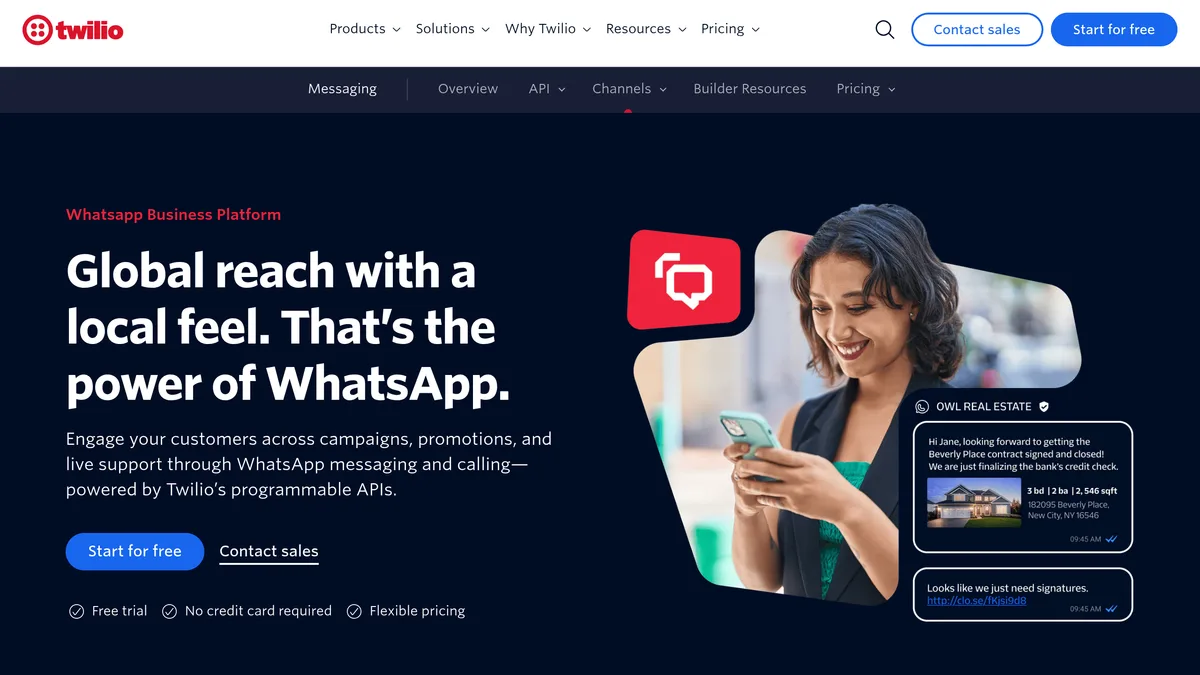
- Twilio issues "phone numbers" starting at 1 to 5 dollars per month for local US numbers, more for premium short codes. Twilio numbers verify reliably with WhatsApp Business and are the foundation of Twilio's WhatsApp API offering.
- TextNow offers free US phone numbers tied to an ad-supported app. WhatsApp registration with a TextNow number does not always go through: Meta has flagged some TextNow ranges as VoIP and rejects them.
- Hushed sells short-term numbers from 2 to 5 dollars for 7-day rentals up to 50 dollars per year for permanent numbers. Hushed numbers can be used for WhatsApp Business registration, but the same VoIP risk applies.
- Bandwidth and Plivo are wholesale alternatives to Twilio that some technical founders use. Similar pricing and similar Meta verification reliability.
The catch. Meta has been tightening the rules on VoIP-issued numbers since 2024. Free-tier numbers from low-reputation providers get rejected more often, and even paid numbers can lose their WhatsApp registration if Meta's anti-fraud system flags them later. If a virtual number works at registration, you are usually safe, but there is no guarantee for the long term.
Best for. Small businesses outside the US who need a working WhatsApp Business number quickly and do not want to commit to a SIM contract. Use a paid provider (not a free one) to maximize the verification odds. The WhatsApp Business API guide covers when to upgrade.
Method 3: eSIM with a free trial plan
Several eSIM providers offer free trial periods that include a phone number you can use for WhatsApp Business registration. The advantage over virtual numbers is that an eSIM is treated by Meta as a real mobile number, so it does not run into the VoIP flags that can block virtual numbers.
The main eSIM trial options.
- Airalo. Free trial credits for new users on data eSIMs, but the trial does not always include a voice-capable number. Check the specific country plan before relying on it for WhatsApp.
- Holafly. 7-day free trial on some plans. Provides a phone number for SMS reception, which is enough for WhatsApp registration.
- Mint Mobile and similar US carriers. First month free or trial deals that include a real US mobile number. Works perfectly with WhatsApp Business and even WhatsApp Business API in most cases.
- EU carrier eSIM trials. Orange, Bouygues, and other EU carriers occasionally run "free SIM" promos that include a real mobile number for the first 30 days.
The catch. Free trial windows are short. WhatsApp tied to an eSIM number stays active even after the trial ends, but if you ever need to re-verify, you need to either renew the eSIM or migrate the WhatsApp account to a new number. Plan ahead.
Best for. Founders who want a real mobile number for WhatsApp Business but do not want to pay for the first month while validating the channel. Migrate to a paid SIM or the API before the trial ends.
Method 4: A dedicated business SIM (the most reliable)
Not technically free, but the most reliable long-term solution. A dedicated business SIM (or a prepaid SIM from a major carrier) gives you a real mobile number tied to a physical chip, which Meta treats with the highest trust level. Verification works, the number stays clean, and you can graduate to the WhatsApp Business API on the same number without re-registration.
The cheapest options by region.
- US. Mint Mobile at 15 dollars per month, Tello at 5 dollars per month for the lightest plan, or US Mobile prepaid at 8 dollars per month. All include a real mobile number that works perfectly with WhatsApp Business and the API.
- UK. GiffGaff at 5 pounds per month for a basic plan, Smarty at similar pricing. Real UK mobile number, full WhatsApp compatibility.
- France. Free Mobile at 2 euros per month for the basic plan, Bouygues B&You at around 5 euros, SFR RED at similar. All work with WhatsApp Business and the API.
- Germany. Aldi Talk or Lebara prepaid at 8 to 15 euros per month. Real DE mobile number.
- Worldwide. Local carriers in most countries offer prepaid SIMs starting at 5 to 15 dollars per month with a real mobile number.
The big advantage. A real SIM is Meta's gold standard for verification. The WhatsApp Business app installs cleanly, the API providers like 360dialog, Gupshup, and Twilio accept the number for the next-tier registration, and the green tick verification is easier to obtain on a real SIM than a virtual one. Read the green tick verification guide for details.
Best for. Any serious business that plans to use WhatsApp for more than three months. The 5 to 15 dollars per month cost is dwarfed by the reliability gain.
Method 5: WhatsApp Business API number (the Shopify-grade option)
This is the path for ecommerce brands that outgrow a single phone, and it is the only one that scales beyond a single agent. The WhatsApp Business API requires a phone number, but the API itself has no subscription fee. Meta bills each delivered template message, at a rate set by category and country: $0.0250 for a US marketing message and $0.0034 for a US utility message (Meta's pricing). The number itself can be any of the four methods above.
How the API number works. You sign up with a Business Service Provider (BSP) like Twilio, 360dialog, Gupshup, or a Shopify-native tool like Kanal. The BSP provisions a number for you (or imports one you already own) and registers it with Meta on the API tier. From that point, the number is locked to the API and cannot be used on the consumer WhatsApp or the WhatsApp Business app simultaneously.
The "free" angle. The API itself has no monthly subscription, and messages your customers send you are never charged. Your replies inside the 24-hour customer service window were not charged until September 30, 2026. Since October 1, 2026, each business phone number gets 1,000 free service messages per month, then pays the utility rate (Meta's pricing). Template messages (campaigns, order updates) are billed per delivered message. The WhatsApp Business pricing guide breaks down the per-message math.
The catch. The API requires a BSP, and BSPs charge their own platform fee on top of Meta's per-message fees. Twilio charges 0.005 dollars per message sent, Gupshup charges a monthly platform fee, and Shopify-native tools like Kanal charge a per-shop SaaS fee. The "free WhatsApp number" therefore becomes "no API subscription, plus Meta's per-message fees and a BSP fee."
Best for. Any Shopify store running real volume. The API unlocks automation, multi-agent, abandoned cart recovery, broadcast campaigns, and chatbot flows that are impossible on the Business app.
Comparison table: cost, reliability, scalability
The five methods plot on three axes: cost (free to paid), reliability (does the number actually verify and stay verified), and scalability (does it support multiple agents and automation). Here is the honest summary.
Google Voice. Cost: free. Reliability: high in the US, zero elsewhere. Scalability: low (Business app only, single device).
Virtual numbers (Twilio, Hushed). Cost: 0 to 5 dollars per month. Reliability: medium (some VoIP ranges get rejected). Scalability: medium on Twilio, low on TextNow.
eSIM with free trial. Cost: free for 7 to 30 days, then paid. Reliability: high during trial, requires migration. Scalability: medium.
Dedicated business SIM. Cost: 2 to 15 dollars per month. Reliability: highest. Scalability: high if paired with WhatsApp Business Web or API.
WhatsApp Business API. Cost: no Meta subscription, a fee per delivered template message (service replies: 1,000 free per number each month since October 1, 2026). Reliability: highest. Scalability: highest.
For a Shopify store doing any real volume, the realistic free-to-scale path is: start on a dedicated business SIM for the first month (5 to 15 dollars), validate the channel, then graduate to the API via a BSP. The comparison of WhatsApp Business app vs API covers the inflection point.
The legal angle: is sharing your personal number for business OK?
In most jurisdictions, yes, but it creates real risks you should know about before betting your business on it.
GDPR (EU, UK). Sharing your personal number with customers does not violate GDPR per se, but processing customer phone numbers via your personal device may create complications around data residency, deletion rights, and breach notification. If a customer asks you to delete all their data and that data lives in your personal WhatsApp, you have to comply, and proving compliance with mixed personal-and-business chats is hard. The WhatsApp opt-in and GDPR guide covers the legal framework.
CCPA (California). Same general principle. Personal number for business is legal, but the audit trail and deletion-on-request workflow get messy fast.
Consumer protection laws. Some countries (Germany, France, Brazil, India) require commercial communications to come from a verified business identity. A personal WhatsApp number does not satisfy that requirement. A business number on the Business app or API does.
Tax and accounting. If you are running a registered business, communications about the business should ideally be separable from your personal life. Mixing them creates issues during audits and complicates things if you ever sell the business or take investment.
The 5-dollar-per-month prepaid SIM solves all of the above and pays for itself in legal sanity alone.
How to migrate from personal to business number safely
If you have been running customer service from your personal WhatsApp for months and want to migrate to a dedicated business number, the playbook is straightforward but requires discipline.
Step 1. Set up the new number. Pick the method (SIM, API, virtual number) and get the WhatsApp Business app or API account live on the new number. Verify it, set up the business profile, and add your greeting message and away message.
Step 2. Broadcast the change. Send a one-time message to every customer in your personal WhatsApp telling them about the new number. Include a one-tap link via WhatsApp click-to-chat so they can save the new number without typing it manually. Send a follow-up 7 days later.
Step 3. Set the personal WhatsApp away message. On your personal WhatsApp, set an auto-reply telling new senders to use the new business number. Keep this auto-reply on for at least 6 months.
Step 4. Migrate active conversations. For any open customer conversation, manually move it to the new number with a polite "I am moving our chat to our new business line, here is the link." Yes, it is tedious. Yes, it is worth it.
Step 5. Plan the cutover. After 90 days, archive the personal WhatsApp customer chats locally for record-keeping, then delete them from the device. Document the date of the cutover for any future GDPR or audit request.
Expect a trickle of customer messages on the personal number for a while before it goes quiet. Worth every minute.
For Shopify: skip the hassle, get a dedicated API number through Kanal
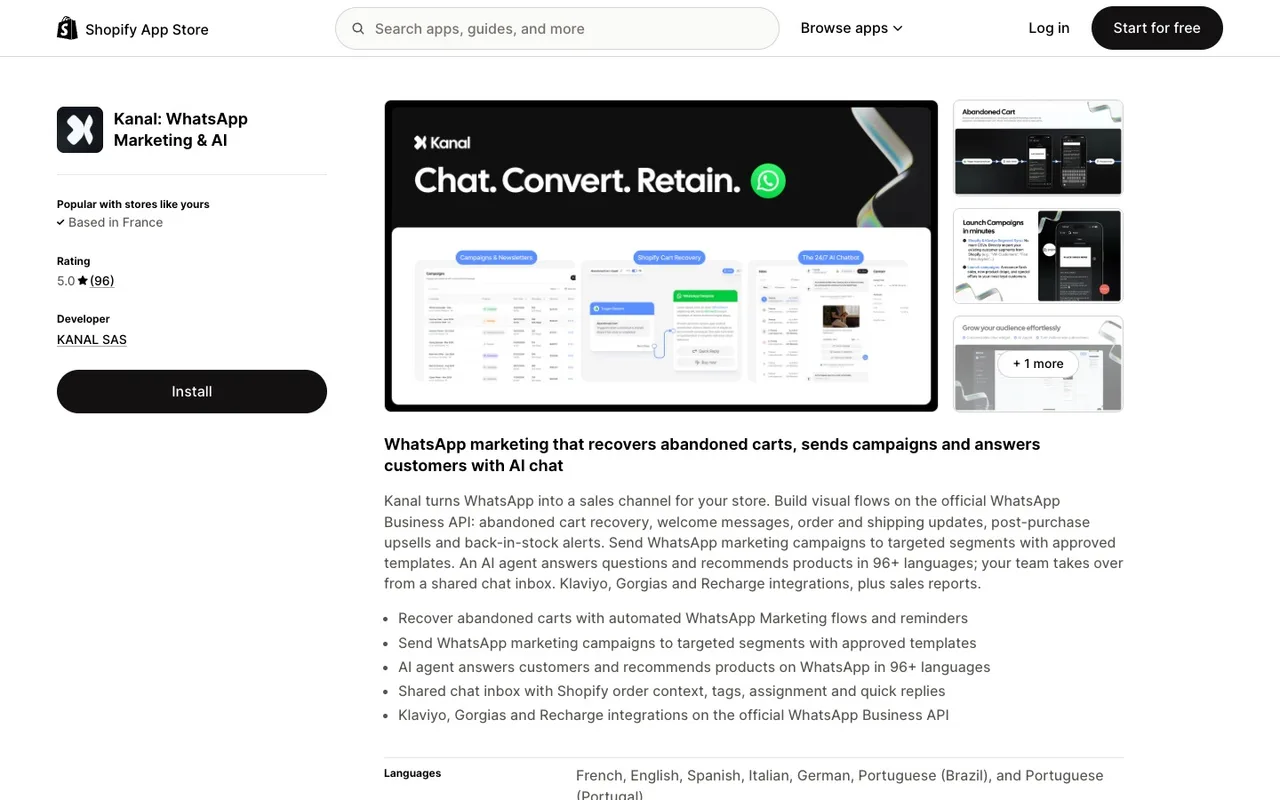
If you are running a Shopify store, the path of least resistance is to skip the consumer Business app entirely and go straight to the API tier through a Shopify-native BSP. Kanal provisions a dedicated WhatsApp Business API number for your store in under 30 minutes, handles the Meta verification, imports your Shopify customer list, and ships pre-built abandoned cart, post-purchase, and welcome series flows.
Kanal passes WhatsApp fees through at cost, with no per-message markup, and plans start from $89/month. Meta bills each delivered template message: $0.0250 for a US marketing message and $0.0034 for a US utility message (Meta's pricing). Your replies to support tickets inside the 24-hour customer service window were not charged until September 30, 2026. Since October 1, 2026, they cost the utility rate after 1,000 free service messages per business phone number each month. The Kanal pricing page has a cost simulator that shows your total, WhatsApp fees included.
The big advantage over the do-it-yourself path: no number provisioning hassle, no Meta verification stress, no multi-agent setup headache. The number goes live on day one and connects to Shopify automatically via the WhatsApp Shopify integration. For a store with daily orders, that is setup work your team skips compared with rolling your own.
Conclusion
The "free WhatsApp number" search has five legitimate answers in 2026, and the right one depends on where you are in your business journey. Google Voice if you are US-based and solo. Virtual numbers if you need a quick test. eSIM trials if you want a real mobile number for free for a month. Dedicated business SIMs if you are serious for the long term. The API if you are running a Shopify store at any scale.
What matters more than the method is the principle: separate your personal life from your business communications, get a number that scales with your team, and pick a path that does not require re-migration in 90 days. The 5-dollars-per-month prepaid SIM is the right starting point for almost every small business, and the API takes over when volume justifies it.
Ready to skip the setup work and get a dedicated WhatsApp Business API number for your Shopify store? Book a Kanal demo and we will provision the number, verify with Meta, and connect to your Shopify in under 30 minutes. Or install Kanal from the Shopify App Store and self-serve the setup.
Resources
- WhatsApp Business API guide
- Best WhatsApp apps for Shopify
- WhatsApp Business pricing guide
- WhatsApp Business templates
- WhatsApp Business app vs API comparison
- WhatsApp Business verification green tick
- WhatsApp Business web and desktop guide
- How to start WhatsApp Business in 2026
- WhatsApp link generator
- WhatsApp QR code generator
- Meta WhatsApp Business Platform (official)
- Twilio WhatsApp pricing (official)
- Google Voice (official)
FAQ
Can I get a free WhatsApp number?
Yes. There are several legitimate ways to get a free or near-free WhatsApp number without using your personal SIM. Google Voice offers a free US number, virtual phone providers like TextNow and Hushed have free tiers, some eSIM providers run free trial windows, and the WhatsApp Business API itself has no subscription fee (Meta bills each delivered template message). The right method depends on your country, your scale, and whether you need it for personal use, an app, or a Shopify store.
Is Google Voice free for WhatsApp?
Google Voice is free for getting a US or Canadian phone number, but using it specifically for WhatsApp has caveats. WhatsApp sends the registration code via SMS or voice call, and Google Voice can receive both. Once registered, the WhatsApp account runs independently of Google Voice, so you do not pay ongoing fees. The catch is that Google Voice requires a US-based phone for setup and is not available to users outside the US and Canada.
Can I use a virtual number for WhatsApp Business?
Yes, but with constraints. WhatsApp accepts virtual numbers for registration as long as the number can receive an SMS or voice call. Providers like Twilio, TextNow, Hushed, and Bandwidth all issue WhatsApp-compatible numbers. The catch is that Meta has tightened verification on VoIP and disposable numbers in recent years, so free-tier numbers from low-reputation providers get rejected more often. Pay-as-you-go numbers from established carriers tend to work reliably.
Do I need a SIM card to use WhatsApp Business?
Not necessarily. WhatsApp requires a phone number for registration, but the number does not have to be tied to an active SIM card after registration. You can receive the one-time setup code on a SIM, on a virtual number, or on the WhatsApp Business API verification flow. Once verified, WhatsApp keeps the account active as long as the number remains assigned to you and can receive a verification SMS or call when needed for security re-checks.
What is the difference between WhatsApp Business app and API in terms of number?
The WhatsApp Business app requires a regular phone number (mobile or landline) that can receive an SMS code. The number is tied to one device, and you cannot share it across multiple agents without using WhatsApp Business Web. The WhatsApp Business API accepts the same number types, but the number is assigned to a Business Service Provider (like Twilio, 360dialog, or Kanal) instead of a phone. That lets you connect multiple agents, run automations, and integrate with Shopify. Once a number is on the API, it cannot be used on the consumer or Business app simultaneously.

Nicolas helps e-commerce brands grow revenue with WhatsApp marketing. With deep expertise in Shopify ecosystems and conversational commerce, he shares proven strategies for abandoned cart recovery, broadcast campaigns, and AI-powered customer engagement.
Glossary terms in this article
Quick definitions for the WhatsApp Business terms used above.
WhatsApp Business App
The WhatsApp Business App is a free mobile application designed for small businesses to chat with customers, with a catalog, quick replies, and automated greeting messages.
Read full definitionOfficial Business Account (blue tick)
An Official Business Account (OBA) is a WhatsApp Business Platform phone number that Meta has verified as belonging to an authentic business. It shows a blue checkmark next to the business name; the green tick it replaced no longer exists.
Read full definitionBusiness Solution Provider (BSP)
A Business Solution Provider (BSP) is a company authorized by Meta to give other businesses access to the WhatsApp Business Platform, usually through its own software. Meta now calls these companies partners and splits them into Solution Partners, Tech Providers and Tech Partners.
Read full definitionCustomer Service Window (24-hour window)
The customer service window is a 24-hour timer that starts when a WhatsApp user messages or calls a business. While it is open, the business can reply with free-form messages; once it closes, it can only send approved message templates.
Read full definitionAway Message
An away message is an automatic reply the WhatsApp Business app sends when a business is unavailable. Customers who write receive a message saying the business is away, which can be scheduled and limited to chosen contacts.
Read full definitionSuggested articles
WhatsApp Usernames: How to Reserve Yours (2026 Guide)
WhatsApp usernames are rolling out in 2026: how to reserve your @username, the format rules, what changes for privacy, and what businesses must do about it.
How to Start with WhatsApp Business in 2026: Beginner Guide
Launch WhatsApp Business for your Shopify store in 2026: app vs API, profile setup, first message, opt-in collection and a growth playbook.
WhatsApp disappearing messages: turn them on or off
WhatsApp disappearing messages erase new messages after 24 hours, 7 days or 90 days. How to turn them on or off, set a default timer, and what stays.
WhatsApp chat lock: lock, hide and unlock your chats
WhatsApp chat lock hides a chat behind your passcode, Face ID, fingerprint or a secret code. How to lock, open, hide and unlock chats on phone and Web.